After you install your system, if the problem persists, boot in recovery mode (select “openSUSE Tumbleweed, with Linux **** (recovery mode)”), after you boot, log in as root. You can run “startx”(it starts your X11 server) if you prefer graphical environment. Run YaST, and there find a “Boot Loader” option (see image), there go to “Kernel Parameters” and remove Ventoy related parameters from “Optional Kernel Command Line Parameters” (again, see image), if you’re unsure about what parameters to remove, you can send an image in reply.
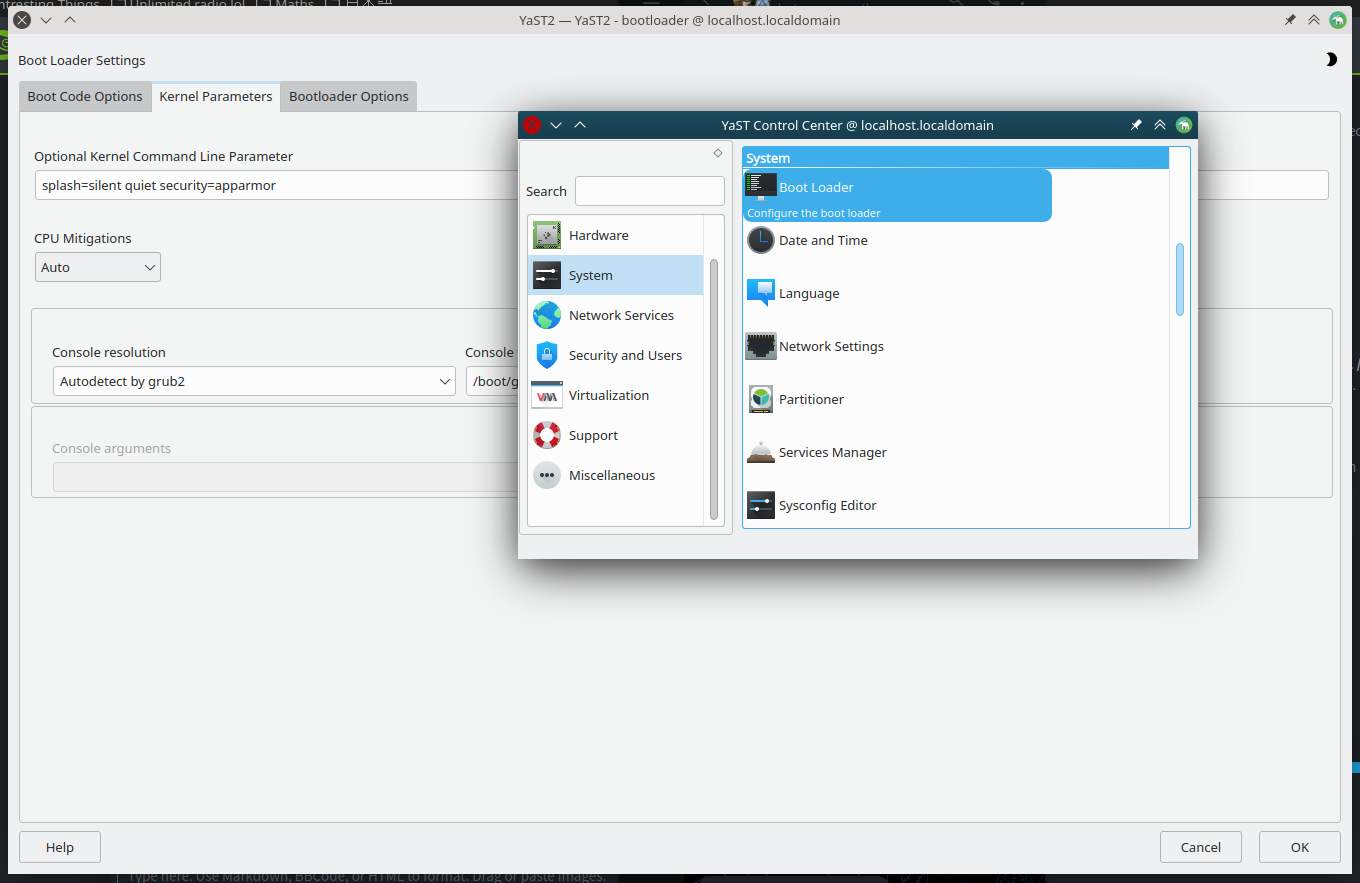
PS, I now realize that you can press E in grub to temporarily change parameters from there, if you know what I mean by that, you can do that too instead of booting in recovery mode.