Sorry, recalling from outdated memory kicked back again 
Yes graphical.target is showed
When i logout it show a graphical leap logo but does not start graphical.
Which Desktop environment are you using? If Gnome on X11, there is a report of gdm apparently not working with X11, see gnome-on-xorg-crashes-after-zypper-update
No I use the default kde environment
Do you use secure boot on your machine? If yes, did you enroll the MOK key?
You can try to force the reinstallation of the kernel module. You need to do it from terminal and not via YaST Ncurses.
sudo zypper in -f nvidia-driver-G06-kmp-default
And can you also show again the output from zypper se -si nvidia? In the picture from YaST Ncurses not all packages are shown.
At least i can not see if nvidia-video-G06 and kernel-firmware-nvidia are installed.
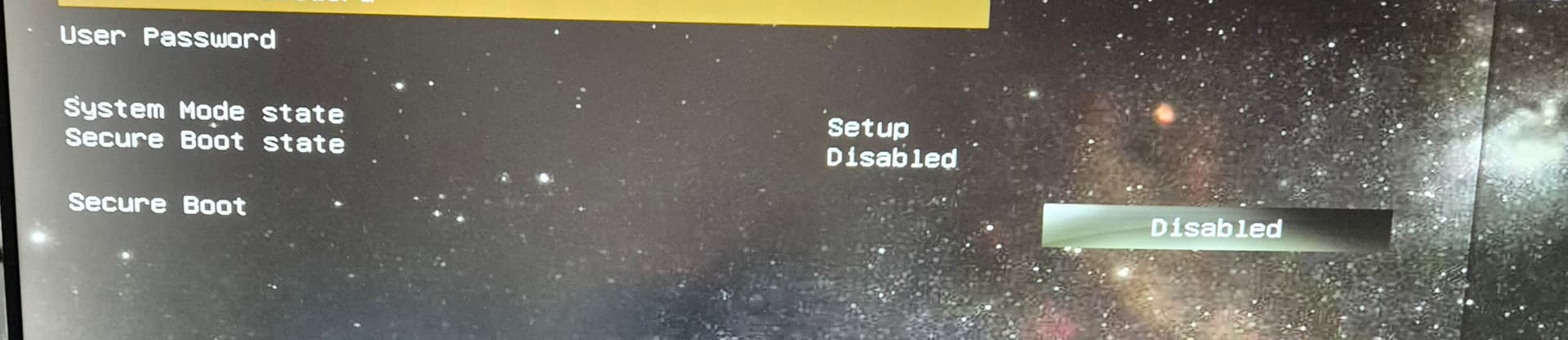
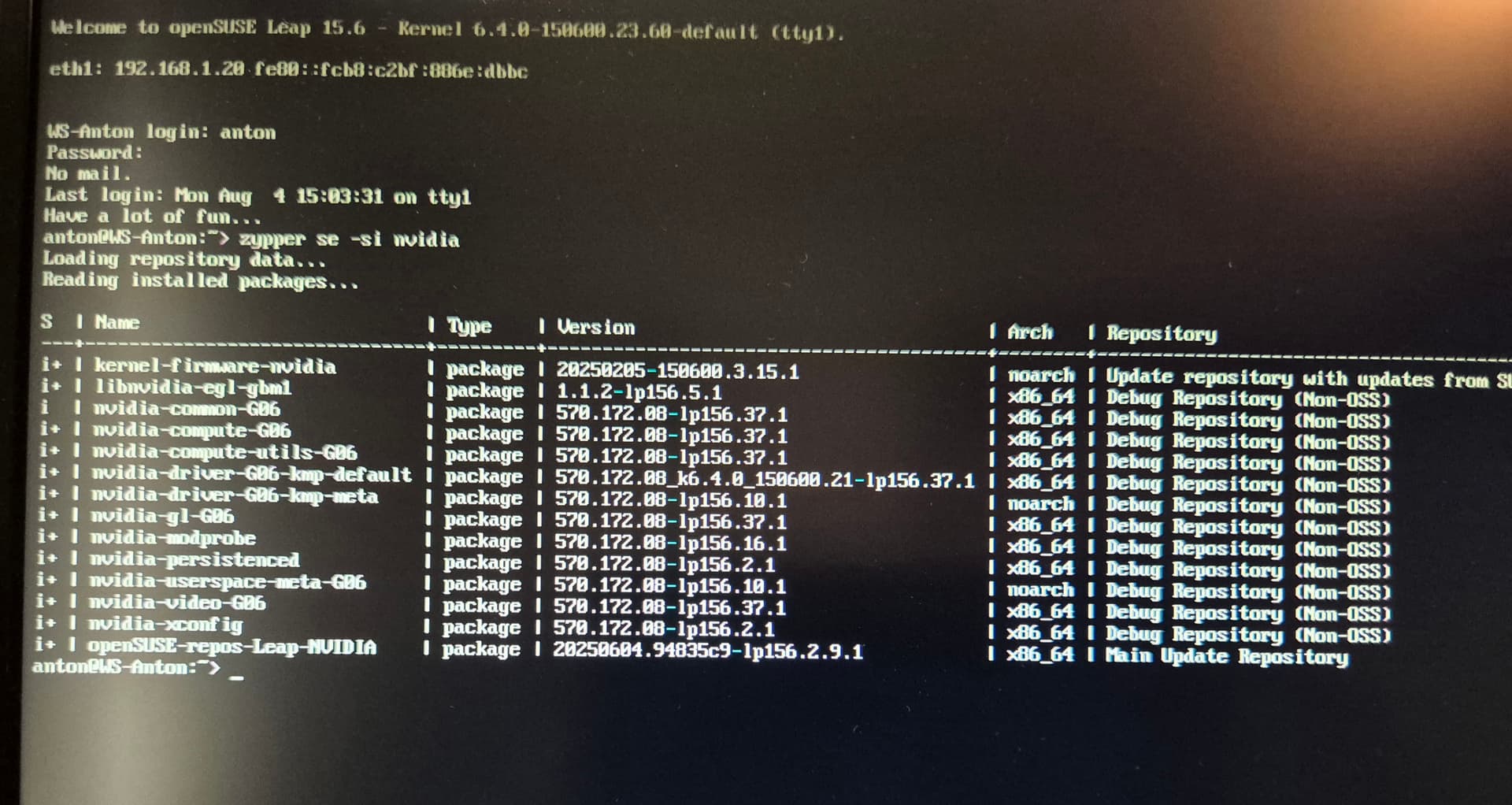
Kernel-firma-nvidia arch noarch !
Nvidia-video-G06 arch x85_64
I did zypper dup
And then again
sudo zypper in -f nvidia-driver-G06-kmp-default
Did not solve the problem
The kernel-firmware-nvidia stays noarch not X86_64
@anton any particular reason your using a debug repository?
Now that you have some graphics can you paste the output from zypper lr -d not a photo.
I still have no graphics.
Why do you say that.
@anton so reboot, at grub press the e key the arrow down to the linux line and press the end key, then after quiet add nomodeset and press F10 to boot, that should get you some graphics…
Or from a terminal login, use the command zypper lr -d | susepaste -n "repositories" and paste the link here.
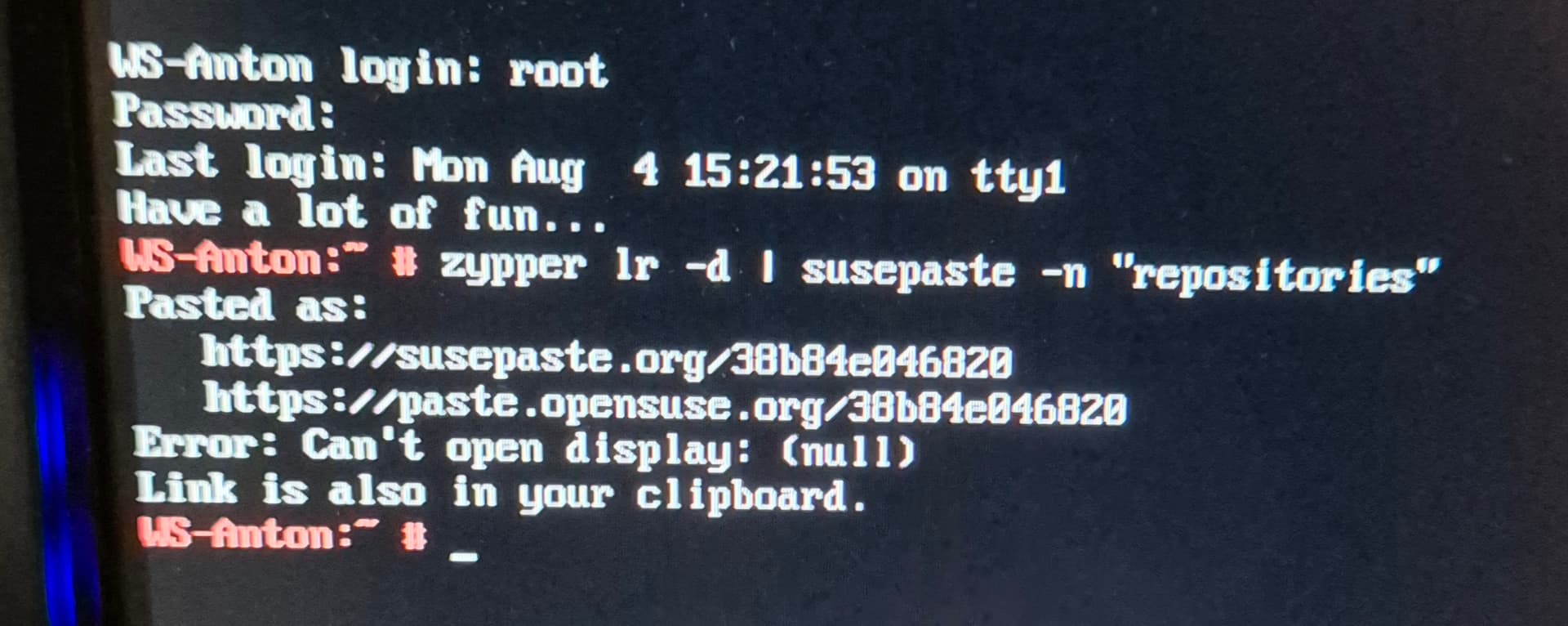
@anton so from the terminal login, did you try the susepaste command?
See above this message
Sorry i can only make photos to show
#  | Alias                       | Name                                                                 | Enabled | GPG Check | Refresh | Keep | Priority | Type   | URI                                                                                          | Service
---+-----------------------------+----------------------------------------------------------------------+---------+-----------+---------+------+----------+--------+----------------------------------------------------------------------------------------------+--------
 1 | openSUSE-Leap-15.6-1        | openSUSE-Leap-15.6-1                                                 | No      | ----      | ----    | -    |   99     | rpm-md | hd:/?device=/dev/disk/by-id/usb-Kingston_DataTraveler_3.0_20CF30E11746F3B1B63ABBFE-0:0-part1 |
 2 | repo-backports-debug-update | Update repository of openSUSE Backports (Debug)                      | No      | ----      | ----    | -    |   99     | rpm-md | http://download.opensuse.org/update/leap/15.6/backports_debug/                               |
 3 | repo-backports-update       | Update repository of openSUSE Backports                              | Yes     | (r ) Yes  | Yes     | -    |   99     | rpm-md | http://download.opensuse.org/update/leap/15.6/backports/                                     |
 4 | repo-debug                  | Debug Repository                                                     | No      | ----      | ----    | -    |   99     | rpm-md | http://download.opensuse.org/debug/distribution/leap/15.6/repo/oss/                          |
 5 | repo-debug-non-oss          | Debug Repository (Non-OSS)                                           | Yes     | (r ) Yes  | Yes     | -    |   99     | rpm-md | http://download.nvidia.com/opensuse/leap/15.6                                                |
 6 | repo-debug-update           | Update Repository (Debug)                                            | No      | ----      | ----    | -    |   99     | rpm-md | http://download.opensuse.org/debug/update/leap/15.6/oss/                                     |
 7 | repo-debug-update-non-oss   | Update Repository (Debug, Non-OSS)                                   | No      | ----      | ----    | -    |   99     | rpm-md | http://download.opensuse.org/debug/update/leap/15.6/non-oss/                                 |
 8 | repo-non-oss                | Non-OSS Repository                                                   | Yes     | (r ) Yes  | Yes     | -    |   99     | rpm-md | http://download.opensuse.org/distribution/leap/15.6/repo/non-oss/                            |
 9 | repo-openh264               | Open H.264 Codec (openSUSE Leap)                                     | Yes     | (r ) Yes  | Yes     | -    |   99     | rpm-md | http://codecs.opensuse.org/openh264/openSUSE_Leap/                                           |
10 | repo-oss                    | Main Repository                                                      | Yes     | (r ) Yes  | Yes     | -    |   99     | rpm-md | http://download.opensuse.org/distribution/leap/15.6/repo/oss/                                |
11 | repo-sle-debug-update       | Update repository with updates from SUSE Linux Enterprise 15 (Debug) | No      | ----      | ----    | -    |   99     | rpm-md | http://download.opensuse.org/debug/update/leap/15.6/sle/                                     |
12 | repo-sle-update             | Update repository with updates from SUSE Linux Enterprise 15         | Yes     | (r ) Yes  | Yes     | -    |   99     | rpm-md | http://download.opensuse.org/update/leap/15.6/sle/                                           |
13 | repo-source                 | Source Repository                                                    | No      | ----      | ----    | -    |   99     | rpm-md | http://download.opensuse.org/source/distribution/leap/15.6/repo/oss/                         |
14 | repo-update                 | Main Update Repository                                               | Yes     | (r ) Yes  | Yes     | -    |   99     | rpm-md | http://download.opensuse.org/update/leap/15.6/oss/                                           |
15 | repo-update-non-oss         | Update Repository (Non-Oss)                                          | Yes     | (r ) Yes  | Yes     | -    |   99     | rpm-md | http://download.opensuse.org/update/leap/15.6/non-oss/                                       |
OK, so just a name issue for that repository…
@anton so can you run inxi -GSaz | susepaste -n "inxi" and post back the link.
Sorry for today I cannot post anything.
Will wait till tomorow no problem.
But because logout shows the leap logo i guess graphic should work.
But it does not show when login.
Strange?!
1 Like
Logged as root inxi -GSaz | susepaste -n “inxi”
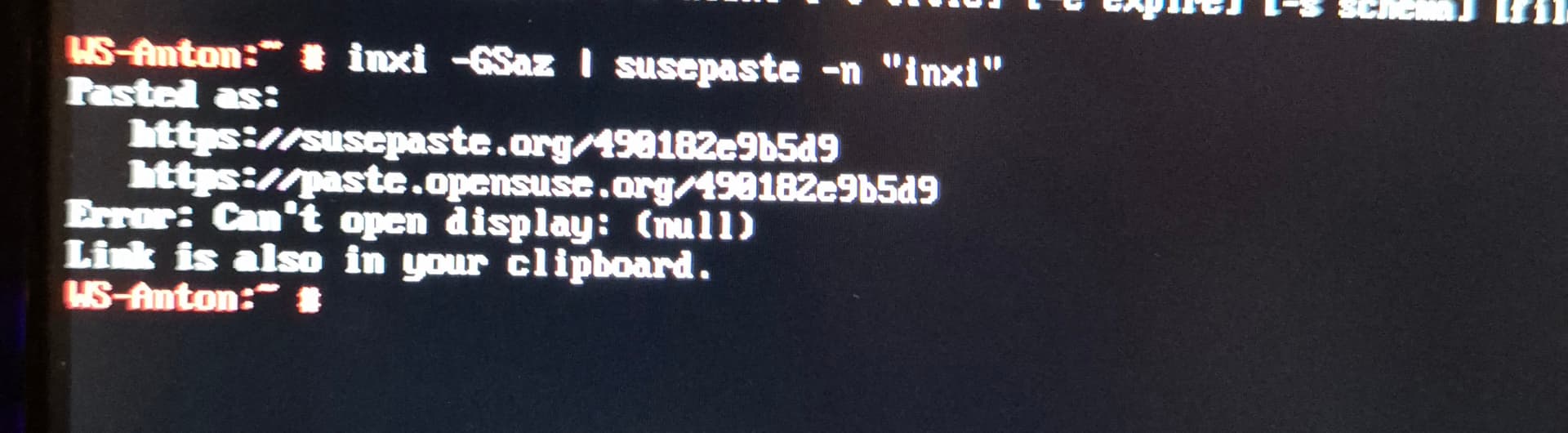
I was root or should I paste your output as user anton
System:
  Kernel: 6.4.0-150600.23.60-default arch: x86_64 bits: 64 compiler: gcc v: 7.5.0
    parameters: BOOT_IMAGE=/boot/vmlinuz-6.4.0-150600.23.60-default
    root=UUID=8bfa9252-2bce-4b03-8b8b-0062707bb0d4 splash=silent preempt=full quiet
    security=apparmor mitigations=auto rd.driver.blacklist=nouveau
  Console: tty 1 Distro: openSUSE Leap 15.6
Graphics:
  Device-1: NVIDIA GA104 [GeForce RTX 3060] vendor: Gigabyte driver: nvidia v: 570.172.08
    alternate: nouveau,nvidia_drm non-free: 530.xx+ status: current (as of 2023-05) arch: Ampere
    code: GAxxx process: TSMC n7 (7nm) built: 2020-22 pcie: gen: 1 speed: 2.5 GT/s lanes: 16
    link-max: gen: 4 speed: 16 GT/s ports: active: none off: DP-1,HDMI-A-1 empty: DP-2,HDMI-A-2
    bus-ID: 01:00.0 chip-ID: 10de:2487 class-ID: 0300
  Display: server: N/A driver: X: loaded: N/A unloaded: fbdev,modesetting,vesa failed: nvidia
    alternate: nouveau,nv gpu: nvidia,nvidia-nvswitch tty: 240x67
  Monitor-1: DP-1 model: AOC U2879G6 serial: <filter> built: 2016 res: 3840x2160 dpi: 157
    gamma: 1.2 size: 621x341mm (24.45x13.43") diag: 708mm (27.9") ratio: 16:9 modes: max: 3840x2160
    min: 640x480
  Monitor-2: HDMI-A-1 model: DGM HDMI serial: <filter> built: 2011 res: 1920x1080 modes:
    max: 1920x1080 min: 640x480
  API: OpenGL Message: GL data unavailable in console for root.
So that all look fine, so as your logged in as root, what happens when you run the command systemctl isolate graphical.target
Nothing happens then, should I reboot ?
No did not make a difference
Trying to reproduce this I played with a test install of mine and installing the 570.172 proprietary driver repeatedly failed with the following log:
2025-08-04 17:32:44|command|root@localhost.localdomain|'zypper' 'in' '--force' 'nvidia-driver-G06-kmp-default'|
# 2025-08-04 17:32:55 nvidia-driver-G06-kmp-default-570.172.08_k6.4.0_150600.21-lp156.37.1.x86_64.rpm installed ok
# Additional rpm output:
# make: Entering directory '/usr/src/linux-6.4.0-150600.21-obj/x86_64/default'
#   MODPOST /usr/src/kernel-modules/nvidia-570.172.08-default/Module.symvers
# make: Leaving directory '/usr/src/linux-6.4.0-150600.21-obj/x86_64/default'
# make[1]: Entering directory '/lib/modules/6.4.0-150600.21-default/source'
# make[1]: *** No rule to make target 'modules'.  Stop.
# make[1]: Leaving directory '/lib/modules/6.4.0-150600.21-default/source'
# make: *** [Makefile:115: modules] Error 2
# /
# install: cannot stat '/usr/src/kernel-modules/nvidia-570.172.08-default/nvidia*.ko': No such file or directory
# rm -f -r conftest
# make[1]: Entering directory '/usr/src/linux-6.4.0-150600.23.60'
# make[2]: Entering directory '/usr/src/linux-6.4.0-150600.23.60-obj/x86_64/default'
#   CLEAN   /usr/src/kernel-modules/nvidia-570.172.08-default/Module.symvers
# make[2]: Leaving directory '/usr/src/linux-6.4.0-150600.23.60-obj/x86_64/default'
# make[1]: Leaving directory '/usr/src/linux-6.4.0-150600.23.60'
# /
# /var/tmp/rpm-tmp.6JvHxo: line 86: Option: command not found
# depmod: ERROR: fstatat(5, nvidia-drm.ko): No such file or directory
# depmod: ERROR: fstatat(5, nvidia-modeset.ko): No such file or directory
# depmod: ERROR: fstatat(5, nvidia.ko): No such file or directory
# depmod: ERROR: fstatat(5, nvidia-uvm.ko): No such file or directory
#
The package apparently “installed ok” but the modules were not built.
Uninstalling everything nvidia and installing the 570.169 packages went as usual and the system is back in good shape.
I cannot troubleshoot further since a zillion things might be wrong with this bare bone install, but maybe something is wrong with the 570.172 (proprietary) drivers and downgrading to 570.169 and locking might be an option for the time being.