thread migration from previous thread about monitor issues
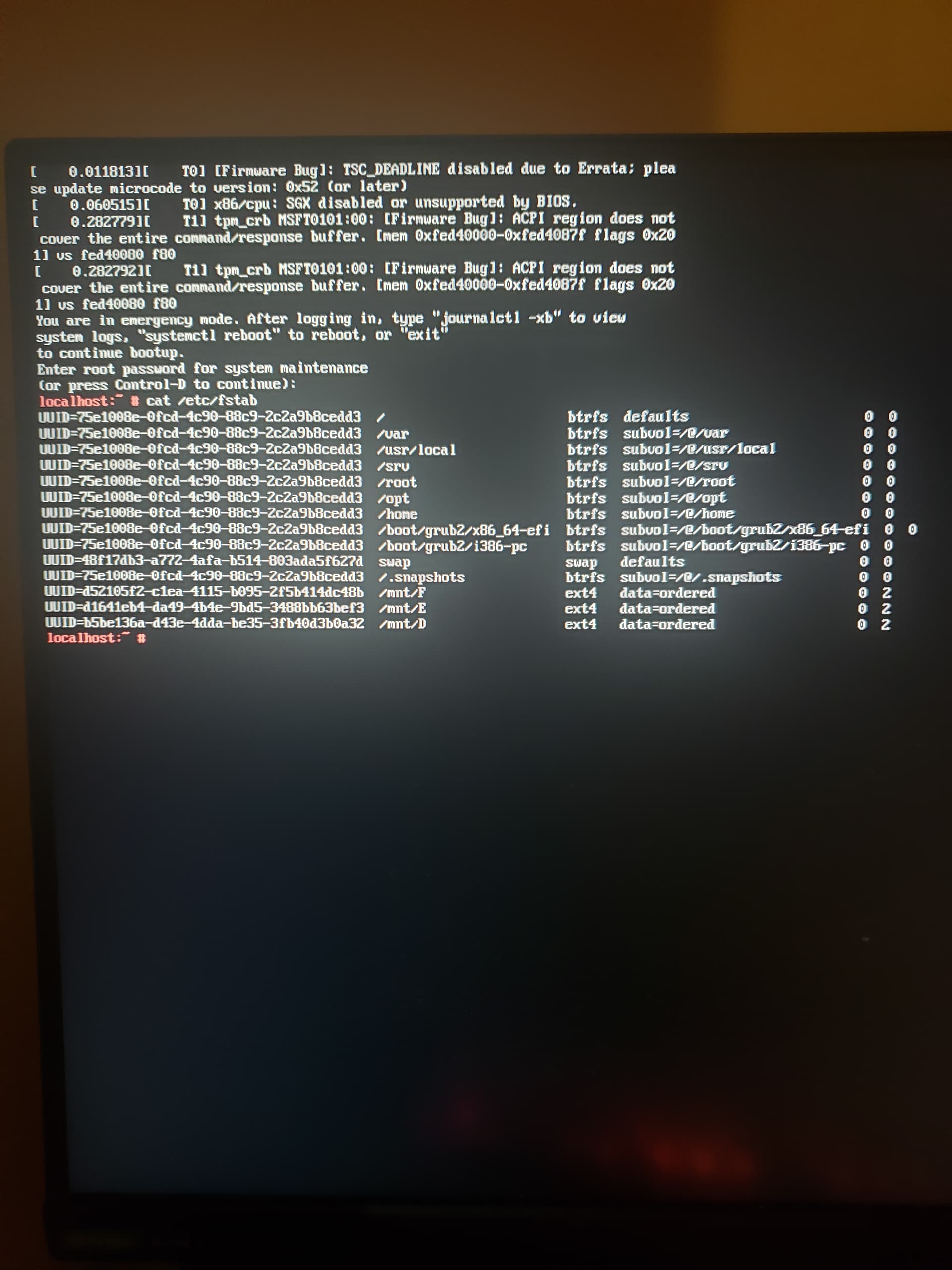
Traditionally, /mnt/ has been for temporary uses, so to me at least it doesn’t make much sense to tie it up via /etc/fstab/ entries, so I never do. That you’re doing so may have absolutely nothing to do with your problem, but might it???
Would you be able to elaborate on this a bit perhaps?
@wago If you’re still interested in pursuing this it may help to provide more details of the actions that were performed which led up to the boot failure.
- reinstallation and usage of opensuse linux (from an unrelated problem)
- i encounter the monitor issue which made the previous thread
- i give the information from the previous thread
- i set my hard drives to auto mount while i was waiting for a response
- i type zypper inr in terminal
- i reboot and its in emergency mode
events in chronological order i think
I believe you may expect inexplicable vexing behavior at an inopportune time if you don’t redesignate non-FHS locations for those three filesystems.
You mean FHS not HFS ?
do you know how to do that i dont know if i can configure fstab or anything in a terminal
Other forums allow typo corrections to be made without such a severe time limitation.  Of course FHS.
1 Like
All the editing I do I do within a terminal. If networking works, zypper in mc, unless mc is already installed, in which case open it from any shell prompt, preferably using sudo or having already logged in as root, for such files as /etc/fstab. It’s a text mode file manager and more, including text editor.
1 Like
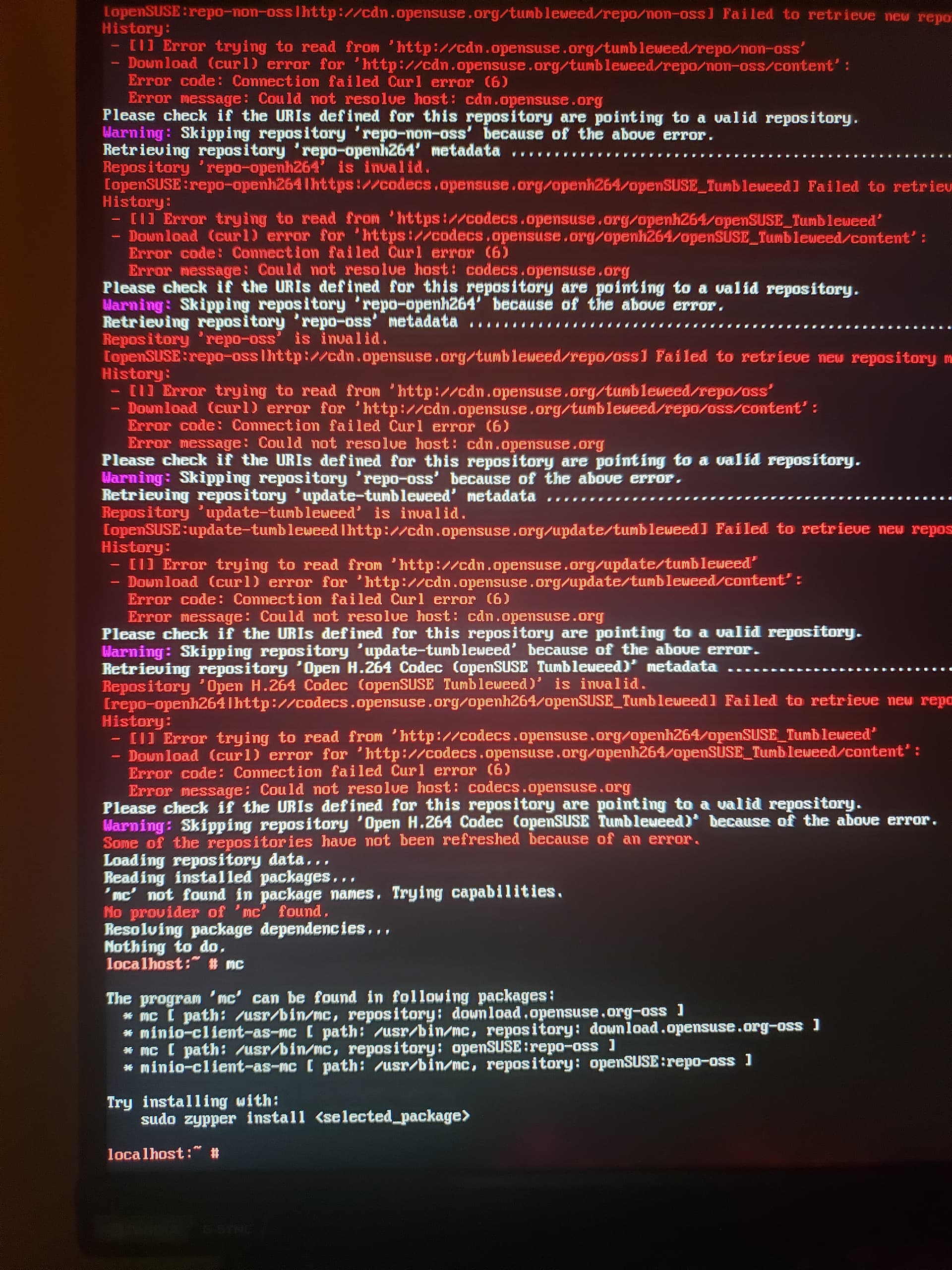
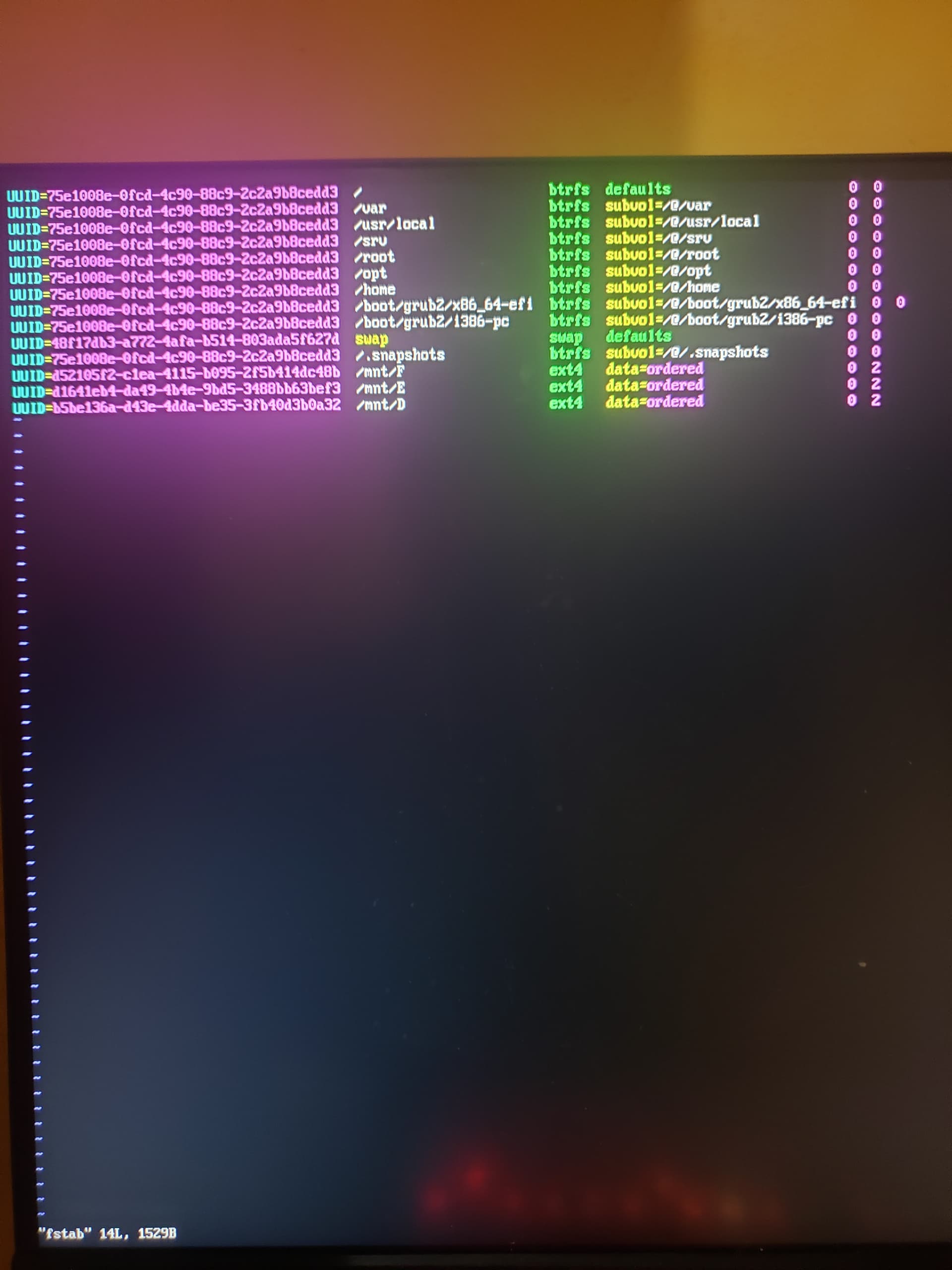
It looks like you do not have internet connection. Try zypper in mc again please to verify. It would be interesting to see if you can get connected to the internet in rescue mode.

You need to enable network connection.
See this thread for howto.
As was quite clearly shown in the “another thread”, one disk returns unrecoverable errors and mount fails. Remove this mount point from /etc/fstab.
1 Like
Mc makes many things easier to get done while in text mode. Try sudo nano /etc/fstab. Most find nano easy enough to use, much easier than vi*. If nano returns command not found, try joe instead.
1 Like
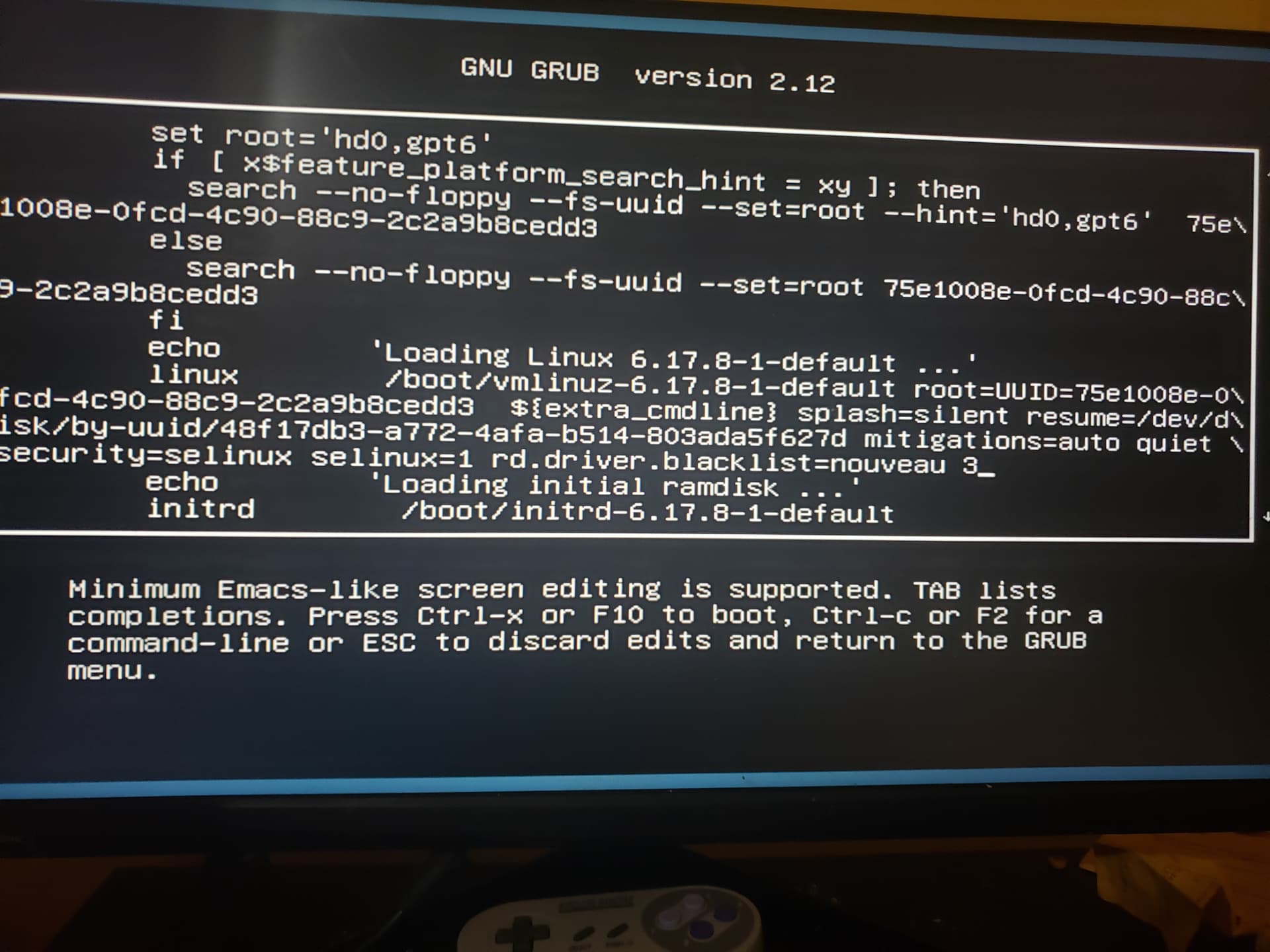
See if appending both 3 and nomodeset helps.
