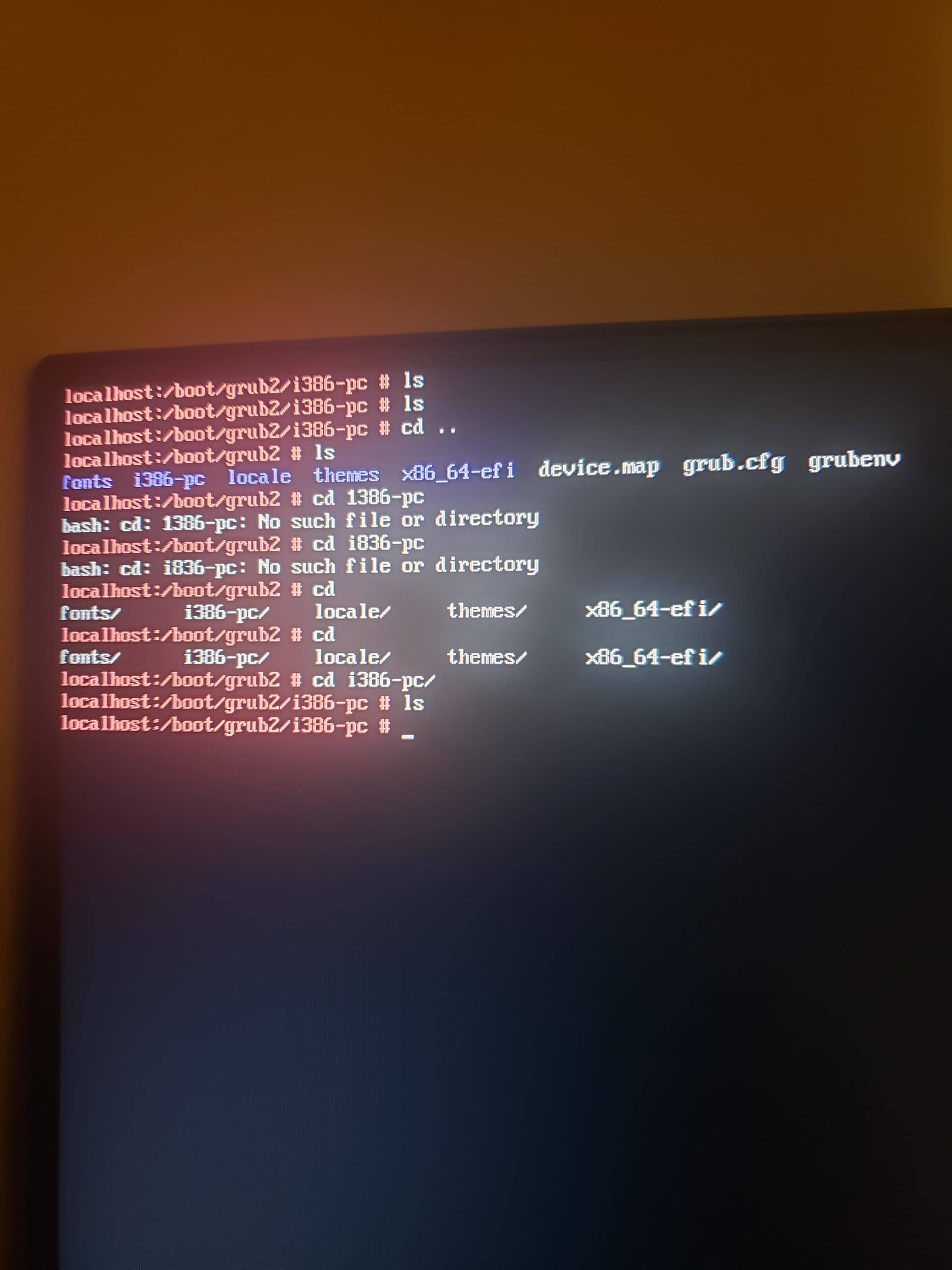
Then you need to provide the full output of journalctl -b.
Why did you expect it to have any effect on the emergency mode?
Then you need to provide the full output of journalctl -b.
Why did you expect it to have any effect on the emergency mode?
Did you change filesystems or reinstall? I ask this because screenshot in post #20 looks like btrfs filesystem now and not ext4 filesystem (as shown in prior thread) :< ? whole os decides to not use my monitor anymore? - #25 by wago
Just curious about that.
It isn’t that difficult.
The external drives (sda and sdb) where ext4 formatted, but are no longer listed in fstab. The main filesystem (on nvme0n1p6) was always btrfs.
What about a corrective measure to regenerate initrd then? Or the filesystem must be mounted firstly to do so?
do you know where usbs are mounted? i wanna try piping the output of journalctl -b into a file and putting it on an external usb so i can upload it here.
Anywhere you want
mkdir /tmp/usb
mount /dev/sdb1 /tmp/usb
or whatever your USB device name is.
Upload to https://paste.opensuse.org/
managed to get the output on a usb, here you go
https://paste.opensuse.org/pastes/31510ccaeda1
Nov 25 19:11:36 localhost mount[795]: mount: /boot/grub2/i386-pc: fsconfig() failed: No such file or directory.
Nov 25 19:11:36 localhost mount[795]:        dmesg(1) may have more information after failed mount system call.
Nov 25 19:11:36 localhost systemd[1]: Mounting /srv...
...
Nov 25 19:11:36 localhost systemd[1]: boot-grub2-i386\x2dpc.mount: Mount process exited, code=exited, status=32/n/a
Nov 25 19:11:36 localhost systemd[1]: boot-grub2-i386\x2dpc.mount: Failed with result 'exit-code'.
Nov 25 19:11:36 localhost systemd[1]: Failed to mount /boot/grub2/i386-pc.
checking the file system, i think the file it refers to is missing for some reason
reading the message closer it says dmesg(1) may have more information after failed mount system call.
i got the output of dmesg in a file so im gonna upload that here aswell.
https://paste.opensuse.org/pastes/c04589ca6f80
should i try removing nvidia drivers? i think its most likely the cause of opensuse going into emergency mode
I have shown you the cause.
You borked your fstab. Whilst removing the external drives, you messed up an entry which now throws an error. This is what arvidjaar trys to tell you. Nvidia is not even remotely involved in your issue. Compare the fstab from this comment and this one.
First (still correct) fstab entry:
UUID=*** /boot/grub2/i386-pc btrfs subvol=/@/boot/grub2/i386-pc 0 0
And now the broken one after you edited fstab:
UUID=*** /boot/grub2/i386-pc btrfs subvol=/@/boot/g
i edited fstab and the issue was fixed, thanks for pointing that out
id still keep this thread open until tommorow just incase my monitor bugs out again like the last thread
Hi, you may wish to ensure that your GPU is working as well as possible. If so you could post the output of inxi -GSaz --za in your old thread or possibly create a new thread titled i.e. ‘Is GPU setup correctly on machine’ ? Something or other, just a thought to ensure that you are able to get the most out of the machine GPU. Nice to see this fixed.
-Greatest Hopes
This topic was automatically closed 7 days after the last reply. New replies are no longer allowed.