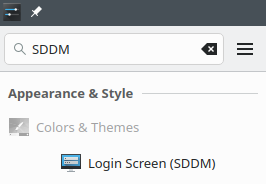
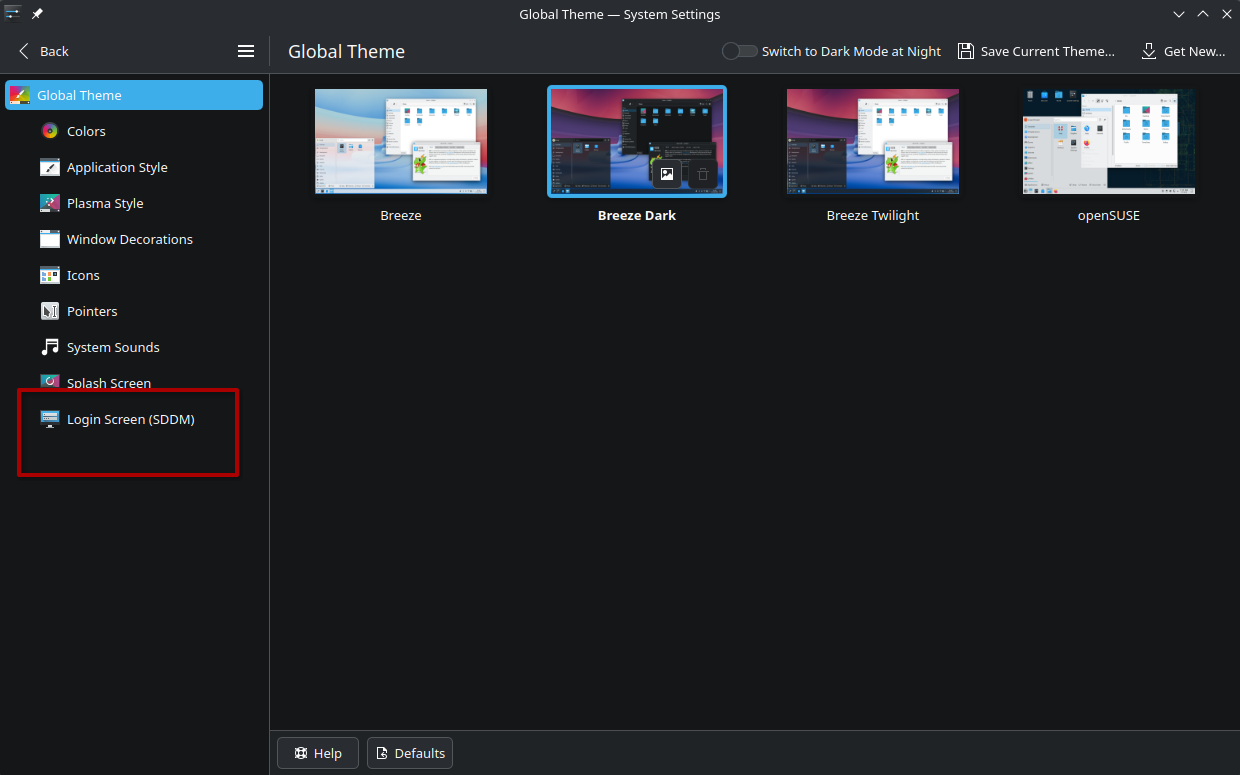
After the Plasma 6.7.0 update on Tumbleweed, System Settings crashes when I click on Colors & Themes> Login Screen (SDDM). I’m running an Intel ARC A750 and Wayland. I need to know if this is a Plasma 6.7.0 bug or a Tumbleweed bug.
Running systemsettings kcm_sddm in a terminal starts System Settings at the Login Screen (SDDM) configuration page and I am able to navigate to other settings and return to the SDDM settings without issues. It also prints warnings about themes in the terminal, but no errors.
When I run just systemsettings in a terminal, it crashes like it does from an app launcher, except I get some warnings about themes and an error about X.
> systemsettings

org.kde.libkbolt: Failed to connect to Bolt manager DBus interface:
org.kde.libkbolt: Failed to connect to Bolt manager DBus interface:
Using fontconfig file: “/home/john/.config/fontconfig/fonts.conf”
kf.coreaddons: “Could not load plugin from /usr/share/plasma/systemsettings/externalmodules/YaST-systemsettings.desktop: Failed to extract plugin meta data from ‘/usr/share/plasma/systemsettings/externalmodules/YaST-systemsettings.desktop’: ‘/usr/share/plasma/systemsettings/externalmodules/YaST-systemsettings.desktop’ is not a valid ELF object (invalid signature)”
qt.qpa.services: Failed to register with host portal QDBusError(“org.freedesktop.portal.Error.Failed”, “Could not register app ID: Connection already associated with an application ID”)
kf.bluezqt: InitManagerJob Error: Job was deleted before finished!
KPackageStructure of KPluginMetaData(pluginId:“LightbulbSplash3D”, fileName: “/home/john/.local/share/plasma/look-and-feel/LightbulbSplash3D/metadata.json”) does not match requested format “Plasma/LookAndFeel”
qt.multimedia.ffmpeg: Using Qt multimedia with FFmpeg version 8.1.2 nonfree and unredistributable

X Error of failed request:  BadAccess (attempt to access private resource denied)
Major opcode of failed request:  151 (GLX)
Minor opcode of failed request:  5 (X_GLXMakeCurrent)
Serial number of failed request:  28
Current serial number in output stream:  28
NOTE: Installing the old System Settings fixes this issue.
sudo zypper in --oldpackage https://download-repositories.opensuse.org/history/20260616/tumbleweed/repo/oss/x86_64/sddm-kcm6-6.6.5-1.1.x86_64.rpm