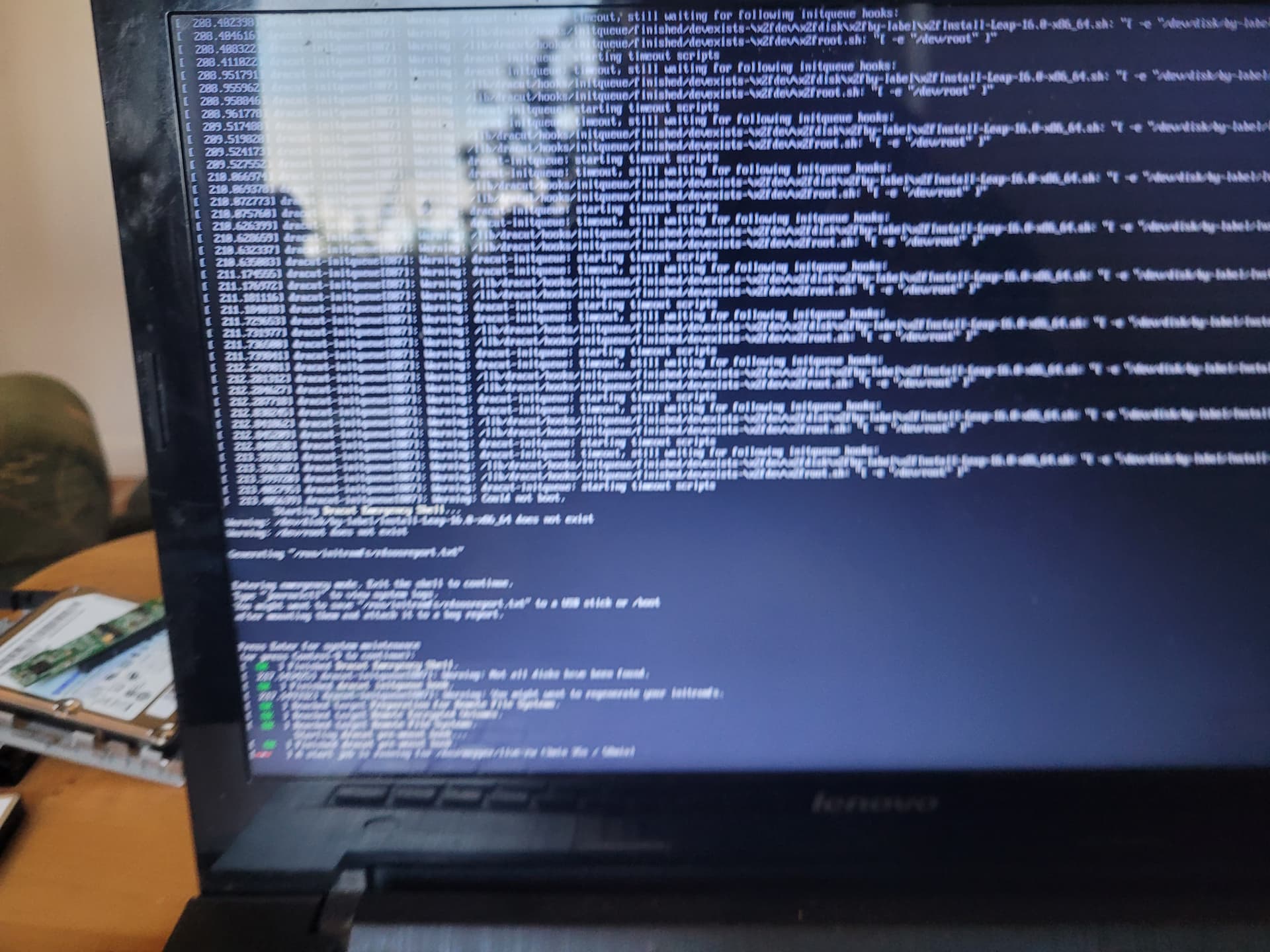
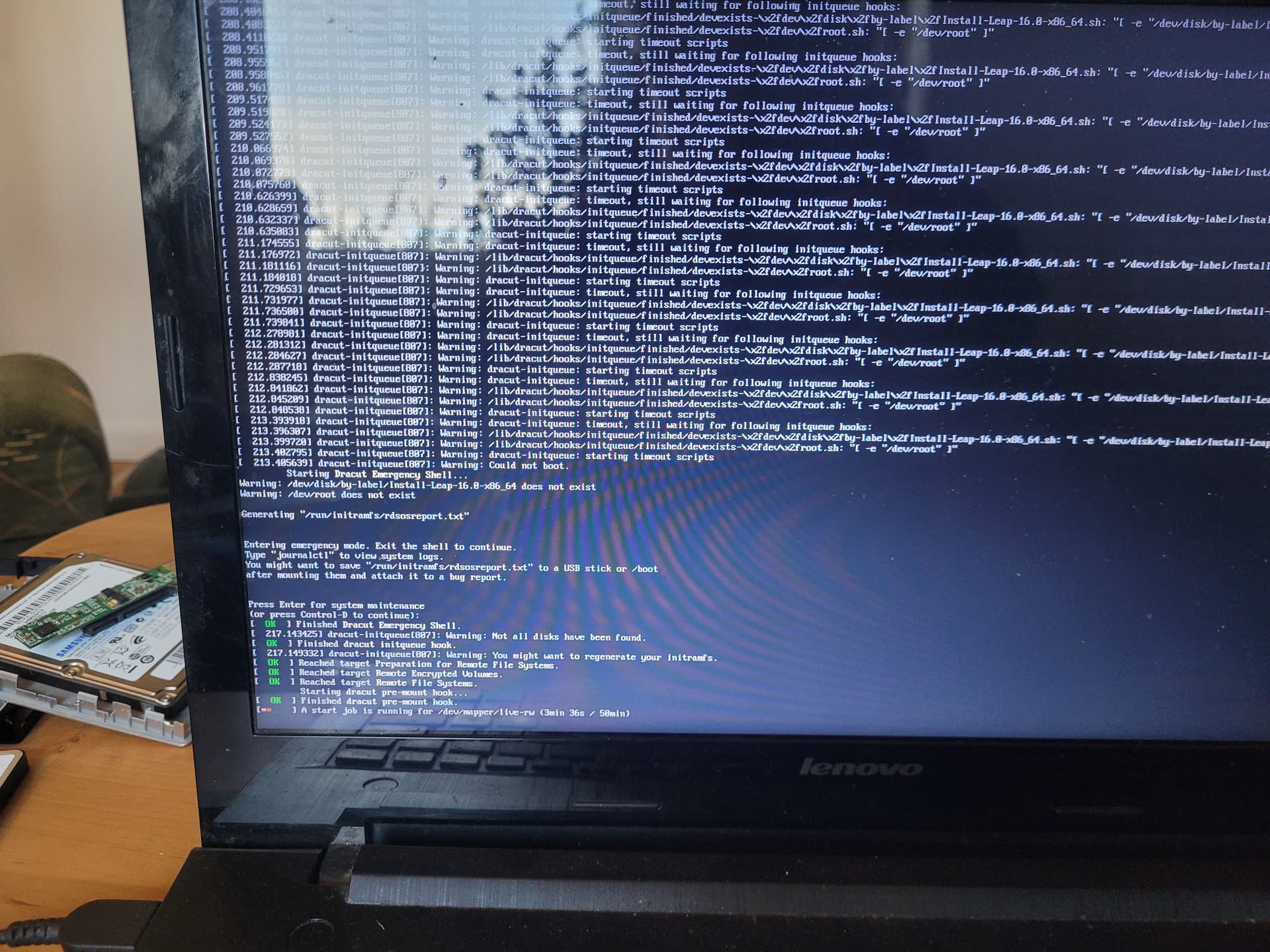
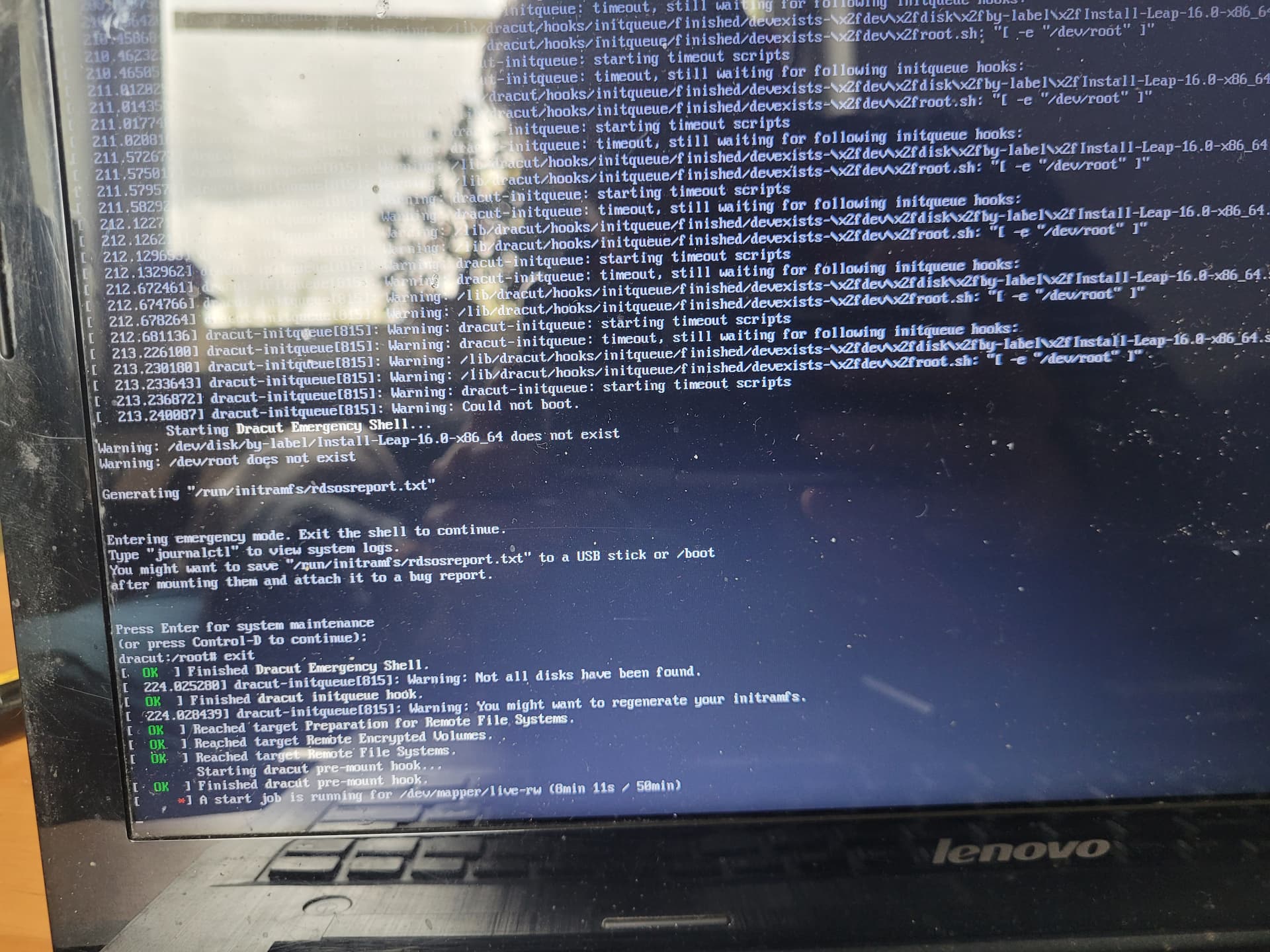
The image shows the system boot screen when attempting to run the openSUSE Leap 16.0 RC1 installer on a Lenovo Z50-75 laptop. The boot process fails to launch the installation environment and ends with the Dracut Emergency Shell.
Key error messages:
Warning: /dev/disk/by-label/Install-Leap-16.0-x86_64 does not exist
– The system cannot find the installation media labeled Install-Leap-16.0-x86_64.
Warning: /dev/root does not exist
– Dracut did not find the root partition (/) needed to continue booting.
dracut-initqueue[815]: Warning: Could not boot
– The system boot failed because the initramfs failed to find a suitable filesystem root.
Entering Dracut Emergency Shell
– The system enters emergency shell mode to allow manual diagnosis and correction of the error.
Ad.1. I used Rufus to create a bootable USB. With version 15.6 and Fedora 42, it worked perfectly, and the images booted perfectly.
Ad. 2. I connected a completely clean HDD and planned to install 16.0 on it (test on two drives)
Ad. 3. Answer above in question 2.
Ad. 4. `Procesor
1x AMD FX-7500 Processor(AMD FX-7500)
RAM
1x 8GB DDR3L 1600
I have the same problem with my Dell Latitude E7450, I tried ventoy and rufus, with different USBs, I get the same, it’s labeled with different name instead of Install-Leap-16.0-x86_64 in /dev/disk/by-label.
I hope this issue get some attention, if we wrote leap 16 in wrong way, please tell us the correct method
Well in general install helpers are not recommended . You need to do an unmodified binary copy to the target device (not a partition). some helpers may provide a DD option for the copy to the device.
Adding details for others who end up here - I’m perfectly fine with the suggestions to not use installer helpers:
While Leap 15.6 is installable using Ventoy, Leap 16 RC1 isn’t. After Virtual console has been set up there will be a long wait and then the dracut timeout as shown in OP’s photos will happen.
Yes, Leap 16 image works differently and it needs the different kernel argument to boot from an ISO image instead of raw device. Posting it here again and again will not change anything. Someone needs to fix Ventoy to support Leap 16. Submit a bug report (or even better a patch) to Ventoy.
Just pass iso-scan/filename=path/to/the/image.iso kernel parameter and Leap 16 image will automatically probe all filesystems for this file and mount it.
I can confirm that LEAP-16.0 RC1 installation, using imagewriter to place the iso on a USB stick, installs fine on an old desktop PC. (intel core i7 4770).
I also did a checksum of the ISO before using imagewriter to put iso onto the USB. I may have missed this in the OPs posts. I assume they did a checksum first.
I greatly prefer installing from a USB vs using an app to install directly from the iso. Hopefully the OP succeeds with a solution.
I’m having the same issue as I’m trying to do an automatic build within a virtualbox VM but my config is not coming from usb but from pxe booting and tftp setup. And it is also the released 16.0 version not the RC1.
I have extracted the initrd and linux files from the ISO which are used for the initial boot. I noticed that the initrd from 16.0 is only about 25% the size of the initrd of 15.6. Have done the checksum check and the ISO is ok.
The grub line I have configured and is similar to a working setup for 15.6 is: linuxefi openSUSE/Leap-16_0/x86_64/linux autoyast=nfs://xx.xx.xx.xx/data/LinuxInstall/autoYast/ install=nfs://xx.xx.xx.xx/data/LinuxInstall/openSUSE-Leap-16_0/openSUSE-Leap-16_0-DVD-x86_64.iso?type=file splash=verbose showopts
The iso file is a link to the original file Leap-16.0-offline-installer-x86_64-Build171.1.install.iso
When I go into the emergency shell and try to mount the NFS to verify that it is accessible there appears to be no network available even though I do see a DNS request coming from the IP that I have defined for the VM, but there is no IP defined on the ethernet interface.
Do I also have to use the suggestion to pass iso-scan/filename=path/to/the/image.iso and if so what do I need to define for path
When I try that iso-scan/filename=nfs://xx.xx.xx.xx/data/LinuxInstall/openSUSE-Leap-16_0/openSUSE-Leap-16_0-DVD-x86_64.iso
I get the following error before the dracut init queue errors
dracut-initqueue mount: /run/initramfs/isoscan no valid filesystem type specified
It won’t work. iso-scan/filename will scan all local devices with recognized filesystem for this file and loop-mount it.
Agama image is simply a live image which starts some predefined program. As any live image it needs to find and load its own content. In this case this content can only be on a local filesystem.
It is possible that Agama image includes other dracut modules that allow network access to its content. Unfortunately, with all reorganizations and “moving to GIT” I completely lost track what is where. I have no idea how and where on OBS this image is built and where its sources are located.