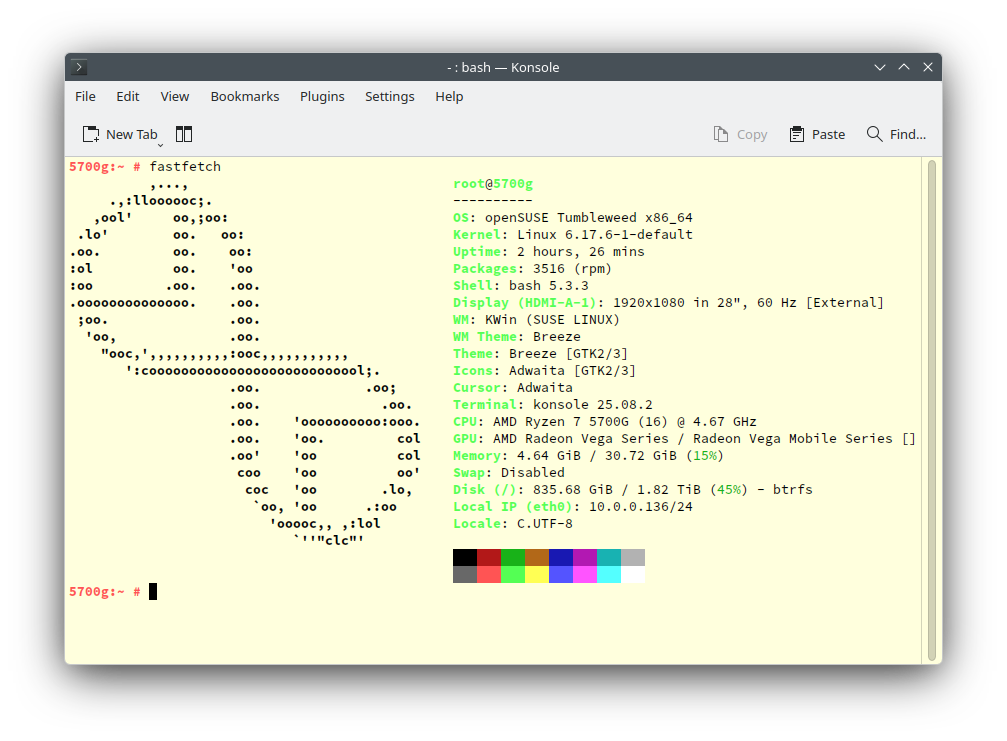
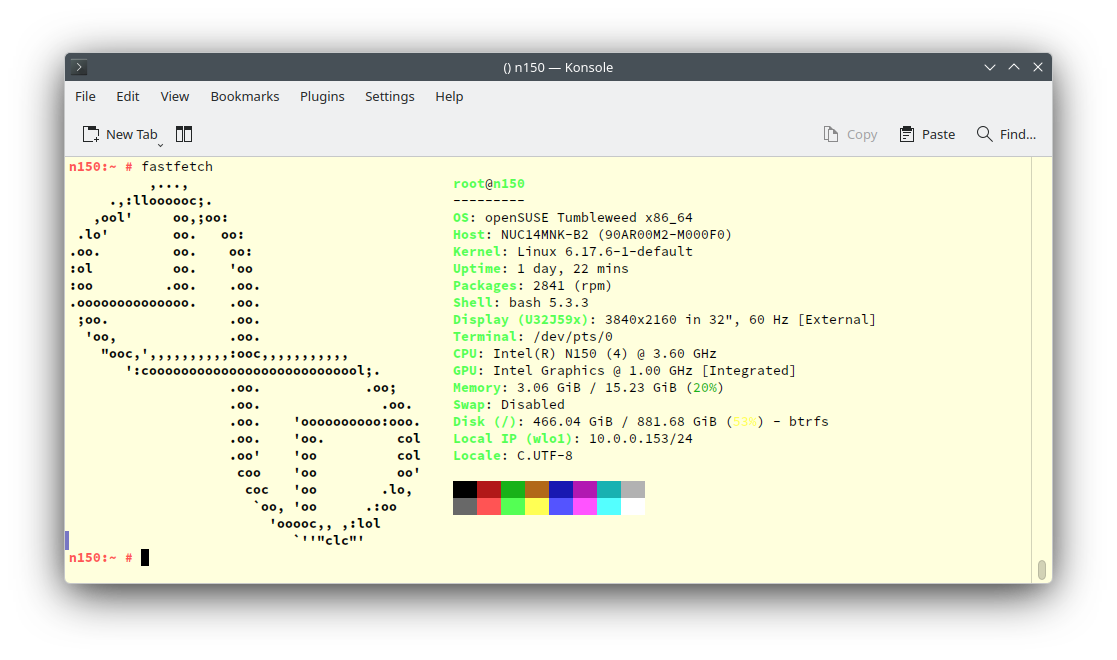
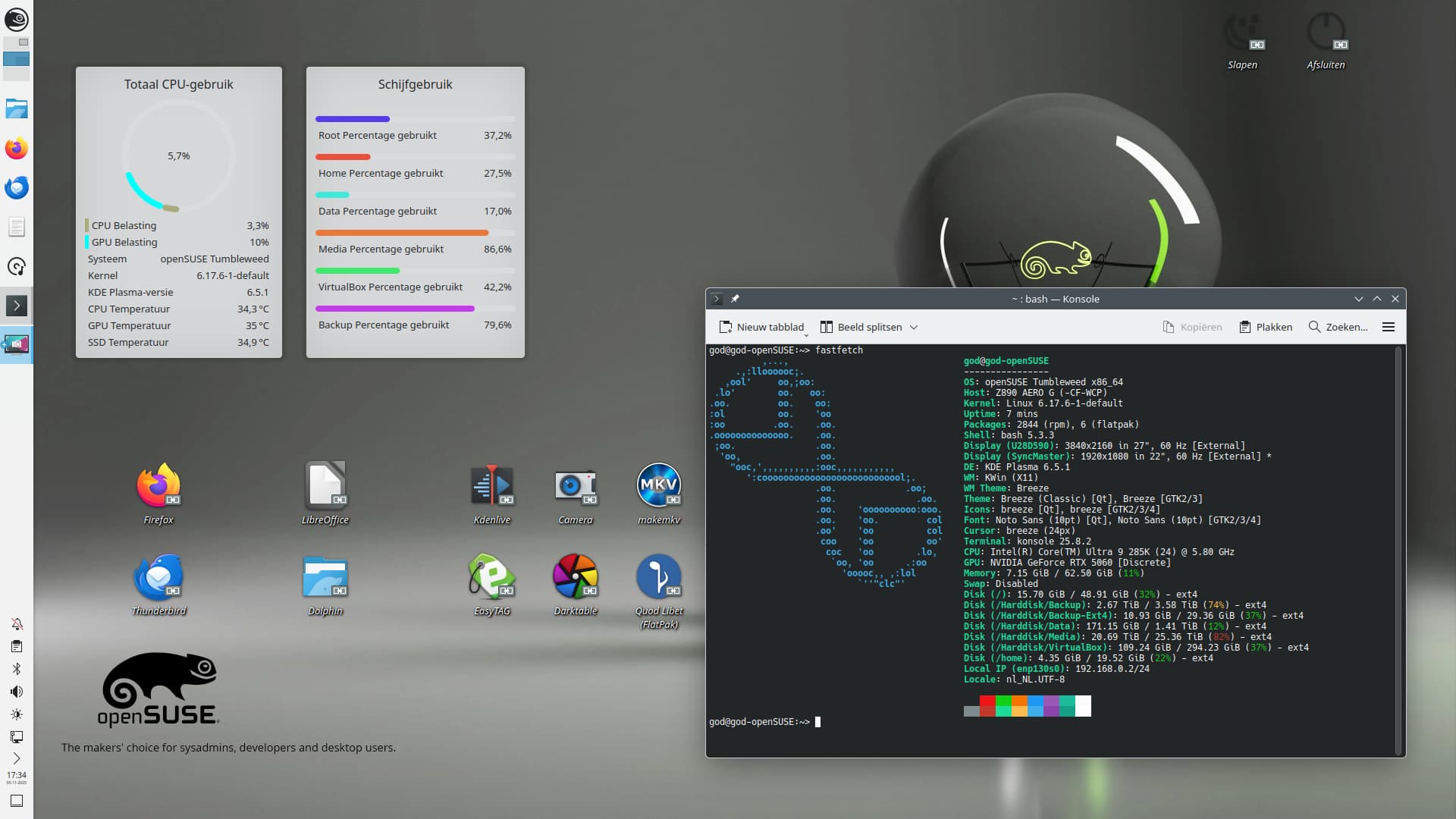
Primary use is dual boot with Windows 11 Pro, more of a test system to see how dual boot goes, no issues, but watch out on the Installer Storage page as it wanted to delete the windows install, had to ensure I checked the do not modify option!
This will at some point become a file server using iSCSI. This is still W.i.P. as testing out storage options…
Leap 16.0 is installed on;
/dev/md126p1[/]: RAID1 using mdadm (software RAID) on two (2) 128GB NVMe’s in two dual SSD/NVMe PCIe X4 card.
The storage setup is;
/dev/md125[/stuff]: RAID 5 using the onboard Intel RSTe/VROC controller with three (3) 128GB M.2 SSD’s in two dual SSD/NVMe PCIe X4 cards and a PCIe X1 M.2 SSD card.
/dev/sdd[/data]: RAID 50 using part of the MR9440-8i controller, two spans with three (3) 500GB SATA disks in each span.
/dev/sde[/extra]: RAID 0 using part of the MR9440-8i controller with two (2) 4TB SATA drives.
I would like to ultimately put in some SAS (12Gb/s) drives for storage, probably three in RAID 5.
Hello. Nice collection of PCs with Leap. I tried using Leap 16 on this dinosaur that my company gave me, but I always go back to Tumbleweed. I couldn’t install extensions in Gnome on Leap, so I went back to Tumbleweed, praying that my old radeon driver would still support Wayland
Best regards
And another
HP 11 Stream running MicroOS and Hyprland, connected over USB serial to a RISCV64 VisionFive 2 running Tumbleweed. The VisionFive 2 has a USB connected Display.
Although the transition to GNOME 49 and later Kernel 6.17 was rather rocky, things are stabilizing now that a fix for my graphics card is on the way, and I’m currently running my own patched kernel.