Leap 16.0 online installer "not working"

Hello, I tried to install Leap 16.0, using online installerbut mediacheck says; “Media broken”

I made image file on usb using SuSe image studio
.
I Installed 15.6 (that i use now) with same usb stick successfully (also made image file using SuSe studio). But 16. can not…

It just stops.

What is wrong?

Thank you for ansewring my questions, and sorry for confusion in writing.

Media check in Leap 16.0 does not work. Do not use it.

https://lists.opensuse.org/archives/list/users@lists.opensuse.org/message/WIHOHEY5QPUJAPXU2FMUZTCVNXGIWFXP/

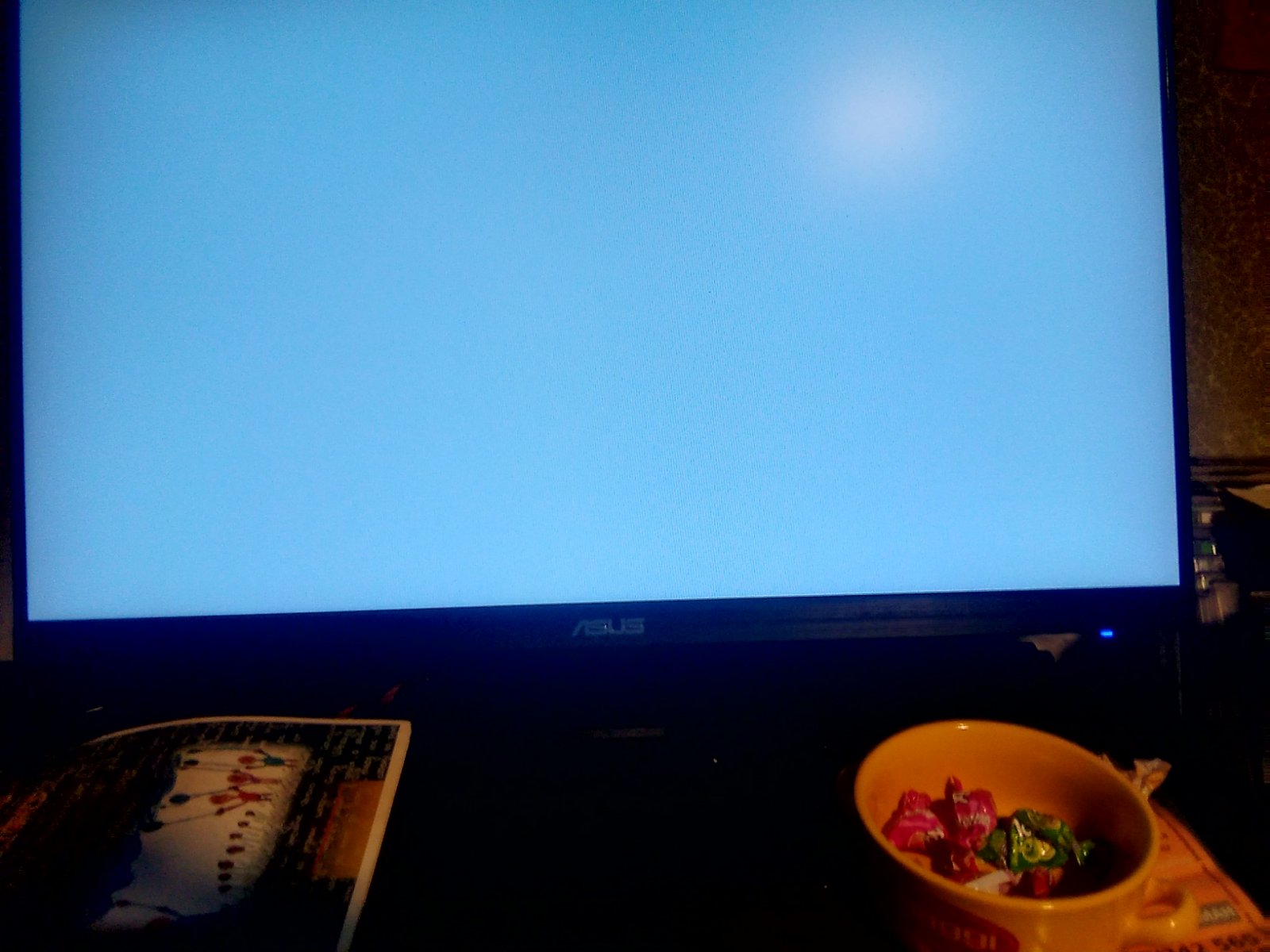
So, my problem still standing. When i set my “data traveler” is first to boot (usb stick), get pictire under (blue screeen). And it stands, and stands, and stands… and i stop itz by restasrting.

I set prioritu first to be Data traveler (not partition 1 or 2 - just Data traveler).

Pictures are here to describe.

Where I made wrong?

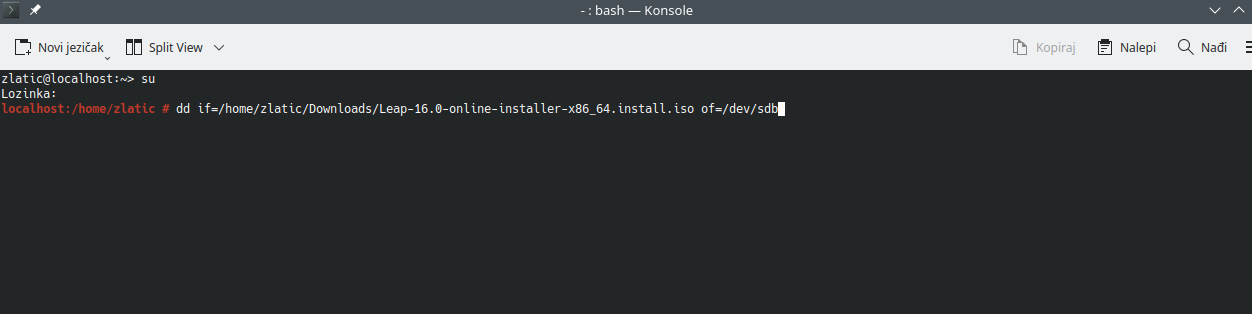
That is all GUI nonsense. Just do (as root)

dd if=/path/to/your/installationISO of=/dev/sdb

were you fill in the correct path to your installation ISO file and of course the correct device (when it is not /dev/sdb, this is very important to not overwrite some other device).

Select the UEFI one (Partition 1)

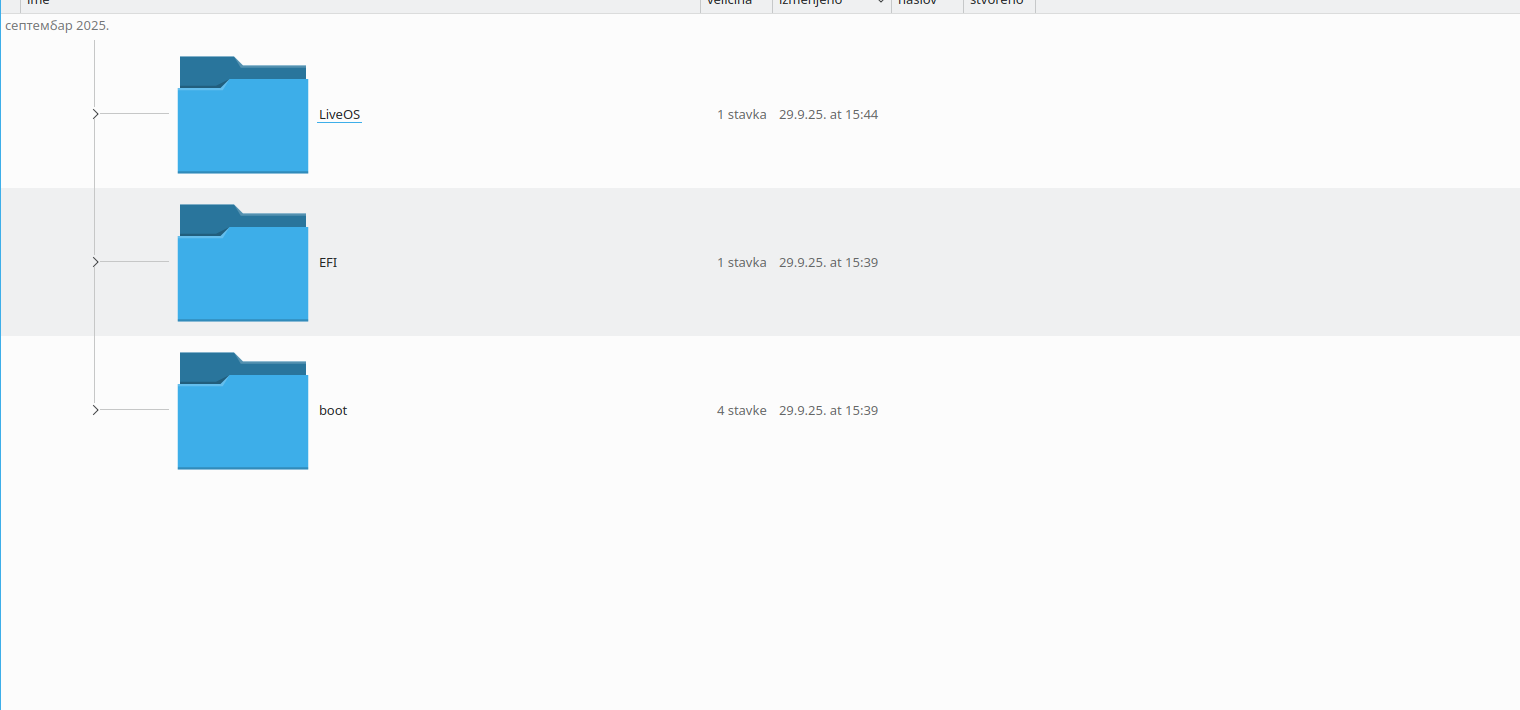
This happened to me the first time. So, before I started this topic, I did same I did last time, when I installed 15.6: I made live usb-stick 16.0 using SuSeStudio. Now (as same as I did it with previous version of Leap), I have got unpacked live verstion of 16.0 on my stick. Is it need usb-stick be empty before your command

dd if=/path/to/your/installationISO of=/dev/sdb

Thank you for answering my questions.

This happened to me the first time. So, before I started this topic, I did same I did last time, when I installed 15.6: I made live usb-stick 16.0 using SuSeStudio. Now (as same as I did it with previous version of Leap), I have got unpacked live verstion of 16.0 on my stick. Is it need usb-stick be empty before your command

dd if=/path/to/your/installationISO of=/dev/sdb

Thank you for answering my questions.

I am sorry for more than one reply same text. I just wanted first to write, then to delete, so that could be possible or I have no permissions to delete. Anyway, thank you, I will try to do this you said. And, yes - delete my duplicate comments. Thank you

You can edit your post only for I think 20 or 30 Minutes after the post was send to the Forum.

This is a restriction of users deleting their whole posts in each thread and so the threads are missing some answers after this.

1 Like


Is it what I have to do?

Is it necessary usb-stick be empty before I did it?

Thank you for answering my question, and sorry for spamming. It is not my intention.

It is not working or I can not do that. I extracted 15.6 again - everything is fine. But 16.0 can not. I tried also to download it from torrent - same story. Can anyone help?

See here for what dd command I use: https://forums.opensuse.org/t/tumbleweed-6-17-9-1-doesnt-see-my-usb-drive/190181/25

1 Like

Listen to me, my friend: Looking linked site, I got idea, so I can not wait for tomorrow to check this. But I will wait cos this working today to try to solve this problem, made me extremely tired for this kind of working. Thank you. I will of course say results. Hope the best.

I did this:

localhost:/home/zlatic # dd if=Leap-16.0-online-installer-x86_64-Build171.1.install.iso | dd bs=4M of=/dev/sdb iflag=fullblock oflag=direct status=progress; sync

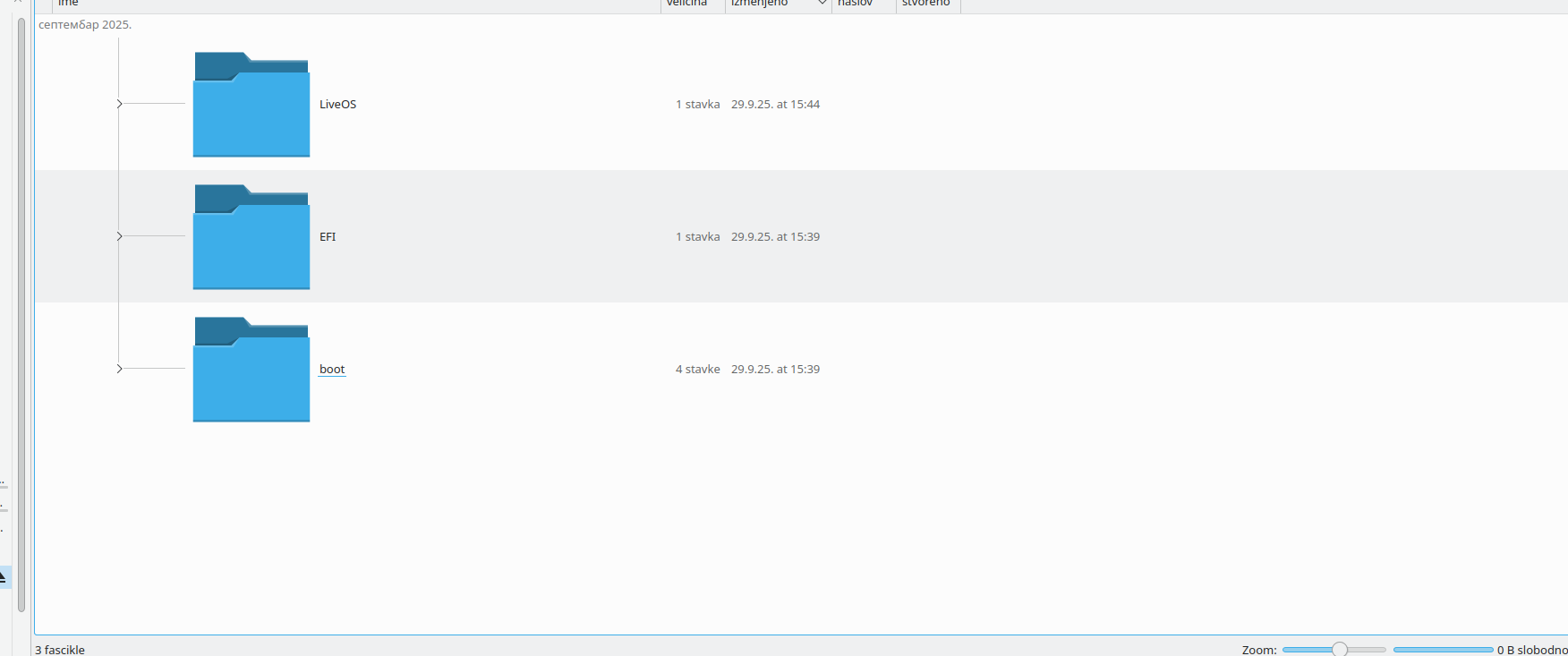
And I ve got this on my usb-stick

I changed Boot priority on Datatraveler (my usb-stick). Nothing happened by light-gray screen.

What elese I can do?

Thank you for answering my questions.

@vajcek my bad, brain fade here ( I use zcat for other images and pipe it through dd…)
dd if=Leap-16.0-online-installer-x86_64-Build171.1.install.iso of=/dev/sdb bs=4M iflag=fullblock oflag=direct status=progress; sync

  • I navigate to folder where ISO installation file is.
  • Opened terminal bz clicking F$
  • logged in terminal as root
  • mounted usb where I wanted to place mz extracted ISO file (it is now in mz home folder in computer)
  • Did this:
dd if=Leap-16.0-online-installer-x86_64-Build171.1.install.iso of=/dev/sdb bs=4M iflag=fullblock oflag=direct status=progress; sync

Prioritz booting is DataTraveler (not part1 or part 2)

Did I do something wrong in step order?
Is it need iso file to be on usb-stick before extracting?
I was doing online installation also with previos versions. This happens to me for the first time.
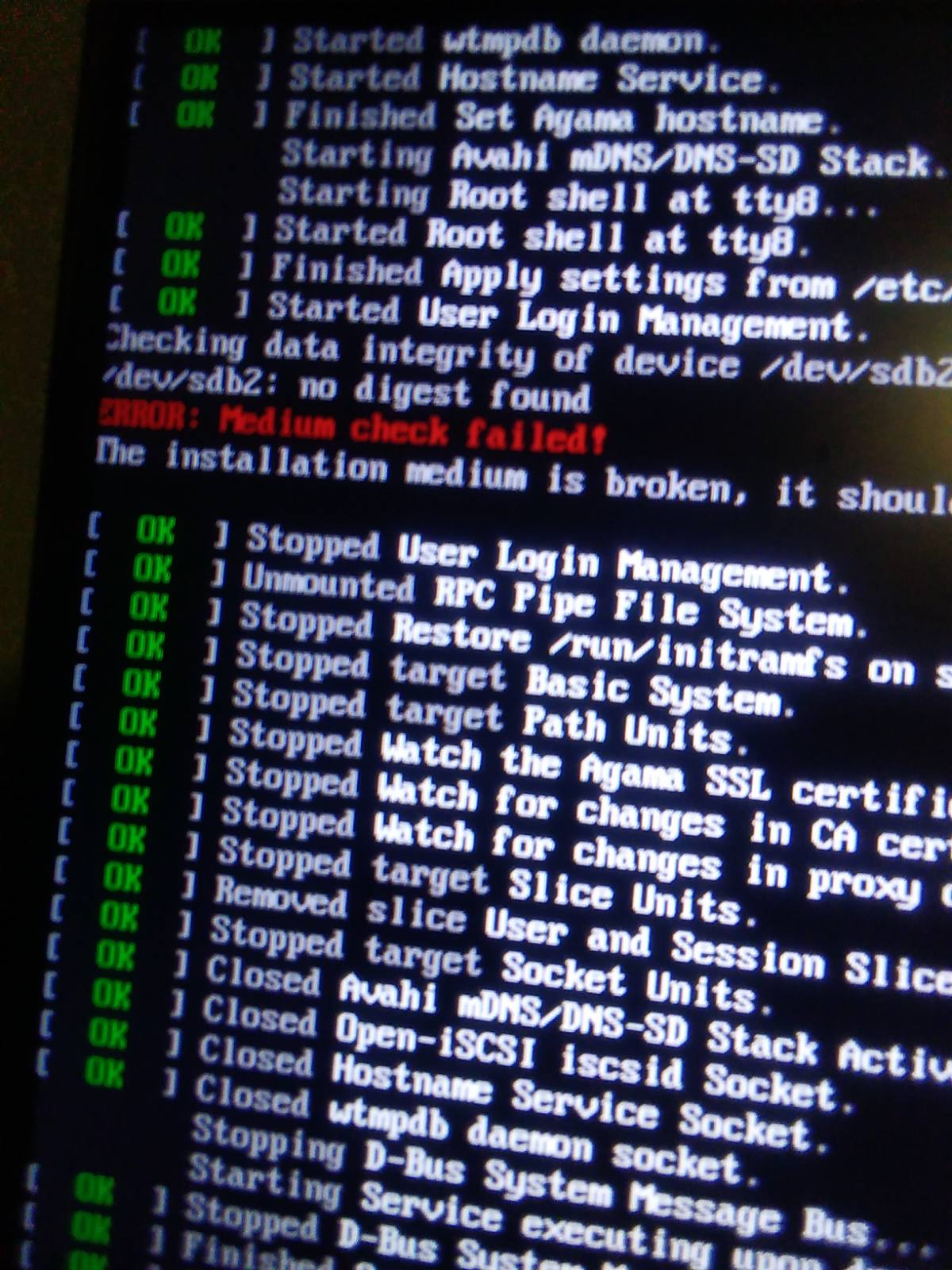
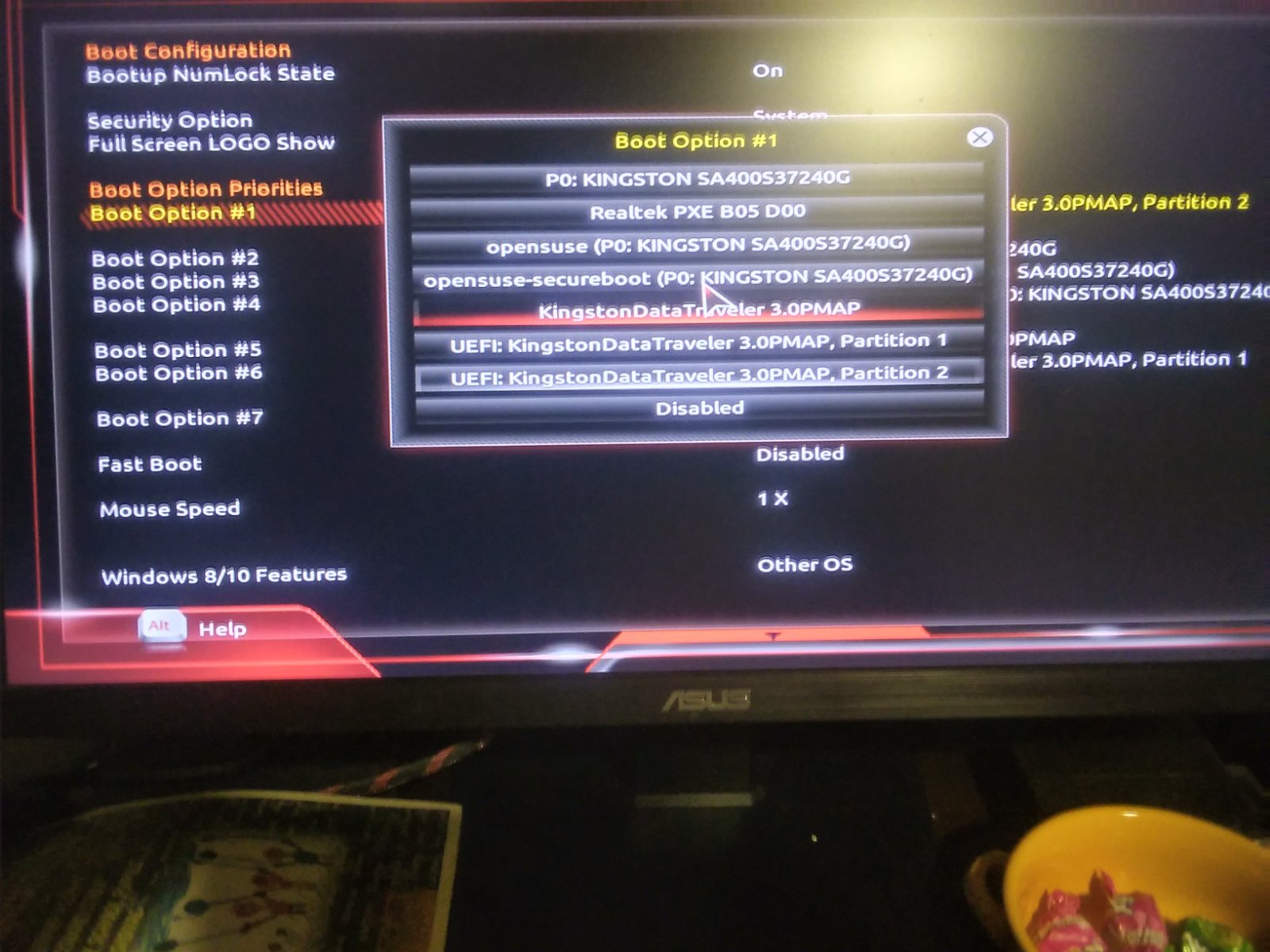
Thank you for answering my questions.

@vajcek Hi so my steps are as follows;

wget https://download.opensuse.org/distribution/leap/16.0/offline/Leap-16.0-offline-installer-x86_64-Build171.1.install.iso.sha256
wget https://download.opensuse.org/distribution/leap/16.0/offline/Leap-16.0-offline-installer-x86_64-Build171.1.install.iso

sha256sum -c Leap-16.0-offline-installer-x86_64-Build171.1.install.iso.sha256 
Leap-16.0-offline-installer-x86_64-Build171.1.install.iso: OK

I add my own Installer root password instead of a random one on boot.

tagmedia --add-tag "live_password=$((openssl passwd -6) | base64 -w 0)" Leap-16.0-offline-installer-x86_64-Build171.1.install.iso
Password: 
Verifying - Password: 
pad = 150
sha256sum = 
partition = 
signature = 
live_password =

su -

After switching to root user, cd to iso image location. I’m using a USB device /dev/sdd;

dd if=Leap-16.0-offline-installer-x86_64-Build171.1.install.iso of=/dev/sdd bs=4M iflag=fullblock oflag=direct status=progress; sync
4450156544 bytes (4.5 GB, 4.1 GiB) copied, 231 s, 19.3 MB/s4469030912 bytes (4.5 GB, 4.2 GiB) copied, 231.995 s, 19.3 MB/s

1065+1 records in
1065+1 records out
4469030912 bytes (4.5 GB, 4.2 GiB) copied, 232.102 s, 19.3 MB/s

lsblk -f /dev/sdd
NAME   FSTYPE  FSVER            LABEL                    UUID                                 FSAVAIL FSUSE% MOUNTPOINTS
sdd    iso9660 Joliet Extension Install-Leap-16.0-x86_64 2025-09-29-13-52-05-97                              
├─sdd1 vfat    FAT16            EFIBOOT                  5A4E-B679                                           
└─sdd2 iso9660 Joliet Extension Install-Leap-16.0-x86_64 2025-09-29-13-51-59-28

Unplug then plug in USB device and sdd2 mounts;

ls /run/media/username/Install-Leap-16.0-x86_64
boot  EFI  install  LiveOS  .signature

If I understood right: these are steps to make bootable usb for installing Leap 16.0 from that? Is it wrong if I downloaded iso before sha?

Maybe my questions are “rookie-questions”, but I please you to answer. Tnx for understanding.

@vajcek Yes, this is the method I use/have used to create bootable install media on a USB device.

No, any order is fine, just make sure the check is done on the image to verify the download is good…

The other thing you could do is clear everything off the USB device. MAKE SURE THIS IS THE CORRECT DEVICE!
wipefs -a /dev/sdb

Once that’s done run that dd command again…

Note to switch to root user it’s su - not just su

Do I type all this in terminal (console? (sorry if question is stupid)