Are you going to push those changes upstream and make a case for this not a release to be included in the official repos? Because otherwise your ‘and’ doesn’t mean anything.
That is not the point, I guess that you misinterpret the general advice by @hui and @mhurron .
The fact is that we don’t know to what extent a package from a home: repo really works, what configurations it is compatible with etc., we don’t know if the repo owner keeps up with snapshot upgrades or even leads them etc. and most importantly home: repo packages do not clear openQA testing with each Tumbleweed snapshot .
The result is that too many troubles here on the Forums are related to unknowingly users installing home: packages.
There is a sort of Catch 22: don’t install home: packages unless you know what you are doing, and if you know what you are doing you don’t need our help.
Hmm. It’s a bit odd. I tend to have more of a problem with the ‘official’ ones, and the fact that they’re too old.
QA only checks the packages in Tumbleweed, Leap and so on. And even there, there are plenty of bugs.
With my own packages, provided I use the programme myself, never.
Just as bad as this blanket condemnation is the blanket installation.
@rbos
I know you are using slowroll I tried it in tumbleweed with labwc and it is working.
Spectacle is the one that is not working in wlroots base wayland like labwc.
@OrsoBruno One of the biggest problems with $HOME repositories is one eye looking after many many packages (or just using links and rely on the linker to maintain), versus many eyes looking on individual/multiple packages that are released via the official repositories.
Likewise no interest in pushing updates for whatever reasons, be that the changed work flow now that maintenance is moving to git etc. I currently have two git based packages (and also the utilities development repo) and still trying to get my work flow running properly…
I have a hard enough time keeping up with the 50-60 packages I maintain and a few in my $HOME (which don’t publish).
@rbos The ksnip I installed is from tumbleweed repo.
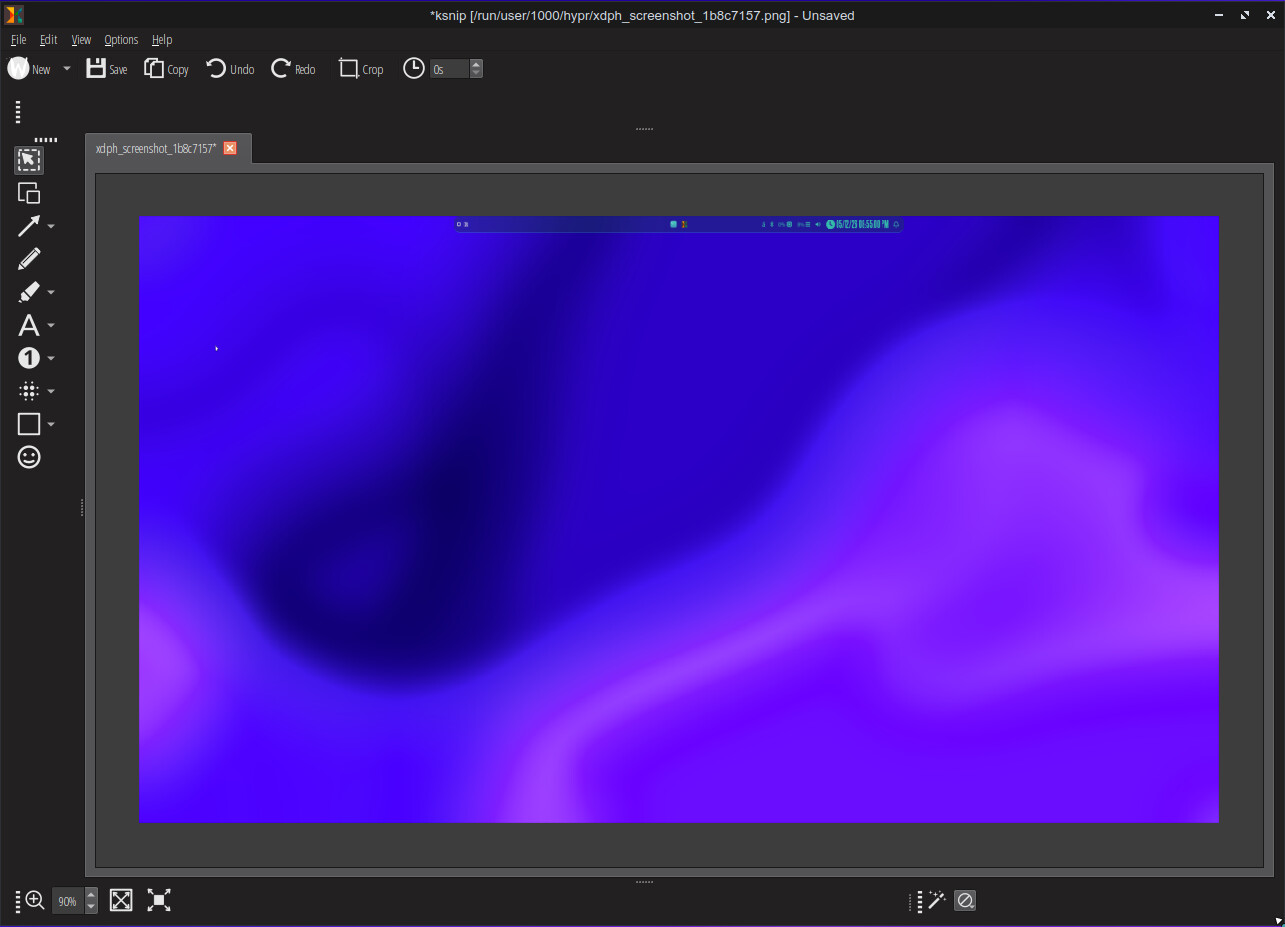
This is the first time I tried it so I’m not really sure if it has a problem. I was able to use it for screenshot of my desktop and resize the image. I didn’t try some of the features.
Here is the image of ksnip in tumbleweed in wayland (labwc)
Ksnip does not work for me in Wayland. Just tried it again.
It can’t make a screenshot
The other observation: the New menu is incomplete, it does not offer the ‘Rectangular area’ or the ‘Last Rectangular Area’ options.
Perhaps the graphics driver does not provide all information (graphical processor: Mesa Intel Graphics).
Spectacle is nice, but Ksnip is better: tabs, nicer way of getting the screenshot, more options to edit the screenshot. A bit more polish then Spectacle. Perhaps Spectacle can be offered with Ksnip GUI, that would be nice.
@rbos if ksnip is not working for you. Another alternative which is close to ksnip is flameshot
You will need to install grim also and configure flameshot to use grim in configuration-general-use grim to capture screenshot.
@rbos Richard, I was using ksnip too in the past, it is simply not wayland ready. Installed the flatpak, fails too. For me Spectacle is the way to go, specially if you install tesseract-ocr and some of its language packages. That allows you to copy text from your images, even from dutch traffic signs.