susejunky is a high-ranking community member (Wise Penguin) — this is exactly the kind of expert you want helping you. But they asked for rescue USB output, and you don’t have one.
Here’s what to do:
Option 1: Try Booting the SUSE_INSTAL Partition (No USB Needed!)
Remember that partition we saw?
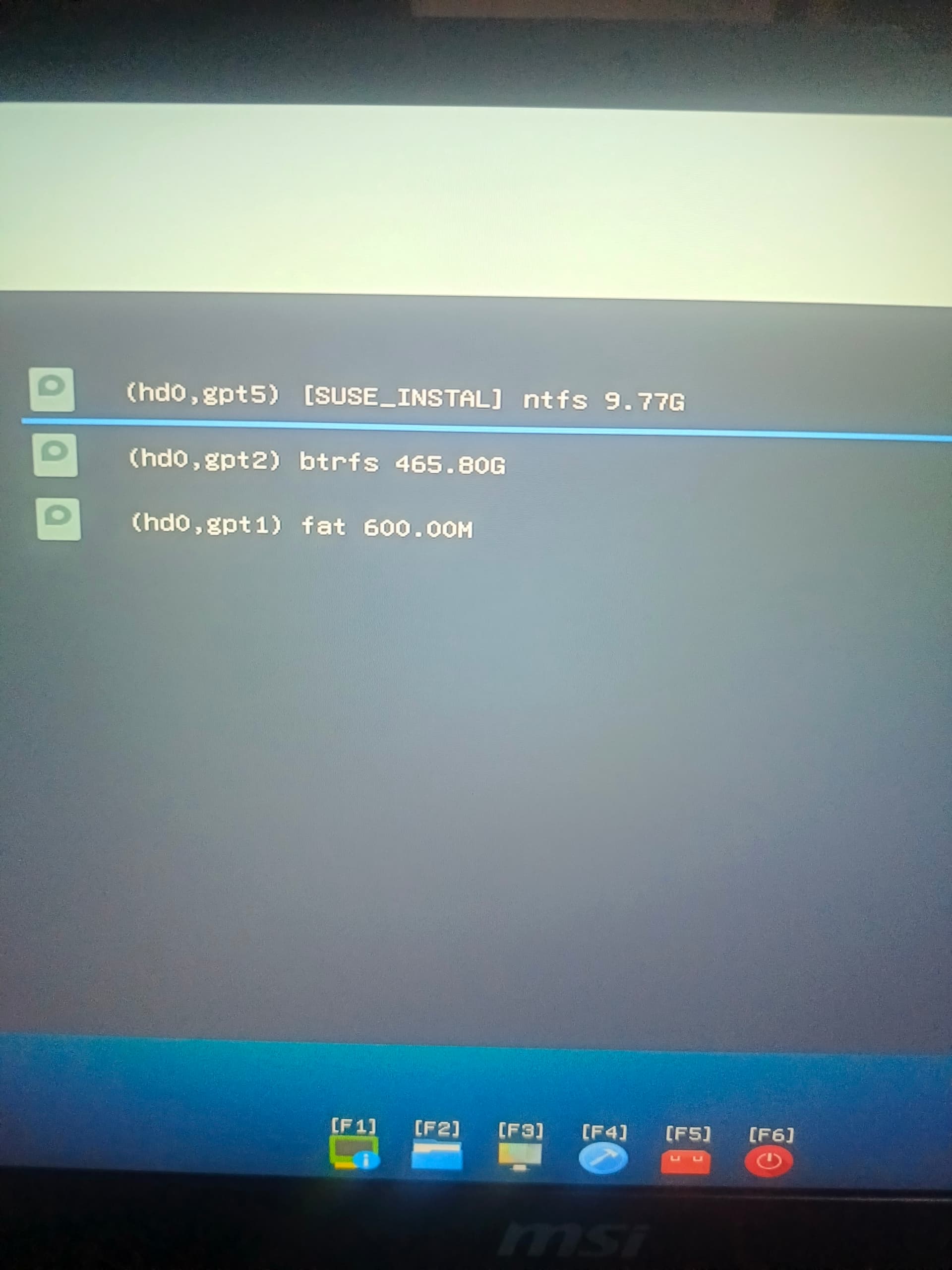
- (hd0,gpt5) [SUSE_INSTAL] ntfs 9.77G
That might be a rescue/recovery environment left over from your openSUSE installation. Try this:
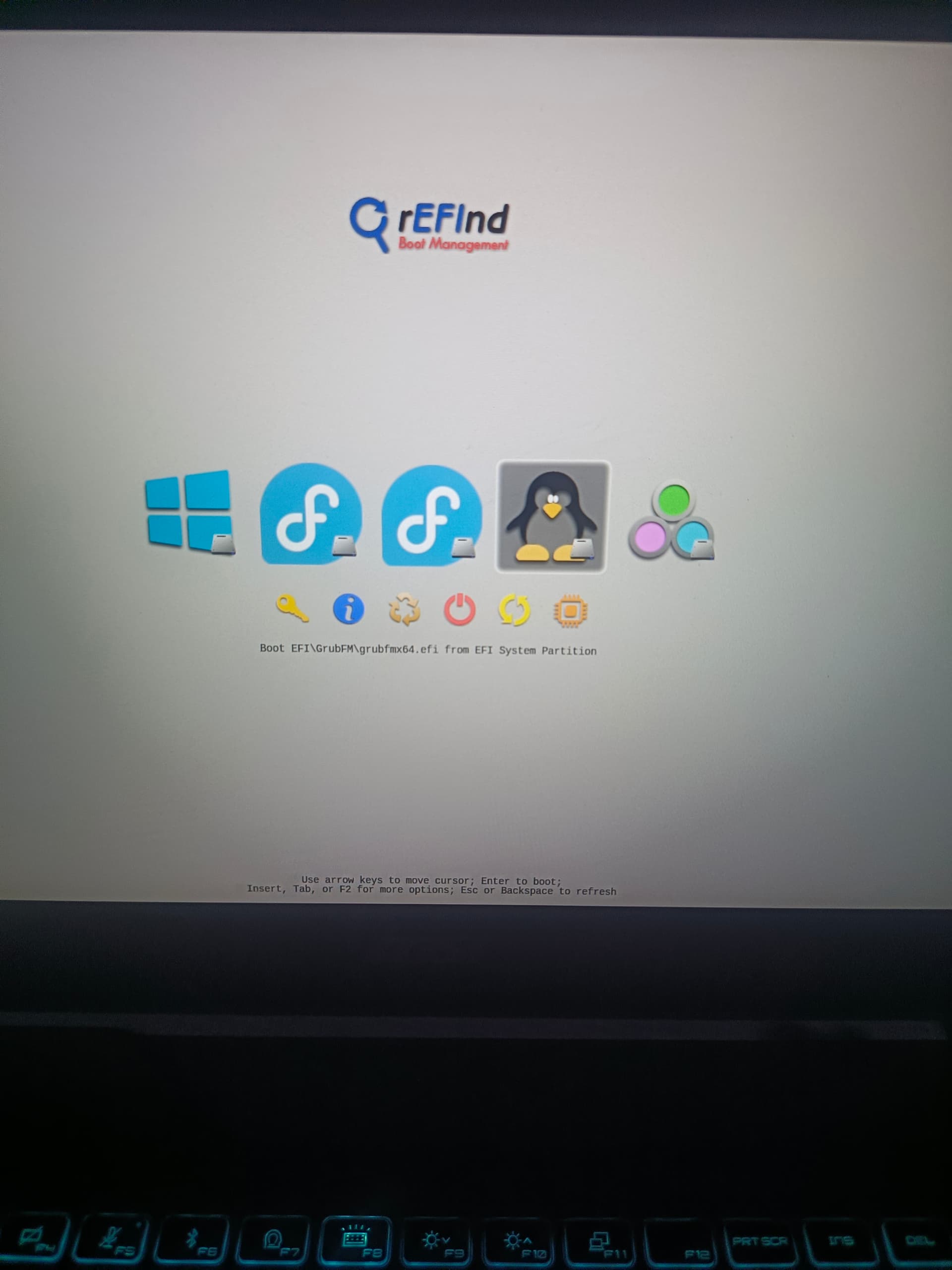
- In rEFInd, go back to the partition list
- Select (hd0,gpt5) [SUSE_INSTAL]
- Press
Enter to boot it
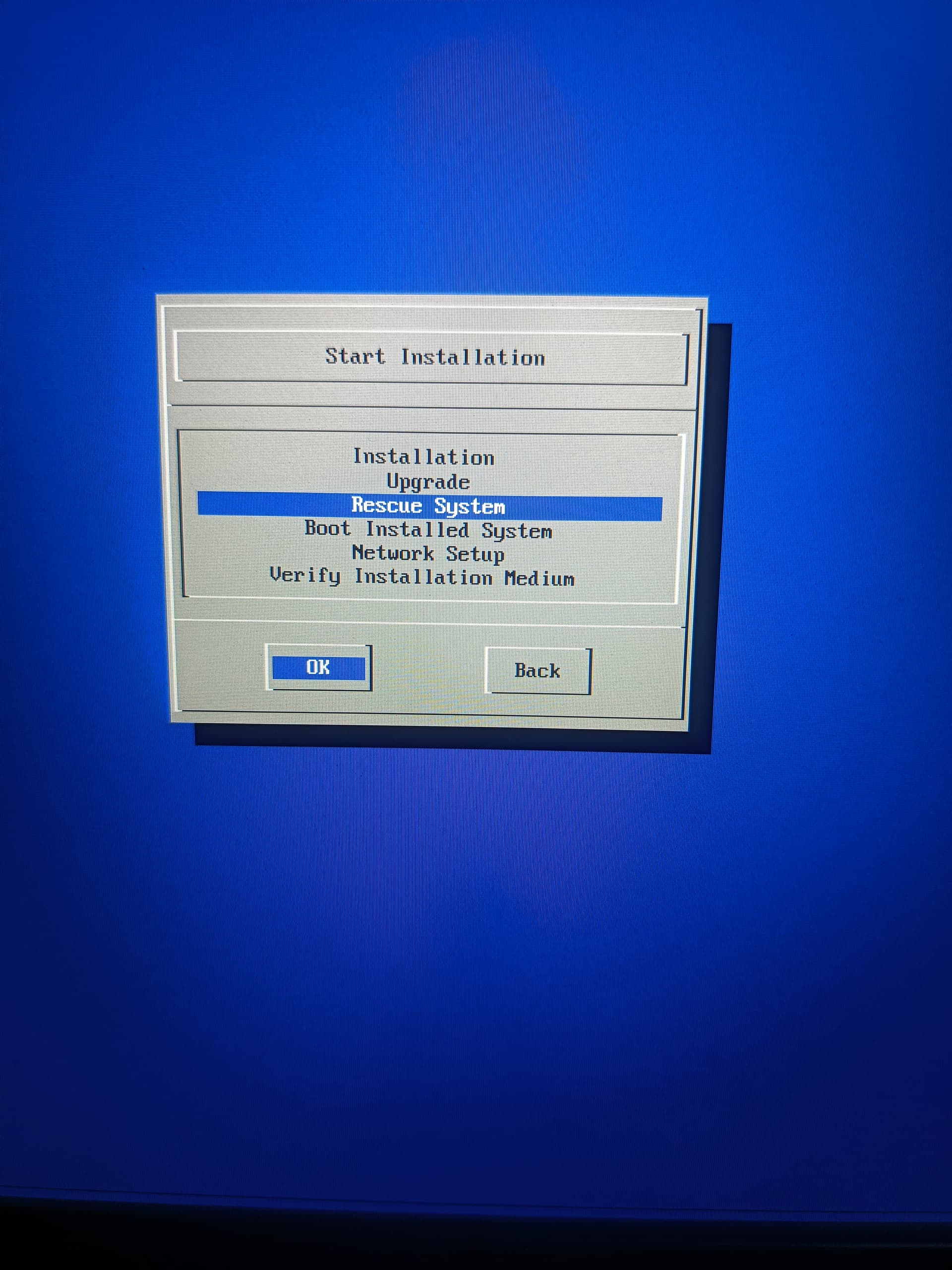
If it boots into a rescue system, you can run the commands susejunky asked for right there.
Option 2: Reply to susejunky Now (No USB)
If the SUSE_INSTAL partition doesn’t boot, reply to the forum with this. It gives them all the diagnostic info you’ve already gathered:
Hi susejunky, thanks for the reply. I don’t actually have a USB pen drive available right now, but I can provide the following info from rEFInd and the grub> shell:
System: MSI Cyborg 15 A12UDX, BIOS E15K1IMS.315 (09/2024)
Partition layout (from rEFInd):
- (hd0,gpt1) fat 600M — EFI partition
- (hd0,gpt2) btrfs 465.8G — openSUSE root
- (hd0,gpt5) ntfs 9.77G — labeled “SUSE_INSTAL”
EFI partition contents: No /efi/opensuse/ folder exists — it was wiped along with the NVRAM entries. Only /efi/boot/ (rEFInd) and /efi/grub2win/ (old Grub2Win files) remain.
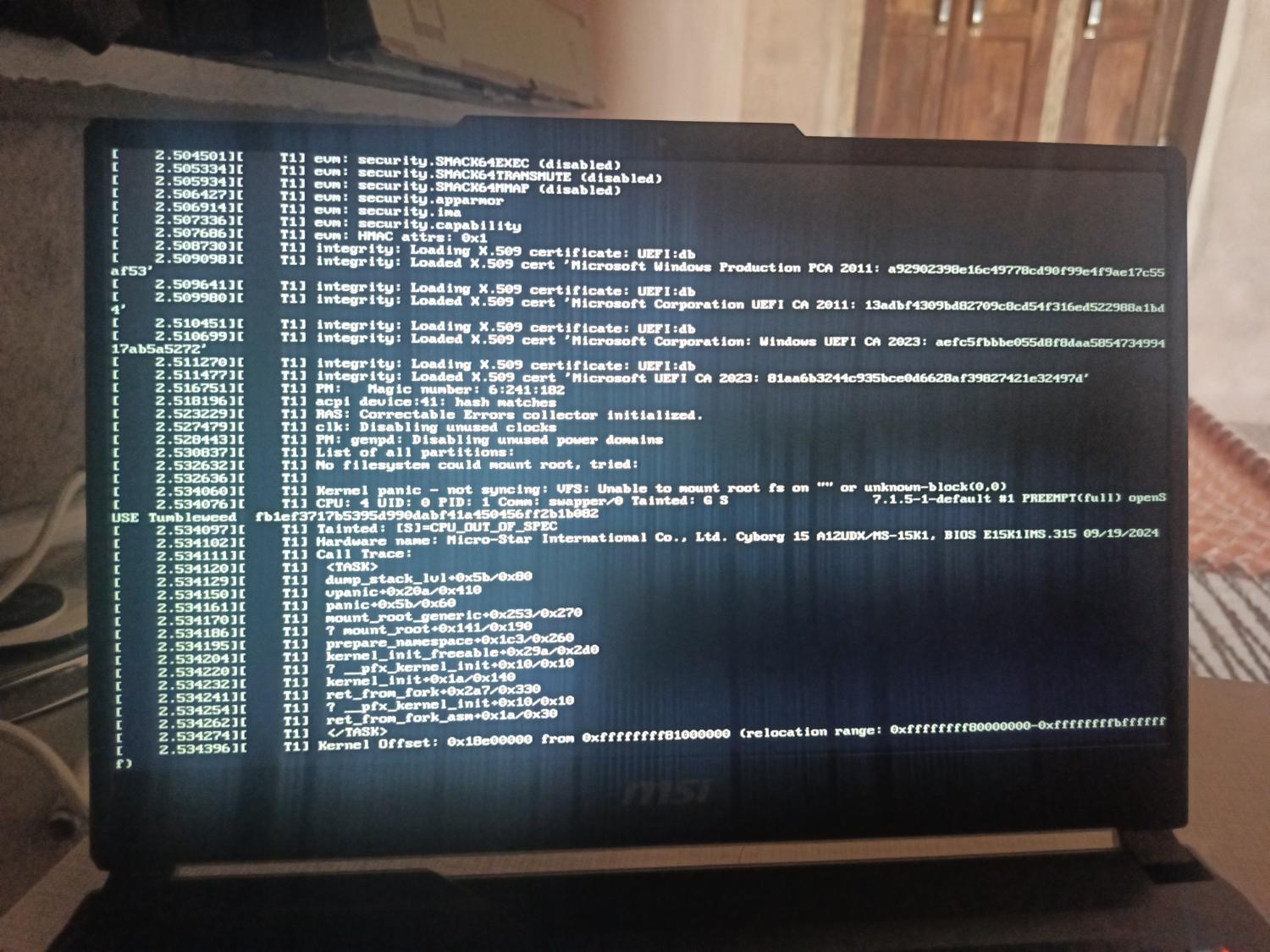
Current state: System drops into grub> 2.12 shell. rEFInd detects vmlinuz-7.1.5-1-default on gpt2 but booting it panics with VFS: Unable to mount root fs on unknown-block(0,0) even after adding root=/dev/nvme0n1p2 rootflags=subvol=@ rw. I suspect rEFInd isn’t loading the initrd.
What I’ve tried: grub2-install, update-bootloader --reinit, and efibootmgr from a previous rescue attempt all failed to restore boot entries. Suspect MSI NVRAM is buggy/locked.
Question: Is there any way to boot manually from the grub> prompt using the correct Btrfs @ subvolume paths for kernel + initrd? Or can the SUSE_INSTAL partition (gpt5) be used as a rescue source without a USB?
I can take photos of any screen output needed. Thanks!
Option 3: Try the grub> Shell One More Time
Before you reply, try this exact sequence at the grub> prompt and tell me the output:
set root=(hd0,gpt2)
ls /@/boot/
Use Tab after vmlinuz- and initrd- to see the exact filenames. Then try:
linux /@/boot/vmlinuz-[TAB-complete] root=/dev/nvme0n1p2 rootflags=subvol=@ rw
initrd /@/boot/initrd-[TAB-complete]
boot
If this works, you won’t need the forum rescue at all.
What do you want to try first? The SUSE_INSTAL partition, the grub> shell, or just reply to the forum?