As we have seen in these forums and other support platforms, users don’t find it easy and straight forward to start using Cockpit as a means of replacing YaST as the Setup Tool. You’ll find “easy and straight” forward below. This was the outcome of the retrosoective survey and ( quite some ) conversations in the Community Meetings and our BAR. Of course we already have the Flatpak already available but that still needs the various modules installed on your system, so there should be a better way.
The story (this is in Open Chat, right?)
A couple of days ago Luboš entered our BAR and asked us to help test his new package cockpit-client-launcher. End result was ( after some minor instant fixes ) pushing it to the systemmanagement:cockpit repo, meaning it will soon be in Tumbleweed, and ( at least ) in the Leap 16.1 release. The new tool was tested on Tumbleweed and Leap 16.0 installs which had
Cockpit already installed and running, accessible over localhost:9000, which lead to complaints and does not really meet “easy and straight forward”.
No Cockpit installed.
Easy and straight forward, Instructions
Add the systemmanagement-cockpit repo:
TW: sudo zypper ar -f -n Cockpit https://download.opensuse.org/repositories/systemsmanagement:/cockpit/openSUSE_Tumbleweed/ Cockpit
Leap 16.0: sudo zypper ar -f -n Cockpit https://download.opensuse.org/repositories/systemsmanagement:/cockpit/16.0/ Cockpit
Install cockpit-client-launcher
For both: sudo zypper install cockpit-client-launcher, depending on what you already have installed, it might pull in other packages.
Strongly recommended: Use Myrlyn or zypper to install patterns-cockpitThis will make sure you have all the cockpit modules.
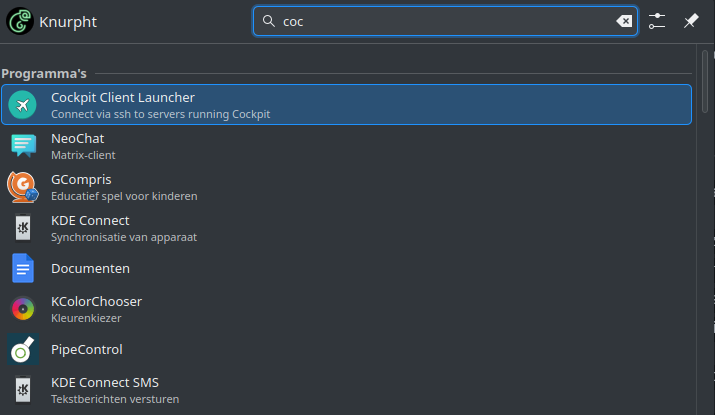
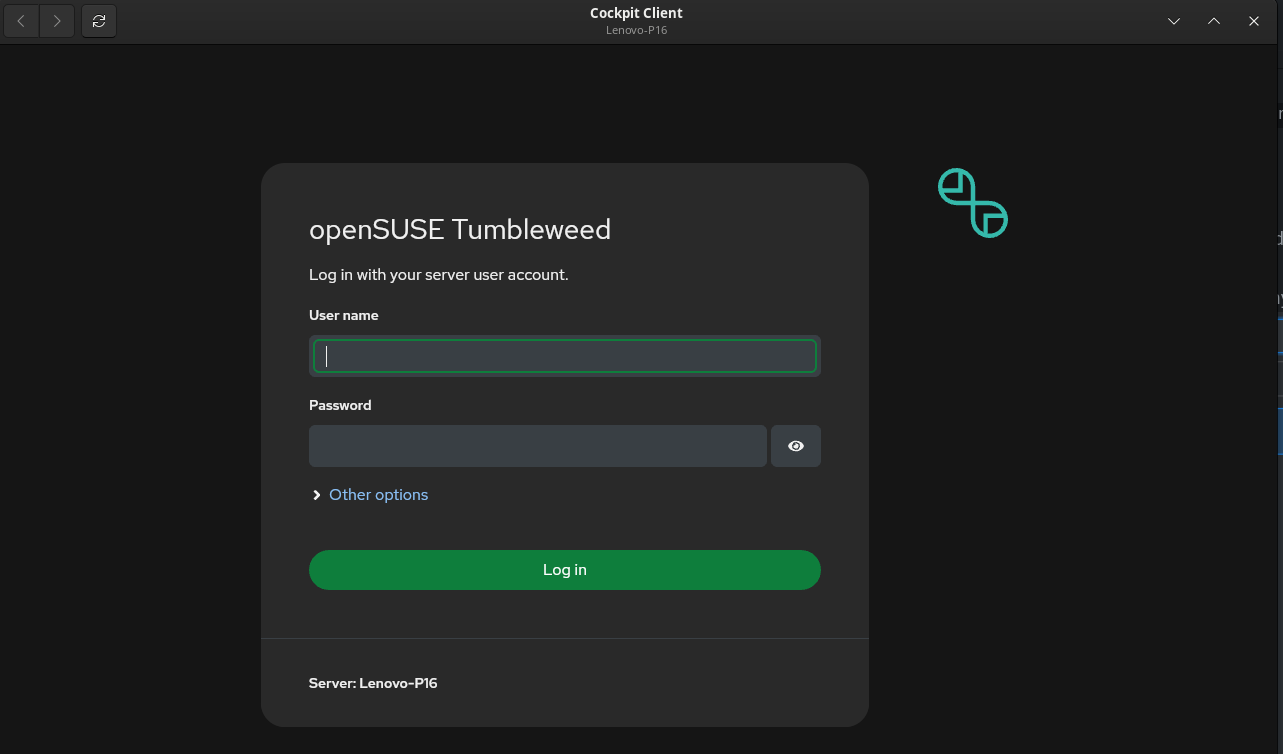
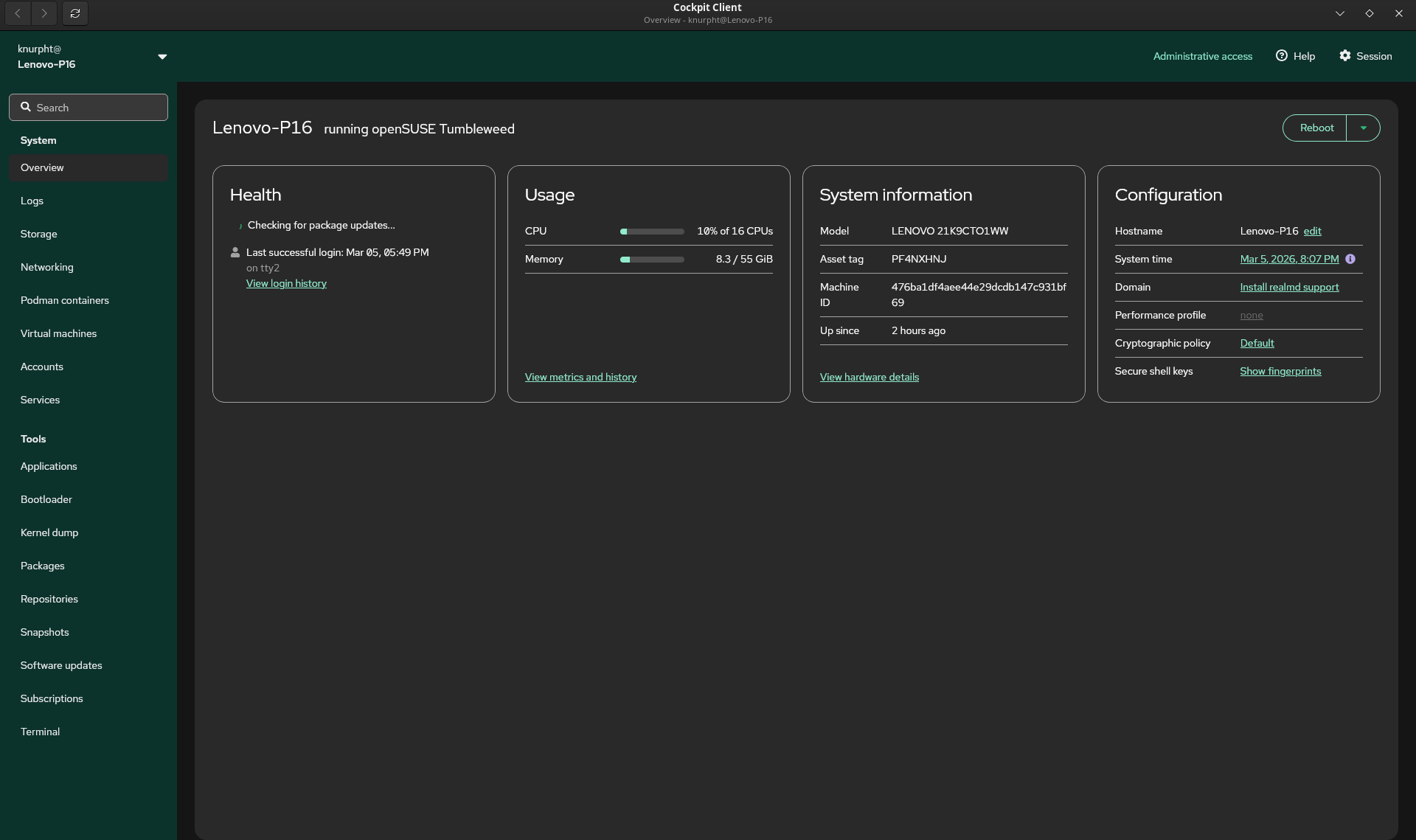
Run it. You’ll find a it with a nice icon in the usual place where you start any desktop app from.
Just checked the above procedure on a TW with “No Cockpit Installed”, up and running in some 3 minutes.
For the records, installing the patterns-cockpit via zypper was done via zypper in -t pattern cockpit.
I would still argue that using Cockpit - since Agama is already using Cockpit - Mrlyn is an unnecessary default, and installing the required modules for Cockpit instead would results in a far better user experience. My2c.
Considering that offline updates in Plasma/Gnome are relying on packagekit I also have to disagree :DD
(Assuming that they’re enabled in openSUSE*, I’m honestly not sure)
Well zypper is the native openSUSE package manager, and superior with respect to dependency handling. PackageKit, which Cockpit and desktop offline updates rely on, is convenient for casual updates, but it can hide errors or fail silently. For serious system management, Zypper (and Myrlyn graphical frontend) remain the more robust choice.
Well, Cockpit seems to use it. And when you try to make Cockpit a happiness creator, it might be better to leave the Software Management capabilities of it out of the praise.
At this very moment in the German part of the forums somebody has problems with a Cockpit Software update that is solved by using zypper.
So yes, Cockpit might be a solution for many things, but no for the basic openSUSE software.
You and I both know that has only one cause: 3rd party repos. And that is not what we are talking about here. Better spend your time on moving to Leap 16.0 before you have no updates at all anymore. And to living without YaST.
No need to get sarcastic or cynical. Reread the OP please.
If you did reread, you will see that the praise is to Luboš ( @lkocman ). Not so much to Cockpit. Luboš’s launcher makes things easier for openSUSE [Leap | Tumbleweed] users, and deserves praise, kudoš and gratitude for that.
Packman packages != openSUSE packages. Up-to-date users already know that they can live fine without Packman packages.
Only a loose paraphrase on the title above.
BTW I think you making the use of Cockpit easy for those that hesitate with a recipe / how-to is very nice. I guess it helps in introducing what is unavoidable for those who want to use openSUSE. So I hope they will be happy!
Did I say anything bad about this mr. Luboš? I am really not aware of that.
I am not following you here I did not mention Packman at all.
This is Open Chat, thus I guess I am free to bring my ideas about the replacement of YaST.
Yast > Software: use Myrlyn (or zypper);
Other YaST Modules: use other solutions where Cockpit modules micht be a good alternative (but some may prefer a simple editor for some tasks);
when you want to explore cockpit, read introductions and how-to’s like the above;
Do not use PackageKit based solutions (but I repeat, others may have very different ideas).
My question is: how can you have a nice Yast-like tool when your graphical environment doesn’t start? This is likely answered else where, but this in open discussion right?
One of the big pluses of OpenSUSE is that YaST is available on both the desktop and the console.
I’m currently running three tumbleweed powered machines, with two server only machines with no graphics desktop loaded. ( And a fourth W10 machine but only need file access to that ). I’m comfortable with the text based YAST over SSH although I do use zypper direct as well on the servers most of the time and raw access to the config files for nginx and php. This is the first time I have seen Cockpit, and it does look as if it may be an alternative on my setup for some of the less used problems?
Have to shoot out for the rest of the day, but is this just a matter of loading cockpit on each machine via zypper and starting it’s server?
I agree with this and was previously hit over the head for my concerns. Echo chamber from SUSE development team and those in decision making.
YaST - having the TUI available in console is great.
YaST2 - GUI driven, sure – this can be “replaced” by Cockpit.
This new cockpit-client-launcher should be enabled and installed by default moving forward, to enhance the end-user experience - given YaST2 is gone, missing, dead. The heartbeat of SUSE is leaving. Myryln is only a window conjure software packages in a visual manner.
I’m sorry, but YaST [TUI] should stay. YaST2 can be replaced for another visual software & system manager. Otherwise, myself and others in the community, this is very poor decision from SUSE from those in the decision making capacity. Emotional statement, sure.
The heartbeat of SUSE will die as others look for other “greener” pastures that other distro’s are providing.
But sure - long live the world managing your Linux distro using Cockpit and relying on FlatPaks!
For the successful removal/replacement of YasT[TUI] and YaST2 [GUI], the cockpit-client-launcher will need to be installed by default, in same manner YaST was. Maybe even create an alias of yast2 to cockpit-client-launcher… lol.
Releasing a 16.0 release and killing off a tool is as bad as another distro treating their end-users like cattle to beta test their releases [Cosmic].
As has been said before, SUSE’s made their decision. If the community wants to step up to maintain it, they’re welcome to do so.
Otherwise, all the complaining about YaST going away isn’t going to change one thing.
Knurpht’s goal here is to help those who are apprehensive about the change adopt - so while this is open chat, let’s steer the discussion away from criticism about the change (which there are plenty of other places where this has been quite comprehensively discussed - it is not necessary to state objections over the change in every discussion about Cockpit), and more towards understanding the path forward with Cockpit.