Hey, I worked with memtest_vulkan a bit and test 2 (5 minute test) passed. I have been running the llvm pipe (test 2) for about 1 hour with no failures. I filed an issue there and was told Nvidia Keplar based GPU’s are not supported (test 1) fails with errors.
I do not know about glmark2 yet, it looks like one has to compile it.
Presumably reset is ignored. Scrub times out and is killed without further ado.
Ok, I believe now that interfering with a scrub will not cause further damage. Should I proceed to clone the primary drive once again and then perform a btrfs balance start / this time on the primary drive at this point or what?
I am trying to understand why running btrfs balance cause the drive to become mounted read only and if possible try to cause this to not happen any longer.
You cloned the btrfs file system from HDD to SSD. Correct? If yes try a full balance on the clone:
btrfs balance start --full-balance ...
NOTE:
The balance command without filters will basically move everything in the filesystem to a new physical location on devices (i.e. it does not affect the logical properties of file extents like offsets within files and extent sharing). The run time is potentially very long, depending on the filesystem size.
To prevent starting a full balance by accident, the user is warned and has a few seconds to cancel the operation before it starts. The warning and delay can be skipped with --full-balance option.
Hey, I am planning on cloning the btrfs filesystem From SSD (primary) to HDD (backup) - (once again). I was mixed and stumbling with unability to use vkmark as I discovered that it does not support Keplar hardware. I have not run glmark2. My plan then is/was to attempt a full balance once again. Which drive would this be preferable to test balance on once cloning is completed? Previously I was attempting the problematic balance on the cloned HDD (backup).
Yes, you are mostly correct, except: My intention is to once again try a full balance on the clone (HDD) backup drive.
Hey, are there any differences between SSD and HDD drives that you are aware of when running a full balance with quotas off?
How about this command: time btrfs balance start --full-balance ? As I would like to see the status of balance while performing this operation.
I just wish to verify that a balance should be performed while the drive is mounted. Is this correct?
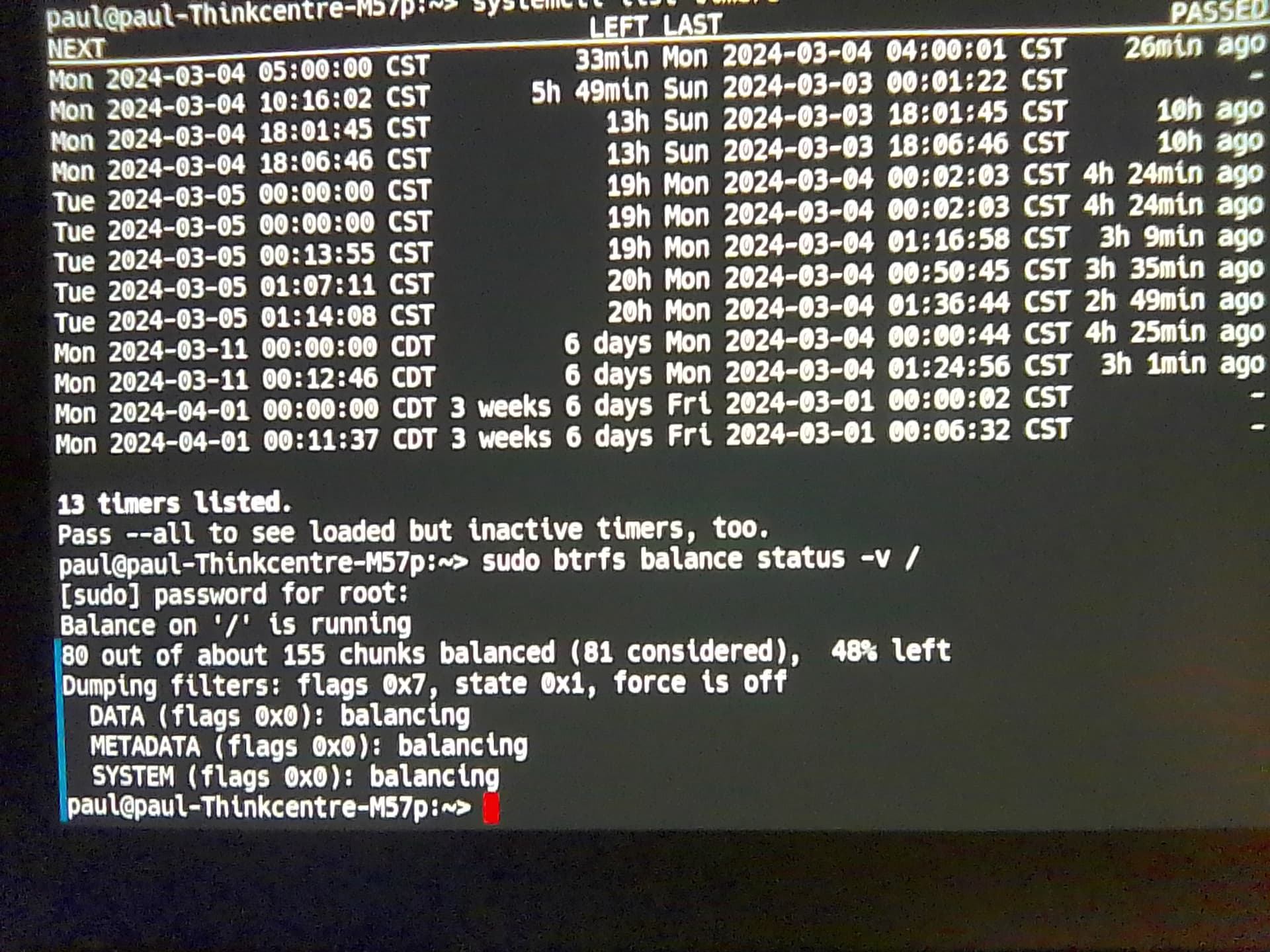
Hi, balance has been stuck on the following status: 25 out of about 155 chunks balanced (26 considered), 84% left
For 45 minutes of time now. The drive indicator light is on.
Initially when beginning the balance I was able to use the machine for a while (probably up to 15 minutes into the balance). Is this something that you are aware of that is common?
Don’t worry, just let it run. I’ve seen mine go from several percentages left to finished in less than a second. I’ve also seen it go slowly all the way to 100%.
As your previous btrfs check showed no errors, there’s nothing yet to worry about
Edit: make sure to check the output of sudo btrfs fi usage / just to make sure you haven’t run out of space during the rebalance!
Thanks for sharing your thoughts on this. The remainder has gone down to 80% now since last message. I will inform back on the situation.
This btrfs fi usage /path is to be run mounted after balance has been completed? Balance does not cause the drive undergoing the balance to lose space does it? Obviously I have more reading to do on all this but please do share your thoughts also.
Previously also on this machine, balance would have caused read only mode (in the time passed by now on this balance instance). With quotas enabled previously balance would fail out much much sooner.
How often should a scrub, check and balance be preformed in your opinions?
What if you never ever run a balance or let alone scrub?
I assume you’re already mounted since the balance is running, if so it’s safe to view the usage. Balance while it’s running does increase usage IME, once it’s done it should reduce usage unless it has over-allocated space. In which case you can run the following quick balance to reclaim any totally unused (yet allocated) blocks:
# very quick, runs in the background
sudo btrfs balance start -dusage=0 -musage=0 --bg /
# show status of balance if one is running
sudo btrfs balance status -v /
Being mounted as R/O could’ve been due to too many errors. Quotas can have weird performance and stability issues when used with too many snapshots. Implications extend to running balance or other operations such as defrag as well.
Normally scrub/balance/trim operations are carried out automatically using systemd timer units on the 1st of every month.
Check when they’re going to run using:
systemctl list-timers | grep btrfs
Not running a balance or scrub is not recommended. The automated scripts only does the quick rebalancing I referenced above, so it doesn’t put too much strain on the system. For example, both zfs and mdraid also scrubs (checks for bad data blocks) every month.
This is disturbing news for the balance on HDD I presume? To my experience a failing full balance points to severe problems.
To verify the problem is indeed associated with the HDD you may try the full balance on the SSD replica of the btrfs. If that works the issue is indeed with the HDD and not with your system or the SSD.
Note: Infamous host erlangen has plenty of RAM and wiggle space on its SSDs. You may consider switching to multi-user or even emergency by running systemctl isolate multi-user.target or systemctl isolate emergency.target. Revert with systemctl isolate graphical.target.
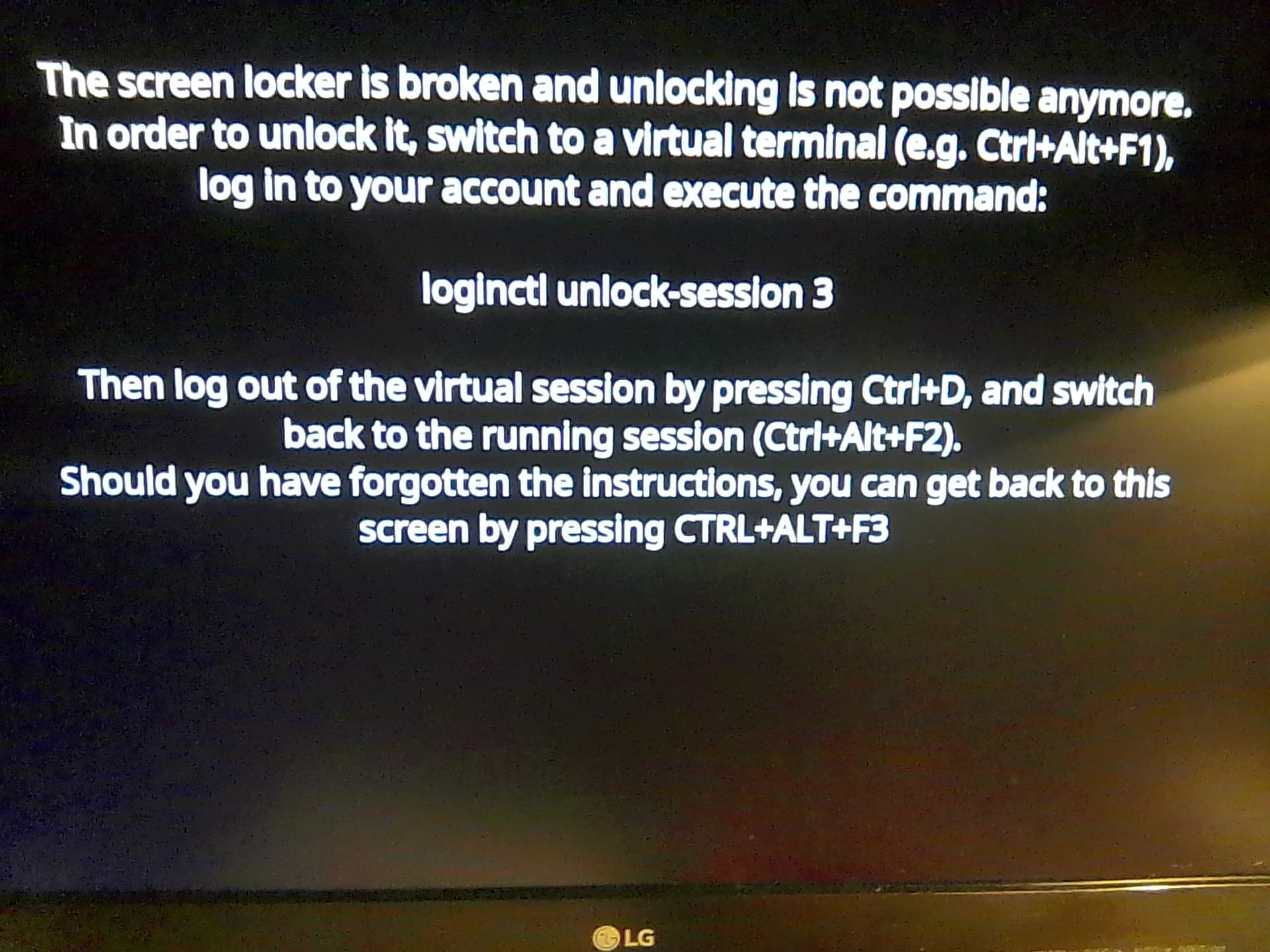
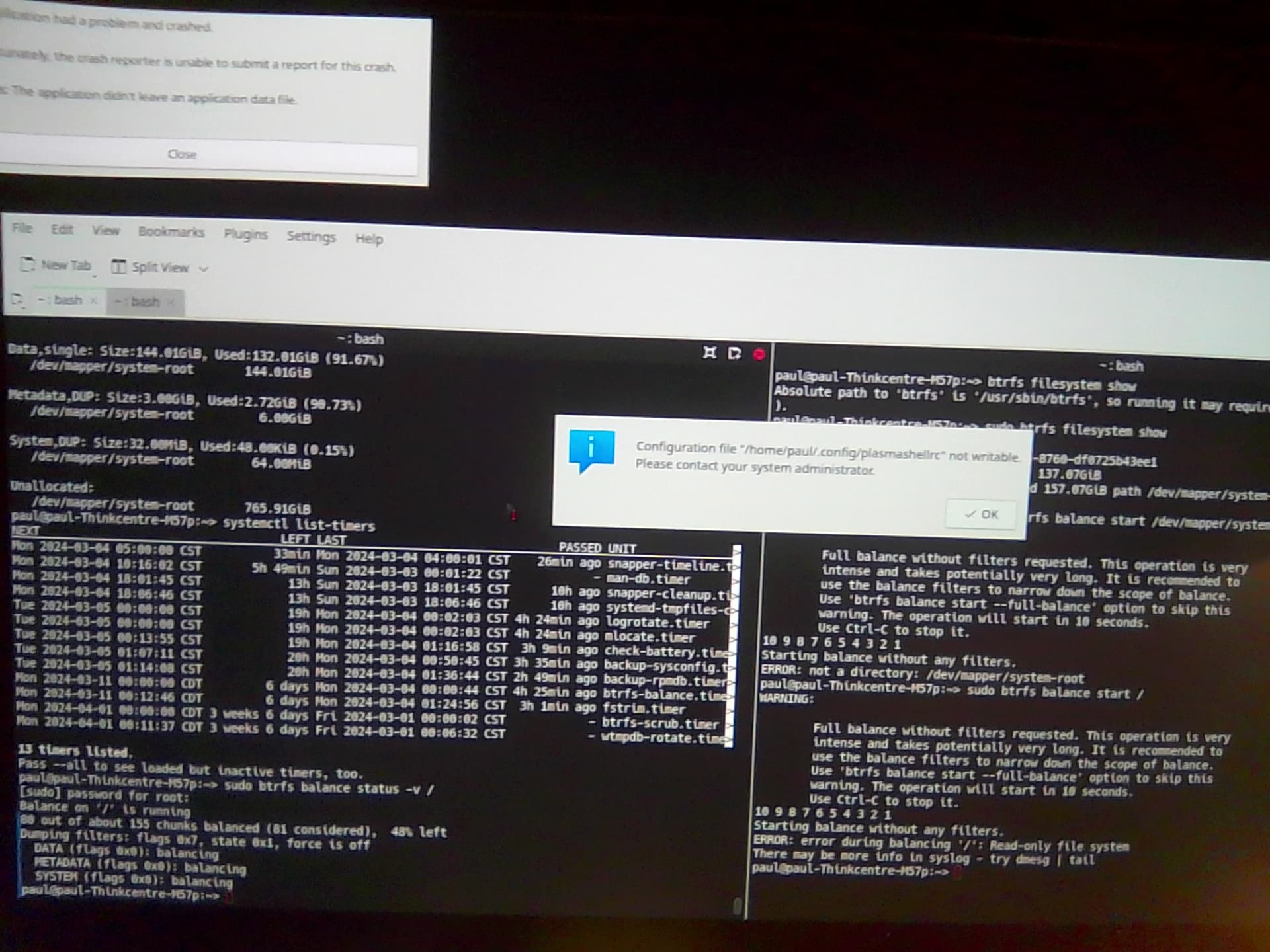
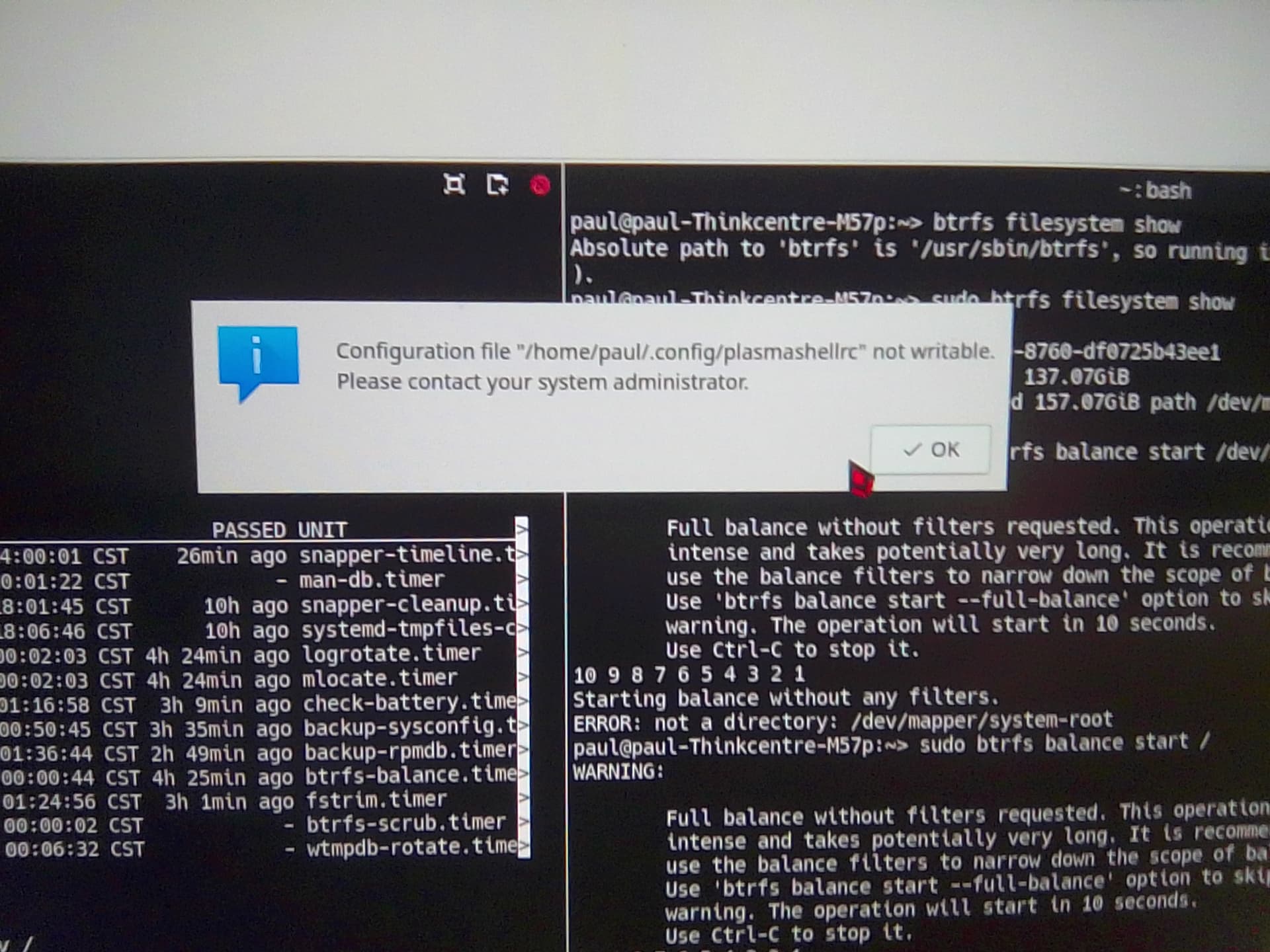
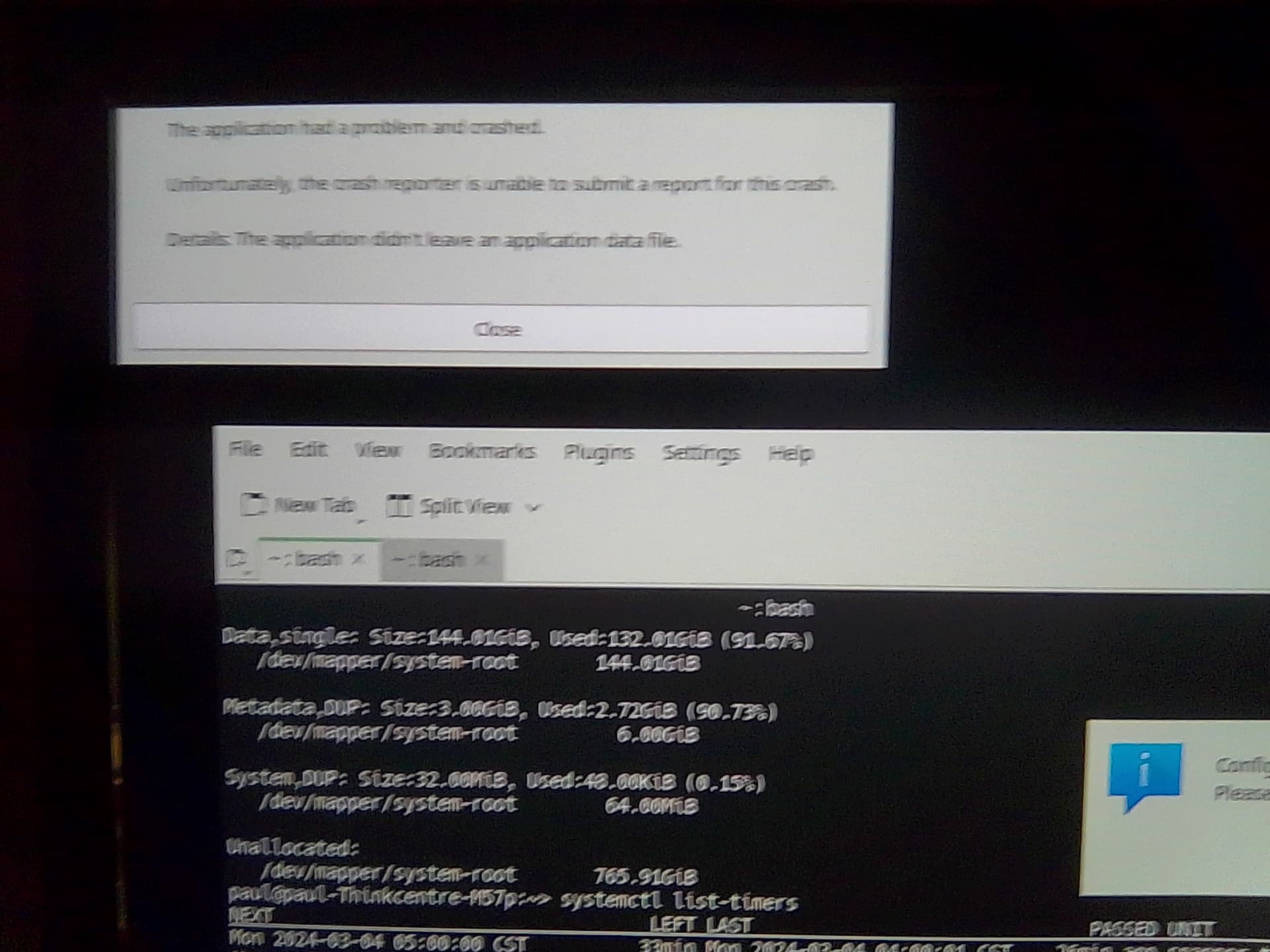
I concur this indeed is “disturbing” news. I approached the machine and turned on the display to be presented with what I believe to be once again a read only filesystem (failure of full balance). I have attached images of the errors displayed to this message, for insight.
I will now attempt to power down the machine. Then I will connect the primary (SSD) and proceed to clone it once again to the backup (HDD). I will then verify the backup (HDD) functionality. Then I will detach the backup (HDD), if it is a functional clone once again. Then I will attempt to run a full balance then on the primary (SSD).
Is what you suggest above to be done before the full balance on primary (SSD) is envoked?
Hey, do you believe that another btrfs check on the unmounted and cloned primary (SSD) should be performed before the next full balance also?
Hey, I just ran a full balance on the primary (SSD) with the following results:
Thinkcentre-M57p:~ # btrfs balance start /
WARNING:

        Full balance without filters requested. This operation is very
        intense and takes potentially very long. It is recommended to
        use the balance filters to narrow down the scope of balance.
        Use 'btrfs balance start --full-balance' option to skip this
        warning. The operation will start in 10 seconds.
        Use Ctrl-C to stop it.
10 9 8 7 6 5 4 3 2 1
Starting balance without any filters.
ERROR: error during balancing '/': Read-only file system
There may be more info in syslog - try dmesg | tail
Thinkcentre-M57p:~ # dmesg | tail
[ 2571.069434]  kthread+0xe8/0x120
[ 2571.069442]  ? __pfx_kthread+0x10/0x10
[ 2571.069450]  ret_from_fork+0x34/0x50
[ 2571.069459]  ? __pfx_kthread+0x10/0x10
[ 2571.069466]  ret_from_fork_asm+0x1b/0x30
[ 2571.069475]  </TASK>
[ 2571.069481] ---[ end trace 0000000000000000 ]---
[ 2571.069488] BTRFS: error (device dm-2: state A) in btrfs_run_delayed_refs:2249: errno=-117 Filesystem corrupted
[ 2571.069497] BTRFS info (device dm-2: state EA): forced readonly
[ 2571.074959] BTRFS info (device dm-2: state EA): balance: ended with status: -30
Thinkcentre-M57p:~ # mount
/dev/mapper/system-root on / type btrfs (ro,relatime,ssd,space_cache,subvolid=1553,subvol=/@/.snapshots/1110/snapshot)
The machine did not fully lockup on the primary (SSD) like it did running full balance on the backup (HDD) though.
Yes. Switch to emergency.target. This will terminate all processes and create an emergency shell.
Login to the shell and run a check: btrfs check --force --progress /dev/mapper/system-root. Stay in the emergency shell and run the full balance. Report back.
Tested the above on infamous host erlangen yesterday:
erlangen:~ # journalctl -q -u init.scope -g Emergency
Mar 04 12:55:29 erlangen systemd[1]: Started Emergency Shell.
Mar 04 12:55:29 erlangen systemd[1]: Reached target Emergency Mode.
Mar 04 13:08:08 erlangen systemd[1]: Stopped target Emergency Mode.
Mar 04 13:08:08 erlangen systemd[1]: Stopping Emergency Shell...
Mar 04 13:08:08 erlangen systemd[1]: Stopped Emergency Shell.
erlangen:~ #
Ran the check in emergency shell and reverted to graphical without further ado.
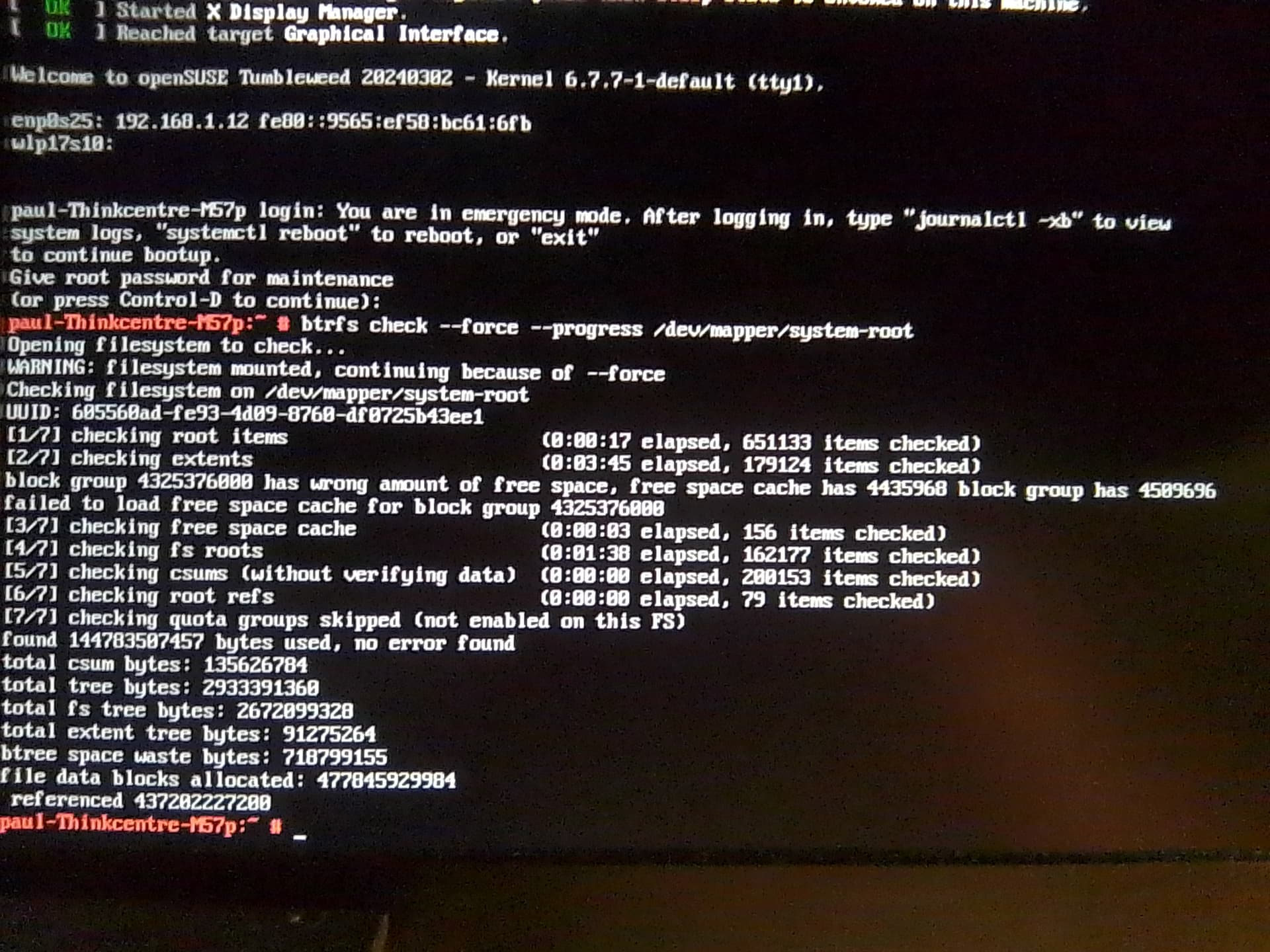
Hi, reporting back now: Switched to emergency target mode then ran: btrfs check --force --progress /dev/mapper/root - results = no error found. On freshly cloned, mounted backup (HDD).
I do not believe --progress showed the progress of the check though.
Proceeded to run balance while mounted and in emergency mode also: btrfs balance start / resulted in the following:
ERROR: error during balancing '/': Read-only file system
There may be more info in syslog - try dmesg | tail
I have attached images of the btrfs check and btrfs balance results when ran in emergency mode below:
If you have backups, run btrfs check -p /dev/<your-btrfs-partition> and btrfs check --repair /dev/<your-btrfs-partition> from rescue ISO as root while the btrfs filesystem is unmounted.
DO NOT run repair if you do not have backups as it could cause more damage than good.
EDIT: do what @karlmistelberger said. He’s more knowledgeable when it comes to btrfs. period.