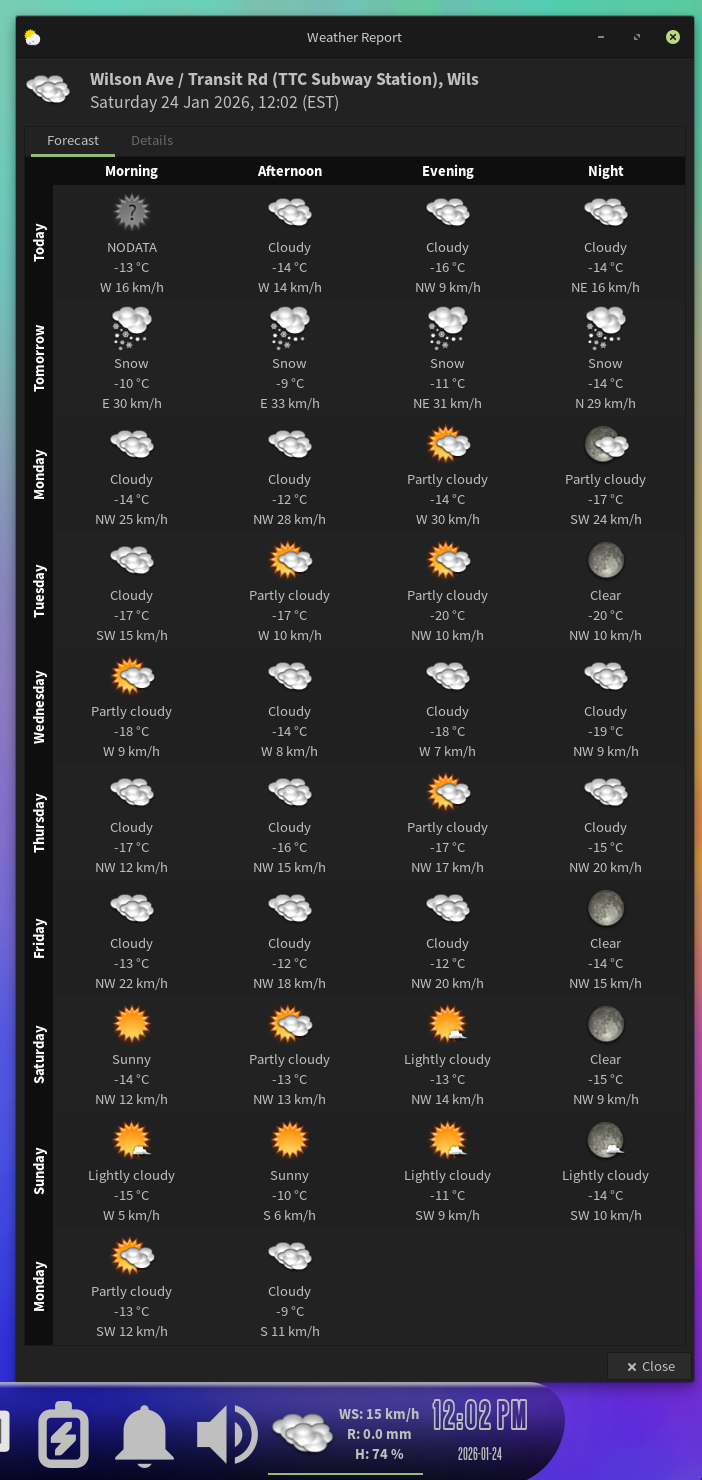
I installed the debug package for the plugin and ran libweather.so through gdb. It reported a segfault, but the openSUSE page on gdb indicates it would save a file gdb.txt to the same directory it was run from, but that file did not save.
One of the Xfce devs wants a backtrace. This is what gdb displayed:
gdb /usr/lib64/xfce4/panel/plugins/libweather.so
GNU gdb (GDB; openSUSE Tumbleweed) 16.3
Copyright (C) 2024 Free Software Foundation, Inc.
License GPLv3+: GNU GPL version 3 or later http://gnu.org/licenses/gpl.html
This is free software: you are free to change and redistribute it.
There is NO WARRANTY, to the extent permitted by law.
Type "show copying" and "show warranty" for details.
This GDB was configured as "x86_64-suse-linux".
Type "show configuration" for configuration details.
For bug reporting instructions, please see:
http://bugs.opensuse.org/.
Find the GDB manual and other documentation resources online at:
http://www.gnu.org/software/gdb/documentation/.

For help, type "help".
Type "apropos word" to search for commands related to "word"...
Reading symbols from /usr/lib64/xfce4/panel/plugins/libweather.so...
Reading symbols from /usr/lib/debug/usr/lib64/xfce4/panel/plugins/libweather.so.debug...
(gdb) run
Starting program: /usr/lib64/xfce4/panel/plugins/libweather.so
This GDB supports auto-downloading debuginfo from the following URLs:
https://debuginfod.opensuse.org/
Enable debuginfod for this session? (y or [n]) y
Debuginfod has been enabled.
To make this setting permanent, add 'set debuginfod enabled on' to .gdbinit.
Downloading 43.45 K separate debug info for system-supplied DSO at 0x7ffff7fbb000
Program received signal SIGSEGV, Segmentation fault.
0x00007ffff7fbd000 in ?? ()
(gdb)
Given the number of crashes I saw when I ran coredumpctl list, it appears when Xfce is loading in after login, that is when the plugin is crashing and restarting, likely from that illegal instruction, but because it crashes/restarts once at login, I do not see the image I posted above, that only appears on the second crash/restart.