Hi,
I had installed Leap 15.3 dual booting with Windows 11 on my DELL Inspiron laptop. Leap got corrupted and does not boot giving the following error:
[Failed] Failed to start Post Mail agent
But Windows on the same system is working. I want to install Leap 15.4 dual. There is no DVD player on the system. Hence it has to be installed from a USB Sandisk.
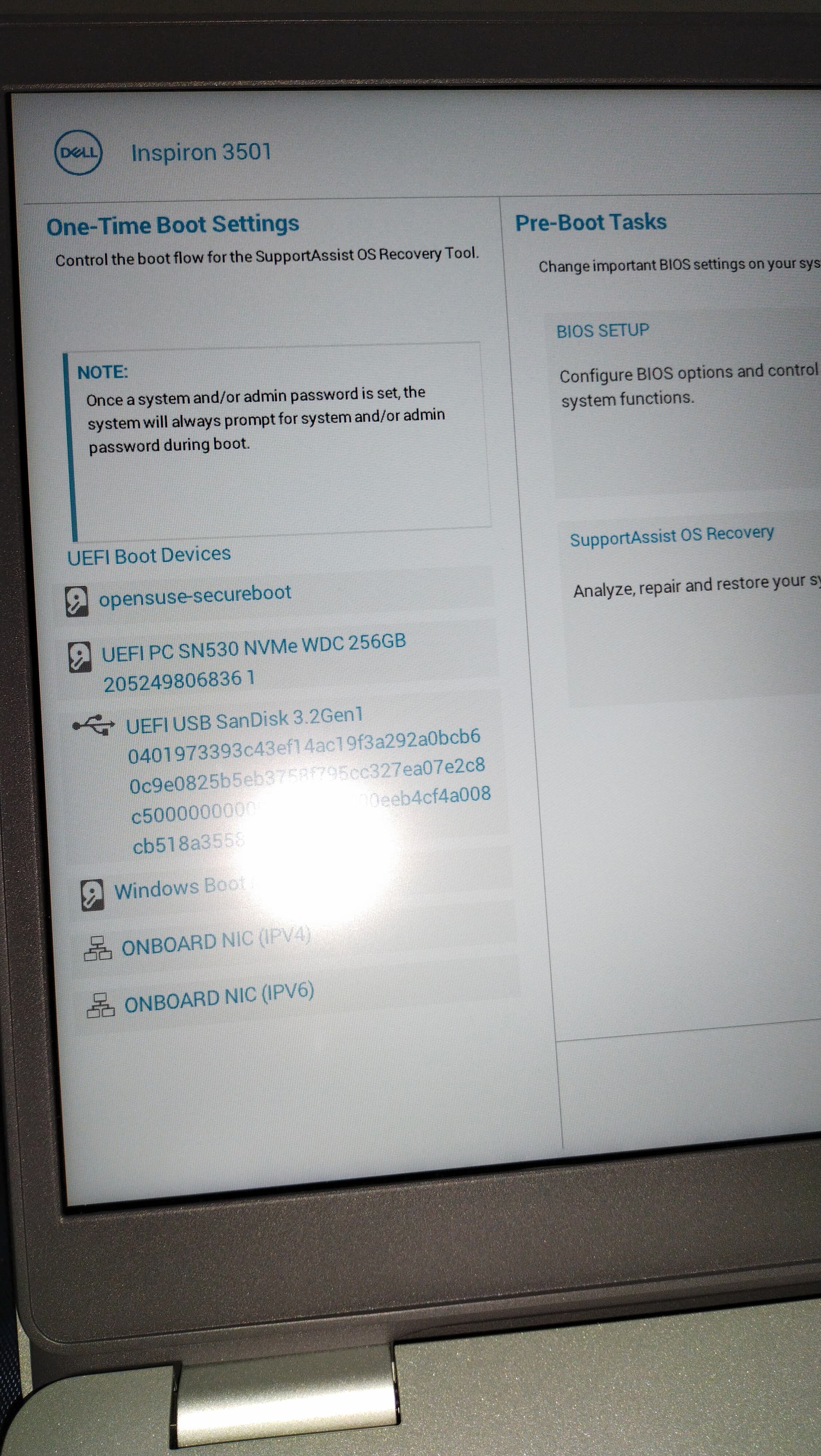
I prepared a bootable USB Sandisk in Windows using Rufus. It is recognized in the
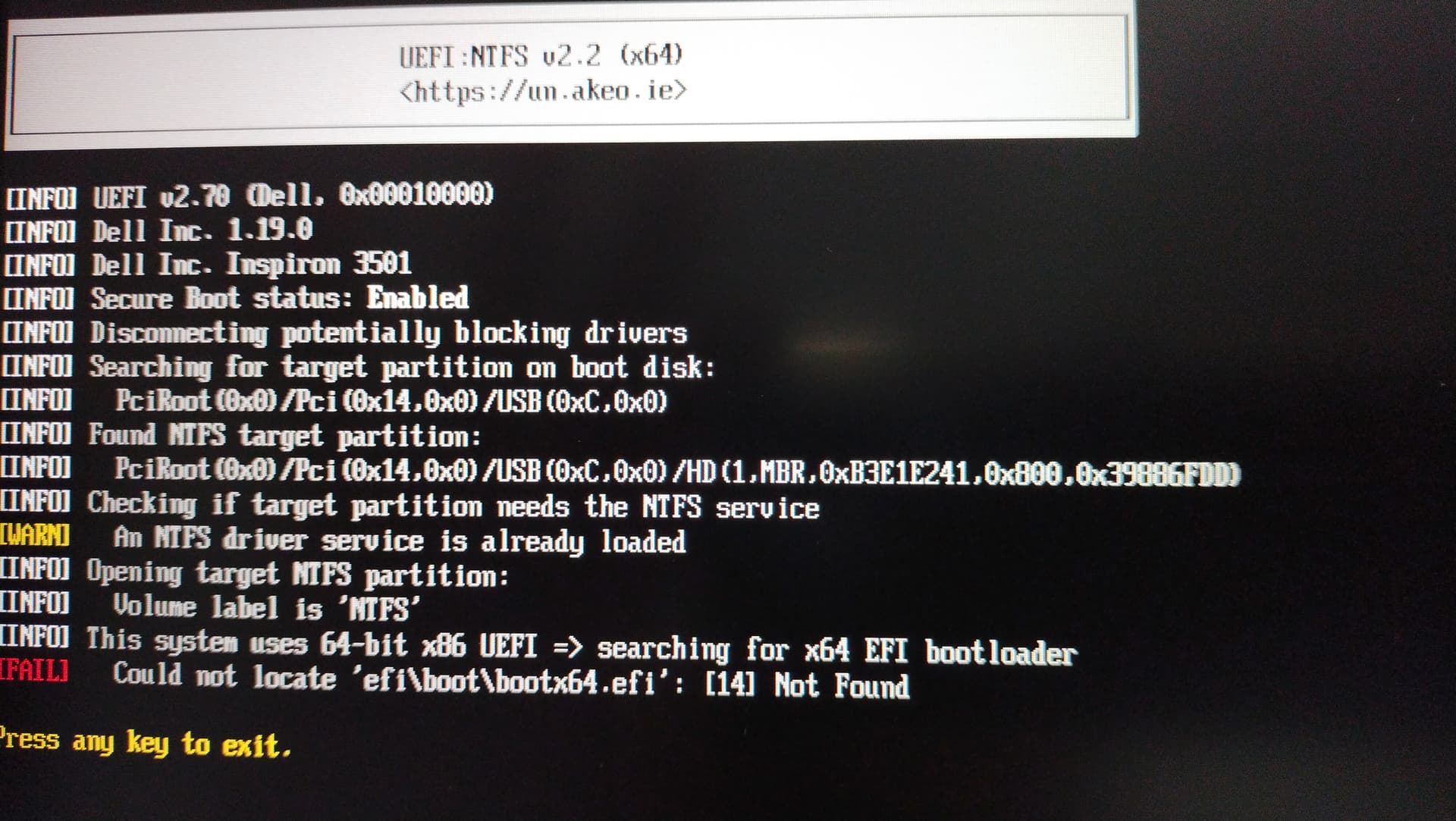
boot options. It boots but stops after a few seconds giving error. I have a snapshot of the error in a photo on my cell.
Request help to boot USP.
Regards,
RSP2
@rsp2 I’m assuming that is Postfix, but that should not stop the system from booting if it gets that far. Have you tried pressing ctrl+alt+F1 to get to a tty, or edit grub at boot and add a 3 after quiet so it boots to a console login?
Hi Malcolm,
Yes, that was a mistake. You guessed right; it is “Postfix Mail Transport Agent”.
I have to install Leap-15.4 because 15.3 is finishing its support.
So my problem is installing Leap 15.4 from a USB Sandisk. I Tried but got held up. The USB stick that I prepared with Leap 15.4 iso with Rufus in Windows did not boot. It was discovered by the UEFI BIOS but did not boot. I am uploading the two images.
Rufus supports a lot of different ways to do it and the default does not work for openSUSE. You need to create USB stick in image mode (I do not know how it is called properly in Rufus), basically what dd in Linux does.
Hi Arvidjaar,
In Rufus there are two options: Write in ISO image or Write in DD image. I tries DD image. I tried DD image also and it failed.
In Rufus, there are two partition schemes: MBR and GPT. I chose MBR. The target system mentioned is UEFI (non CSM), whatever that means. Filesystem choices are FAT 32 or NTFS. I chose NTFS.
Regards,
RSP2
Regarding the above, I zerofilled the Sandisk. There were no partitions. I then transferred the Leap 15.4 iso image to it by the ‘dd’ command in terminal:
‘sudo dd if=openSUSE-Leap-15.4-CR-DVD-aarch64-Build19.2-Media.iso of=/dev/sdb status=progress’ It was not even detected in the boot options displayed on pressing F12 at boot time. After I exit the boot-options screen, the system showed the usual Grub boot order and booted for a while and then gave the error [Failed}…etc, as reported by m earlier .
Regards,
RSP2
Hi Sauerland,
Grateful for your response. Sometime, one makes a stupid basic mistake. I did the same. After I downloaded the correct distribution, everything fell in place.
There are some issues with partitioning of the UEFI disks which I shall attend and if the problem persists then shall come back here for help again.
Regards,
RSP2
Hi
After partitioning, a warning is displayed:
" The system might not be able to boot.
Missing device for /boot/efi with size equal to or bigger than 128 Mib and filesystem vfat"
Request help,
RSP2
Hi Nrickert,
I did that but after going through the whole installation, it did not boot.
How to make this partition. It is a dual boot system with Windows 11. If I fiddle with the partition the Windows also may not boot.
Help is needed.
RSP2
The EFI partition used by Windows should be fine. Just tell the installer to mount that at “/boot/efi”. The openSUSE install uses around 3M of space on that partition. I’m assuming that you have at least that much free space on the EFI partition.
Hi All, Success. The EFI partition used earlier for booting Leap 15.3 was only 100 MiB. It was not taken by the installer, giving the warning to create a partition of size 128 MiB or more. I took out 150 MiB from swap partition and installed Leap 15.4. It worked.
My grateful thanks to everyone for the help.
Regards,
RSP2