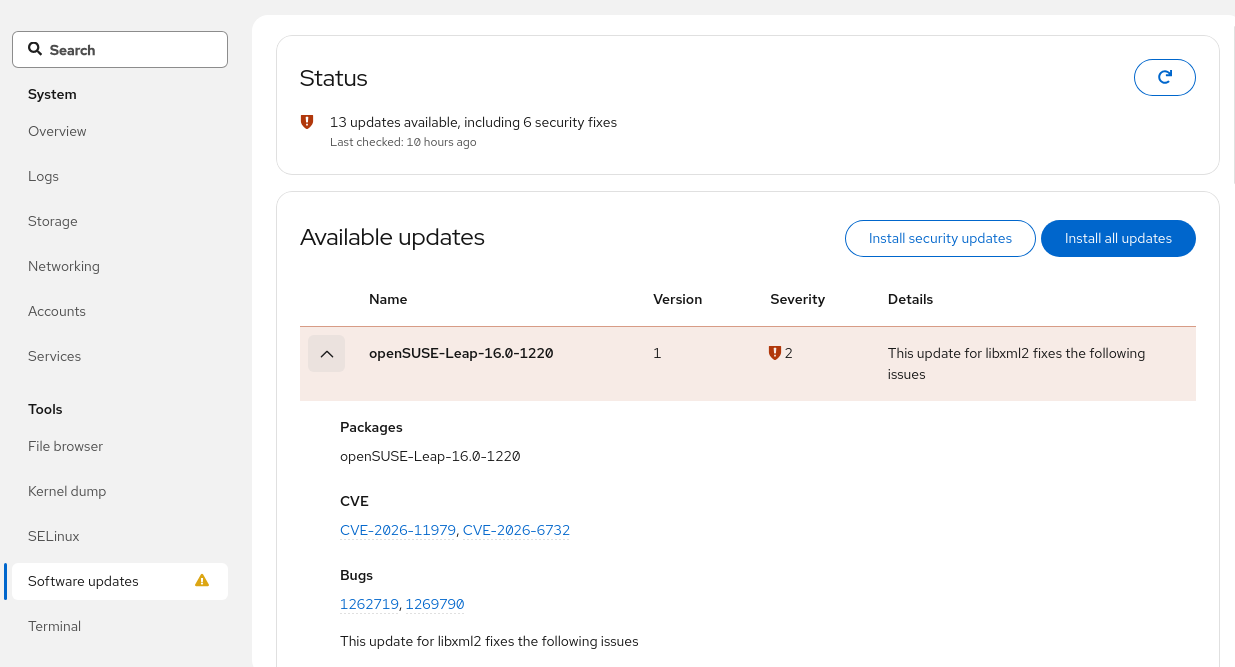
when I migrated from Leap 15.6 to 16.0, I did a fresh install of 16.0. I then uninstalled PackageKit and have down all software management including updates by Myrlyn (on Leap 16.0 — I wanted to have it some more manually due to control). On 15.6 I had automatic updates.
I now wanted that again. I (re-) installed PackageKit. But it seems I don’t get automatic updates. At least, Myrlyn shows me a bunch of packages ready to update.
On Leap 15.6 I haven’t ever used Discover. It was the YaST-SW-Tool and Myrlyn. And I had some small icon in the taskbar showing me about automatic updates. There (15.6) it was completely without Discover.
zypper se -i packagekit

S  | Name                             | Summary                                                                            | Type
---+----------------------------------+------------------------------------------------------------------------------------+--------
i  | gnome-packagekit                 | Applications for the PackageKit API                                                | package
i  | gnome-software-plugin-packagekit | GNOME Software Store - PackageKit plugin                                           | package
i  | libpackagekit-glib2-18           | GLib integration of PackageKit                                                     | package
i  | PackageKit                       | Simple software installation management software                                   | package
i  | PackageKit-backend-zypp          | Zypp backend for the PackageKit installation management software                   | package
i  | PackageKit-branding-openSUSE     | Simple software installation management software -- openSUSE default configuration | package
i  | PackageKit-gstreamer-plugin      | Install GStreamer codecs using PackageKit                                          | package
i  | PackageKit-gtk3-module           | Install fonts automatically using PackageKit                                       | package
i  | typelib-1_0-PackageKitGlib-1_0   | Introspection bindings for PackageKit's GLib integration                           | package
The only packagekit service running here is packagekit.service. There is packagekit-background and packagekit-offline-update. Then there is also rebootmgr (for automatic reboot).
I use openSUSE Tumbleweed and do zypper dup && rpmconfigcheck regularly (and sometimes I check the openSUSE factory mailinglist and the forum beforehand ).
If you are using KDE, there is a Plasma setting for automatic updates. If using Gnome, I think there’s a setting for Gnome Software. Other desktops probably have their own way of configuring updates.
As far as I know, “packagekit” is a daemon that runs in the background for package management tasks. Other programs can then connect to the packagekit daemon, and have it do the hard part of package management for them. Those other programs manage the user interface.

 ).
).