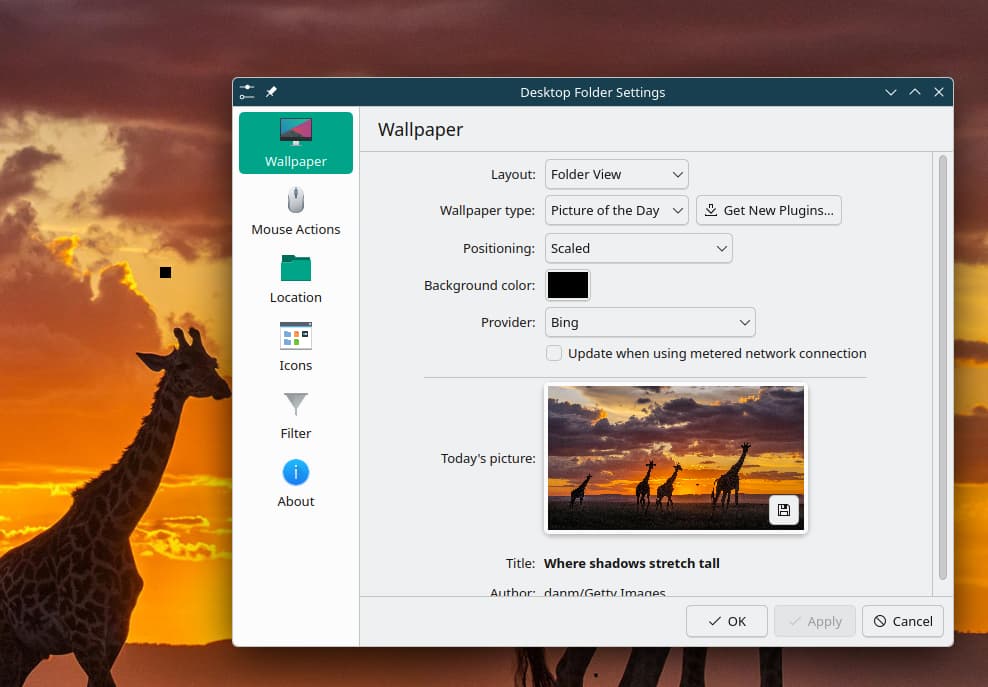
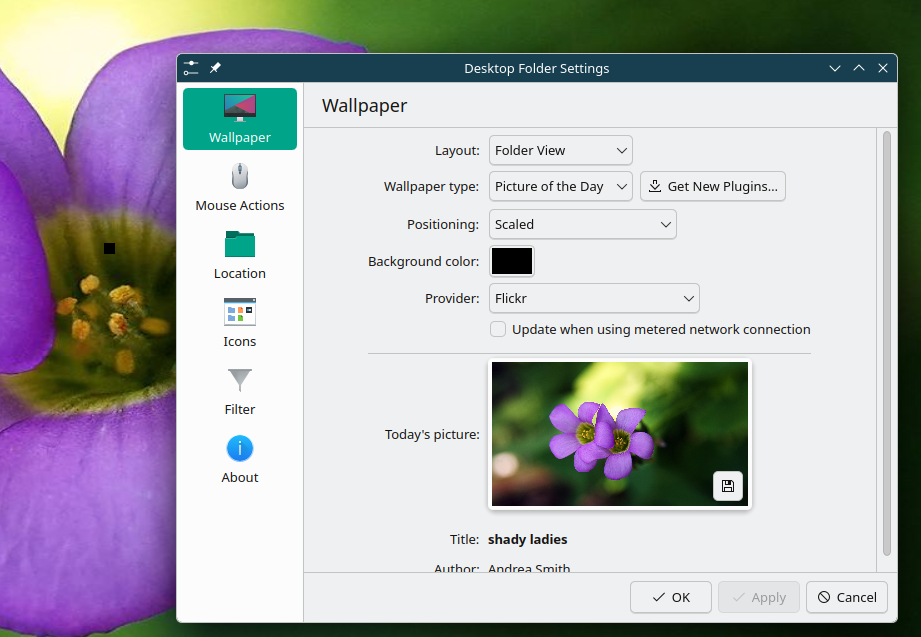
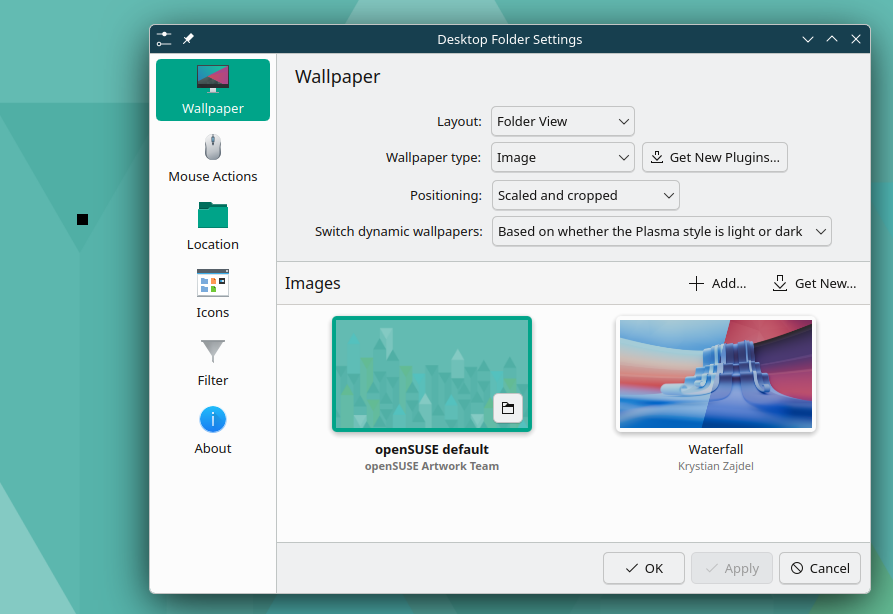
I have notice for some time a small black square appear when logging into KDE desktop in the middle of the background image. It seems this is where the cursor appears if not moved, but if I move the cursor the square still shows.
1 Tried F5 “Refresh Desktop” no effect.
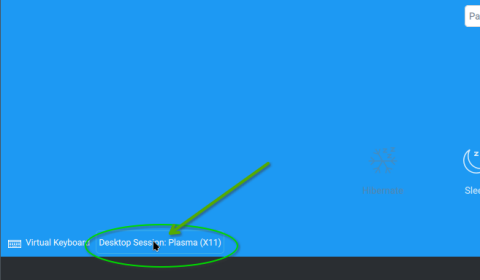
2 Tried logging in on X11, the square does not show, so this worked.
3 Tried logging on wayland with a new user, the square does not show, so this worked.
So it looks like maybe something with the account?
Here’s some screenshot of different background image repositories
Thanks for the feedback. And yea, I’m thinking there is something Plasma or “screen” related. Unfortunately, I can’t provide an possible issue.
My guess is that there might be a “cache” issue. Plasma screen data and sub-components … and browser applications, and many other applications have a tendency to temporarily store data in a user’s “.cache” sub-directory.
It’s a hidden sub-directory, but can be seen with:
myuser@machine:~> ls -al ~/
total 24508
drwxr-xr-x 1 myuser users      784 Jun 29 15:21 .
drwxr-xr-x 1 root    root        28 Mar  5 09:01 ..
-rw------- 1 myuser users    74205 Jun 29 20:38 .bash_history
-rw-r--r-- 1 myuser users     1206 Oct 10  2024 .bashrc
drwxr-xr-x 1 myuser users        0 Aug 23  2025 bin
drwx------ 1 myuser users     1444 Jun 29 20:38 .cache <========
drwx------ 1 myuser users     3562 Jun 30 09:45 .config
[...]
myuser@machine:~>
For some apps that have an issue, I’ve cleared the app’s cache content to fix an issue.
Maybe other folks will stop in and make a suggestion.
I delete the .cache folder, this did not solve the problem.
Tried going into the new user account on wayland and change some desktop dackground settings, changing cursor settings. All worked with no black square showing.
So it seems someting with the account. I going to try changing some KDE desktop effects to see if that might work