What does that mean? I connected it to the internet but it did not work. It’s just a computer from 2015, hardware isn’t that exotic.
Yes, I also find it to be a little strange that Agama doesn’t support installation via “WiFi/WLAN” – only installation via (copper wired) LAN → Ethernet – is supported …
Whether or not Glass-Fibre Ethernet would also error is an unanswered question …
On the other hand, the person who raised the GitHub issue is quite well-known and therefore, I would assume that the Agama team will be addressing this issue.
Eh? Wifi works fine in Agama. It’s unfortunately not intuitive that you need to go into the network settings, to setup your wifi in the installer, but it does work fine.
If Lubo didn’t find that, it’s not obvious for inexperienced users … 
Sure, but to make the claim that Agama doesn’t support installations over wifi is patently incorrect.
I’ve got my criticisms of Agama, but there’s no reason to make things up.
where in the installer are the network settings? I’ve zoomed the installer page to 200% and still cant find them.
Found the network settings but can only get to that page if I’m already connected with an ethernet cable.
Would love find out how you managed to get there.
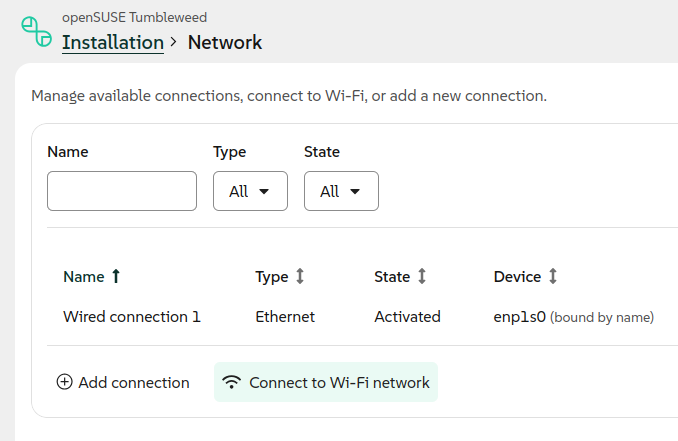
Seems pretty intuitive here, I don’t have a wireless device installed, but if it were…
Tumbleweed;
Leap 16.0 Respin;
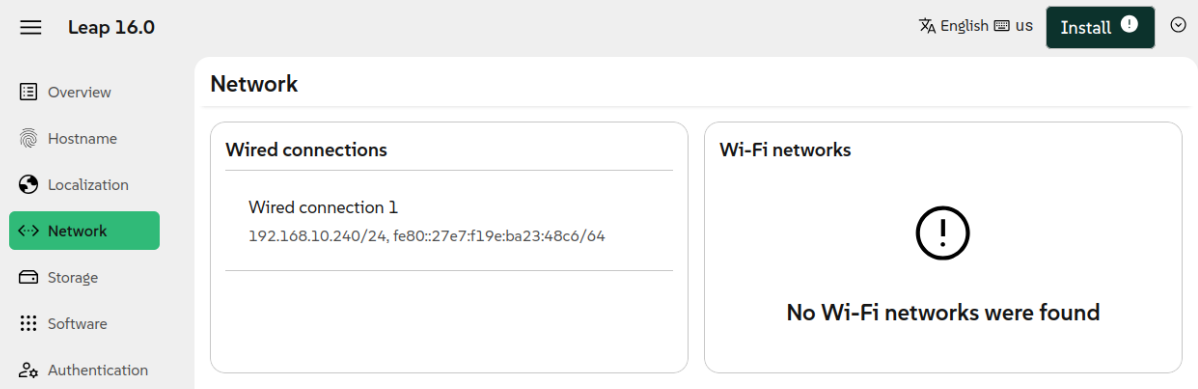
(That’s also why I have some USB and Thunderbolt Ethernet adapters on hand…)
I you disconnect your ethernet cable can you get to that page?
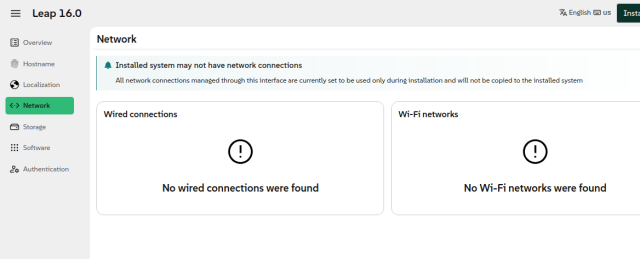
yep, but that’s the Leap image not Tumbleweed
1 Like
I tried on real hardware, HP stream only has wifi, it booted to a tty, logged in as root user (I also set my own root user install password) and ran nmtui, activated the connection… logged into agama.local from my desktop…
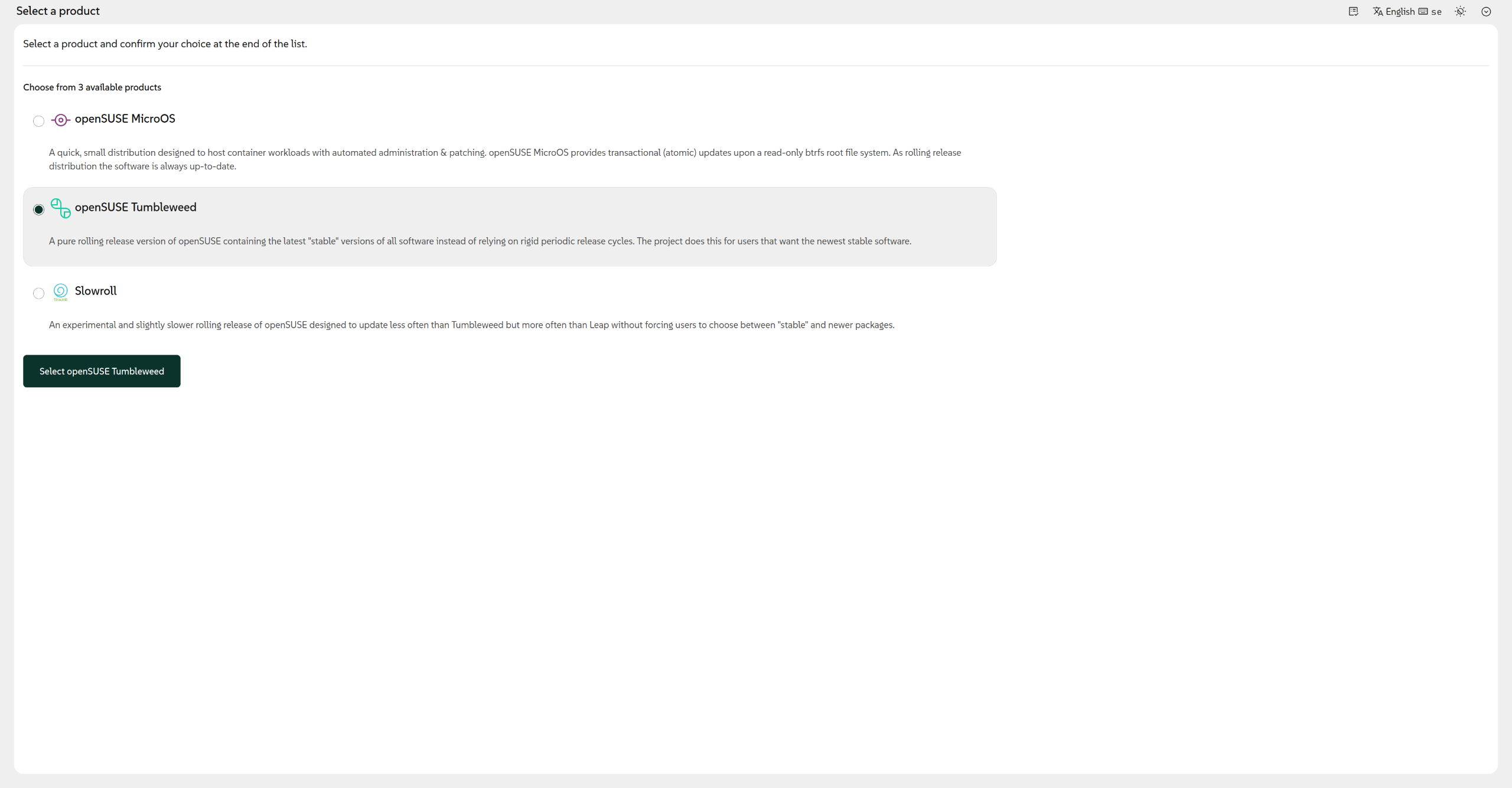
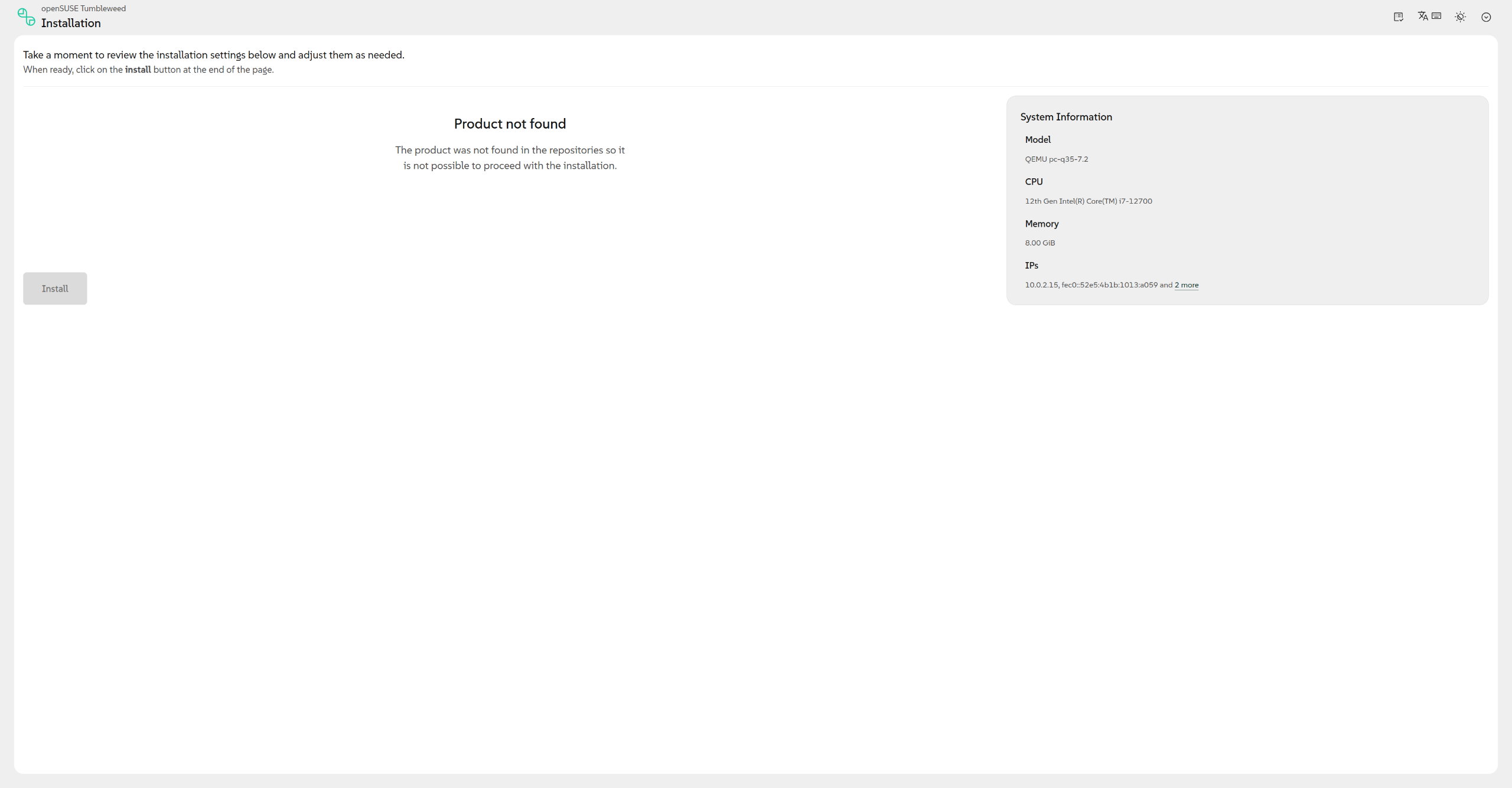
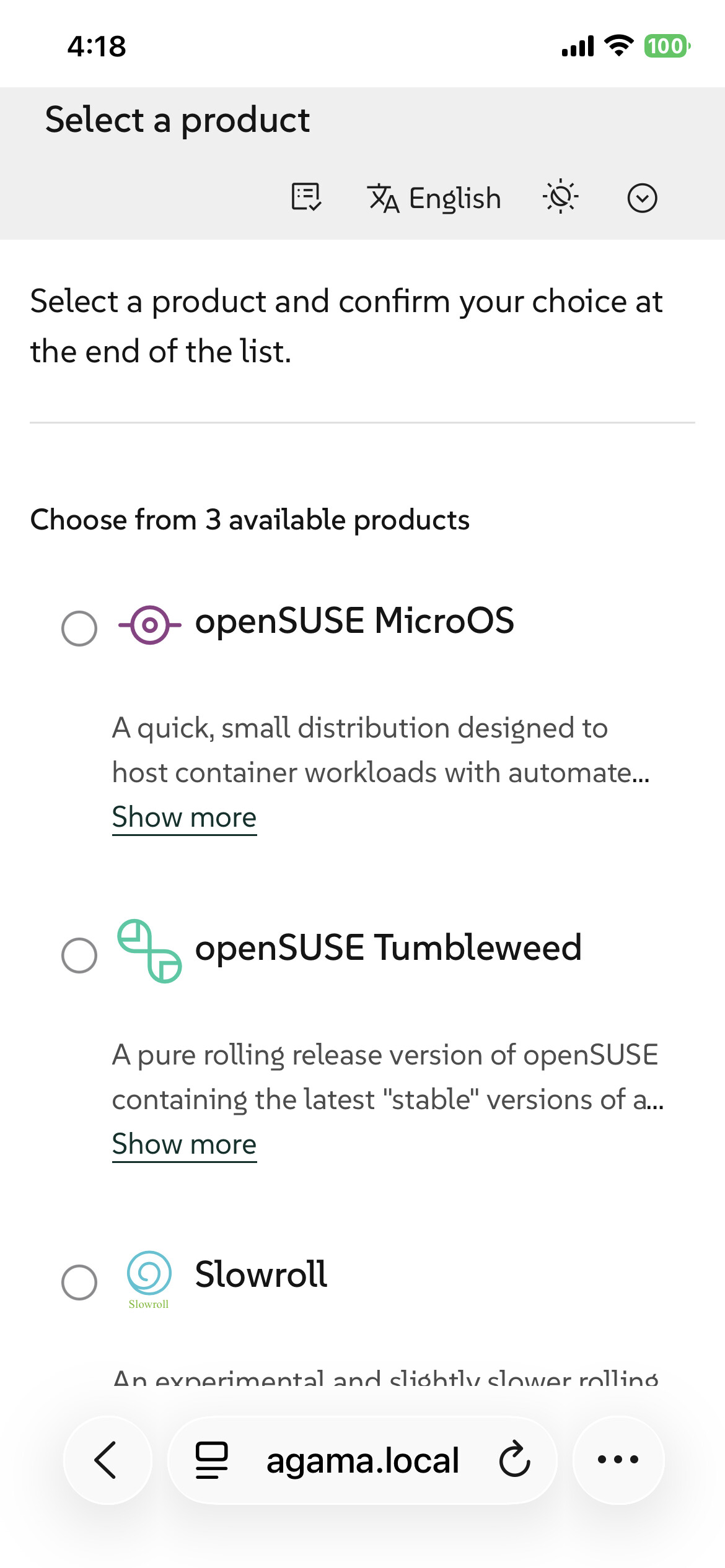
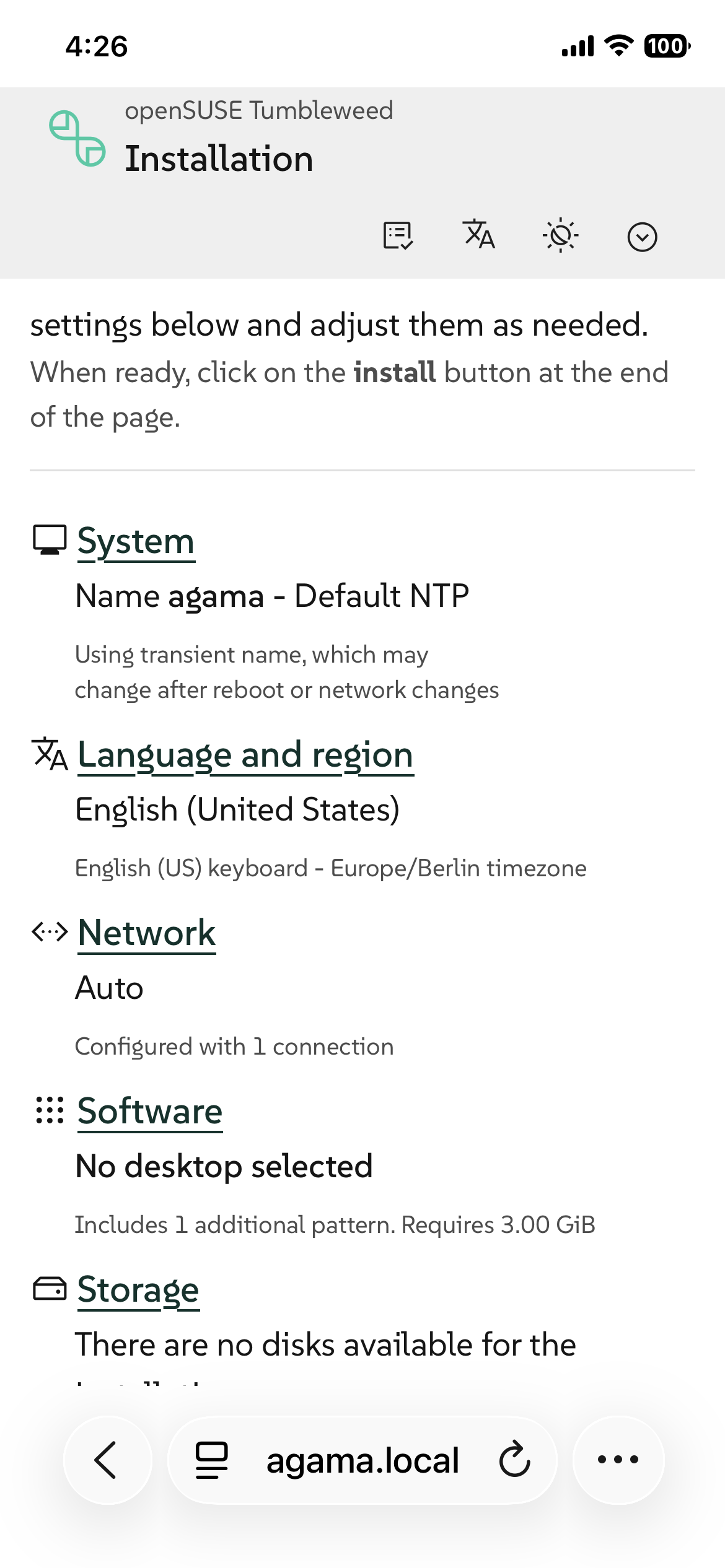
@traskin For vm’s I use a bridged connection, no NAT…
In your second screenshot under Network auto it says configured with 1 connection. how can that be if you are not connected to the internets?
@traskin I ran from the command line nmtui then in there I activated the wifi connection.