Hi all,
I have been using Tumbleweed on my workstation now for more than two years and I had the opportunity to get a second hand Thinkpad X1 Carbon Gen8 which in very good condition and of course I have already installed Tumbleweed here too 
Forgive me if some questions seem obvious but I only have the comparison with the workstation (which has both AMD CPU and GPU) while the laptop is a bit different.
I wanted to know if there is anyone in the group who has the same model and is willing to share their setup and possibly give me some suggestions.
Some things I have done.
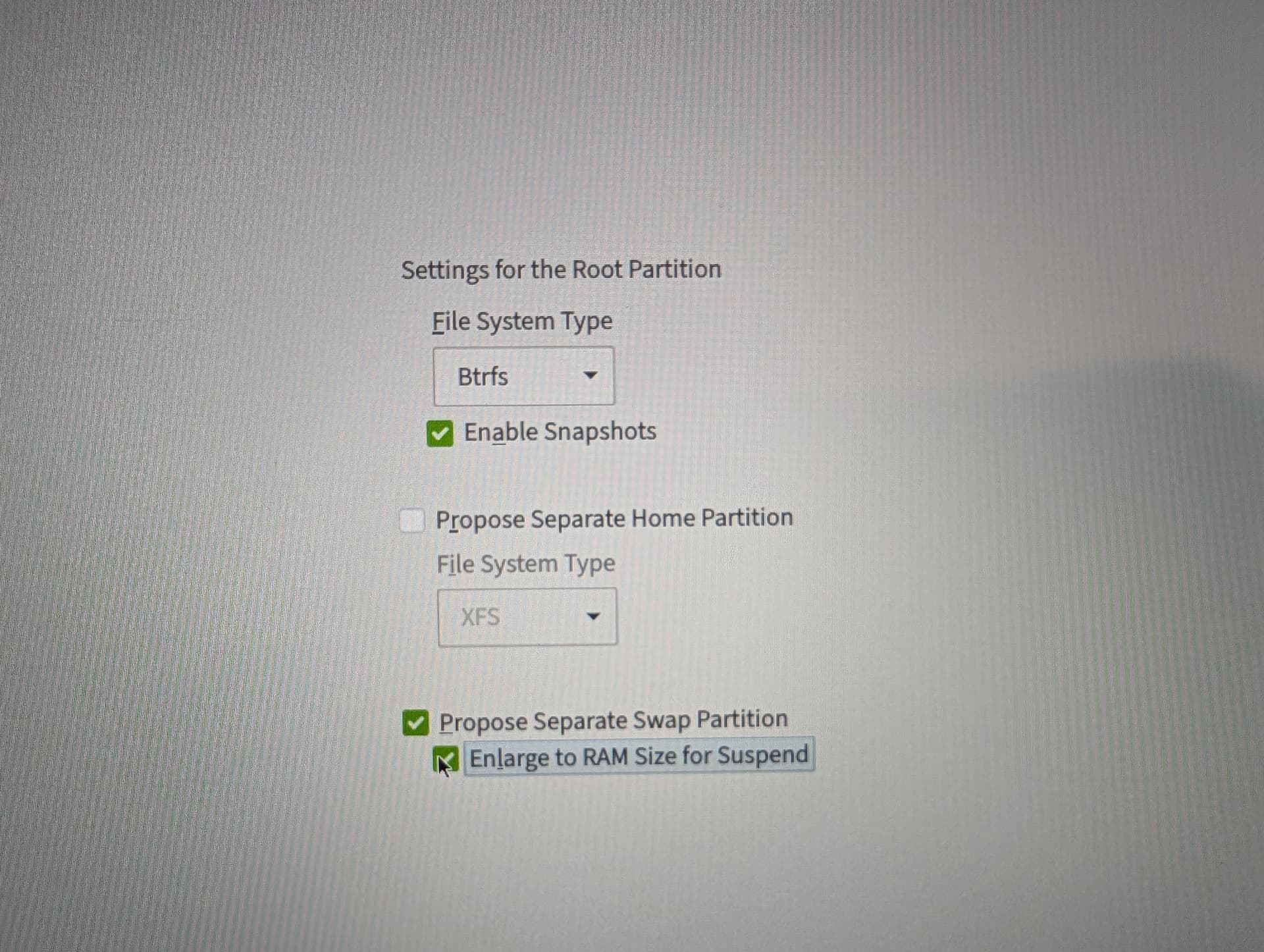
Partition: I installed tumbleweed mainly following the default options, but for the disk partition I had thought of replicating what I did on the workstation and separating root (btrfs )and home(xfs). But I thought about it and I think it is unnecessary since I would lose some space.
I was thinking of reinstalling everything this weekend following these settings (sorry for the bad screenshots):
- btrfs + snapshot, no separate home partition
- yes for separate swap + enlarge to RAM (16gb for the laptop btw)
In general I have doubt, does it make sense to separate swap? if not, I would really make a single partition at this point.
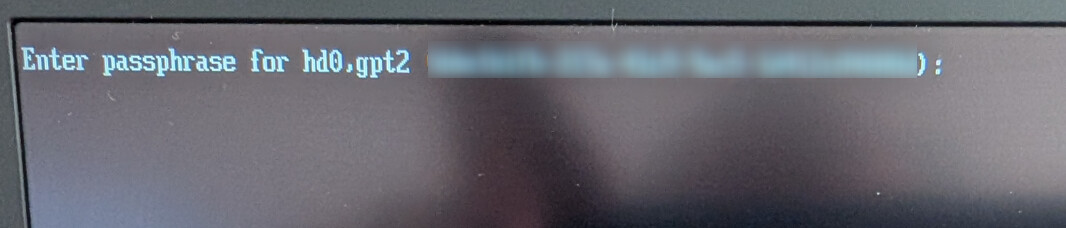
Disk encryption: on the workstation I don’t have it enabled but on the laptop I do and I have no experience and can’t compare; at boot a password is asked and it’s ok; I wonder if there is any way to customize the screen that asks for the password. No feedback is given to the user and it takes a few seconds before they realize it is working.
Firmware: I have used fwupd and updated all firmware, this thing works great and I am sorry that on my workstation it is not as easy.
Fingerprint reader: I tested it in KDE and it only works on lock and app permissions; I wonder if it can be used for other e.g. sudo root password as well at the moment I couldn’t find references.
GPU: here the sore point; I would like to enable OpenCL for darktable; I don’t expect great performance but I would like to use it on the go for culling and fast editing; I installed intel-opencl and intel-opencl-driver as well as openl-headers but failed. On the opensuse wiki I could not find a good tutorial like the one for AMD.
If you have any suggestions, they are welcome!
Thanks,
Fabio

 still no lucky