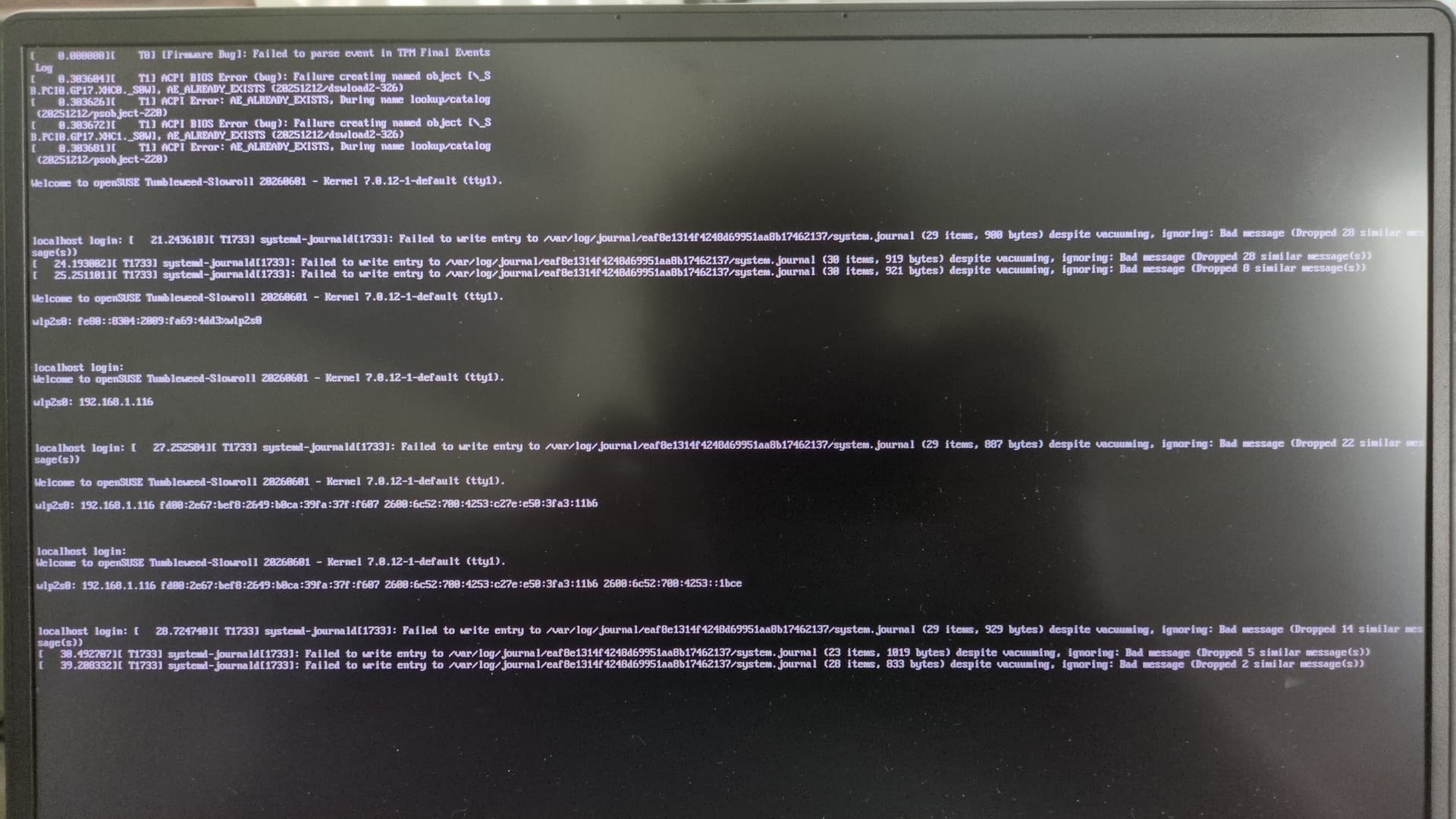
Very recently (the past two days), I’ve been unable to update my system. The KDE Discover store keeps erroring when trying to update anything, and Myrlyn closes itself instantly after I give it authentication. Trying to manually update through the terminal with Zypper gives me this error:
unable to open /var/lib/sudo/ts/1000: Read-only file system
Checking to see what could be wrong, I stumbled upon, " How to Fix ‘Read-Only File System’ Errors ". The last thing I did before writing this was check which filesystems are read-only.
mount | grep -E '(^/dev|type (ext4|xfs|btrfs))'
/dev/mapper/system-root on / type btrfs (ro,relatime,seclabel,ssd,space_cache=v2,subvolid=350,subvol=/@/.snapshots/90/snapshot)
/dev/mapper/system-root on /opt type btrfs (ro,relatime,seclabel,ssd,space_cache=v2,subvolid=261,subvol=/@/opt)
/dev/mapper/system-root on /.snapshots type btrfs (ro,relatime,seclabel,ssd,space_cache=v2,subvolid=262,subvol=/@/.snapshots)
/dev/mapper/system-root on /srv type btrfs (ro,relatime,seclabel,ssd,space_cache=v2,subvolid=259,subvol=/@/srv)
/dev/mapper/system-root on /root type btrfs (ro,relatime,seclabel,ssd,space_cache=v2,subvolid=260,subvol=/@/root)
/dev/mapper/system-root on /var type btrfs (ro,relatime,seclabel,ssd,space_cache=v2,subvolid=257,subvol=/@/var)
/dev/mapper/system-root on /usr/local type btrfs (ro,relatime,seclabel,ssd,space_cache=v2,subvolid=258,subvol=/@/usr/local)
/dev/nvme0n1p3 on /boot/efi type vfat (rw,relatime,fmask=0022,dmask=0077,codepage=437,iocharset=iso8859-1,shortname=mixed,utf8,errors=remount-ro)
/dev/mapper/system-home on /home type btrfs (rw,relatime,seclabel,ssd,space_cache=v2,subvolid=5,subvol=/)
This is where I ended up, and I wanted to ask the forum if this article is reliable to follow. I also wanted to check with the forum regarding if there are other filesystem which should not be read-only normally.