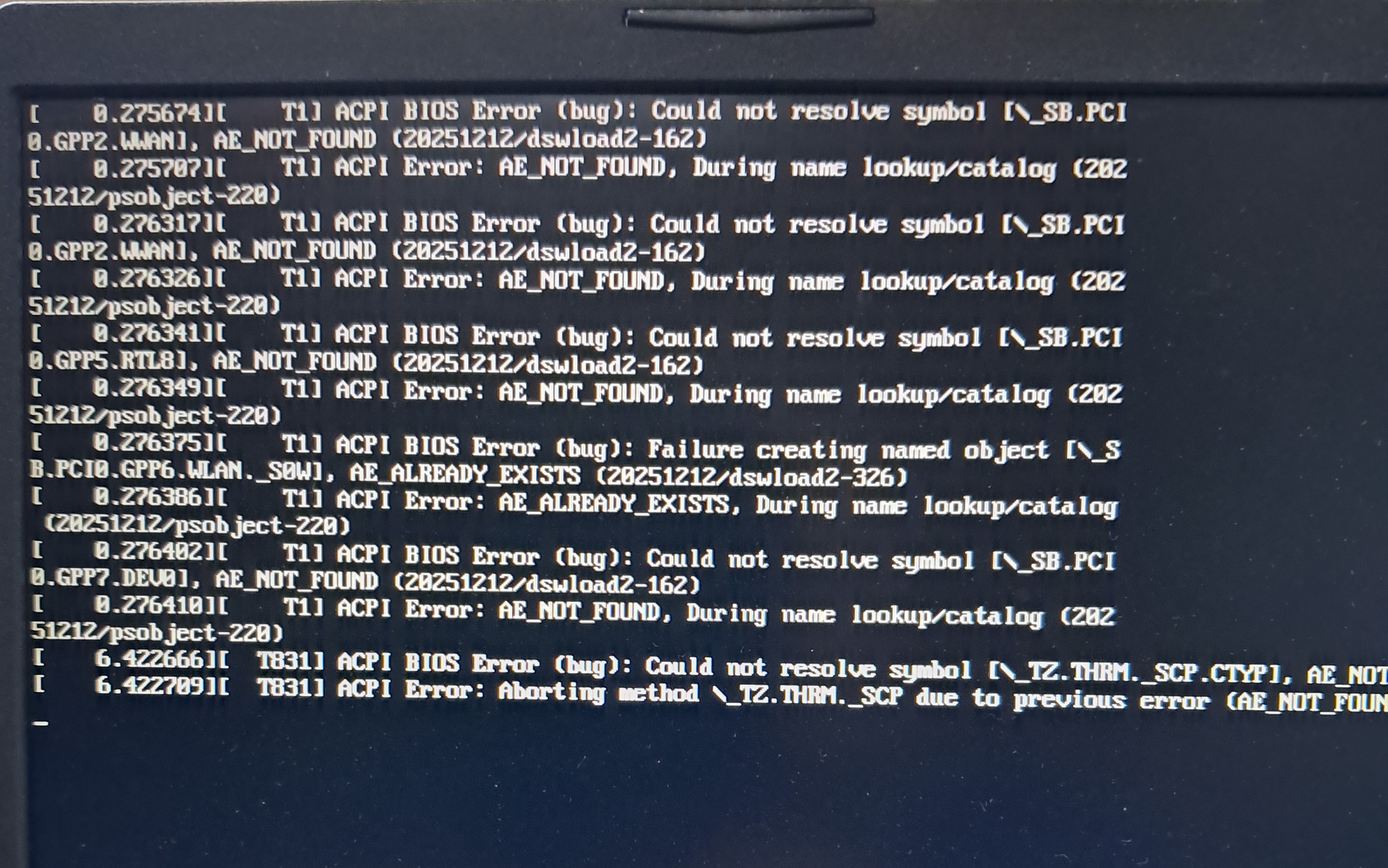
rebooted twice nothing different
@Insanity101 Boot into Windows and check… if it got turned off there, then you need to turn it on there…
Oensuse did detect it but while trying to fix the brightness problem I thought a clean install would make it work for some reason and now it won’t detect and how do I get windows without mess with opensuse? I swapped to opensuse tumbleweed a month ago.
@Insanity101 so what did you do when trying to fix the brightness?
Did you blacklist something?
hi sorry for responding after so long power died on my side so had no internet.
I think so but not sure how do I check?
Hi, best thing to do is create a Tumbleweed Rescue USB device and boot from that, this will fire up an XFCE instance and then check if the Nvidia GPU is visible with;
/sbin/lspci -nnk | grep -EA3 "VGA|Display|3D"
Perhaps the other option is to do a BIOS reset to factory defaults, then boot to see what happens.
is a rescue USB any different to a install USB? I put “opensuse tumbleweed image” on a usb to install it on this laptop is that the same thing?
It is a different image, see https://download.opensuse.org/tumbleweed/iso/openSUSE-Tumbleweed-Rescue-CD-x86_64-Current.iso
thank you will try it as soon as it’s done downloading and installed to a usb.
hi sorry for such a late response had some trouble in real life.
I did the rescue usb device and ran the cmd line it’s output was this.
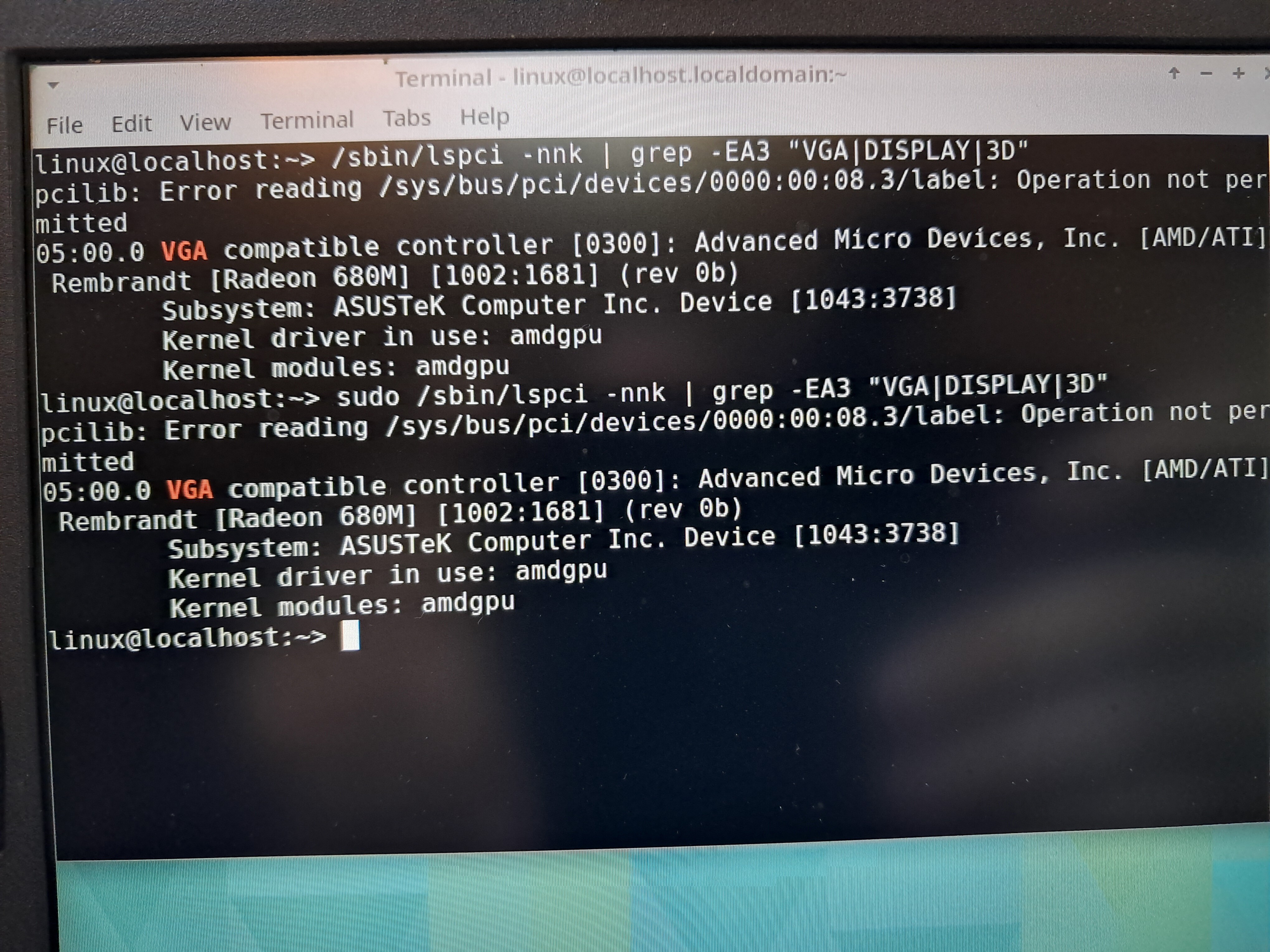
then if I do a BIOS reset will I lose anything important?