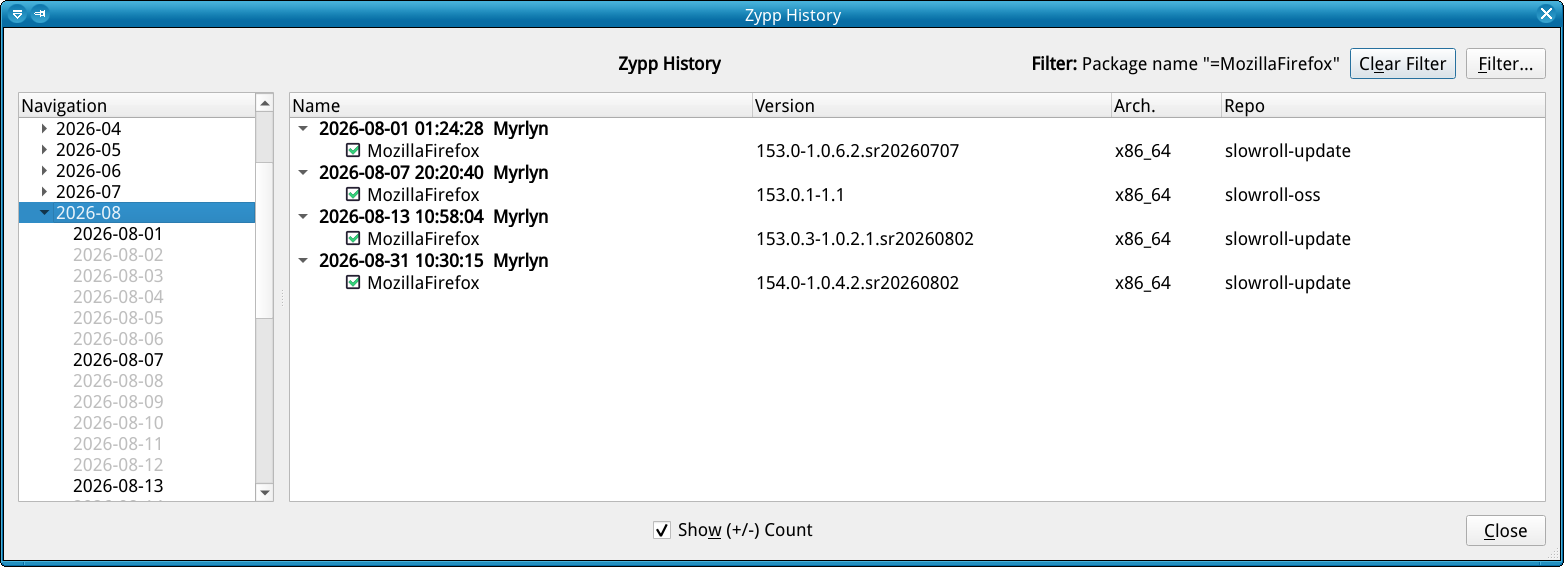
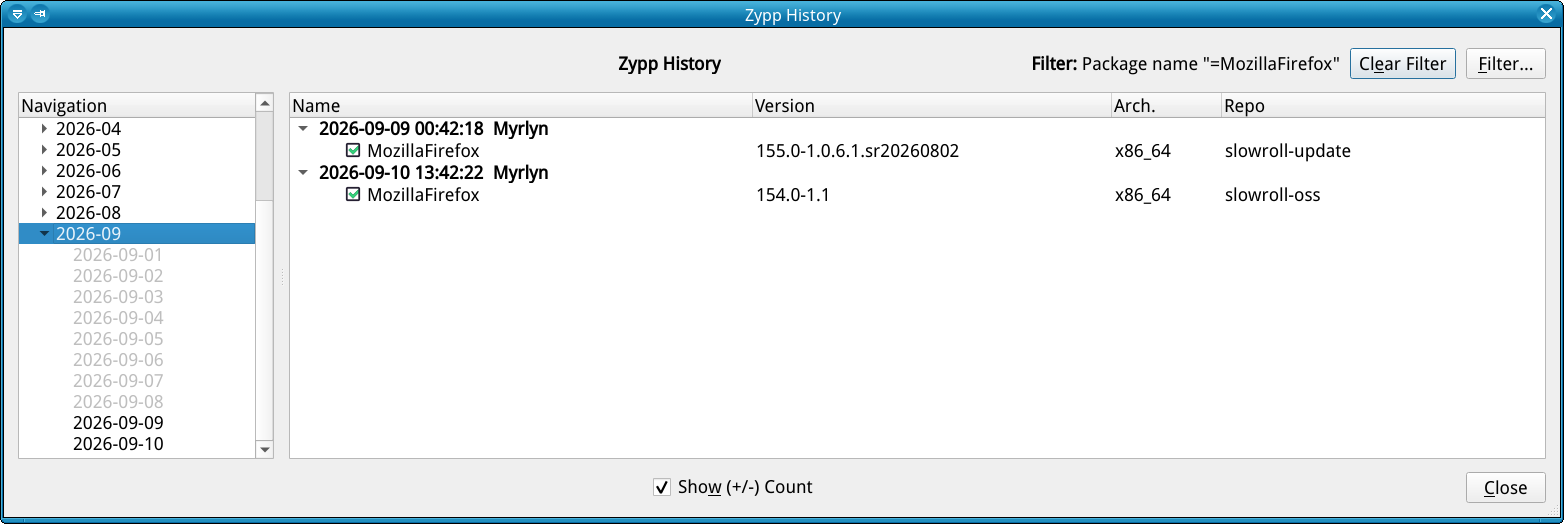
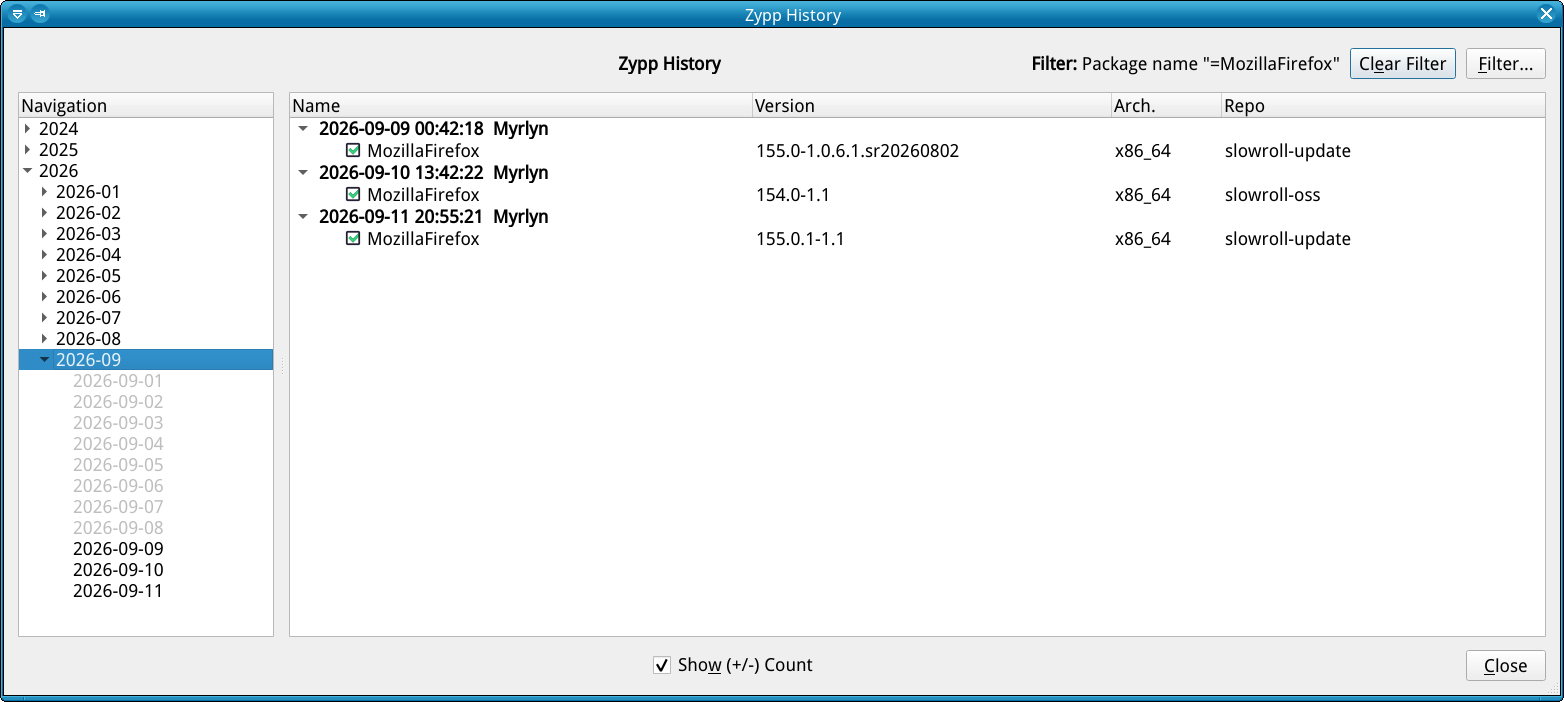
I ran the standard zypper dup to update a slowroll distribution today. Firefox went from v155 to v154.0. There is apparently a check for your Firefox profile that forces you to create a new profile (bookmarks, extensions, etc.).
Two questions:
Why has the version been downgraded?
What happens to profiles when Slowroll (re)releases v155+? Does creating a new profile in v154 destroy the existing v155 one? Or can a later version recover the old profile?
Yup - happened to me, too, and a web search on my Android tablet gave me that same solution, and it worked.
But really, Mozilla should offer this as an additional option in that warning popup; just telling the user to just create a new profile and thus nuking all previous settings is the pinnacle of adding insult to injury.