Reviving an Open-Source Masterpiece: KCometen4 Standalone on Wayland & Tumbleweed! KCometen6
This video is titled that way because it was made on Tumbleweed. In fact, it’s built live with a single command and demonstrated in the video.
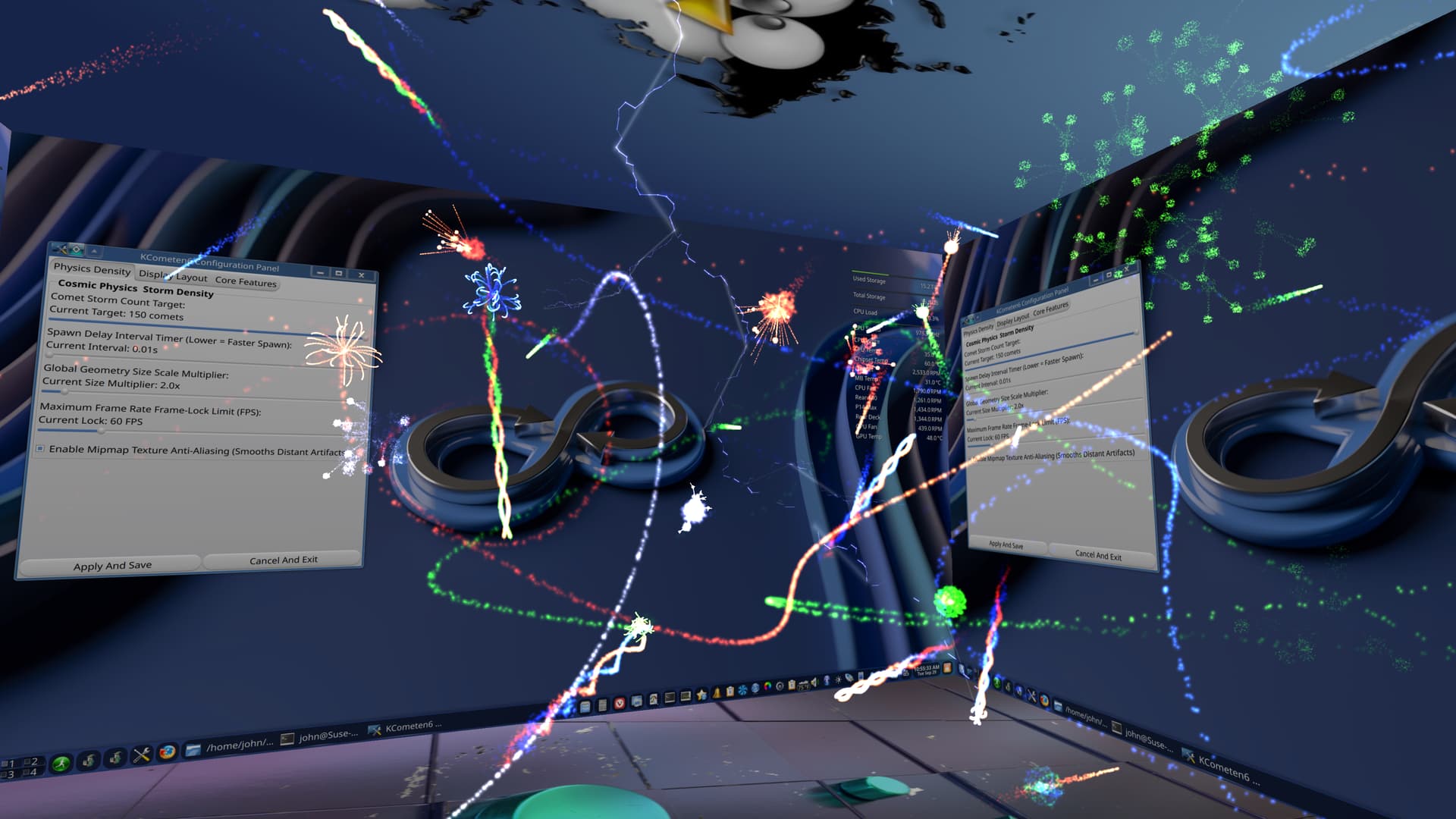
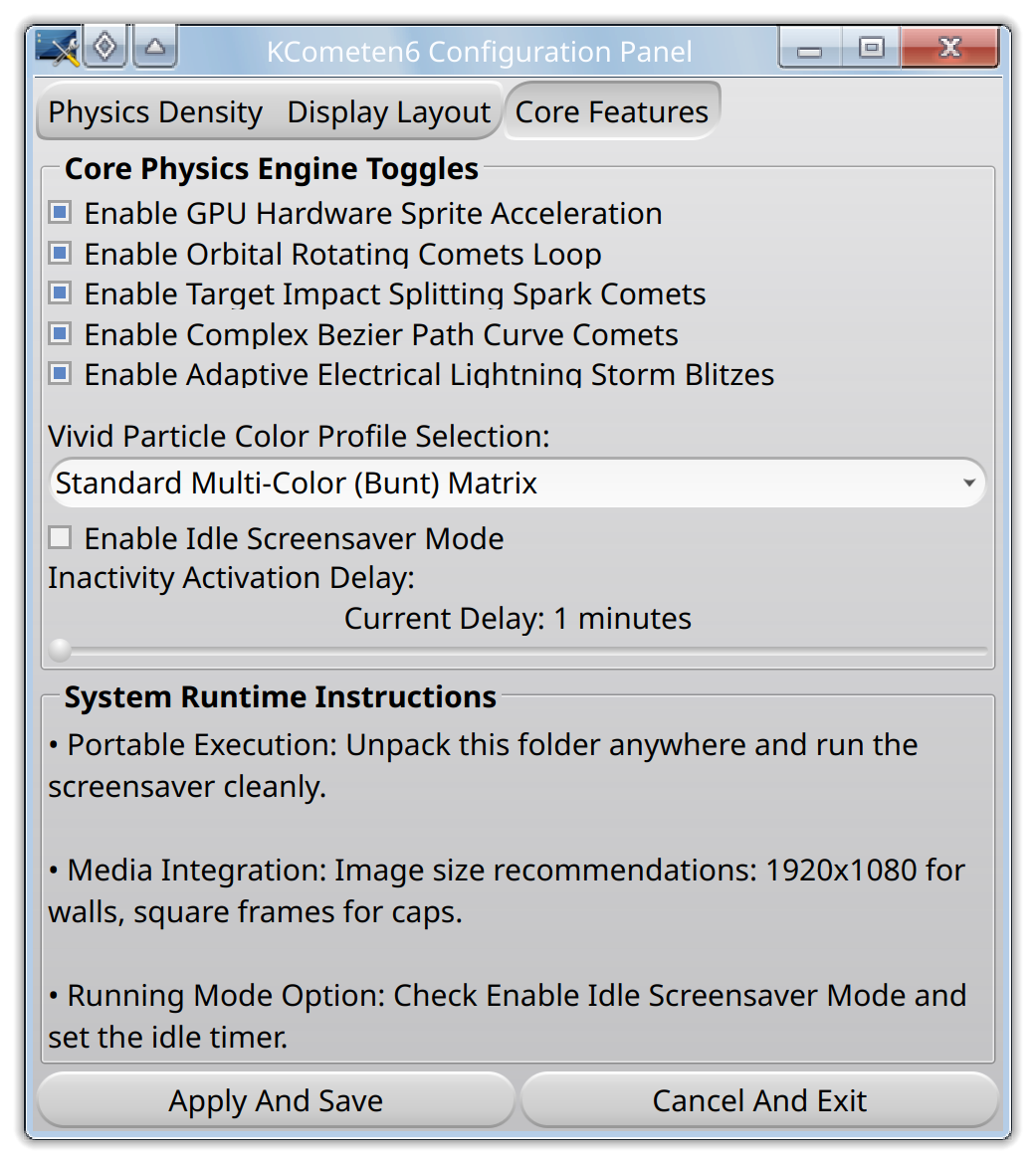
I updated the Configuration Panel to have an Enable Idle Screensaver Mode checkbox. Checking it and hitting apply causes kcometen6_idle to start which uses ext_idle_notifier_v1 to monitor system idle and launch the main program after a set amount of time, making it act as a screensaver. Keyboard or mouse activity kills the main program, but not the idle monitor. It’ll restart if you stay idle again.
Unchecking it and hitting apply kills the idle monitor as shown in the new video. It’s totally dead at that point with no garbage strewn throughout your files. It’s also completely dead after a reboot. A Systemd timer was a no go here. The slider adjusts the idle timer.
I’ve been busy fixing bugs and still left a big one…the text on the floor image is reversed. I’ll have to flip it in main. There’s more comets than in the first video, and I still think some are being killed too early.
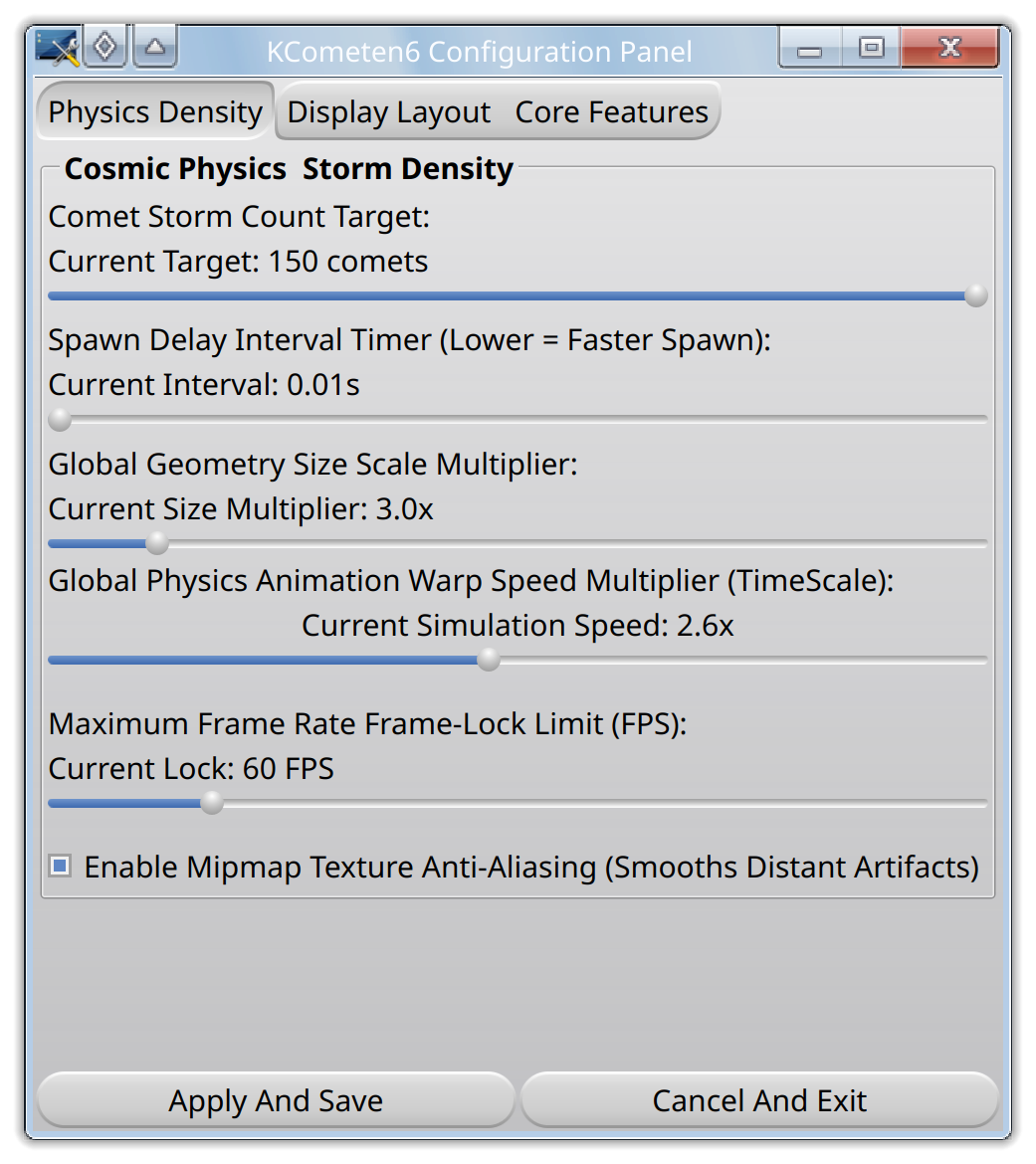
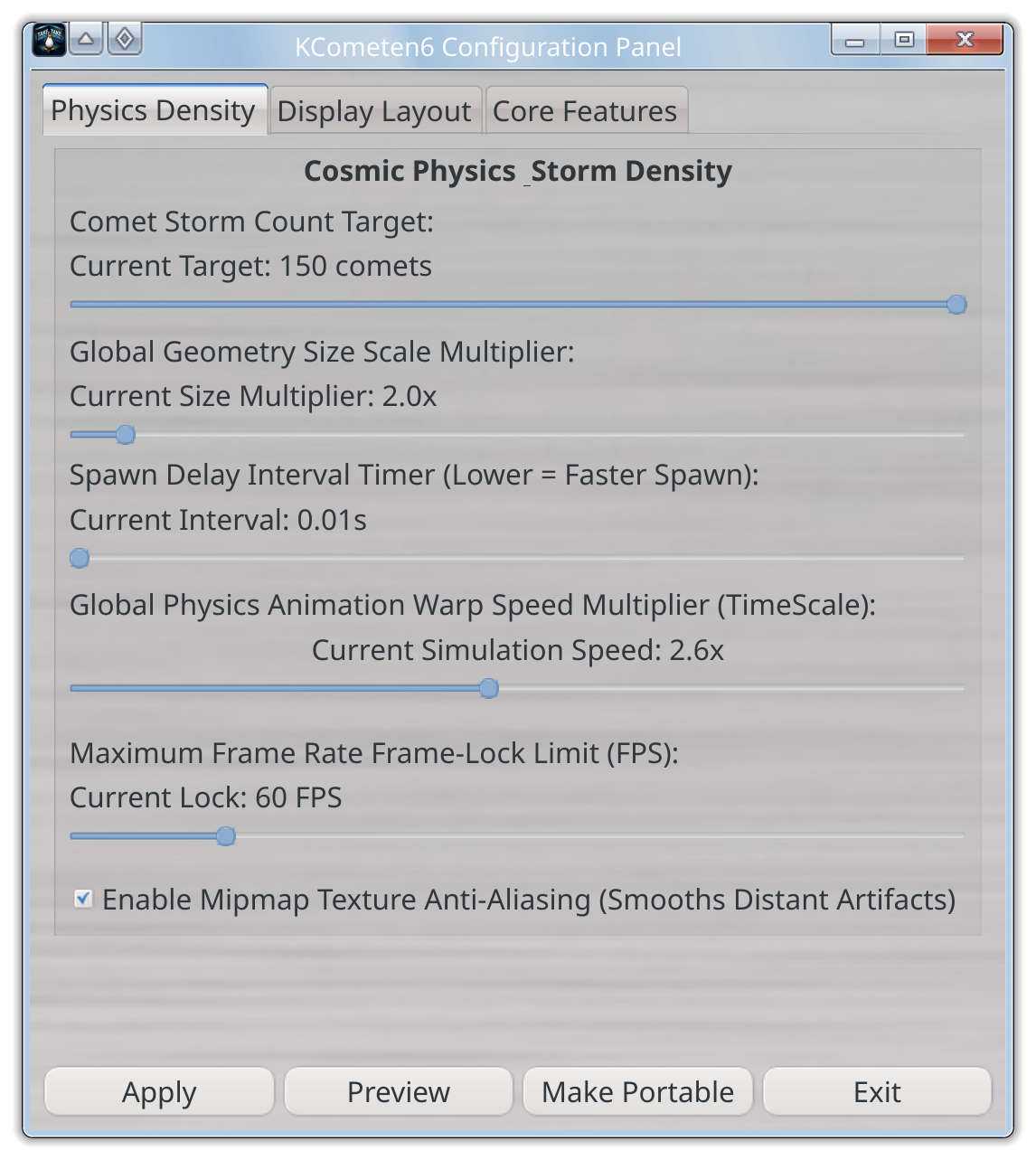
Here’s the new KCometen6 Configuration Panel with TimeScale and I see that I need to move Size Scale up with comet count which will put the two time adjustments together. I was busy working on the idle timer for a long time, wasting time on systemd.
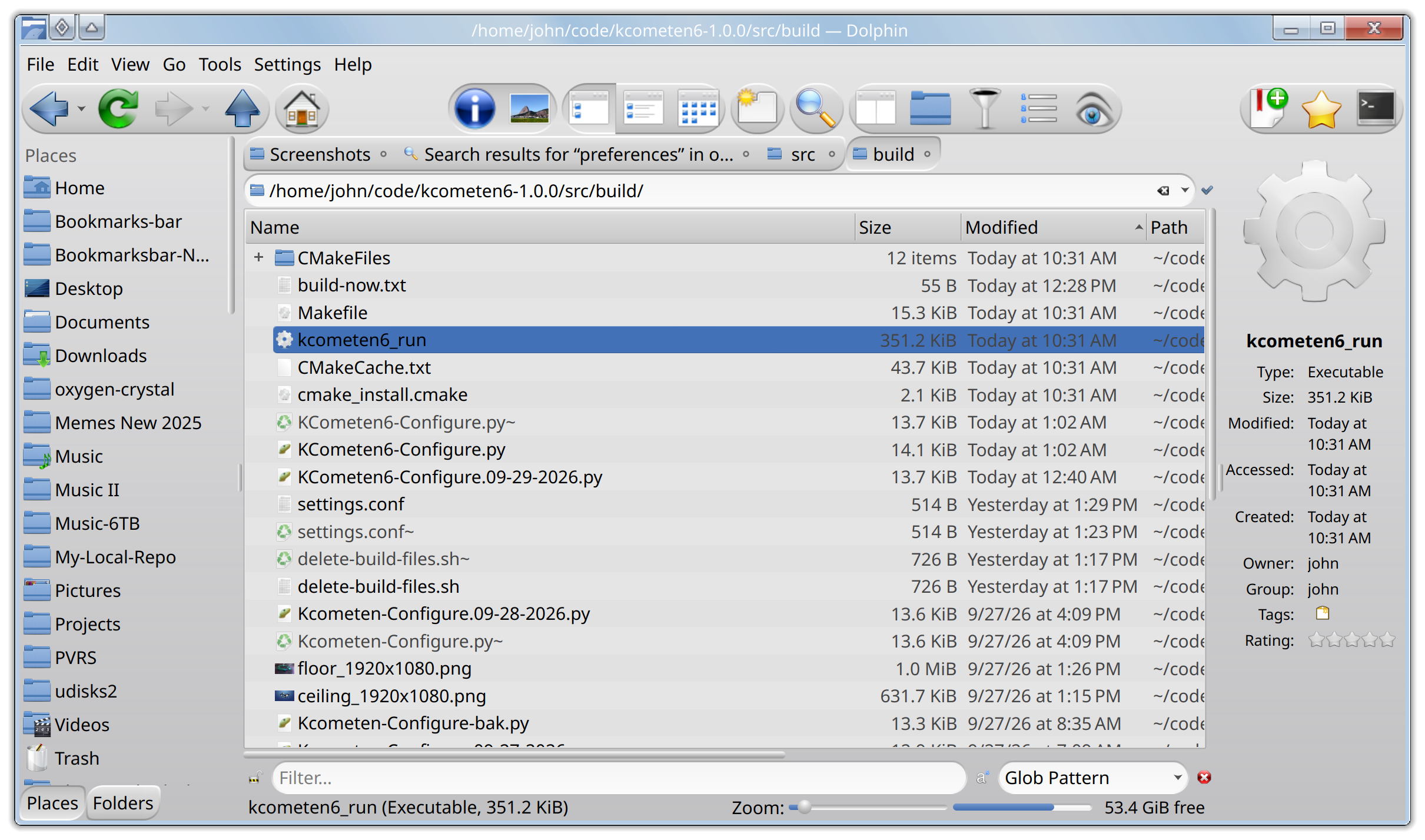
There’s a single script to build standalone_main.cpp and kcometen6_idle.cpp. It also copies all of the the images, idle and main executables, to a folder called KCometen6, after the compiling is done. That folder can be placed anywhere because main, idle and the config UI are all run directory aware, making it portable. There’s a script in that same folder to add it to your menu. It is run directory aware, too, so do not run it from anywhere but the KCometen6 folder.
You only need the config GUI to use it as a screensaver. All you have to do is check the enable screensaver mode and it’ll run on its own from there. I tested screen locking, suspend and resuming. Everything is working great. Again, everything is dead after a reboot.
The Apply And Save button does not close the config panel. Cancel And Exit closes it. If you’ve already made changes and hit Apply then they are applied until you change the slider, checkbox or dropdown, then hit apply again. Cancel is to exit without saving any changes that you did not apply.
I left the panel open for testing, but it’s staying that way because you can drop a shortcut on your KDE panel to launch it and use ESC to kill it. This way you can play with all of the settings without having to reopen the config panel, but you do have to kill kcometen6_run with ESC and restart it, however you want to. I should probably add a launch button for main to the config UI now that I think about it. I used a shortcut on my KDE panel when testing.
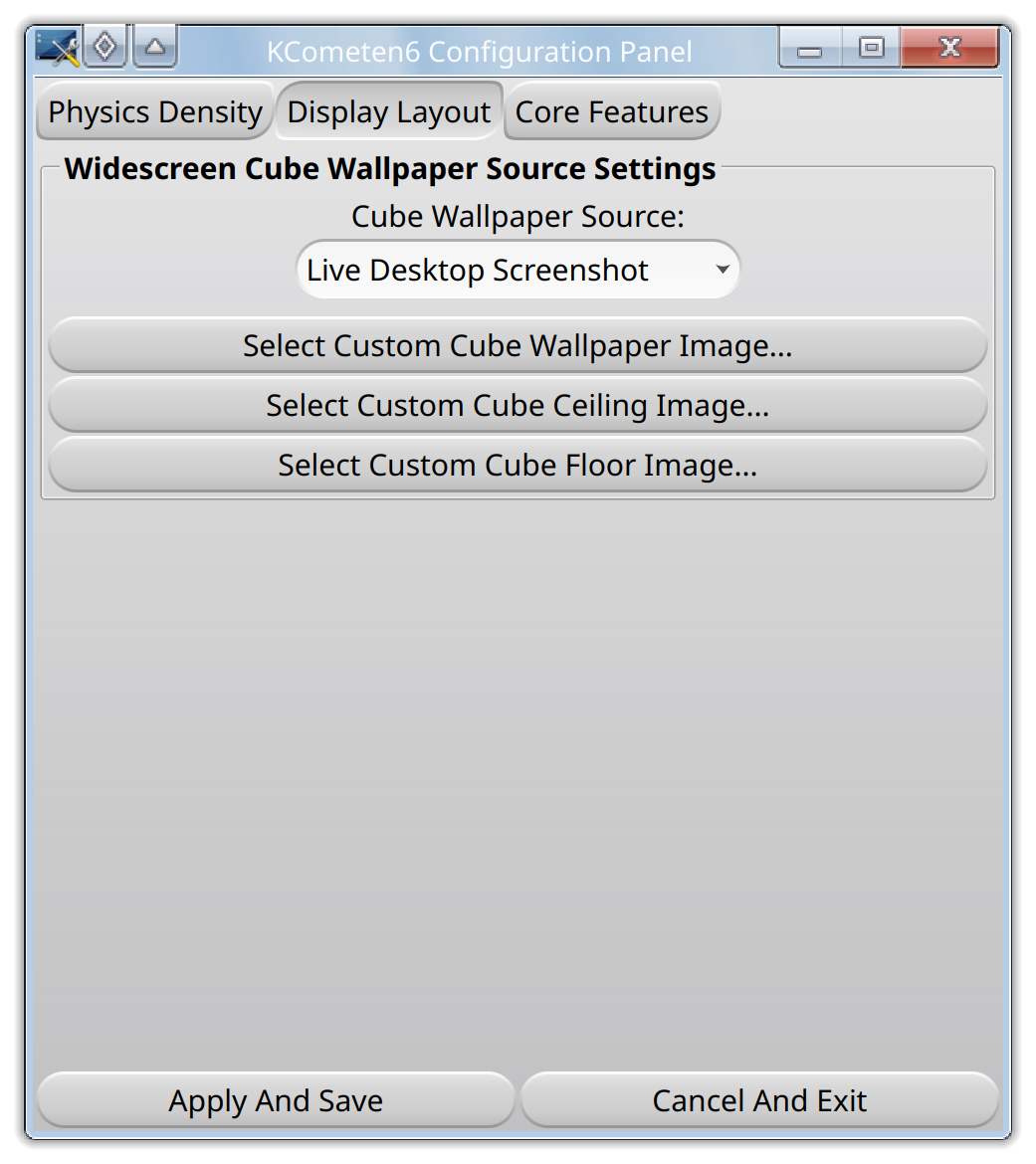
You can set your screen to lock after 5 minutes and system suspend after 8 or 10, whatever you use. The standalone timer allows you to set the screensaver for three minutes giving you two minuets to show off your desktop with a live screenshot or any image you select in the GUI. Those are the walls, live or custom.
I went though it pretty quick in the video, but you can pause and look.
According to the link above, the idle monitor should work with almost anything. Of course, I’m not testing all of those. When will I release it? As soon as I get a few things worked out. The flipped floor image with backwards text, the GUI items put in order and probably add that launch button. And clean all of my junk out of it. There’s a ton of backups and notes from testing and changing things, making backups after each major step.
Video:
Reviving an Open-Source Masterpiece: KCometen4 Standalone on Wayland & Tumbleweed! KCometen6
Compositor Support
Cage 0.3.0, COSMIC 1.0.0~beta.8, GameScope 3.15.14, Hyprland 0.52.1, Jay 1.14.0, KWin 6.7, Labwc 0.20.2, Louvre 2.14.1, Mir 2.26, Muffin 6.7.4, Mutter 51, niri 26.04, phoc 0.55, river 0.3.13, Sway 1.11,
Treeland 0.8.0, Wayfire 0.9.0 and Weston 15.0.1.