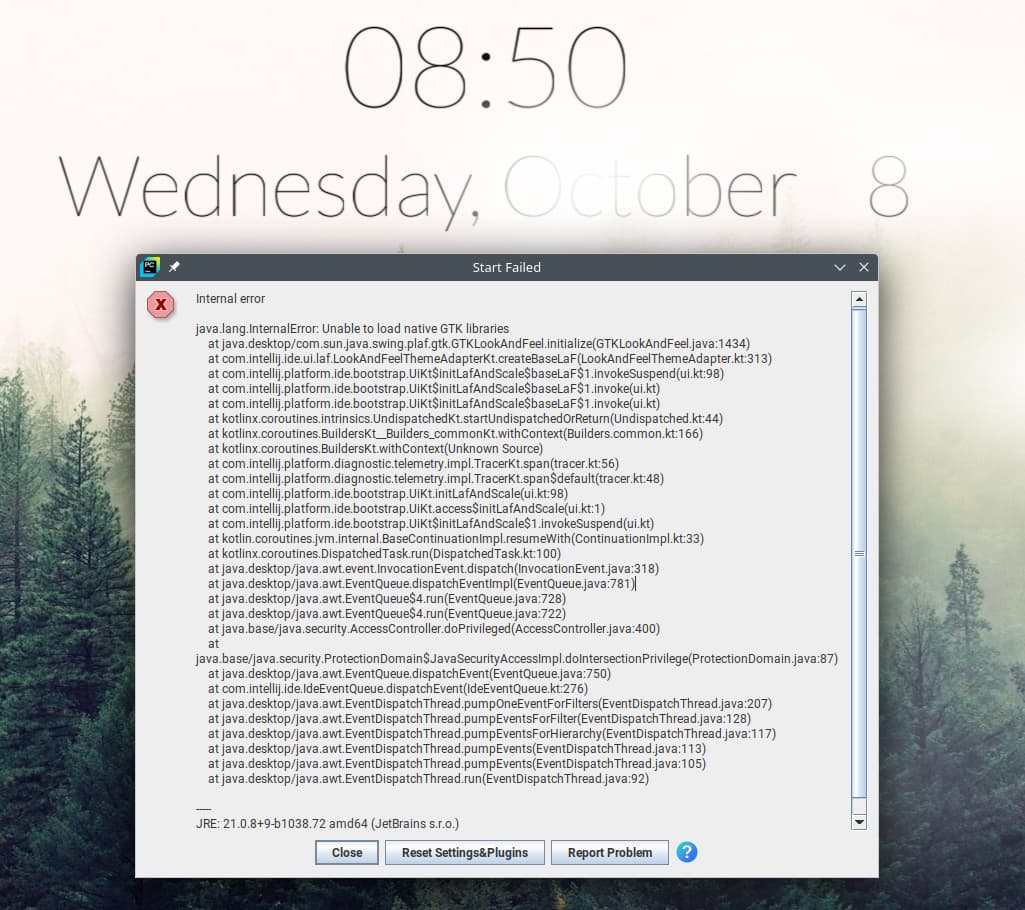
Internal error

java.lang.InternalError: Unable to load native GTK libraries
    at java.desktop/com.sun.java.swing.plaf.gtk.GTKLookAndFeel.initialize(GTKLookAndFeel.java:1434)
    at com.intellij.ide.ui.laf.LookAndFeelThemeAdapterKt.createBaseLaF(LookAndFeelThemeAdapter.kt:313)
    at com.intellij.platform.ide.bootstrap.UiKt$initLafAndScale$baseLaF$1.invokeSuspend(ui.kt:98)
    at com.intellij.platform.ide.bootstrap.UiKt$initLafAndScale$baseLaF$1.invoke(ui.kt)
    at com.intellij.platform.ide.bootstrap.UiKt$initLafAndScale$baseLaF$1.invoke(ui.kt)
    at kotlinx.coroutines.intrinsics.UndispatchedKt.startUndispatchedOrReturn(Undispatched.kt:44)
    at kotlinx.coroutines.BuildersKt__Builders_commonKt.withContext(Builders.common.kt:166)
    at kotlinx.coroutines.BuildersKt.withContext(Unknown Source)
    at com.intellij.platform.diagnostic.telemetry.impl.TracerKt.span(tracer.kt:56)
    at com.intellij.platform.diagnostic.telemetry.impl.TracerKt.span$default(tracer.kt:48)
    at com.intellij.platform.ide.bootstrap.UiKt.initLafAndScale(ui.kt:98)
    at com.intellij.platform.ide.bootstrap.UiKt.access$initLafAndScale(ui.kt:1)
    at com.intellij.platform.ide.bootstrap.UiKt$initLafAndScale$1.invokeSuspend(ui.kt)
    at kotlin.coroutines.jvm.internal.BaseContinuationImpl.resumeWith(ContinuationImpl.kt:33)
    at kotlinx.coroutines.DispatchedTask.run(DispatchedTask.kt:100)
    at java.desktop/java.awt.event.InvocationEvent.dispatch(InvocationEvent.java:318)
    at java.desktop/java.awt.EventQueue.dispatchEventImpl(EventQueue.java:781)
    at java.desktop/java.awt.EventQueue$4.run(EventQueue.java:728)
    at java.desktop/java.awt.EventQueue$4.run(EventQueue.java:722)
    at java.base/java.security.AccessController.doPrivileged(AccessController.java:400)
    at java.base/java.security.ProtectionDomain$JavaSecurityAccessImpl.doIntersectionPrivilege(ProtectionDomain.java:87)
    at java.desktop/java.awt.EventQueue.dispatchEvent(EventQueue.java:750)
    at com.intellij.ide.IdeEventQueue.dispatchEvent(IdeEventQueue.kt:276)
    at java.desktop/java.awt.EventDispatchThread.pumpOneEventForFilters(EventDispatchThread.java:207)
    at java.desktop/java.awt.EventDispatchThread.pumpEventsForFilter(EventDispatchThread.java:128)
    at java.desktop/java.awt.EventDispatchThread.pumpEventsForHierarchy(EventDispatchThread.java:117)
    at java.desktop/java.awt.EventDispatchThread.pumpEvents(EventDispatchThread.java:113)
    at java.desktop/java.awt.EventDispatchThread.pumpEvents(EventDispatchThread.java:105)
    at java.desktop/java.awt.EventDispatchThread.run(EventDispatchThread.java:92)
JRE: 21.0.8+9-b1038.72 amd64 (JetBrains s.r.o.)
/snap/pycharm-community/534/jbr