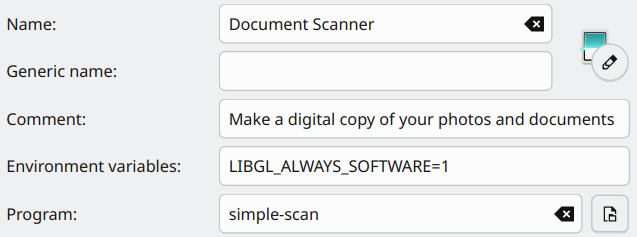
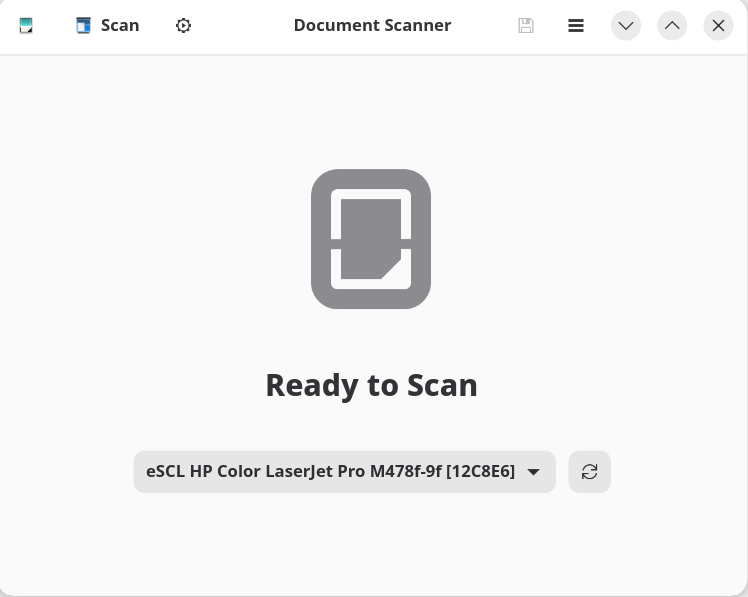
Simple-scan finds the above scanner device but scanning a document fails with the result below.
>simple-scan escl:https://192.168.178.5:443

(simple-scan:10101): Gdk-WARNING **: 10:09:18.403: Vulkan: ../src/amd/vulkan/radv_physical_device.c:2212: Device '/dev/dri/renderD128' is not using the AMDGPU kernel driver: Invalid argument (VK_ERROR_INCOMPATIBLE_DRIVER)
The Vulkan message is only a warning - likely due to having an older AMD graphics chipset and using the radeon driver perhaps. Post the results from inxi -GSaz for more information about that.
The real issue is the scanner not being detected. Is the sane-airscan package installed?
A lot of DEBUG output. What should I look for?
…all good sane messages, then toward the end
[+22.68s] DEBUG: simple-scan.vala:1677: Unable to find colord device airscan:e0:Canon GX6000 series: property match 'Serial'='sane:airscan:e0:Canon GX6000 series' does not exist
On an openSUSE Leap 16 install running in a VM, I too must use the LIBGL_ALWAYS_SOFTWARE=1 environment variable (inserted in the KDE menu entry for simple-scan)…
I don’t have the same “one shot” issue as you describe though. I can perform a scanning job (single or multi-page), save it and undertake a subsequent scanning job without issue.
Is a restart of the application enough to get the next scanning job completed? Does power-cycling the scanner also achieve the same?
Something to try:
Run scanimage --format=png > test1.png
then do a second scan scanimage --format=png > test2.png
If the second scan fails, the issue is the backend (sane-airscan) and not specifically with simple-scan.
If you want to specify the scanner, you can use scanimage --device-name "escl:https://192.168.178.5:443" --format=png > test.png instead.
After reboot of PC and scanner/printer off
test1: scanner triggered on, and scans, but fails with
scanimage: sane_read: Error during device I/O
Exactly same result with test2.
Both png files are saved on the PC, but cannot be read showing
Remote error: org.gnome.glycin.Error.LoadingError: glycin-loaders/glycin-image-rs/src/main.rs:319:52: unexpected end of file

stderr:
Setting process memory limit
Otherwise, generally ‘flaky’ (i.e. seemingly unrepeatable) behaviour.
Meaning e.g. no response from scanner on test1 after very first cold start (from PC bootup and scanner powered off, but successful test2, (i.e. triggered scanner on, and scanned) with readable file.
After the two above tests Document Scanner produced a good scan (pdf), and a new scanimage png test3 thereafter was successful.
For Gnome, create the file ~/.config/environment.d/90-software-rendering.conf (or similar) containing LIBGL_ALWAYS_SOFTWARE=1, save when done, then logout and back in again. It should take effect for graphical apps that require software rendering on your system.