KDE announced they will drop X11 support in KDE Plasma 6.8. Plasma 6.7 is the last new release supporting X11. The devs ask for feedback to fix remaining issues in 6.7 and 6.8 to have a smooth transition for as many people as possible.
I have the following questions:
Is Tumbleweed with KDE defaulting to Wayland or X11?
Was there ever a switch?
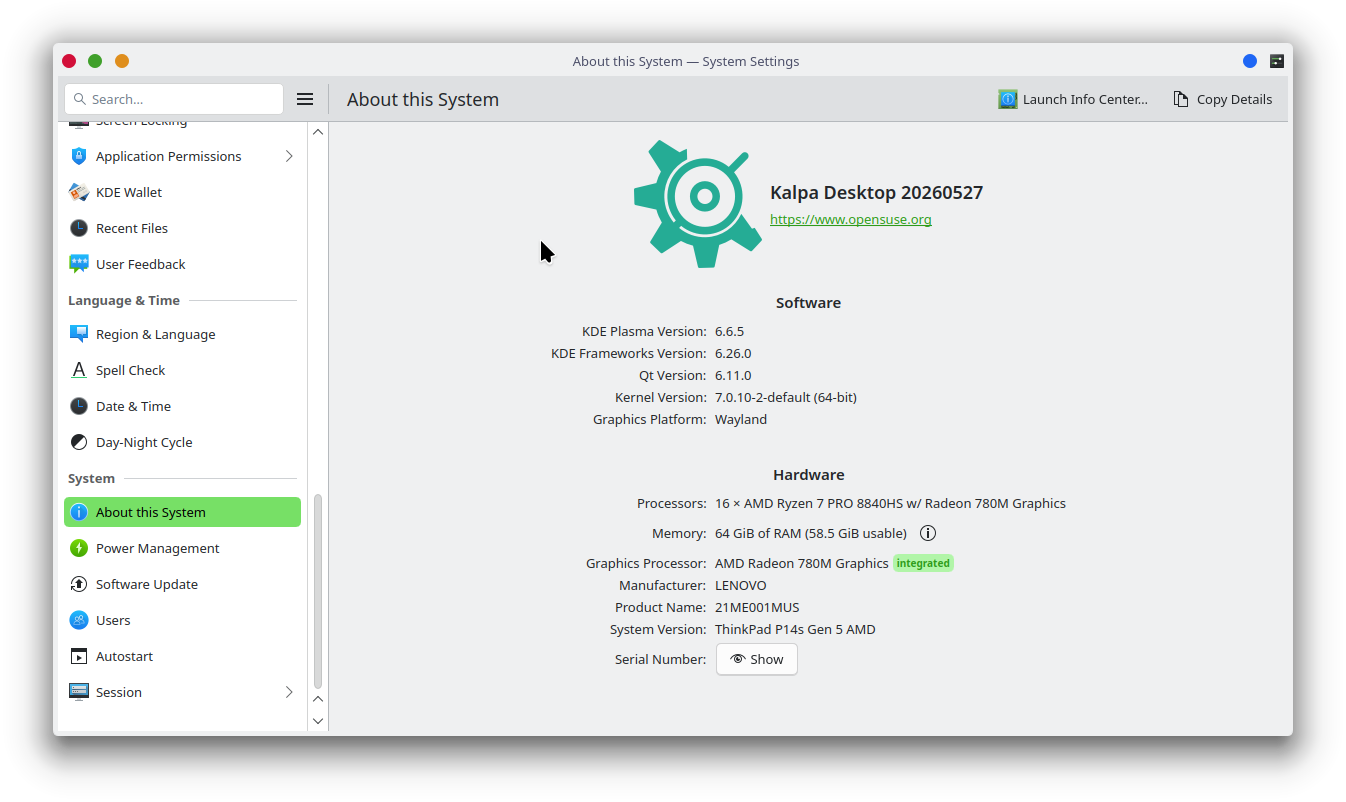
How can I find out if I still use X11? I am using auto-login, so I don’t see the choice in the login manager.
the user session remembers the last user choice. So what the users decides to use will be kept
When Plasma 6.8 removes the X11 session completely, there will be no other choice as Wayland. The Plasma devs have for sure a strategy or code to make the automatic switch.
echo $XDG_SESSION_TYPE
As you use autologin: systemsettings->type SDDM in searchbox->Login Screen (SDDM)->Behaviour->With session Wayland
For your plasma session, the easiest method is to logout of plasma, via the logout function, and then select the Plasma (Wayland) session in sddm, that will make the Wayland session your default on subsequent logins.
For sddm, to switch it to Wayland by default, open a terminal, and run sudo systemctl enable --force sddm.service This will automatically disable display-manager-legacy.service and make sddm run as a wayland client, using kwin-wayland as the compositor, same as the `Plasma (Wayland) session.