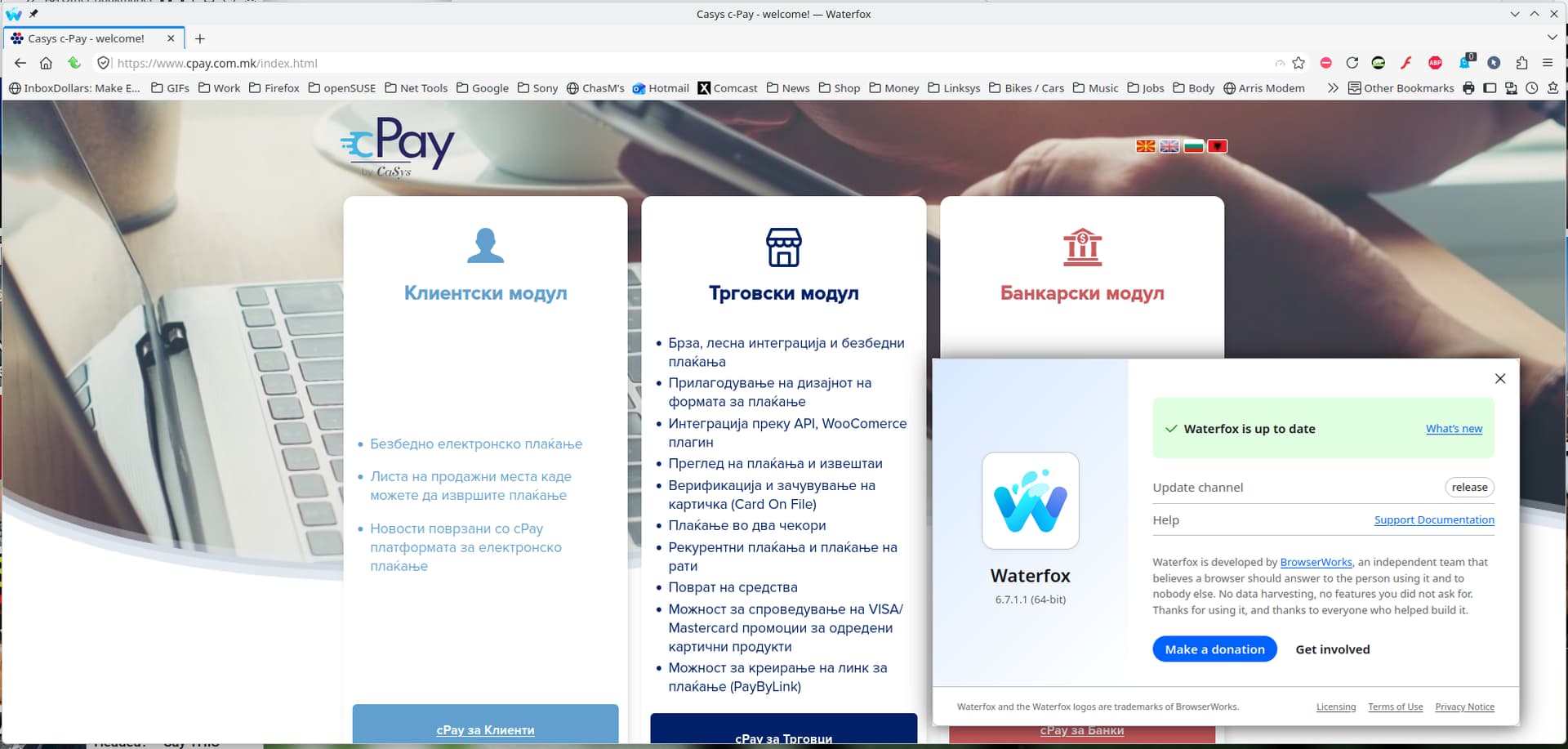
This webpage: https://www.cpay.com.mk/ can’t be open on LibreWolf, but it can be open without problems on Firefox, which points to a great possibility that LibreWolf was attacked by a hacker, possibly via cookies.
The error shown on LibreWolf is this: " Server Not Found
LibreWolf can’t connect to the server at www.cpay.com.mk.
What can you do about it?
Try connecting on a different device. Check your modem or router. Disconnect and reconnect to Wi-Fi."
Of course LibreWolf is misleading me, because the webpage can be immediately opened on Firefox on the same computer, which means that LibreWolf is not up to its task.
Any opinions?
Update: Other webpages, like https://www.meteoblue.com , can be opened without problems on LibreWolf.
Doesn’t work. Website and browser history (cookies and everything else) cleared, browser restarted, but the website still can’t be opened. The problem seems to be much harder.
The problem is also partly economic and partly political, no matter if someone likes to hear it or not: As you can’t easily make appointment with a physician who is at the same time university professor where I live now, so you can’t easily make an appointment with a software engineer who is at the same time university professor in the USA or Germany or developer of Firefox or OpenSuse to review the problem.
“Server Not Found” is a DNS resolution issue, not a cookie issue - and certainly not likely an “I’ve been hacked” issue.
What is likely is that your Firefox configuration is set to use your OS DNS settings, which point to a server that resolves it correctly, and LIbreWolf is using DNS-over-HTTPS (DoH), and that DNS provider is not resolving it correctly. (Or the other way around, Firefox is using DoH and LibreWolf is using your OS settings).
Treat this like the DNS resolution issue it is and troubleshoot it that way, rather than jumping to an unsupported conclusion of mysterious “hackers” interfering with your ability to access a single website by making the name not resolve.
That said, if you’re concerned about security, you shouldn’t be using an EOL-release of your operating system either. Leap 15.6 has been EOL since April 30, 2026, and hasn’t received any security updates since then.
However as others have mentioned already your problem is most likely related to your DNS configuration.
If you have trouble finding reliable DNS providers you might want to consider using dnscrypt-proxy. There should be an openSUSE package available in the OSS-repository.