I have a Thinkpad X1 yoga gen 6, it’s equipped with the Intel’s 11th gen processors. I downloaded the tumbleweed iso and tried to install it like I used to on older laptops, but the nvme is not detected.
I know that this could be the vmd controller, and many websites suggests to turn bios settings to ahci instead of raid or to turn off the vmd; however, the bios doesn’t have this option at all.
Now I think that I have a useless machine, I searched too much for more than 4 days tried ai but couldn’t solve the problem, if any one just anyone could help!
@Ahmose Hi, what happens if you switch to a tty and run modprobe vmd and check for the nvme to be present?
Else you might have to add insmod=vmd nvme_load=YES to the install grub boot options.
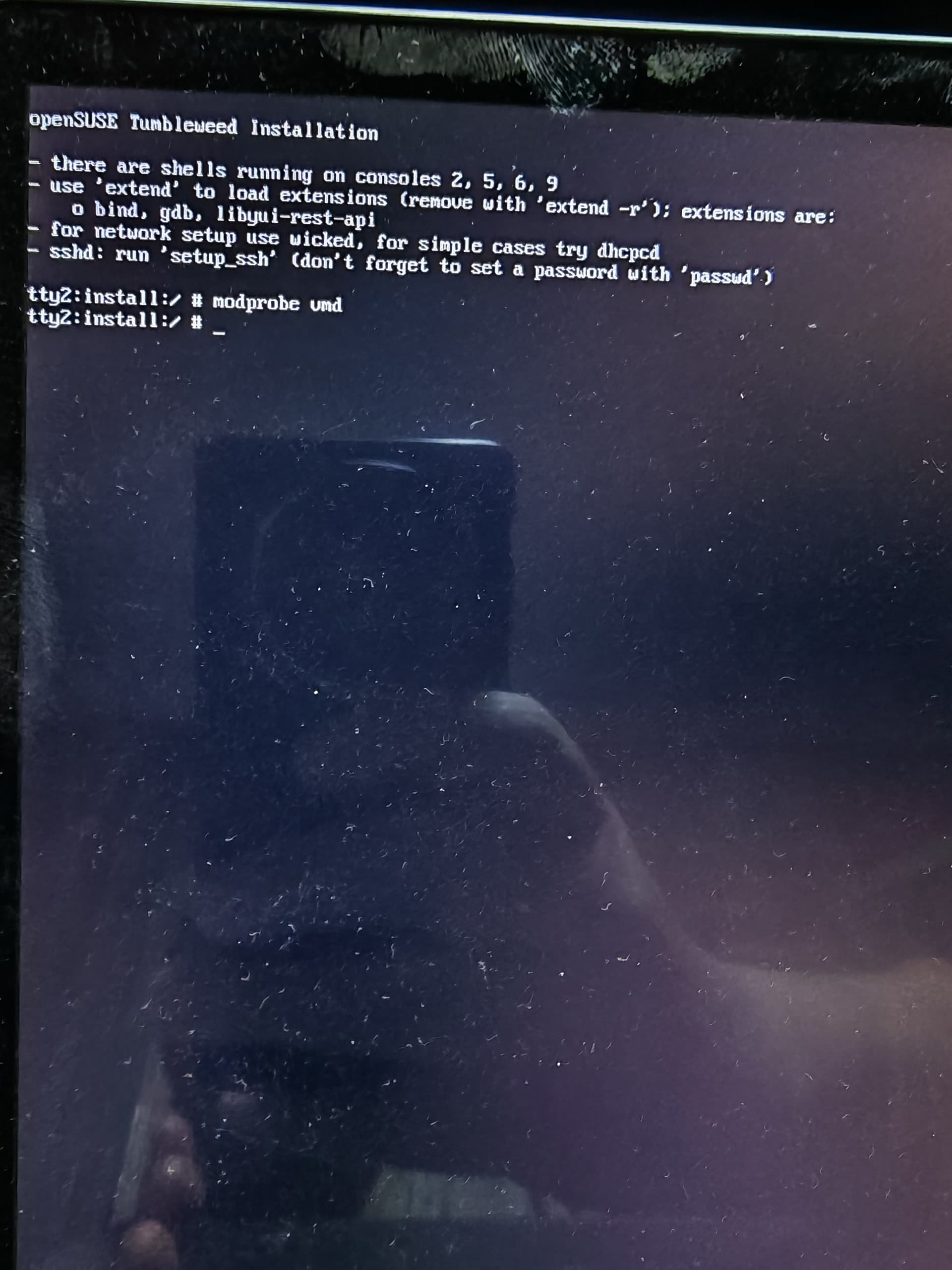
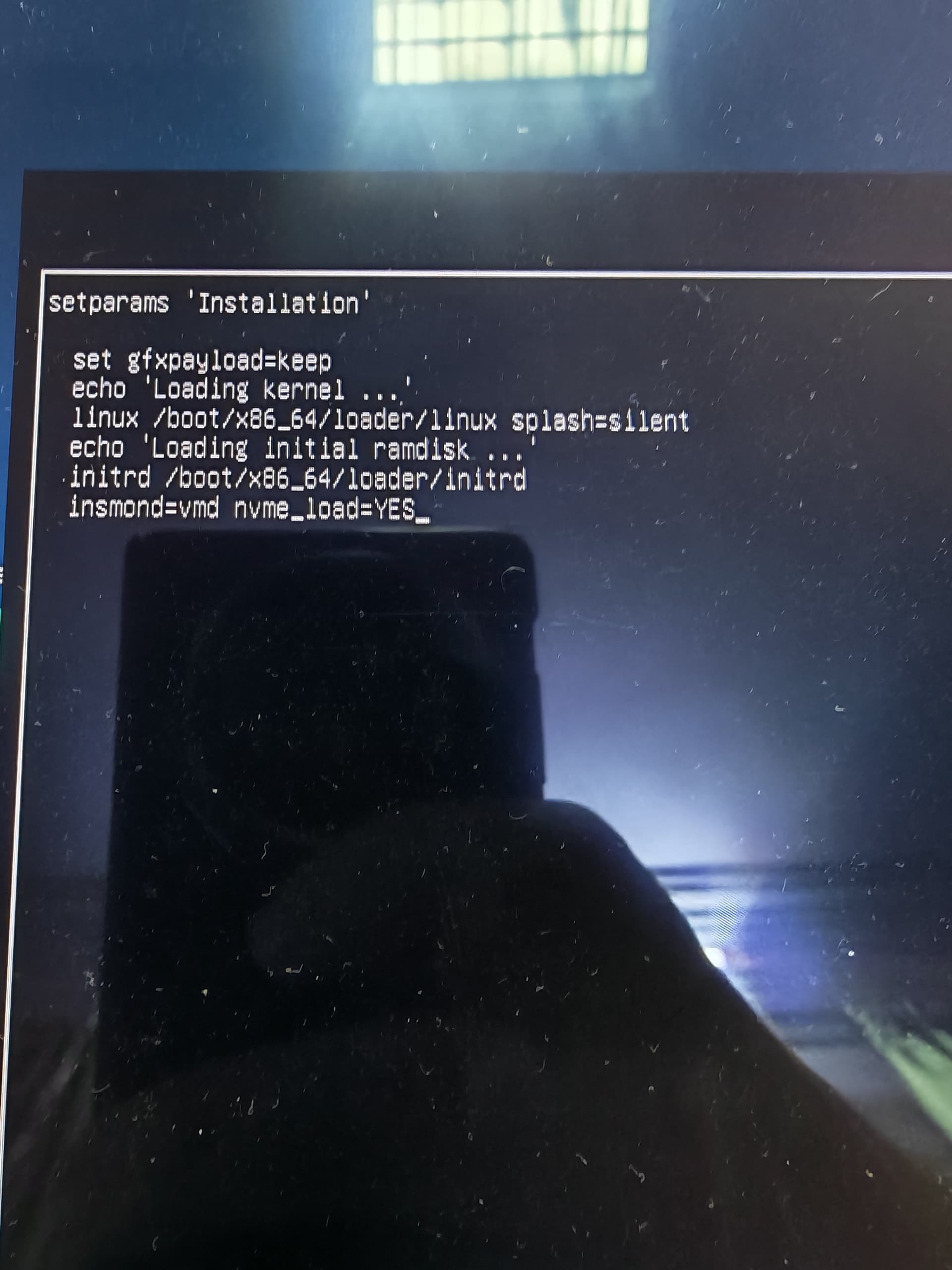
Hi, I tried modprobe, it just do nothing. Then added the insmod line to the grub boot menu , then Ctrl x to start the installation, but it didn’t detect the nvme neither.
@Ahmose It did, it loaded the module without error…
So if you run modprobe vmd, then /sbin/lspci -nnk | grep -iEA3 "vmd|raid" is there output, if you run partprobe, then lsblk -f does the device appear?
For example I have here;
/sbin/lspci -nnk | grep -iEA3 "vmd|raid"
0000:b2:05.5 RAID bus controller [0104]: Intel Corporation Volume Management Device NVMe RAID Controller [8086:201d] (rev 04)
	Subsystem: Dell Device [1028:0738]
	Kernel driver in use: vmd
	Kernel modules: vmd, ahci
No, look at the photo, you made a typo “insmond” instead of “insmod”.
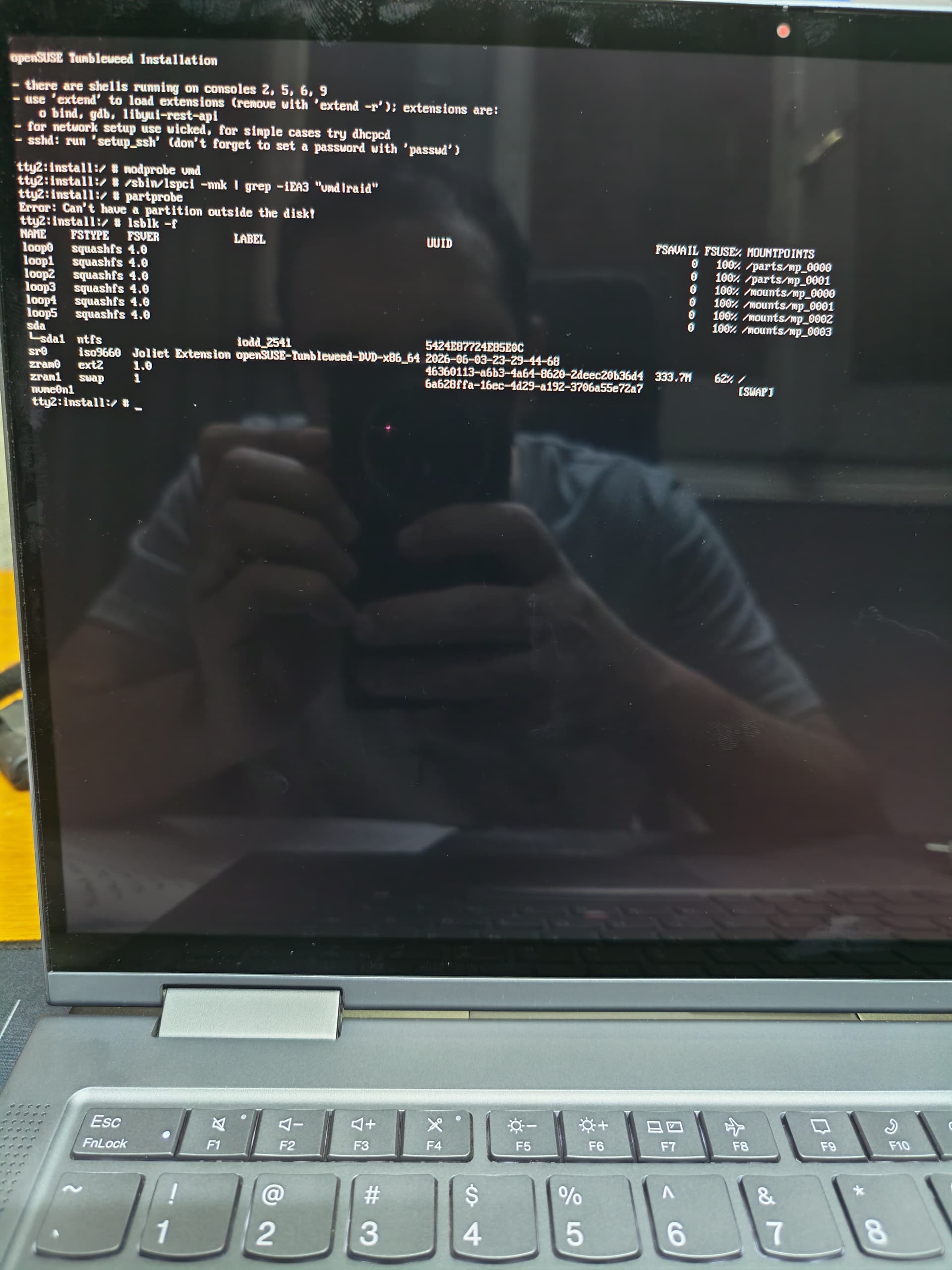
I corrected the type, nothing new!
Your going to have to poke around in the system BIOS, perhaps you can provide a link to the hardware manual that shows BIOS information.
I poked everything, just nothing
Did you try hwinfo --disk?
On my machine, it tells me that I need the nvme kernel module, not vmd.
It just listed the media iam installing from, and something about zram, nothing more
@Ahmose Is this the first time that you use that nvme or you already use it before and it was working.
I noticed something know, I was trying to install on 2 names, the first one is Samsung 980, the second one I bought yesterday is Samsung 990 pro, the problem I encountered with both. After your reply I tried to use an skhynix I own before, it didn’t appear in the installer, however, when I opened tty and entered the commands Malcolm suggested above: modprobe vmd , then /sbin/lspci -nnk | grep -iEA3 "vmd|raid" , partprobe , then lsblk -f
I could see the nvme partitions there.
So I think the problem is the Samsung disks now! No?
@Ahmose It could very well be that vmd controller and Samsung devices. If you boot again, before running the modprobe, run lsblk -f and see if it’s there, then the lspci command, then modprobe and check it the device and controller is present etc.
Thank you guys for the help, the laptop had been diagnosed by a technician and the root of the problem is a a faulty motherboard, another one was tested and everything worked fine!
3 Likes
This topic was automatically closed 7 days after the last reply. New replies are no longer allowed.