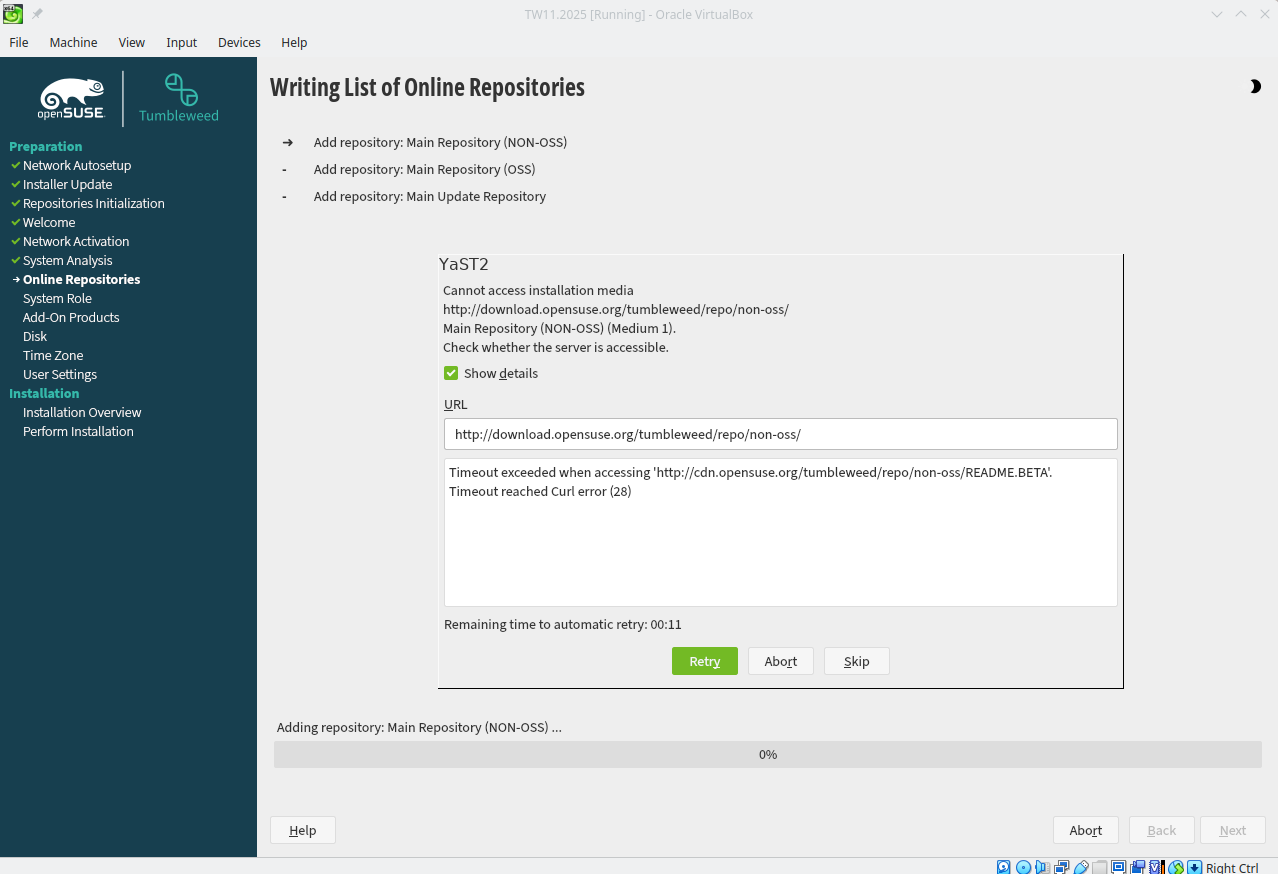
While trying to install “openSUSE-Tumbleweed-DVD-x86_64.ISO” in VirtualBox I get the error “No network device found. Load a network module first.” when trying to select network settings, and after trying tro select default HTTP repository source.
I’ve tried different network settings (NAT, Bridge, etc.) and NIC cards as suggested during internet research without success. It feels like openSUSE-Tumbleweed NIC is simply not recognized by VirtualBox.
I just did upgrade Host Tumbleweed OS to VERSION=“20251127”, same problem. I tried to install a Ubuntu Machine and seems to be picking the network, which made me think there might be something “missing” in openSUSE-Tumbleweed-DVD-x86_64-Snapshot20251127-Media.iso offline image.
VirtualBox uses by default the following network settings
NAT
Intel PRO/1000 MT Desktop (82540EM)
Virtual Cable Connected
Although as explained before, tried different settings combination…