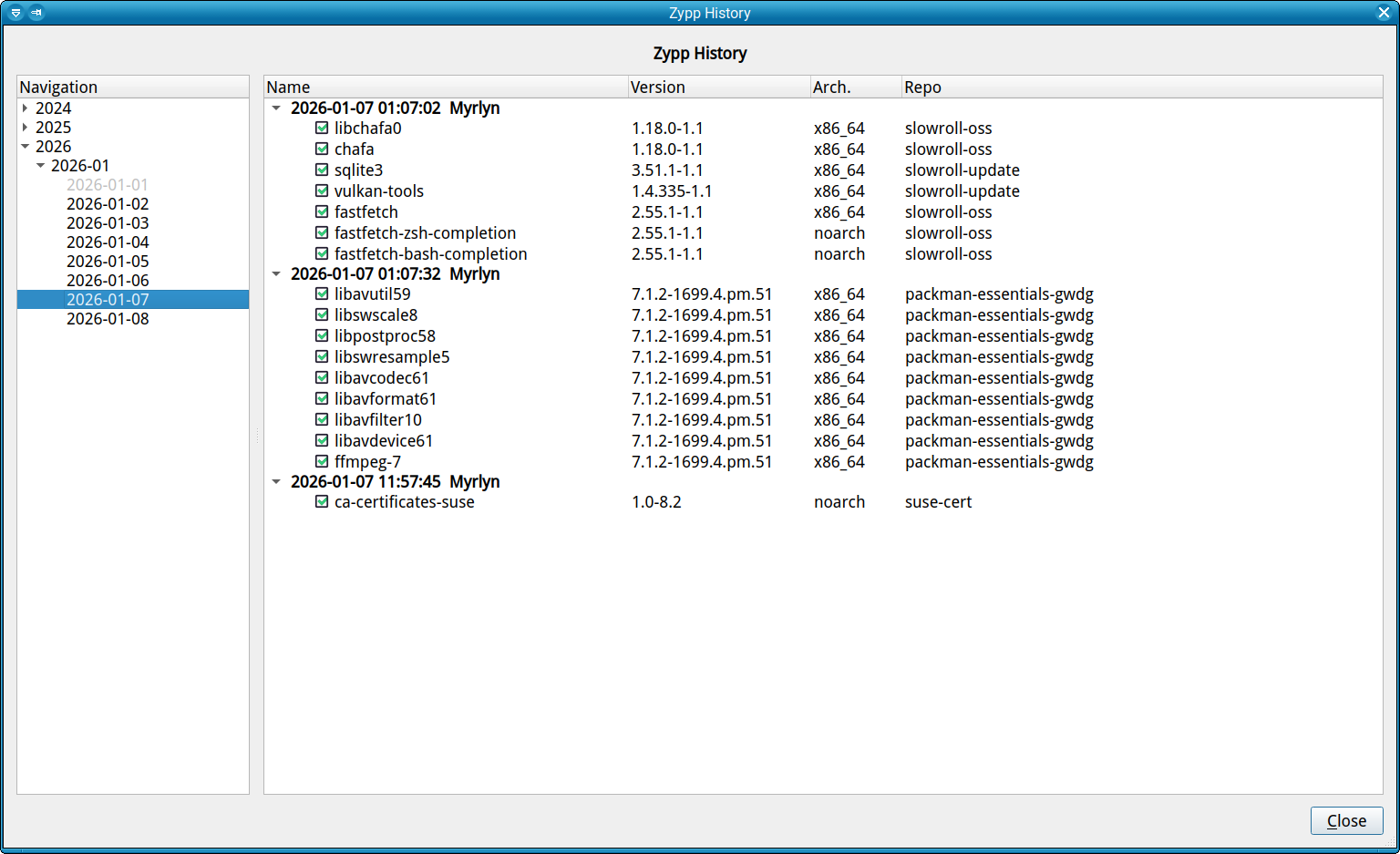
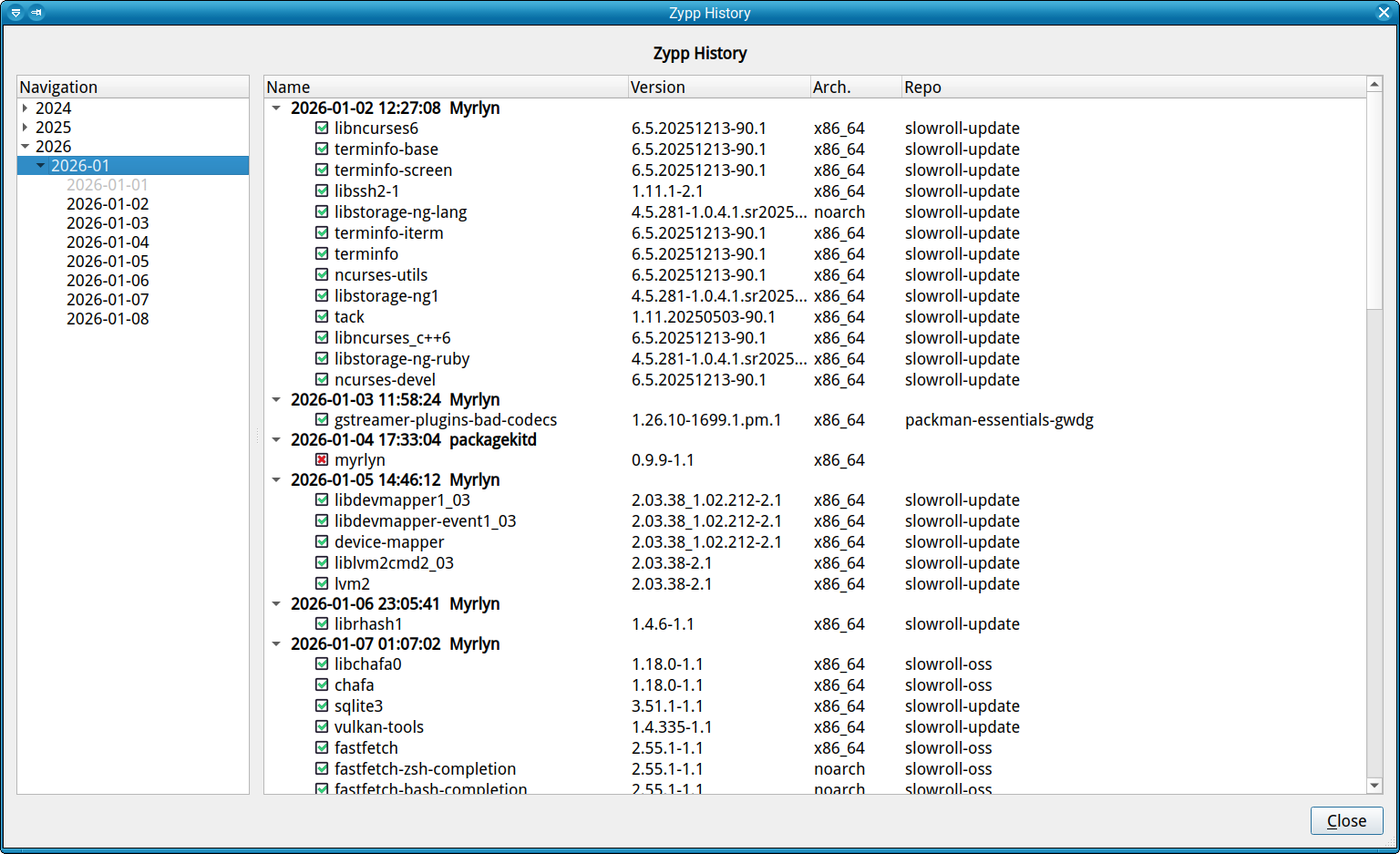
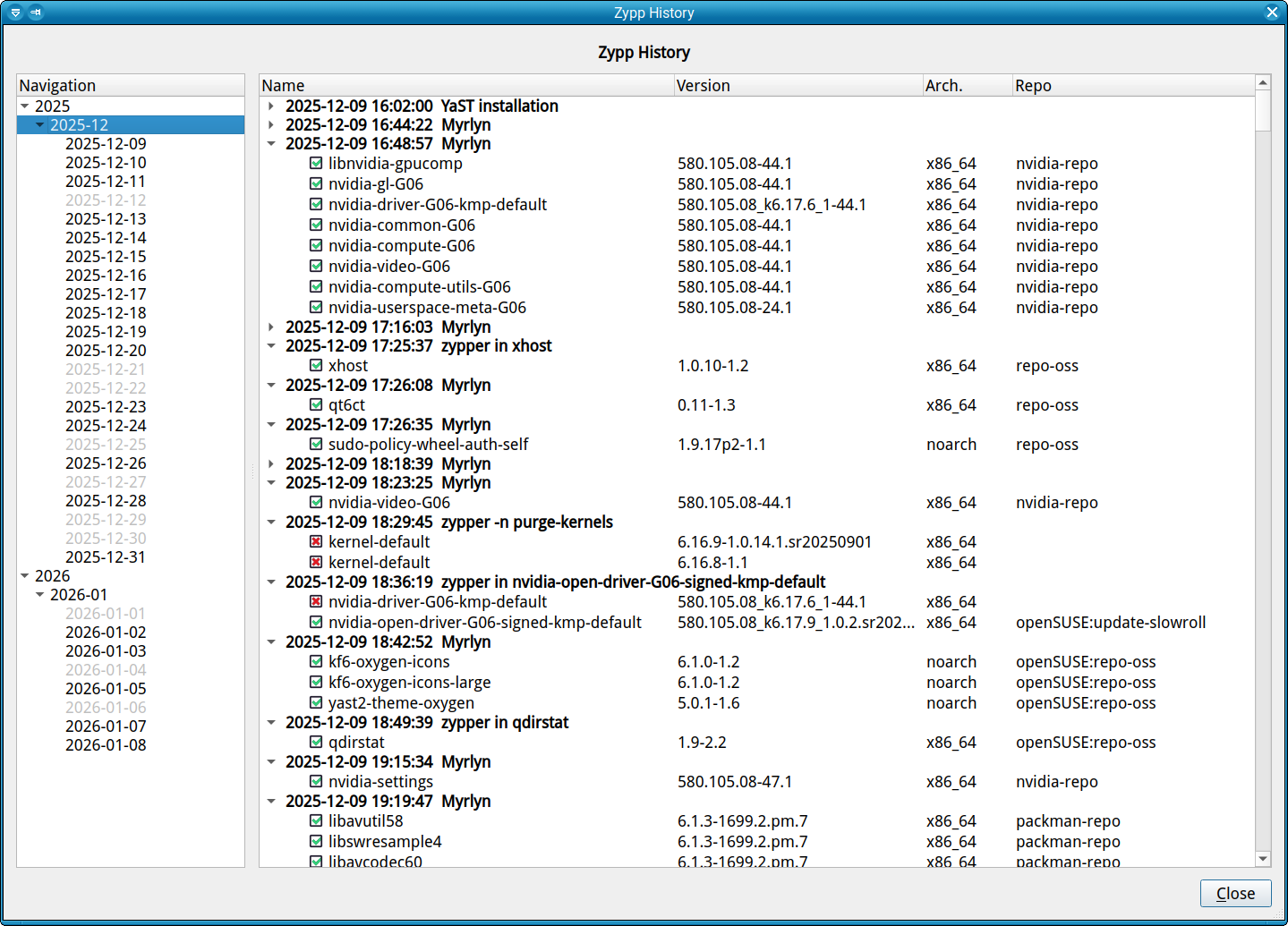
and you can collapse and expand any of those sections.
On the left there is now the timeline (since the day of installation) for navigation, years as the toplevel, then months and individual days.
You can select a specific day, or an entire month, and the tree on the right will be filled with the zypp history for that day or month. Between days with activity you will see those without zypp activity greyed out, so you can get an instant overview how many days in the month you were busy with installing / removing packages, or with updating your system.
I understand, but I prefer to reserve time for the upgrade and then do it all at once. I do not like these steps at all, because going to new versions is often not an improvement. But this one seems to be an improvement to look forward to.
I think this is excellent work. This appears to be a very enhancing feature. This is increasing the robust capabilities of the software and hopefully there will be more to come.
I have not been using Myrlyn yet (using mainly zypper from cli) but I have been reading about it on the forums.
Great stuff, I didn’t know about this feature.
I have a morning routine of checking a few things including how the nightly update went, this is so much easier on the eyes than less!
Right now, this new feature is in the myrlyn-git package from my home project. Thorough testing will be much appreciated. For any problems, please use the GitHub issue tracker on the project home page.
But this was the final missing thing for a myrlyn-1.0.0 release (finally!) which will be coming very soon.
Factory will take some time until all reviews (automated and human) are done, and it works in one of the staging projects. Frome there it will move on to Tumbleweed and with some delay to Slowroll.
My /var/log/zypp/history goes back to November 29, 2025 and ends at January 19, 2026. That is also the exact history range showing on the left side of Myrlyn.
I do have a file in /var/log/zypp/history-20240604.xz that goes back to the install date of August 16, 2023.
Am I missing something? Has my history file been truncated by the system after archiving the the older contents?
And thank you do much for this fantastic feature! I’ve been using Myrlyn for everything but updating. I use zypper CLI and save the output as a text file. Many times I’ve wanted to search all logs to track the changes of a particular package etc.
The only thing that I would like to see is an export or save button that exports All (All Years), by Year, Month or Day, whatever is selected on the left and displayed on the right.
Exporting certain days or filtered output would be helpful for posting in the forum to get assistance with a bad update etc. It’d be easy to spot if a user got a package from the wrong repo etc. I know this can be done with a command but it’d be a great feature for new users needing assistance. Maybe even a Copy for the right side. Right now it will Copy the highlighted file name on the right (not the whole line) with Ctrl-C, but Ctrl-A does not select all.
It is possible that there is some log rotation going on, but if it is, it takes a looong time until it does anything. Currently, I don’t have a machine that has such a .xz file in that directory (but that doesn’t really mean anything).
You could decompress that file and load it into Myrlyn with myrlyn --zypp-history /that/old/file to check.
As for generating reports: I thought about it, but since all that Myrlyn does is to reformat the existing data from /var/log/zypp/history, this seems kind of redundant to me: The same thing can be achieved by simply giving somebody that original file (e.g. attaching it to a bug report) and letting that other person browse it or filter it for the relevant information.
Since the zypp history browser is such an interactive beast, it would be very hard to select any relevant date intervals in the time line and the relevant commands and the actions they caused on the right side. This would be very much like trying to print an interactive website; possible, but very futile, and with questionable results. It’s better to do this interactively IMHO.
And BTW for forum posts there is always that crude, but working very well way of using a screenshot. Resizing the window to fit what you want to show goes a long way.