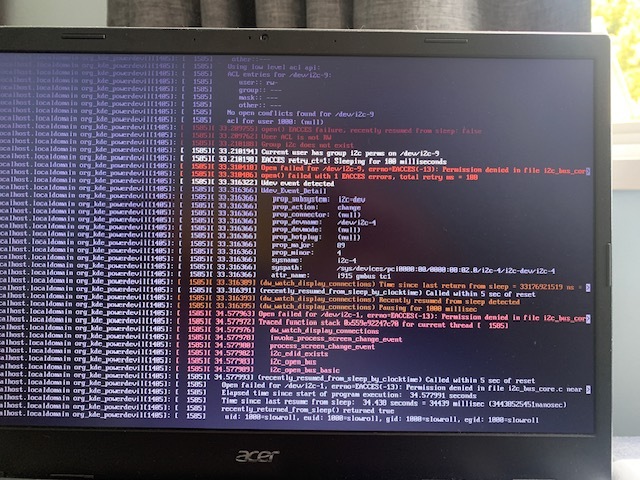
Hello all,
I foolishly changed distro and didn’t like it, so I’ve come back to Slowroll.
The only problem I’m having is that I can’t get it to work correctly!
I have installed it 3 or 4 times hoping it was just a bad install, but no.
Installed and updated, rebooted.
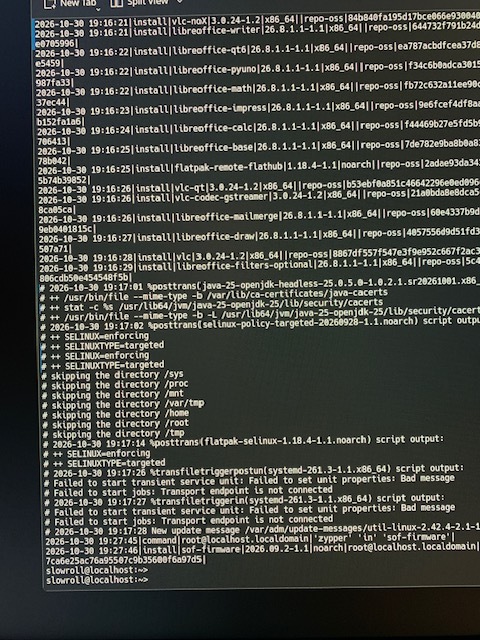
Then ran sudo zypper in sof-firmware as it is on a laptop and I need sound. Reboot and it boots to a black screen with curser.
IceWM session is black screen too. I did look at journalcfg but nothing jumped out at me - I don’t really know what I’m looking for anyway.
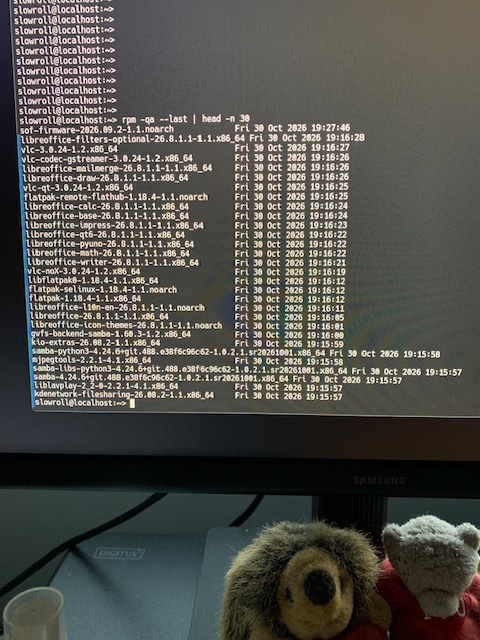
On its own, installing sof-firmwarewon’t have been the direct cause of the black screen. But perhaps (speculating here) it may have pulled in other dependencies, or triggered a new initramfs rebuild.
Once you’re at the black screen, try getting to a VT by pressing Ctrl+Alt+F3, login and then check the zypper history… sudo cat /var/log/zypp/history | tail -n 50
and last packages installed… rpm -qa --last | head -n 30
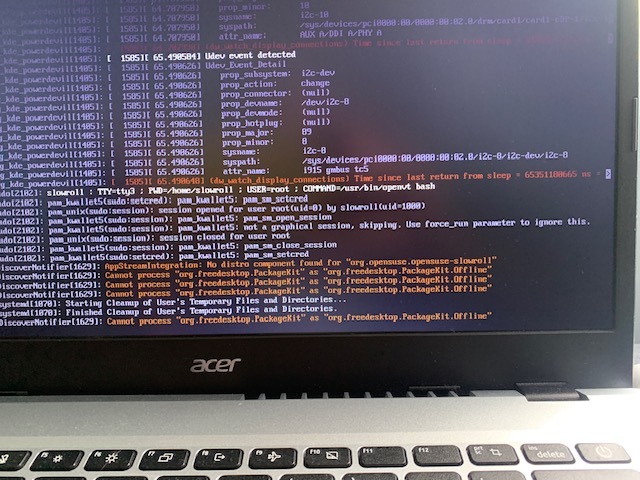
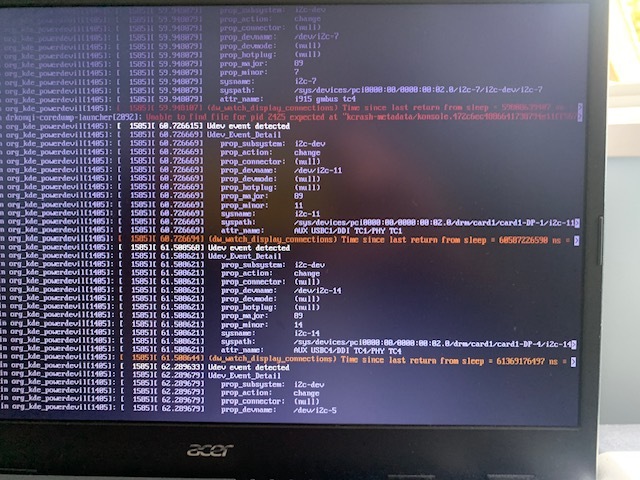
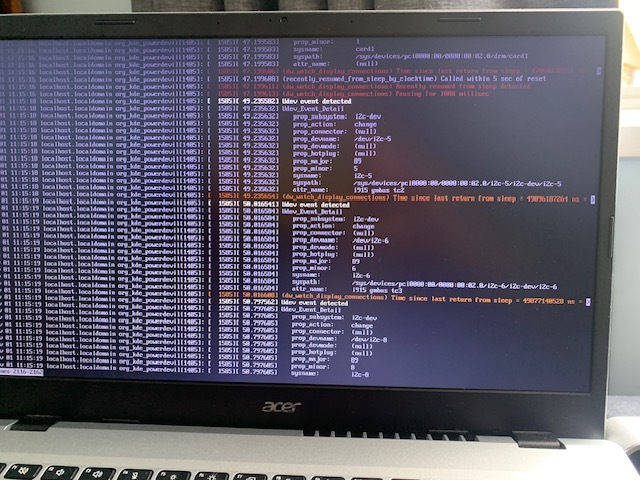
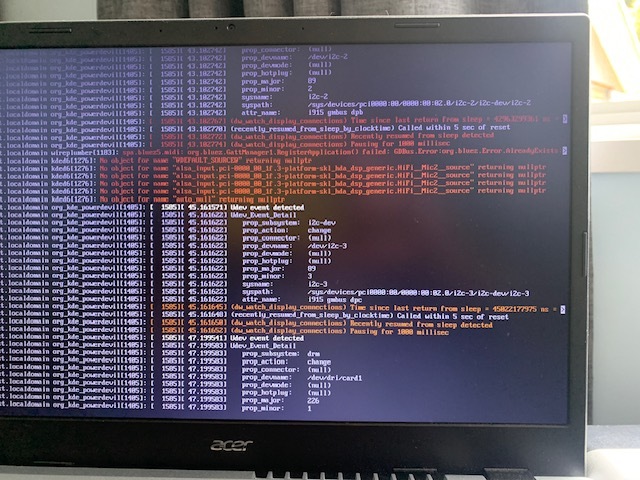
Given your circumstances, you may need to use your phone to capture the display output to share here if further diagnostic advice is needed.
in the third photo, the two top red lines are always displayed regardless of what distro I have had on the laptop.
Also, Slowroll is the only distro on the machine, was installed onto a blank drive.
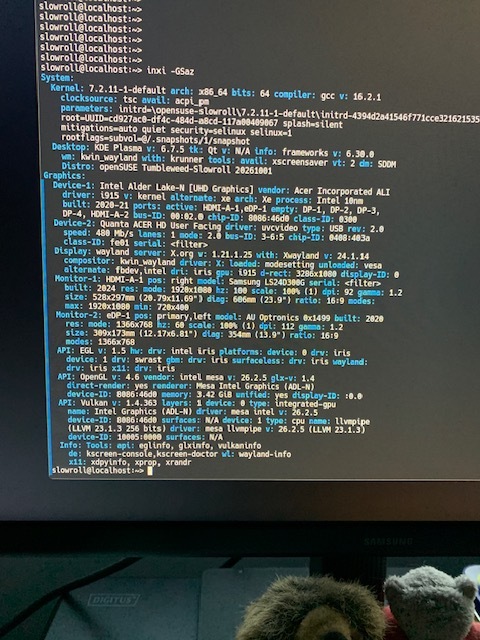
The output confirms that the Intel graphics hardware is detected and the i915 driver is loaded. Both the internal laptop display and external Samsung monitor are also detected. I don’t see any obvious reason for a black screen.
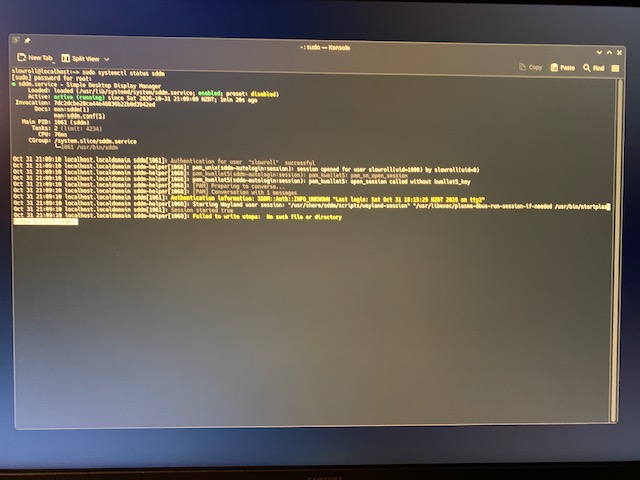
Can you show the output from sudo journalctl -b -u sddm
All good. Come back when you’re ready. We’re all volunteers, and participate when we’re free to do so.
Anyway, the output you shared showed that you successfully authenticated, so I assume that meant you got a graphical login screen at least… …and then SDDM tries to launch the Wayland session.
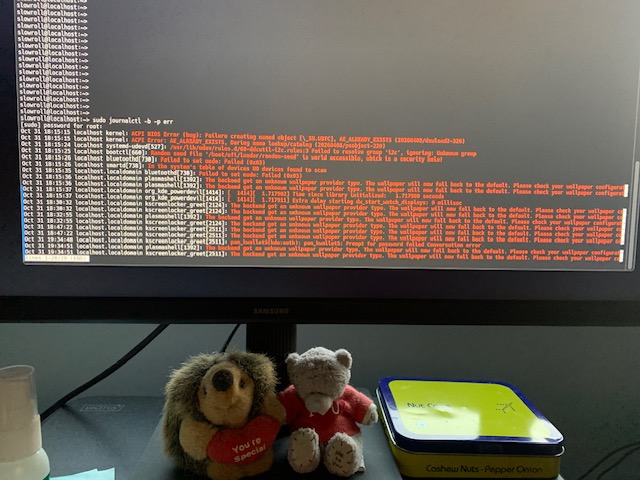
When you’re back, and have attempted to start the Plasma Wayland session again, switch to a VT, log in as your normal user, and run journalctl --user -b
That should show what is going wrong with starting the desktop session.
Looks like I misled you and it is not booting to a login screen.
It is attempting to launch the Wayland session, I get a Plasma splash screen with the gear spinning.
output: I have 11 photos but I don’t know enough to look through them and pick out the relevant ones. So I’ll just post a few for now.
I’m convinced that SDDM is running and you have autologin configured which worked. The sddm-autologin PAM lines show a session opened for slowroll (uid 1000). (So no graphical login screen because of this.)
It then attempted to start Plasma Wayland. A spinning gear that never finishes can mean plasmashell or something it waits on isn’t completing.
A quick test you can do from a VT. Create a second user with sudo useradd -m test sudo passwd test
Log in on a VT (eg CTRL+ALT+F4) as user test and invoke
startplasma-wayland
If that works, the problem is in the first user’s profile or config, not the system. See how that goes.
If the desktop still fails to appear, then we should also look at sudo coredumpctl list
If it lists a crashed Plasma or KWin process, you can check the offending process with sudo coredumpctl info <PID>.
 …and then SDDM tries to launch the Wayland session.