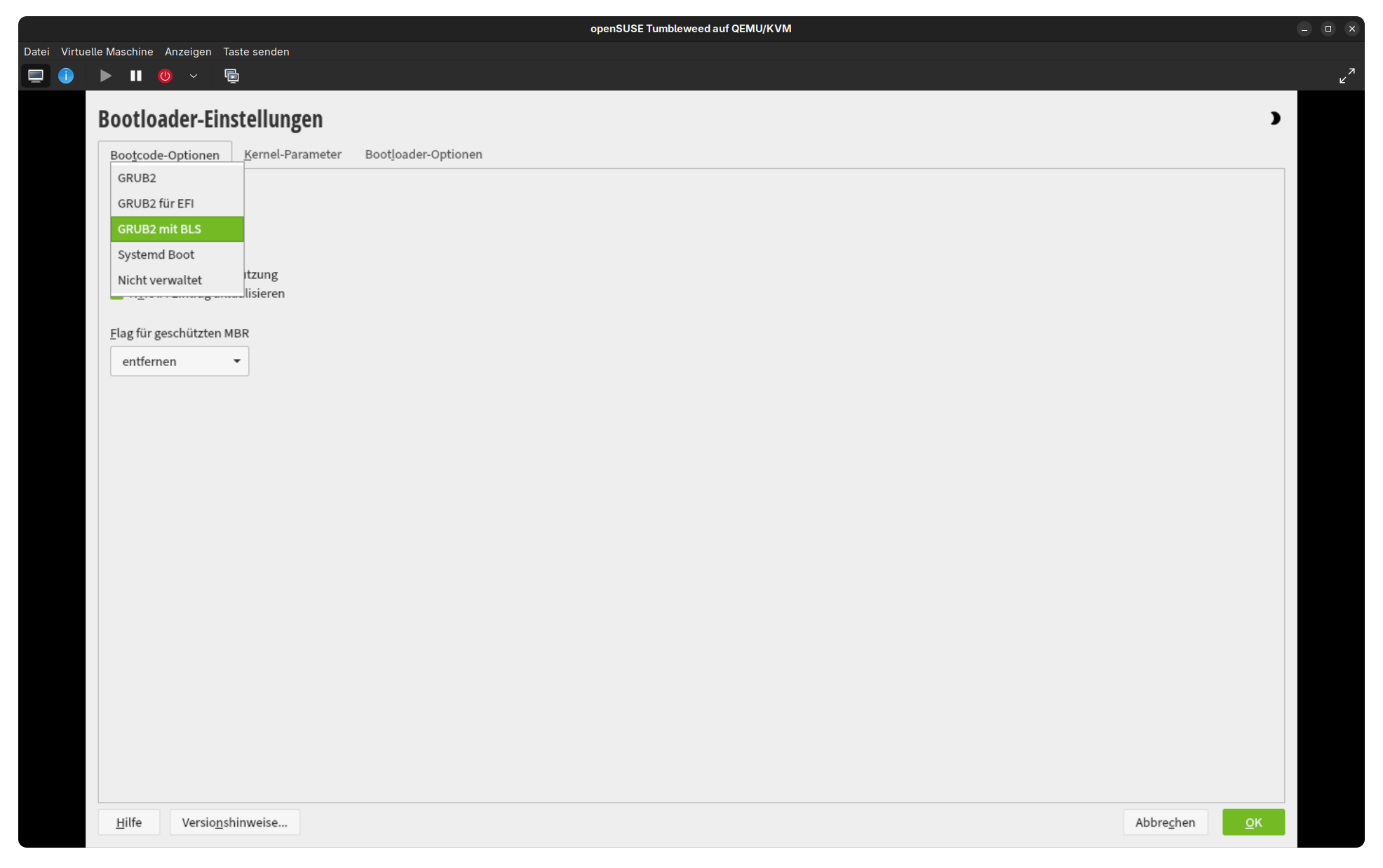
I was aware the article was talking about how to change the bootloader to grub2-bls and did mention that I didn’t test if it would work the other way around as well.
I was able to install grub2-efi and use it, but grub2-bls still stayed the default one despite me changing the config file. I wasn’t able to make systemd-boot appear as an option at all, maybe it needed more or different steps.
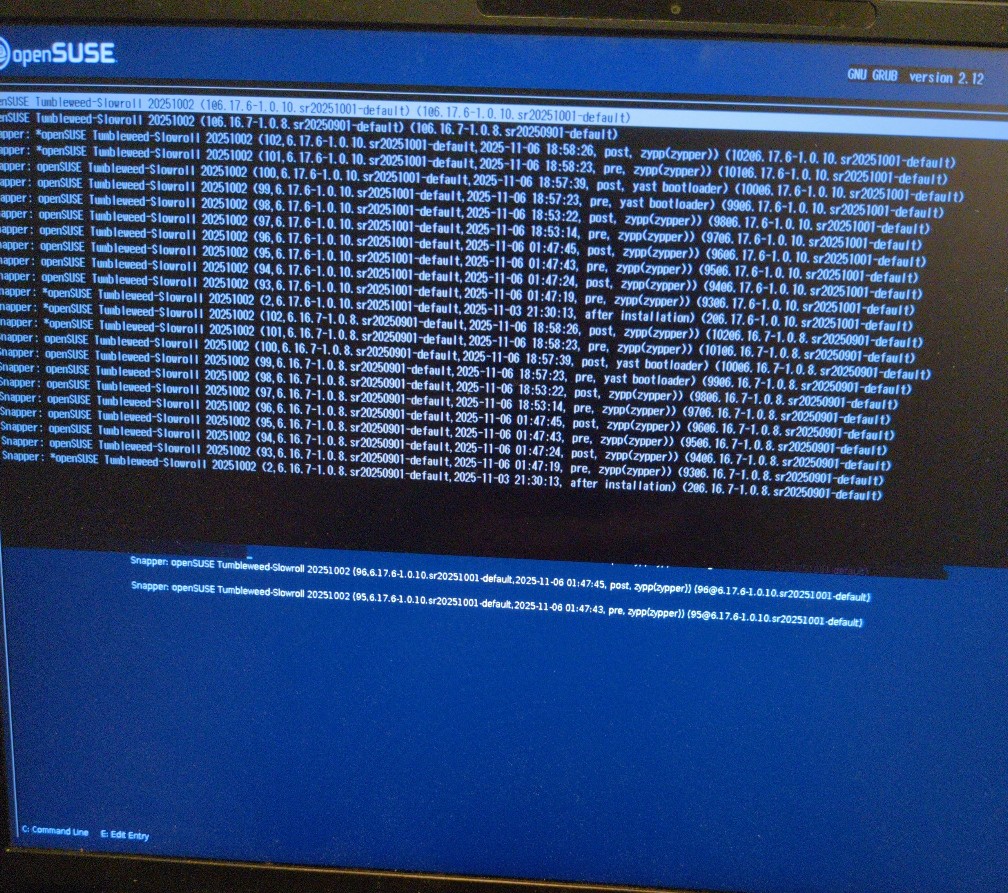
grub2-efi has the right resolution but even worse visual glitches with a text mode interface slowly unrolling from the top to the bottom of the screen over the course of several seconds, it disappears right after covering the whole of the graphic interface. The videoinfo command also isn’t available
You are most likely still using signed image. You need to both disable Secure Boot in BIOS and in bootloader configuration (SECURE_BOOT in the /etc/sysconfig/bootloader).
And that is a strong hint that you are still booting using grubbls (at least, that is what I suspected looking at its embedded grub.cfg).
It’s a new grub variant that appeared after I installed grub2-efi and shows up as “openSUSE Boot Manager” in the boot device list I get when I press F12, as opposed to “openSUSE Boot Manager (grub2-bls)” nvm I might’ve misremembered that, gonna try it more now
OK so I’m pretty sure there weren’t two opensuse boot devices before I started tinkering with this, but now that I’ve deleted grub2-efi and changed /etc/sysconfig/bootloader to be back how it was, they’re both still there… and going to the F12 menu and choosing either one of them manually gives me the proper resolution and the big slow text mode glitch. But booting normally doesn’t
Also I realized that the bad resolution grub also has the exact same text-interface-appearing-on-top glitch, it just happens in a fraction of a second instead of several seconds
grubbls enables both default text mode console and graphical output and it prints output on both. The “normal” grub.cfg is only configuring one output, either console or gfxterm.