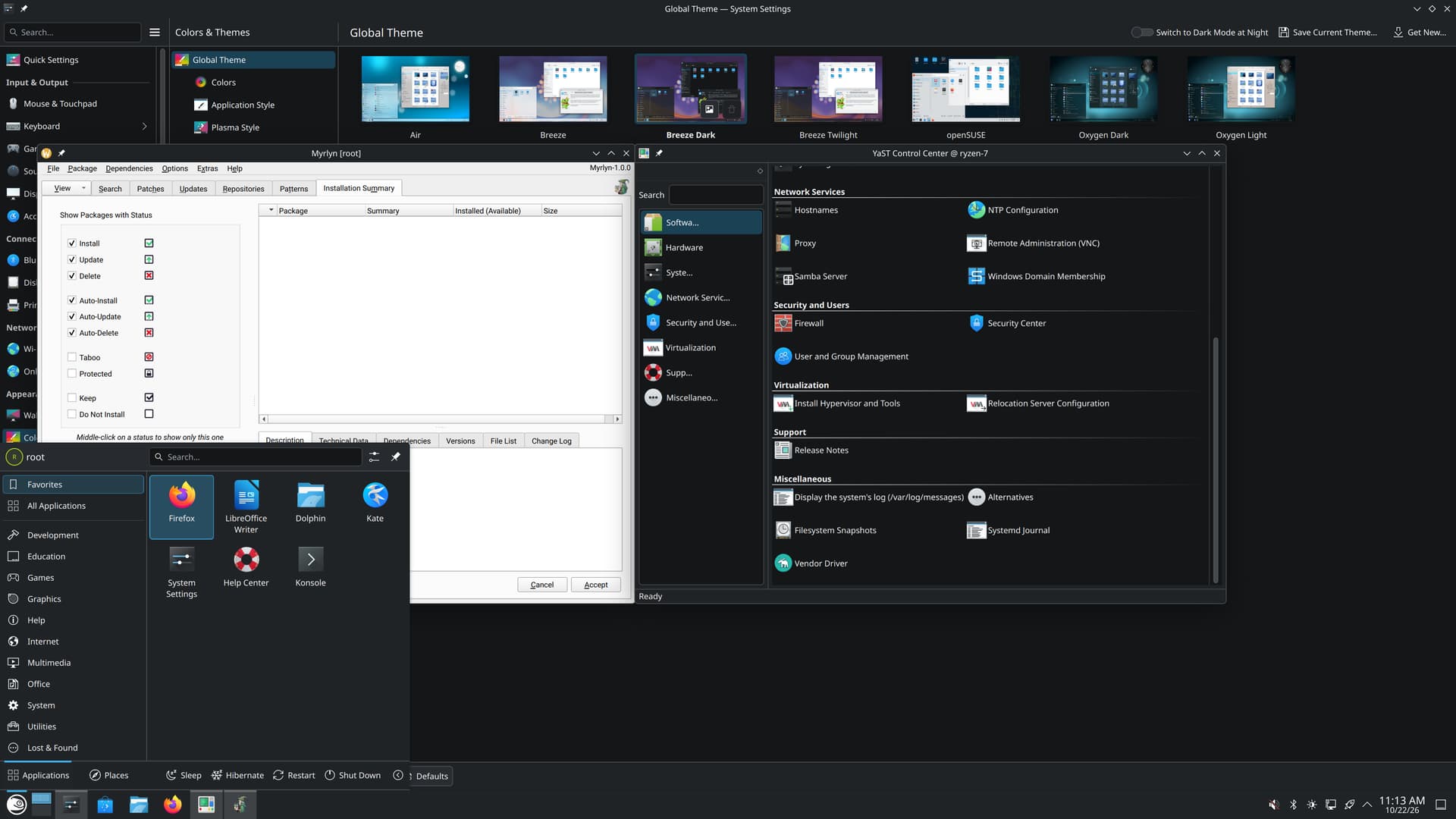
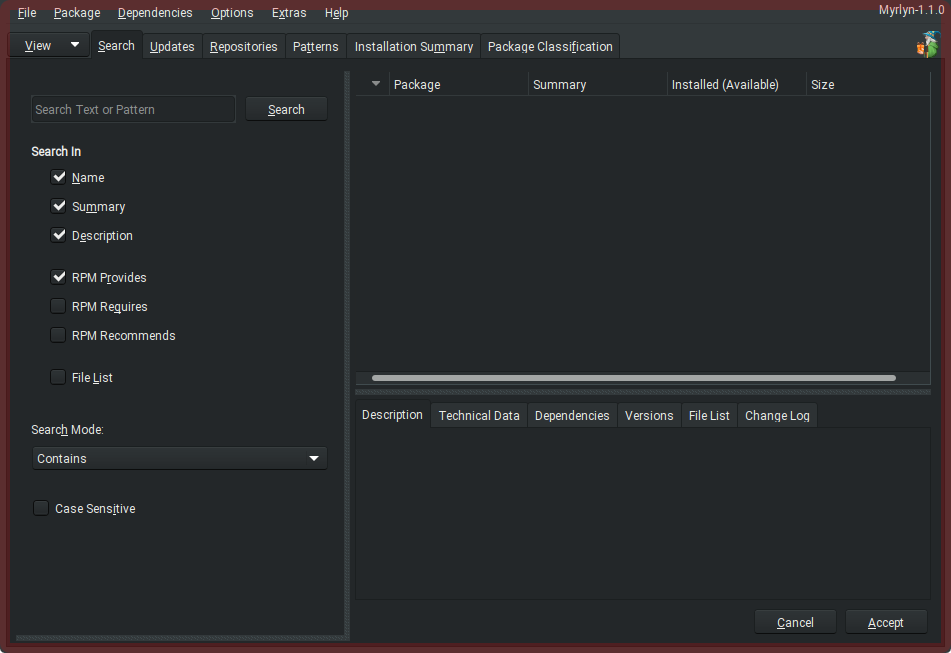
So, I just logged in into plasma just to set up the theme as dark, for myrlyn to open dark themed, but it didn’t work. I haven’t installed qt6ct nor do I have the ~/.config/openSUSE/myrlyn-sudo.conf file since I read in one of the linked githubs that just setting the theme as dark for root was enough.
Should I open a bug in github instead?
This screenshot is with a root user session. the theme is not respected even with root.
So the shell that started your Wayland session appears to have a different environment than the shell that you start from the konsole window. What and why, I don’t know.
But we do know that Myrlyn does indeed use the configured theme inside a root desktop session. Good.
Now log out of that root desktop session and log into your normal user’s desktop session and try (again from a konsole window) myrlyn-sudo. If that uses the light theme, try sudo -E myrlyn, then maybe kdesu myrlyn.
I guess the solution for me is just a matter of overriding the desktop file to use kdesu myrlyn and it’s good enough for me. But not sure if you want me to keep on debugging this for a more general solution?
So, the pragmatic way to move on from here is that you copy myrlyn.desktop to your own personal menu and exchange the command line with kdesu myrlyn and the name with something like My Myrlyn so you can tell them apart.
This solves the problem for you.
But I’d still be interested what environment variable is missing in myrlyn-sudo so I can add it for other users; to save them from going through all that hassle that you just had to.
You could check with env what environment variables there are, then copy the myrlyn-sudo script and add environment variables that look related to the topic; things with KDE or PLASMA or WAYLANDor THEME in the name.
You can create a new system-submenu for myrlyn using the command kdesu myrlyn
You can add it in the kde panel to launch myrlyn and it will follow your color schemes.
That’s what I did
This on a normal user session.
I copied myrlyn-sudo to my ~/bin and ran it from there
ENV="$ENV KDE_FULL_SESSION=true"
# Uncomment for debugging
echo $ENV
that variable alone made it work
Also, on a normal user session from a root konsole launching myrlyn (no sudo) makes it not respect the theme, but if run KDE_FULL_SESSION=true myrlyn from that elevated konsole, it respects the theme.
In that same elevated konsole if I run KDE_FULL_SESSION=true myrlyn-sudo it does not respect the theme at all.
now. I’m not sure if I really had to change the theme for root at all. I’ll check that later and let you know.
nope, that did not work on my other computer. however if I launch kdesu myrlyn on that computer the theme is respected. I’ll try to inspect some other variables.
The idea actually was to add environment variables here:
Only the name, not the value. That should keep the old value of all those listed environment variables across the sudo call. Please add it here like this:
in my other computer, which does not have a theme at all for root user since I have never logged in using plasma as root, adding these 2 variables KDE_FULL_SESSIONXDG_CONFIG_HOME, both are required I tested it, makes myrlyn-sudo respect the theme. That also works on this computer that has a dark theme for root user