Hi,
I’ve been running Tumbleweed for some years now without problem. Suddenly yesterday it stopped recognizing my wired usb mouse. Here’s what happens.
I boot up to the login screen, and the mouse works on that screen with the arrow pointer moving around following the mouse.
Once I log in and go to desktop, I have no more mouse pointer and any left or right clicks with the mouse buttons have no effect.
Here’s what simple troubleshooting I have tried:
a. I tried a different mouse, same problem, mouse pointer doesn’t appear on desktop
b. I tried various usb slots on the motherboard, no fix, same problem that mouse pointer doesn’t appear on desktop.
c. I tried two other OS’s that I have on this computer, Windows 11 and EliveCD (Linux Distro), mouse works fine in the other two OS’s.
Sounds reasonable, but I don’t know what they are. Perhaps someone acquainted with that method can advise me what to do? I’ll try playing around a bit and see if I can provide anything for inxi -GSaz
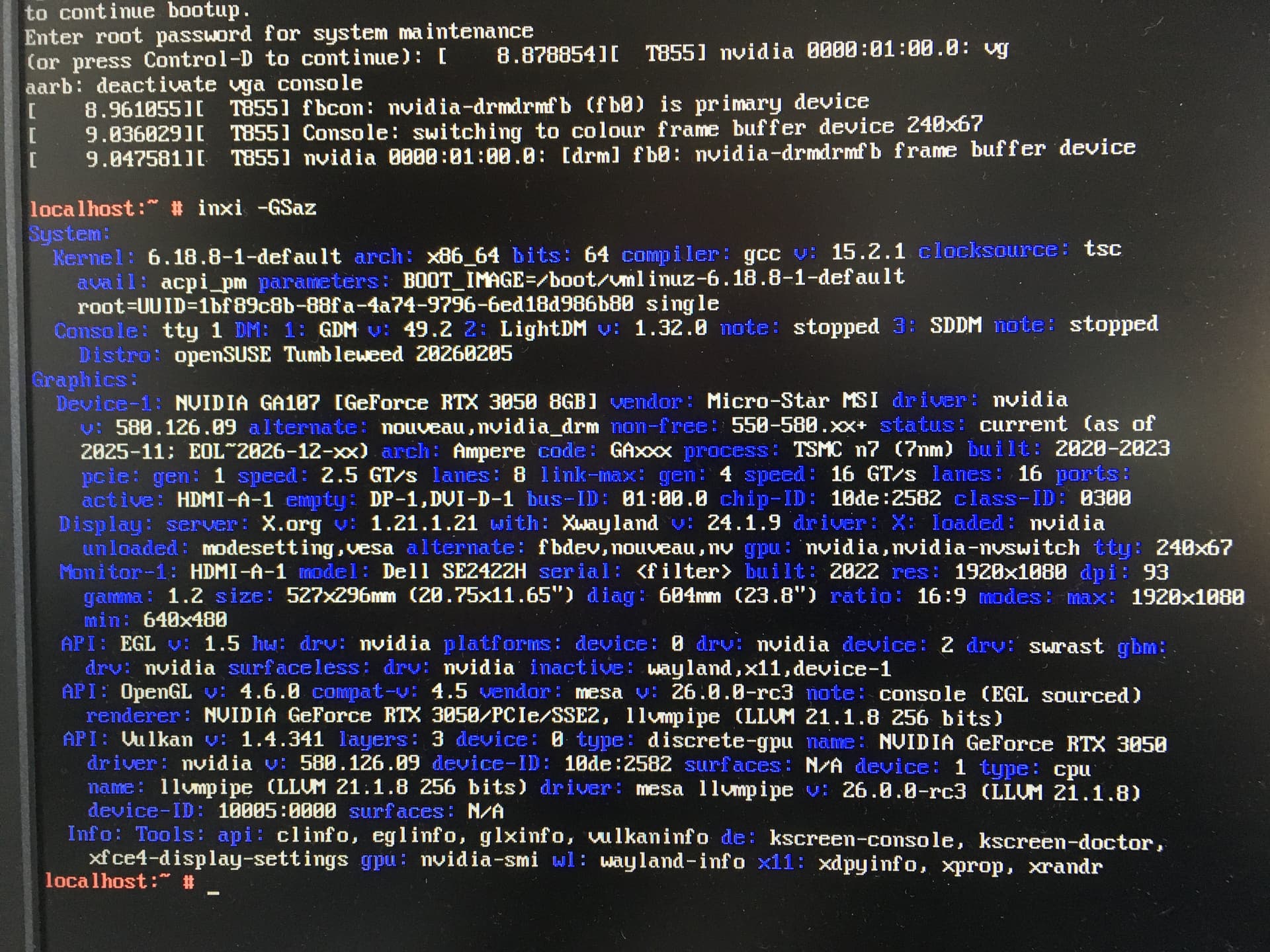
Ok, here’s what I came up with. I booted in troubleshooting mode, and ran the command inxi -GSaz. I took a picture of it with my phone and loaded it onto a different computer so I could transmit it to you. I hope that you can read it and that it provides the information you require.
That all looks fine, suggest you boot up normally, looks a Plasma issue, but I suspect anyone whom helps would need information with desktop running. Time for you to improve your keyboard skills
To determine system vs user configs, create a new user, login as that user and see if the same issue exists. If yes, it’s a system issue, if no it’s something in your homedir that needs further investigation.
I created a new user and booted from the login screen to desktop. Once I get past the login screen with the new user, the mouse is no longer recognized being that there is no mouse pointer displayed or mouse control of the desktop environment.
I tried to bring up krunner using Alt + F2 in both the old and new user desktops. The computer makes some noise for a short while but nothing appears in both users on the desktop, as I might expect krunner to present itself.
About halfway down on the inxi -GSaz info I posted it says
Display: server: X.org v: 1.21.1.21 with : Xwayland
I think that means its wayland. I do have some other DE’s installed, good idea. I tried Gnome, ICEWM, and a few others, and the mouse works in all of them. It seems that something in KDE is the problem, it’s the only one in which the mouse is not working.
I just checked via yast2 in Gnome, and udev258.3-2-2-x86_64 is installed. I found udev257.9-4.1-x86_64 in the repo and downloaded it, but it won’t install due to a dependency issue. It needs libsystemd-shared257.9-4.1.so()(64bit), but I can’t find it. I installed libsystemd0 257.9-4.1-x86_64, but it didn’t satisfy the dependency. Anyone have any ideas?
Can you rollback using snapper, i.e. do you use btrfs? If so use sudo snapper list and sudo snapper rollback ### where ### is the snapshot number from a couple of days ago.
No, it doesn’t tell us which session you run at all. For that you’d need to run it in the session itself. At the login screen you can choose whether to run a Plasma X11 or Plasma Wayland session.
Thank you for correcting me about X11 and Wayland. The problem occurs in the Plasma Wayland session.
After you noted the difference, I logged in on Plasma X11. In Plasma X11, the mouse works normally on the DE. I rebooted and logged in on Plasma Wayland, and that is where the problem occurs.