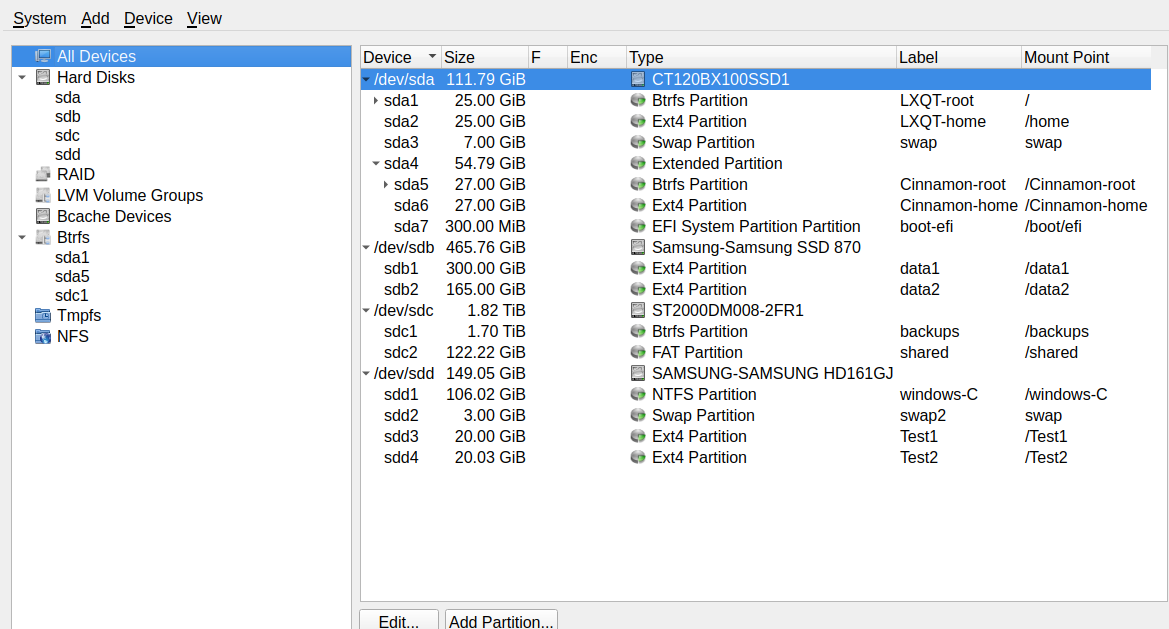
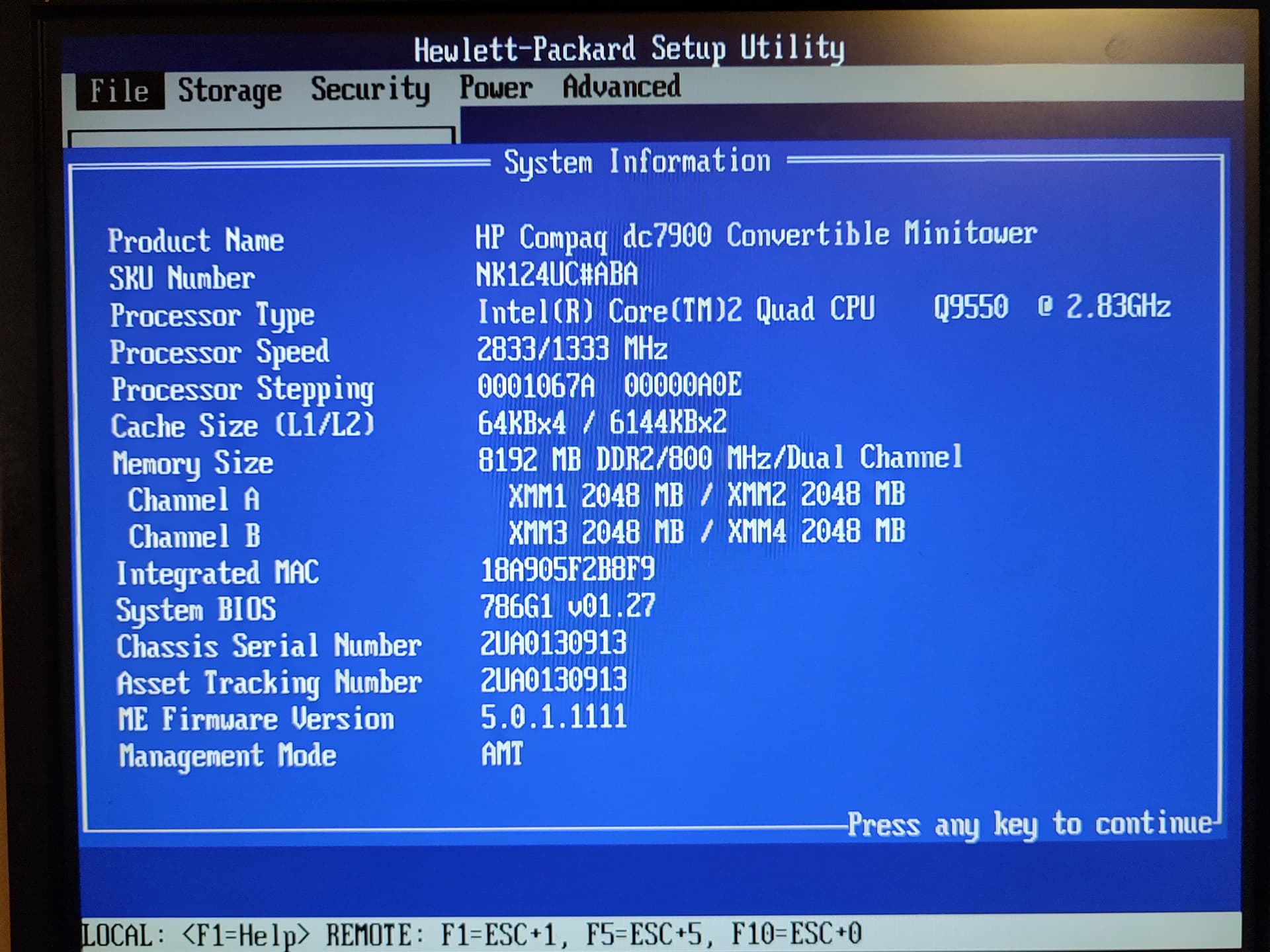
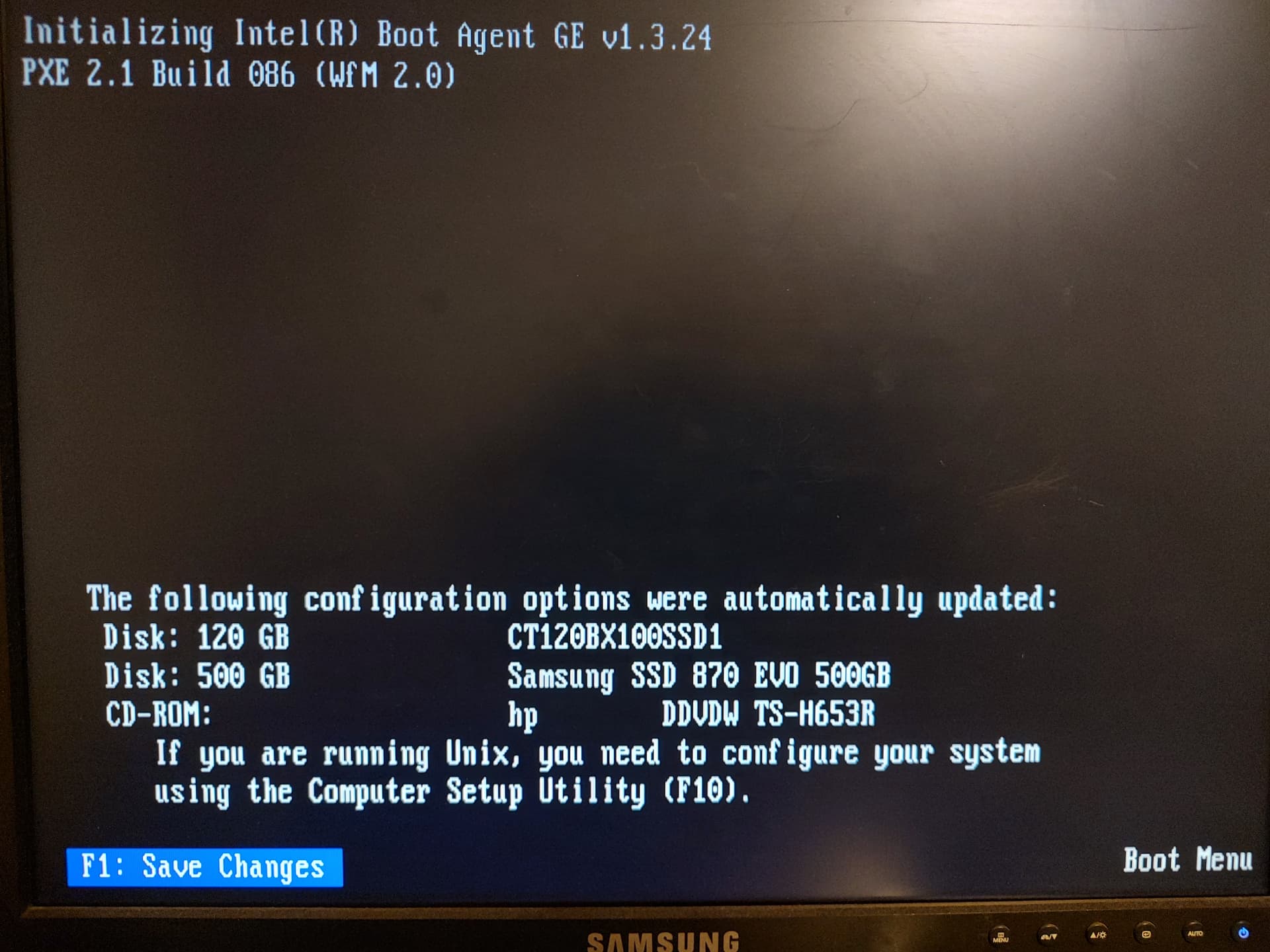
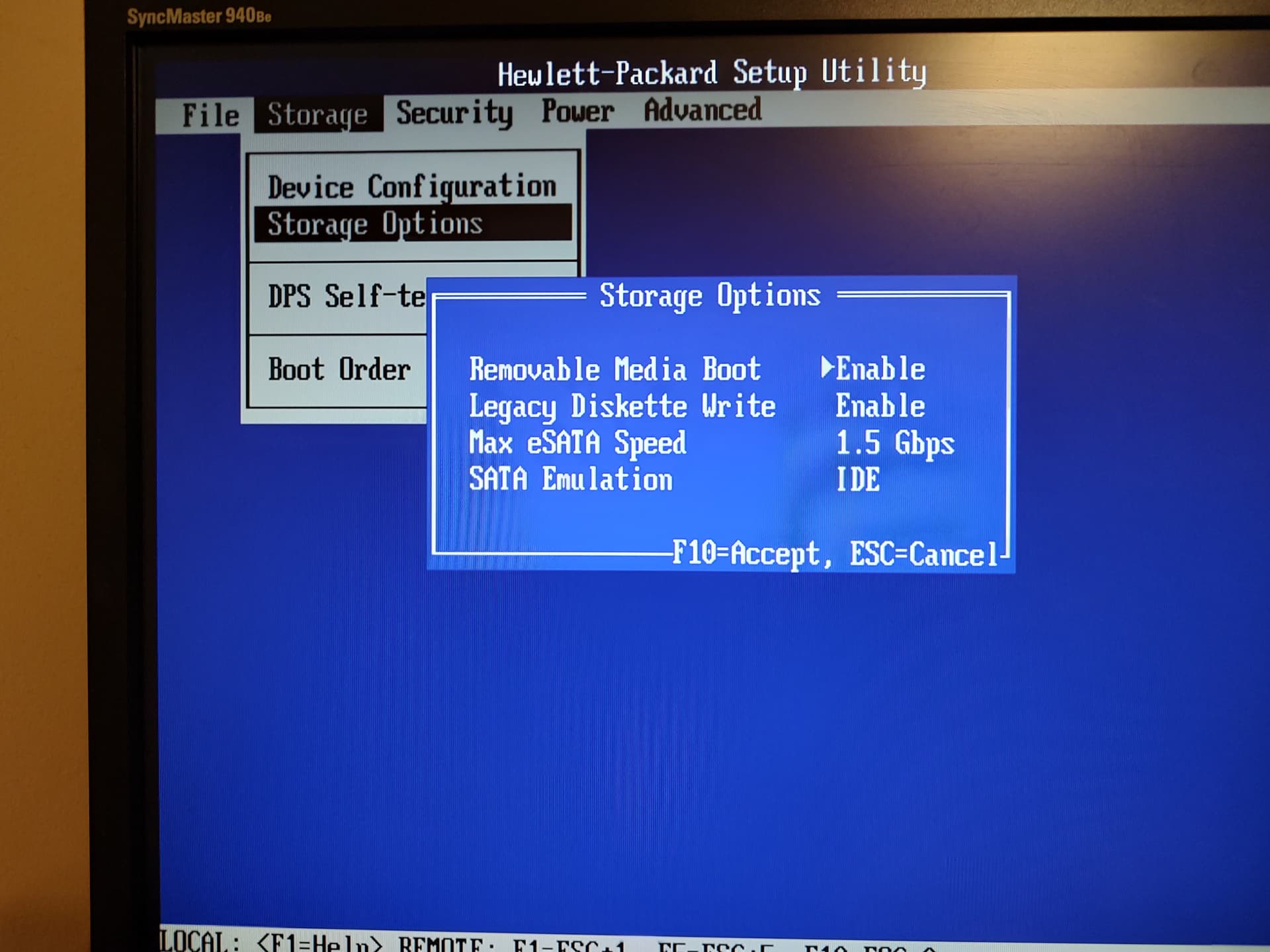
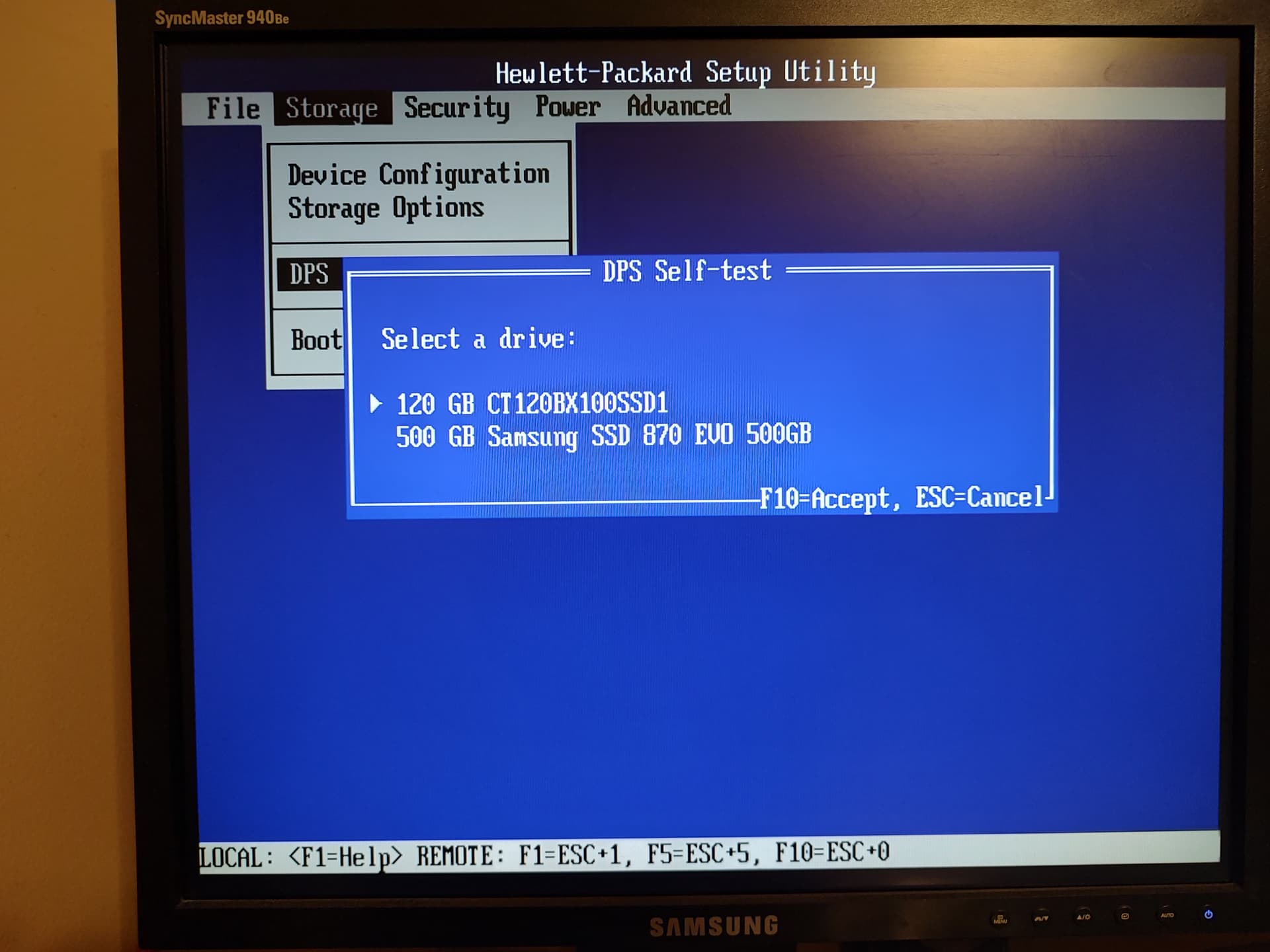
I was testing distros (Lubuntu & Bodhi) via live usb drive, liked what I saw and installed them on a couple of test partitions. I messed something up bad. I booted into Lubuntu grub, but nothing would start. I had to install a 15.5 upgrade (from 15.4) to clean up openSuSE and let it take over. It installed, but only started in emergency mode. Looking through the logs I found that multiple partitions were not loading. The solution was to edit fstab using Vi to rem out the missing partitions. Once the system was running I saw that 2 of 4 drives are missing. During a reboot, the bios also shows 2 missing drives. One of the reboots I noticed text before Grub that mentioned mismatched tables.
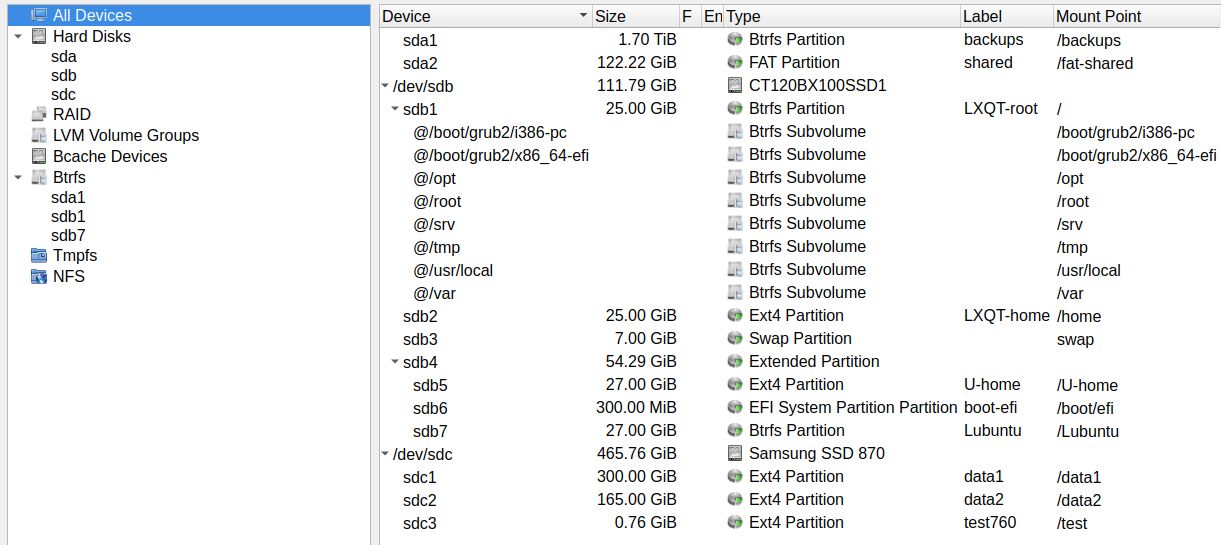
Before the update to 15.5, when I was trying to “fix” things with Gparted, it showed all 4 drives with all partitions visible. I have not rebooted to Gparted-live yet to see what it shows currently.
Is there an openSuSE rescue disk (like previously) available that can clean out the MBR and grub? I think due to not understanding the Ubuntu installers I mixed MBR and GPT.
Below is some information on the system. Thank you in advance for any help. Please let me know anything more you need to help.
dad@localhost:~> sudo fdisk -l /dev/sda

Disk /dev/sda: 111.79 GiB, 120034123776 bytes, 234441648 sectors
Disk model: CT120BX100SSD1
Units: sectors of 1 * 512 = 512 bytes
Sector size (logical/physical): 512 bytes / 512 bytes
I/O size (minimum/optimal): 512 bytes / 512 bytes
Disklabel type: dos
Disk identifier: 0x000e061b

Device     Boot     Start       End   Sectors  Size Id Type
/dev/sda1  *         2048  52430847  52428800   25G 83 Linux
/dev/sda2        52430848 104859647  52428800   25G 83 Linux
/dev/sda3       104859648 119539711  14680064    7G 82 Linux swap / Solaris
/dev/sda4       119541758 233406463 113864706 54.3G  f W95 Ext'd (LBA)
/dev/sda5       176166912 232790015  56623104   27G 83 Linux
/dev/sda6       232792064 233406463    614400  300M ef EFI (FAT-12/16/32)
/dev/sda7       119543808 176164863  56621056   27G 83 Linux

Partition table entries are not in disk order.

dad@localhost:~> sudo fdisk -l /dev/sdb
Disk /dev/sdb: 465.76 GiB, 500107862016 bytes, 976773168 sectors
Disk model: Samsung SSD 870
Units: sectors of 1 * 512 = 512 bytes
Sector size (logical/physical): 512 bytes / 512 bytes
I/O size (minimum/optimal): 512 bytes / 512 bytes
Disklabel type: gpt
Disk identifier: 68A1BE66-D900-434E-AE28-C19BB8F3815D

Device         Start       End   Sectors  Size Type
/dev/sdb1       2048 629147647 629145600  300G Linux filesystem
/dev/sdb2  629147648 975177727 346030080  165G Linux filesystem
/dev/sdb3  975177728 976773119   1595392  779M Linux filesystem

dad@localhost:~> sudo fdisk -l /dev/sdc
fdisk: cannot open /dev/sdc: No such file or directory

dad@localhost:~> sudo fdisk -l /dev/sdd
fdisk: cannot open /dev/sdd: No such file or directory
Information provided via TestDisk
Christophe GRENIER <grenier@cgsecurity.org>
https://www.cgsecurity.org

 - - selected Intel/PC partition – testdisk noted that was detected - -

Disk /dev/sda - 120 GB / 111 GiB - CHS 14593 255 63

Hint: Intel partition table type has been detected.
Note: Do NOT select 'None' for media with only a single partition. It's very
rare for a disk to be 'Non-partitioned'.

Current partition structure:
     Partition                  Start        End    Size in sectors

 1 * Linux                    0  32 33  3263 170 43   52428800 [LXQT-root]
Bad relative sector.
 2 P Linux                 3263 170 44  6527  53 54   52428800 [LXQT-home]
 3 P Linux Swap            6527  53 55  7441   0 47   14680064
 4 E extended LBA          7441  33 15 14528 224 32  113864706
 5 L Linux                10965 225 13 14490 129 39   56623104 [/U-home]
   X extended             14490 161 58 14528 224 32     614414
 6 L EFI (FAT-12/16/32)   14490 162  9 14528 224 32     614400
   X extended              7441  60 46 10965 192 43   56621374
 7 L Linux                 7441  65 49 10965 192 43   56621056 [Lubuntu]

----------------------------------------------------------

TestDisk 7.1, Data Recovery Utility, July 2019
Christophe GRENIER <grenier@cgsecurity.org>
https://www.cgsecurity.org

 - - selected GPT partition – since the problems noted mismatched tables - -

Disk /dev/sda - 120 GB / 111 GiB - CHS 14593 255 63
Current partition structure:
     Partition                  Start        End    Size in sectors

Bad GPT partition, invalid signature.
Trying alternate GPT
Bad GPT partition, invalid signature.

----------------------------------------------------------

Disk /dev/sda - 120 GB / 111 GiB - CHS 14593 255 63
     Partition               Start        End    Size in sectors
 P Linux filesys. data         2048   52430847   52428800 [LXQT-root]
 P Linux filesys. data     52430848  104859647   52428800 [LXQT-home]
 P Linux Swap             104859648  119539695   14680048
 P Linux filesys. data    119543808  176164863   56621056 [Lubuntu]
 P Linux filesys. data    176166912  232790015   56623104 [/U-home]
 P EFI System             232792064  233406439     614376 [EFI System Partition] [boot-efi]

----------------------------------------------------------
----------------------------------------------------------
Disk /dev/sdb - 500 GB / 465 GiB - Samsung SSD 870 EVO 500GB

Hint: EFI GPT partition table type has been detected.
Note: Do NOT select 'None' for media with only a single partition. It's very
rare for a disk to be 'Non-partitioned'.

Current partition structure:
     Partition                  Start        End    Size in sectors

 1 P Linux filesys. data         2048  629147647  629145600
 2 P Linux filesys. data    629147648  975177727  346030080
 3 P Linux filesys. data    975177728  976773119    1595392

----------------------------------------------------------

 Disk /dev/sdb - 500 GB / 465 GiB - CHS 60801 255 63

     Partition                  Start        End    Size in sectors

  Linux filesys. data         2048  629147647  629145600 [data1]
superblock 0, blocksize=4096 [data1]
superblock 32768, blocksize=4096 [data1]
superblock 98304, blocksize=4096 [data1]
superblock 163840, blocksize=4096 [data1]
superblock 229376, blocksize=4096 [data1]
superblock 294912, blocksize=4096 [data1]
superblock 819200, blocksize=4096 [data1]
superblock 884736, blocksize=4096 [data1]
superblock 1605632, blocksize=4096 [data1]
superblock 2654208, blocksize=4096 [data1]

To repair the filesystem using alternate superblock, run
fsck.ext4 -p -b superblock -B blocksize device

----------------------------------------------------------
Disk /dev/sdb - 500 GB / 465 GiB - CHS 60801 255 63

-- selected Intel/PC as a test --

Current partition structure:
     Partition                  Start        End    Size in sectors

 1 P EFI GPT                  0   0  2 60801  80 63  976773167

Warning: Bad ending head (CHS and LBA don't match)
No partition is bootable

----------------------------------------------------------

dad@localhost:~> sudo testdisk /list
TestDisk 7.1, Data Recovery Utility, July 2019
Christophe GRENIER <grenier@cgsecurity.org>
https://www.cgsecurity.org
Please wait...
Disk /dev/sda - 120 GB / 111 GiB - CHS 14593 255 63
Sector size:512
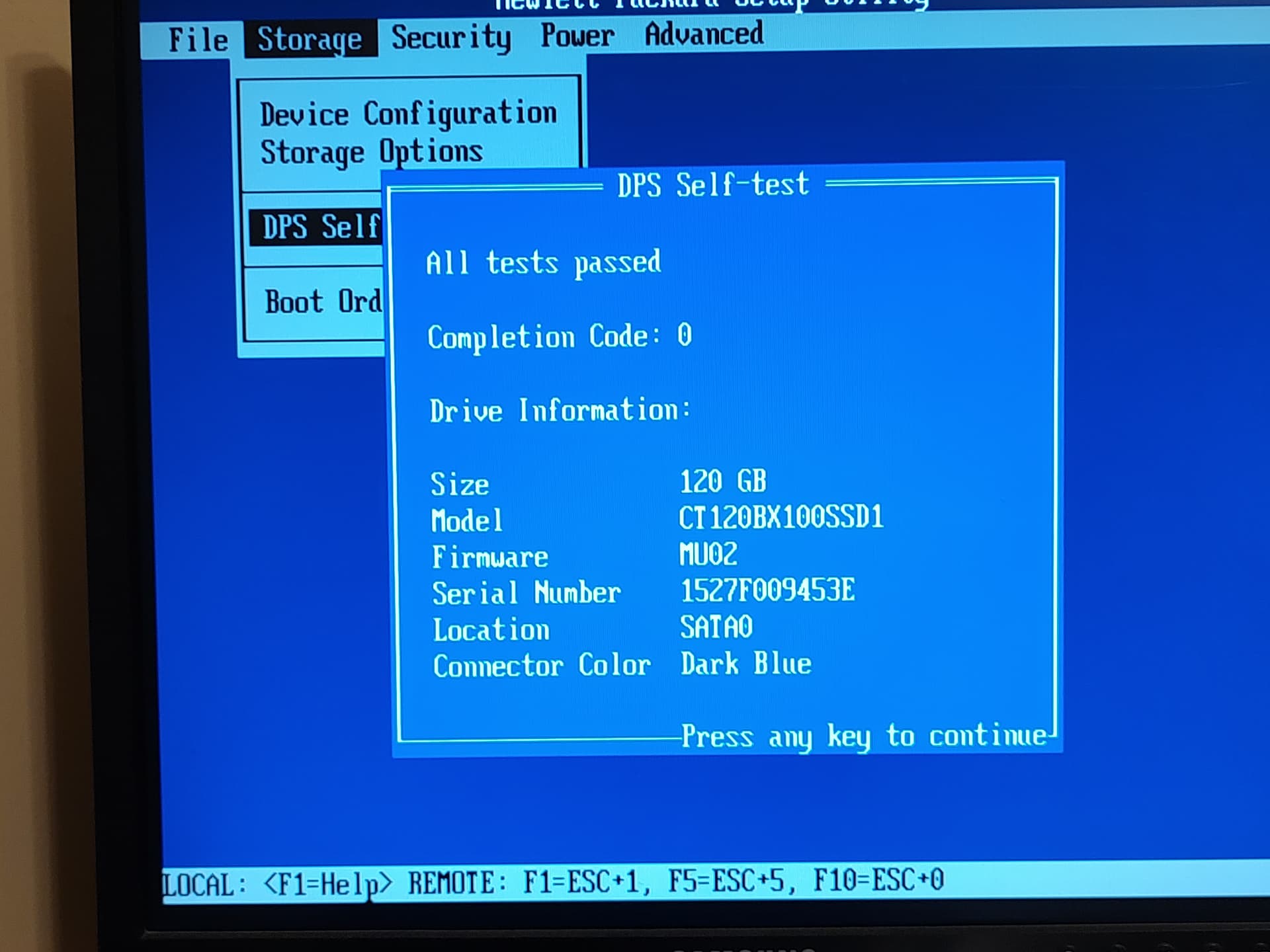
Model: CT120BX100SSD1, S/N:1527F009453E, FW:MU02

Disk /dev/sdb - 500 GB / 465 GiB - CHS 60801 255 63
Sector size:512
Model: Samsung SSD 870 EVO 500GB, S/N:S62ANJ0R400091L, FW:SVT01B6Q

Disk /dev/sda - 120 GB / 111 GiB - CHS 14593 255 63
     Partition                  Start        End    Size in sectors
 1 * Linux                    0  32 33  3263 170 43   52428800 [LXQT-root]
     btrfs blocksize=4096 Backup superblock
 2 P Linux                 3263 170 44  6527  53 54   52428800 [LXQT-home]
     ext4 blocksize=4096 Large_file Sparse_SB Recover
 3 P Linux Swap            6527  53 55  7441   0 47   14680064
     SWAP2 version 1, pagesize=4096
 4 E extended LBA          7441  33 15 14528 224 32  113864706
   X extended              7441  60 46 10965 192 43   56621374
 7 L Linux                 7441  65 49 10965 192 43   56621056 [Lubuntu]
     btrfs blocksize=4096 Backup superblock
 5 L Linux                10965 225 13 14490 129 39   56623104 [/U-home]
     ext4 blocksize=4096 Large_file Sparse_SB
   X extended             14490 161 58 14528 224 32     614414
 6 L EFI (FAT-12/16/32)   14490 162  9 14528 224 32     614400

Disk /dev/sdb - 500 GB / 465 GiB - CHS 60801 255 63
     Partition                  Start        End    Size in sectors
 1 P Linux filesys. data         2048  629147647  629145600
 2 P Linux filesys. data    629147648  975177727  346030080
 3 P Linux filesys. data    975177728  976773119    1595392
OpenSuSE 15.5 - LXQT