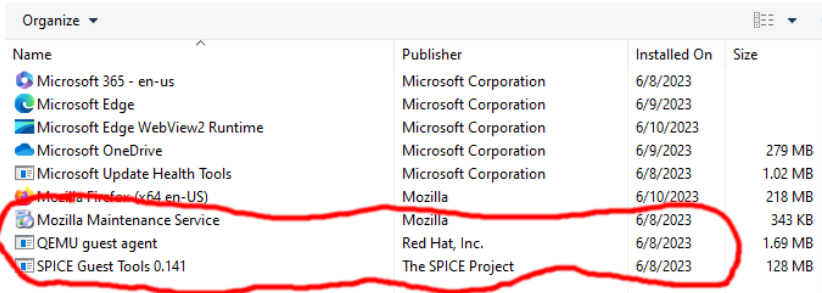
With these installs, Windows still does not resize when scaling the VM and I do have Auto / Always enabled. What additional install and / or settings I need to get this working?
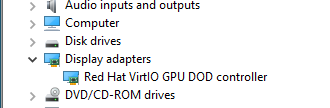
@nasheayahu you need use virtio and add the virtio driver to the guest via adding the iso image (eg virtio-win-0.1.229.iso) to the guest and then update the driver in the guest by selecting the image via device manager.
1 Like
Oh i see, are you referring to “Downloads” here on GitHub?
@nasheayahu yes that should work, I normally get from https://fedorapeople.org/groups/virt/virtio-win/direct-downloads/archive-virtio/
1 Like
Thanks, this installed everything I needed… 
1 Like