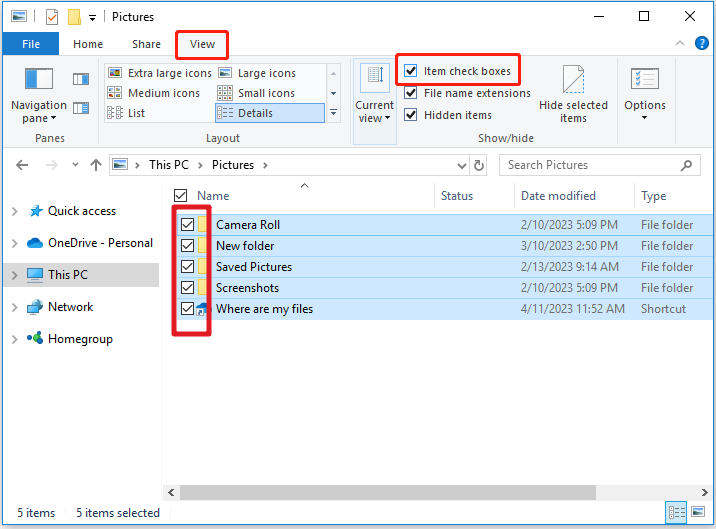
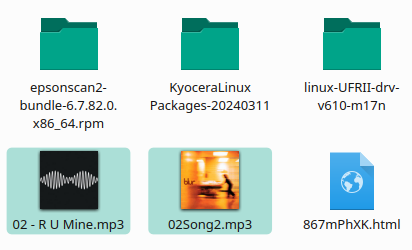
I find this very nice when wanting to move or copy a selection of files/folders (some, but not all). For me, it’s a better way of use than holding [CTRL] while chosing files/folders.
Hover your pointer over the file icon in Dolphin and you’ll see a + sign appear.
Click once to add it to the selection and it’ll turn into a -.
Click the - to remove it from the selection.
Click the + on multiple files/folders and they’ll be selected.
Not checkboxes as such, but KDE Plasma’s Dolphin offers equivalent selection behavior. Open Dolphin, and press the space bar to put it in selection mode…