Today I start up my PC, and instead of my usual screen I see the green LEAP screen with on top … the icons of all the installed WINE programs! This does also happen when I start up from a read-only snapshot. I cannot reach any of the Leap programs! What is happening, I have no clue. How can I return to my usual Leap?
Which DE? Usually the Super Key opens the application menu.
It happens in X11 AND in Wayland, but not in IceWM, so I can work in IceWM but not in X11 or Wayland. What is DE and what is the Superkey, please? ONLY Wine icons are above the screen; and they don’t even respond. It is as if Wine (fake Windows) has monopolized my graphic window managers and eliminated the Linux side.
DE is Desktop Environment.
Superkey is the Key with the Windows Symbol.
That superkey has no effect. On the screen I can re-create an openSUSE panel and slowly rebuild the prior situation, but what happened?
X11 and wayland are not a DE (Desktop Environment). KDE Plasma and GNOME and IceWM are environments (plus a few others).
-
Its unclear to me about the WINE references. Are you stating that your Leap 15.6 has WINE installed (within Leap) so you can run Windows app(s)??
-
“What” recently happened that might have caused this failure? (A zypper up, or some other type of updates, etc)?
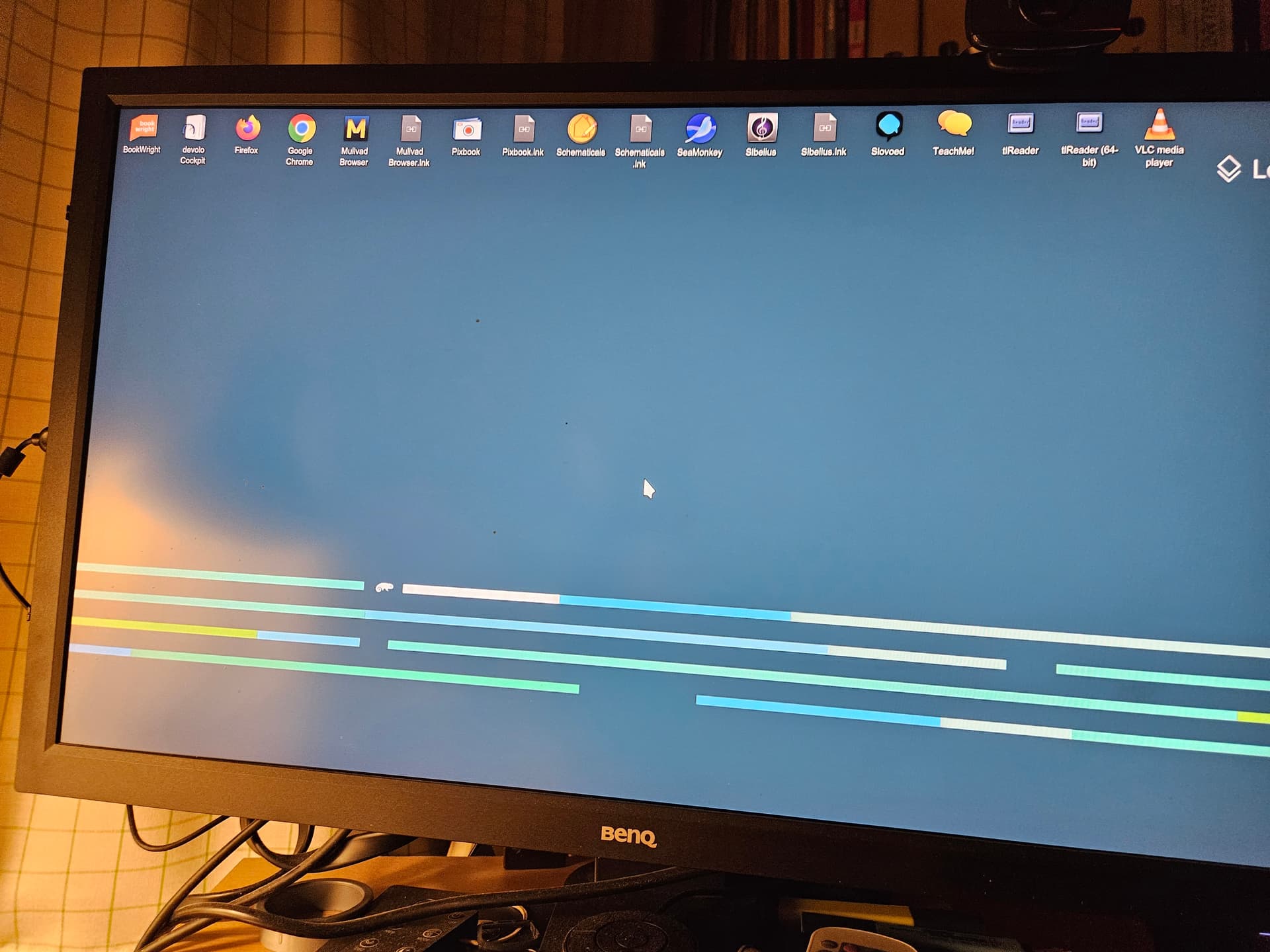
Yes, I have always had WINE installed in order to run a few Windows programs. This has never caused any trouble. Yesterday I have indeed toyed a bit with trying - unsuccessfully - to make “Devolo cockpit.exe” run (a program to manage powerline in our house). That is the only explanation I cancome across.
Normally it is no issue at all. Desktop icons can be added/removed also by accident. I also see “normal” icons like from VLC, Chrome and other applications on your desktop. So “Wine” did not “take over” your machine.
It is possible, that your user profile got corrupted. The reasons for this can be many. Failing HDD/SSD as example.
So you already started to add the taskbar/panel again. This should be the starting point. From there you can inspect the journal for any hints. Also check the SMART data of your HDD/SSD.
You still haven’t answered an essential question: Which DE ?
KDE Plasma (in both forms, X11 and Wayland) appear corrupted. IceWM is working.
Yes, hui, that is true - but everything is terribly slow. And the icons you see are NOT responsive (they have never been there anyway, they all come from the WINE subset of programs).
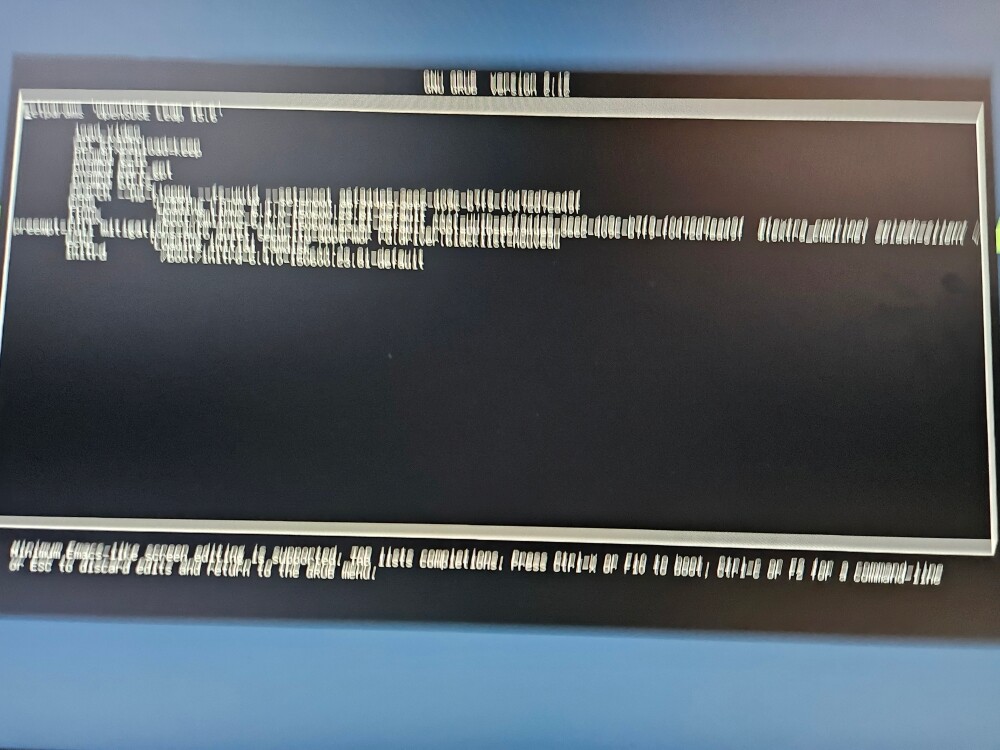
Your first photo, of “Grub” is actually not what we’d typically see. (it’s also almost unreadable due to a “shakey camera”).
To me, it looks like you’re in “Edit” mode, for a specific entry on the Grub main menu. So normally, you highlight a Grub menu entry, then tap the “E” key go to into Edit mode for that single entry.
Is that what you did? If yes, why?
Yes, it is in edit mode, because I wanted to see if something in the boot menu causes this to happen. But everything seems normal there. When it comes at the user login screen, the cursor that is normally centered on the page comes from the right, that is the first sign that something fishy is happening.
PROBLEM IS SOLVED.
I will explain what happened: I had that PC connected to a VEHO projector, that I used yesterday, and the cable was still connected. I have disconnected it … and everything is working fine. Good to know for the future: always disconnect video cables after using them …
Right click the empty desktop - Bureaublad en Achtergrond - Default is “Mapweergave”. Go to Locatie, and check the folder.
FWIW your title is plain wrong. Wine does not start, the desktop just shows the installed Wine apps. Check the folder(s) ~/Desktop and/or ~/Bureaublad. What is in there?
This has zero releation to GRUB2 or whatever else. I bet that a newly created user does not have this issue.
Thanks for your help, Knurpht, but problem is already solved, as I mentioned one minute ago. I also thank hui and myswtest for their help. I had no idea that some cable connection to a
Thanks for your help, Knurpht, but problem is already solved, as I mentioned one minute ago. I also thank hui and myswtest for their help. I had no idea that some cable connection to a video projector could cause such things - I hope others will profit from my experience here. And sorry that I took some of your time …
No need to be sorry, not at all.
This topic was automatically closed 30 days after the last reply. New replies are no longer allowed.