Alright so I installed both asusctl, supergfxctl, supergfxctl-plasmoid, and ROG Control Center from the guide. Here are my results:
After restarting I see the SuperGFX app on the bottom right, but when I click on it I get shown this:
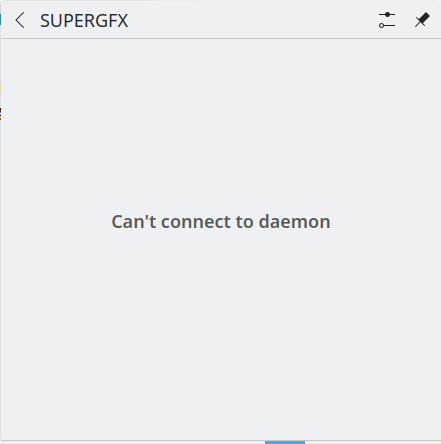
I do not know what can’t connect to daemon means, I am thinking it is relating to one of the steps when installing asusctl, checking if power-profiles-daemon is running. However running the command shown did not produce anything different.

I also never seemed to have suse-prime installed on my system, though I did not do this step until after I install supergfxctl, I completely missed it on accident.

ROG Control Center is working, ok. In the “System Control” section it states, “The asus-armoury driver is not loaded. For advanced features you will a require a kernal with this driver added.”
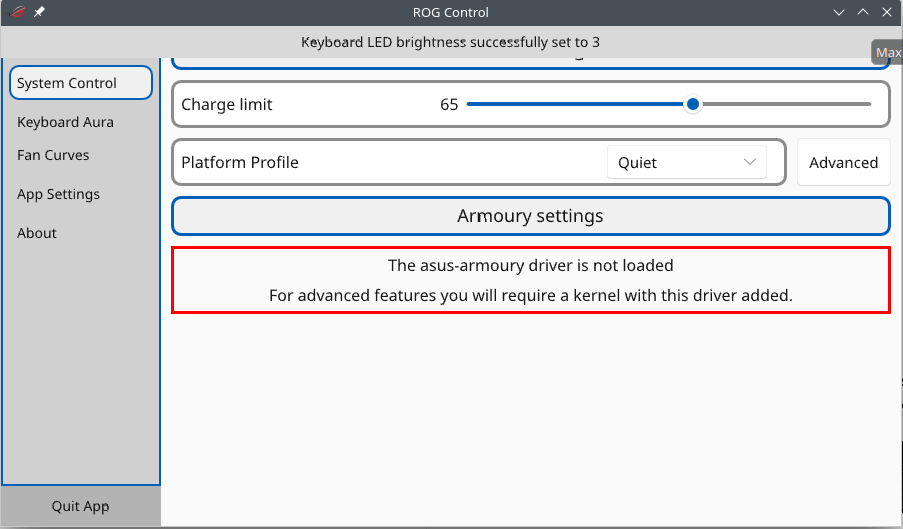
Also as seen on the screenshot above, there seems to be a graphical error regarding the top of each page’s settings being cut off a bit. This can range from negligible, as the only information above the charge limit is just stating the category of settings these options are in, to a bit annoying, as in the case where in “Keyboard Aura”, Keyboard Brightness and Aura Mode are slightly cut off. There is no scroll bar, and resizing the window does not change anything.
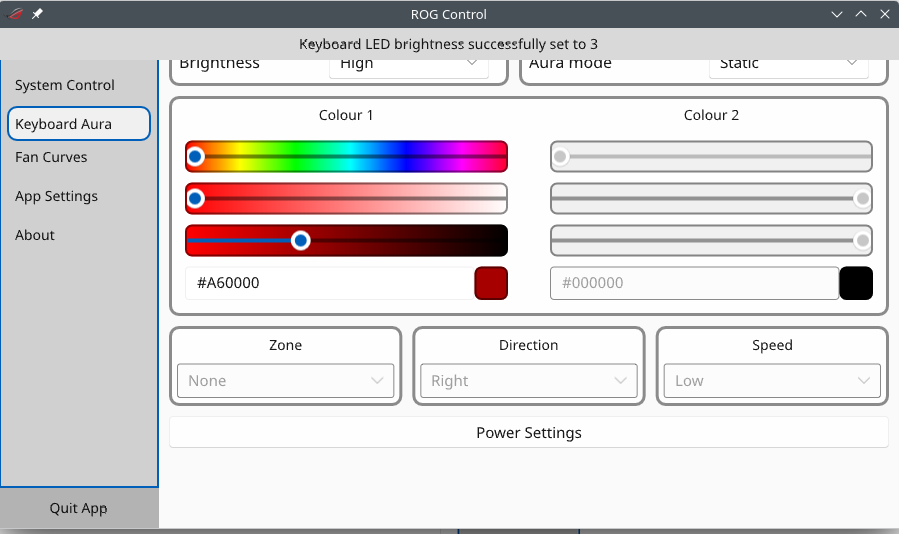
At the very least it seems that the settings are working. “Charge Limit” seems to be working fine, so is the “Brightness” & “Aura Mode”, though I do not think my keyboard light can even change color at all. Then again I never touched keyboard brightness and just turned it off all the time, even on windows.