I downloaded the NET-x86_64-Current .iso file for TW and I’m doing a new install on some new hardware. For some reason the install stalls at network settings and nothing else happens. Any ideas?
Can you share a bit more about the hardware you’re installing on, especially whether it has a wired ethernet port or is Wi-Fi-only? The NET installer can stall if it can’t bring up a supported network interface for example.
You could try switching to a VT (eg Ctrl+Alt+F2) perhaps, and run ip a (Is there a network interface present?)…maybe examine output from dmesg | egrep -i "firmware|eth" as well.
Motherboard is an MSI X870 Gaming plus wifi. The LAN chipset is Realtek 8126VB 5G LAN. Networkmanager is not running. I’m attaching the results of the commands you suggested
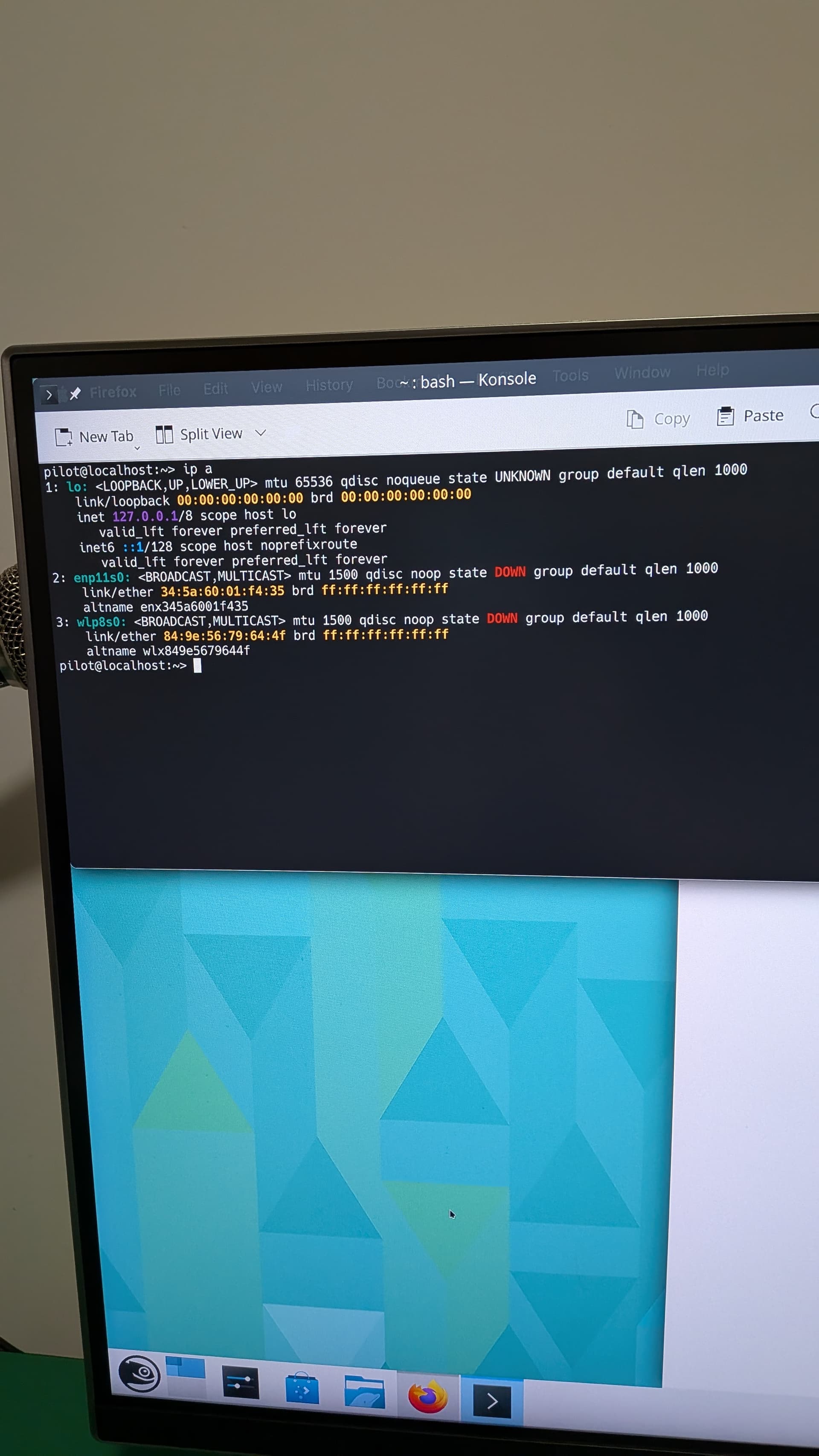
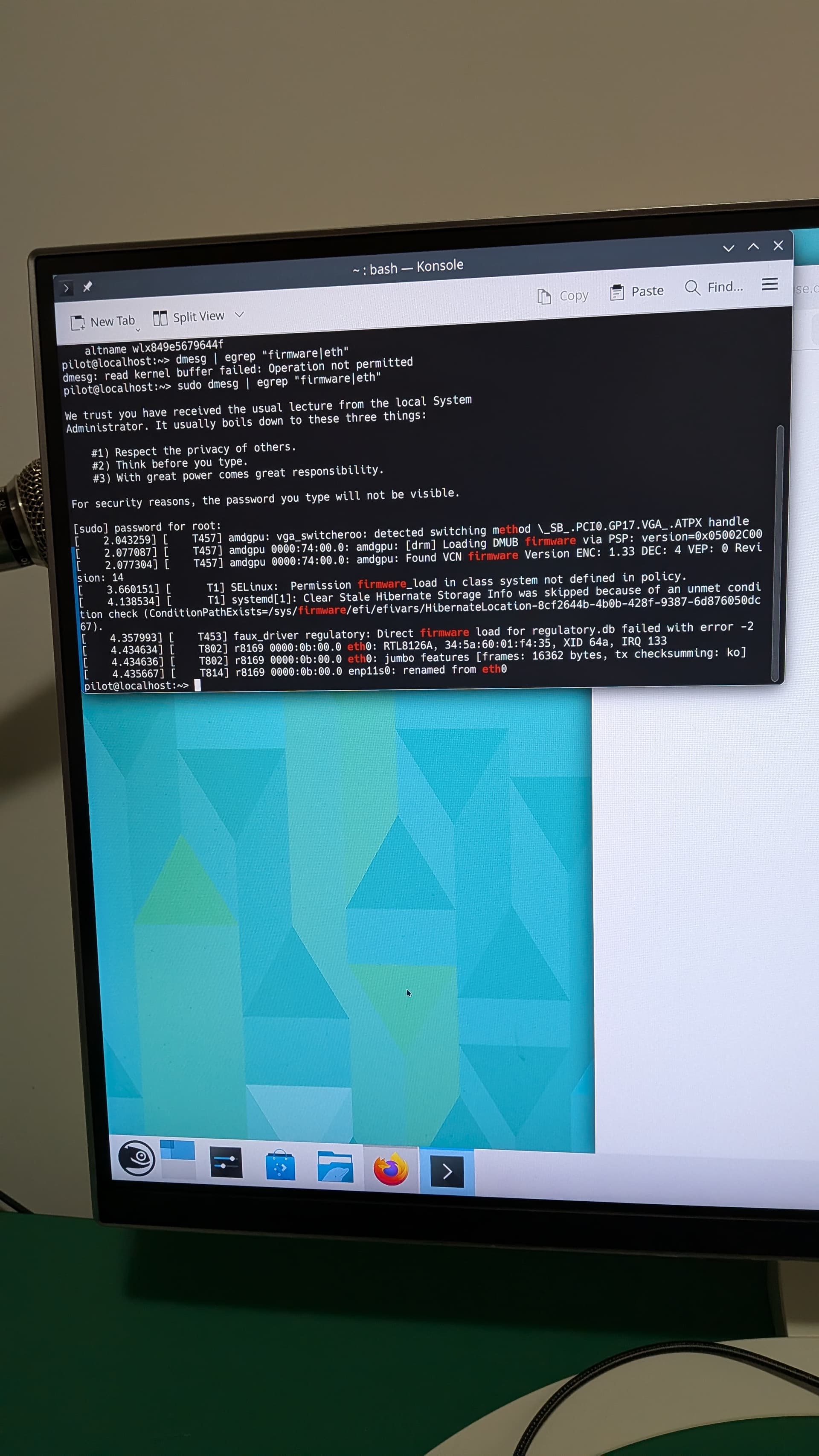
I forgot to say that I gave up on the NET install and installed the live KDE version. Internet worked with the live instance but doesn’t work now after installation. These commands were run after the install.
Is NetworkManager active?
sudo systemctl status network
I started NetworkManager manually and now I have an ethernet connection.
Any idea why I have to start NetworkManager manually every time I reboot?
Show systemctl status NetworkManager.service
Yes, the service is likely not enabled to start at boot, hence the command I gave to you to check that. The command Knurpht subsequently provided will provide the same info.
pilot@localhost:~> systemctl status NetworkManager.service
○ NetworkManager.service - Network Manager
Loaded: loaded (/usr/lib/systemd/system/NetworkManager.service; disabled; preset: disabled)
Active: inactive (dead)
Docs: man:NetworkManager(8)
pilot@localhost:~> systemctl start NetworkManager.service
pilot@localhost:~> systemctl status NetworkManager.service
● NetworkManager.service - Network Manager
Loaded: loaded (/usr/lib/systemd/system/NetworkManager.service; disabled; preset: disabled)
Active: active (running) since Mon 2025-11-24 08:34:52 CST; 17s ago
Invocation: 58295c5d70dc4c59900635a690fc8001
Docs: man:NetworkManager(8)
Main PID: 2160 (NetworkManager)
Tasks: 6 (limit: 36900)
CPU: 64ms
CGroup: /system.slice/NetworkManager.service
└─2160 /usr/sbin/NetworkManager --no-daemon
After enabling NetworkManager I checked the system settings for network settings. I checked the wired settings under the general tab and the priority was set to -100. I tried changing that to 0 and 1 but NM still didn’t start after reboot.
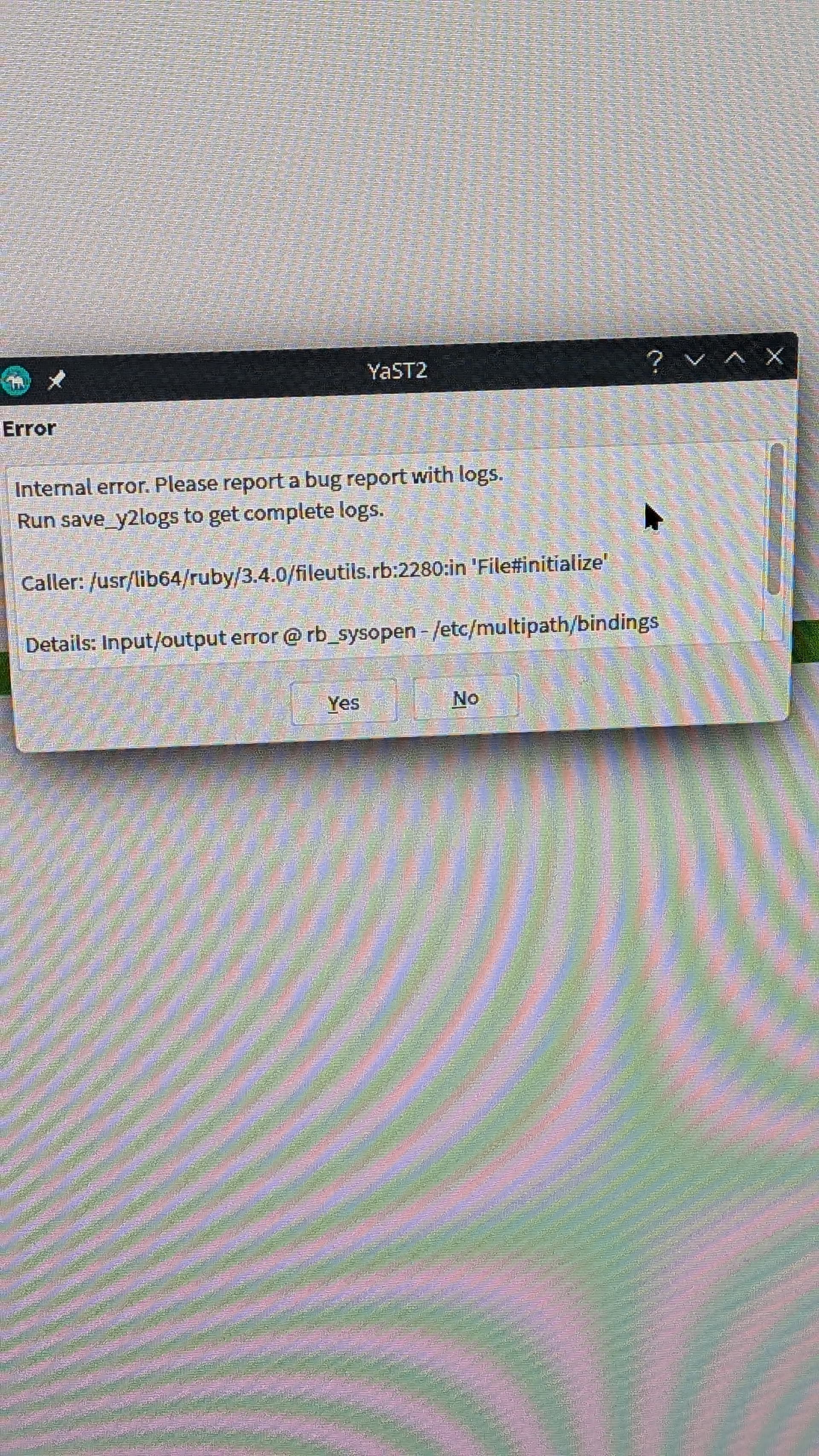

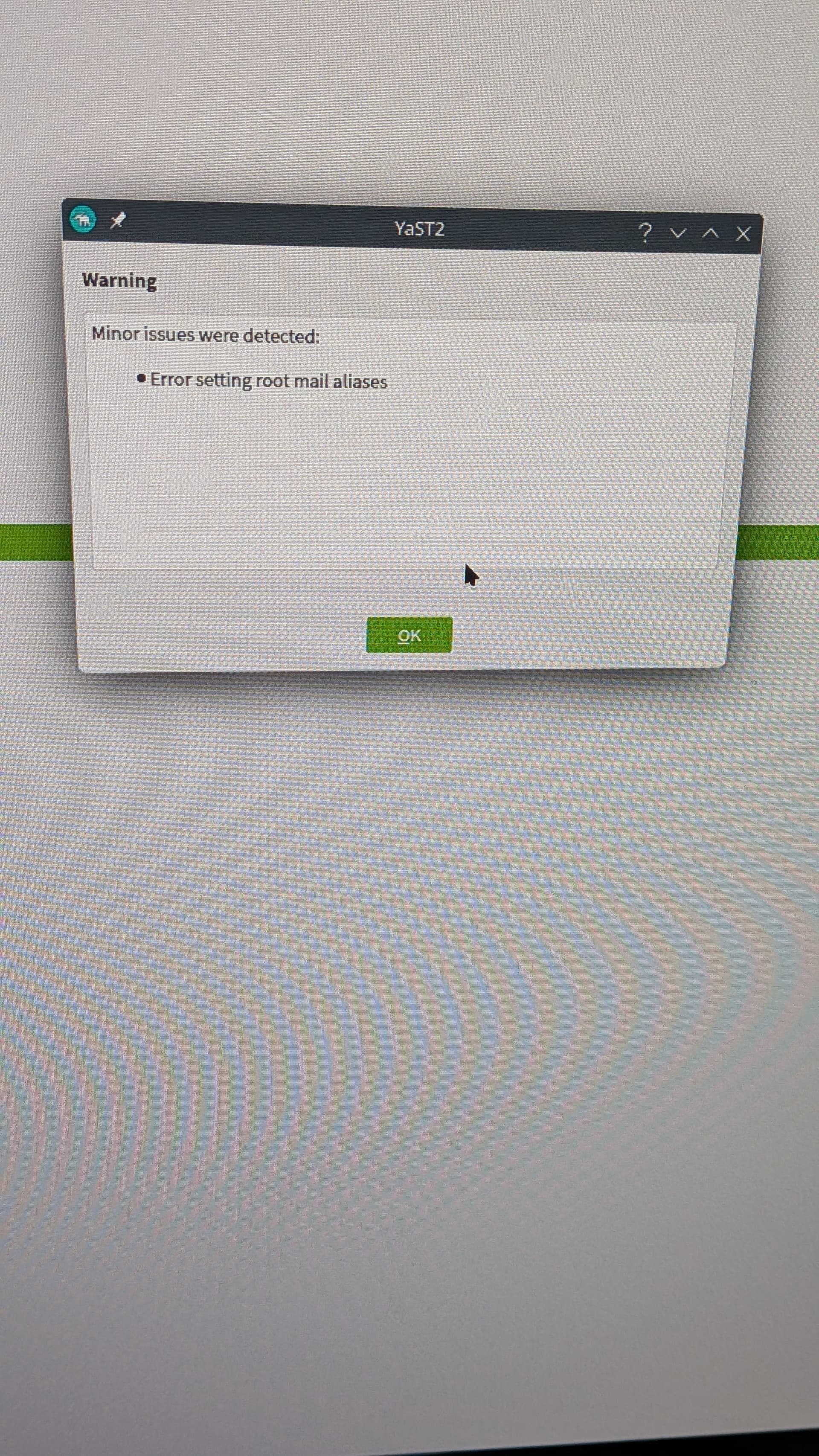
I checked network settings in Yast and it was set to static ip. I switched to DHCP and I got this error:
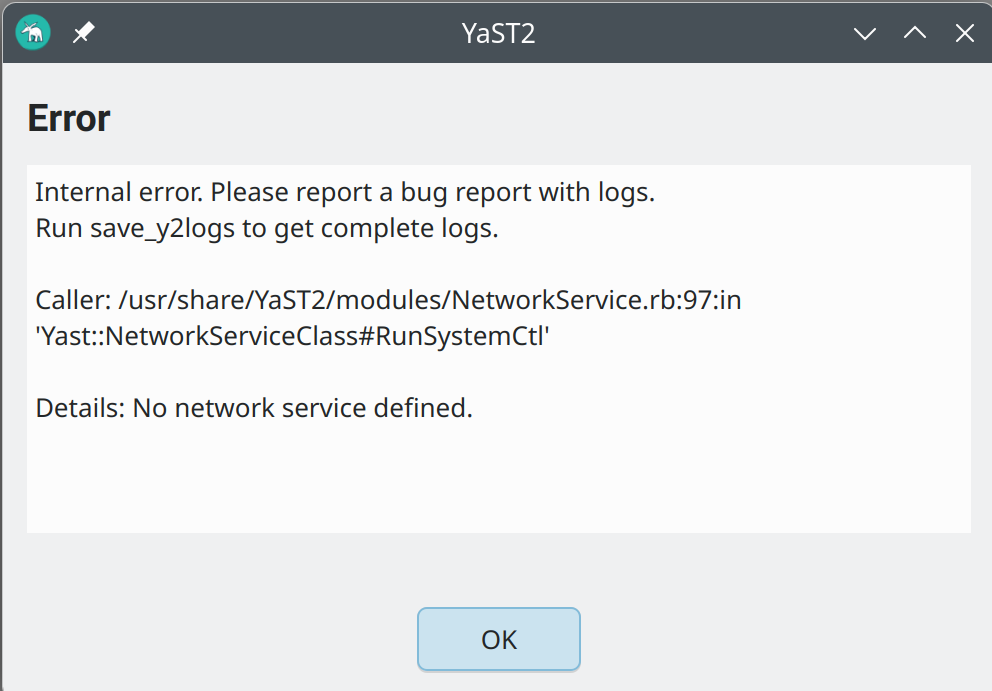
I finally managed to get NM to survive a reboot by using the command
sudo systemctl enable NetworkManager.service
I’ve installed TW a lot of times and I’ve never had these kinds of problems, either with an install or NM.
Well that was evident from the the previous command (and behaviour you reported)…
Loaded: loaded (/usr/lib/systemd/system/NetworkManager.service; disabled; preset: disabled)
If it didn’t start after a reboot, then you were likely only starting the service not enabling it as per your last post. 
3 posts were split to a new topic: NVIDIA graphics drivers after install