I’v been looking for other solutions, even installed Ubuntu. In Ubuntu the problems didn’t occur. I found out that it’s not only Gnome, as I thought first, but also KDE. Reinstalled OpenSuse, problems were back. I don’t like Ubuntu. It don’t occurs when I just started up, but while I’m working, suddenly these strange effects. I think that as it was hardware it’s not in the screendumps.

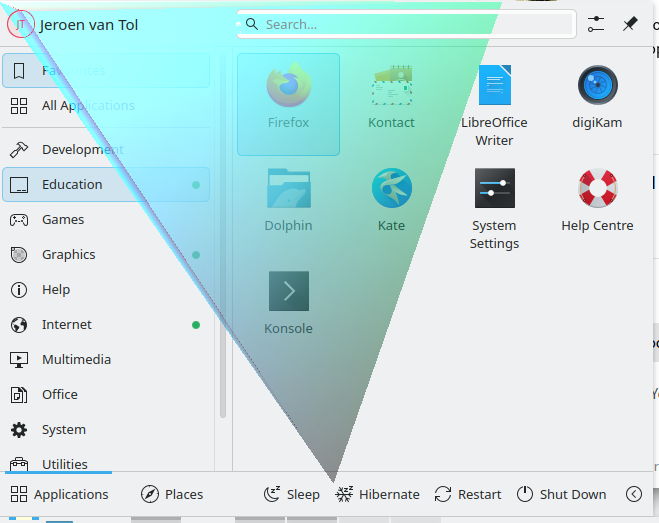
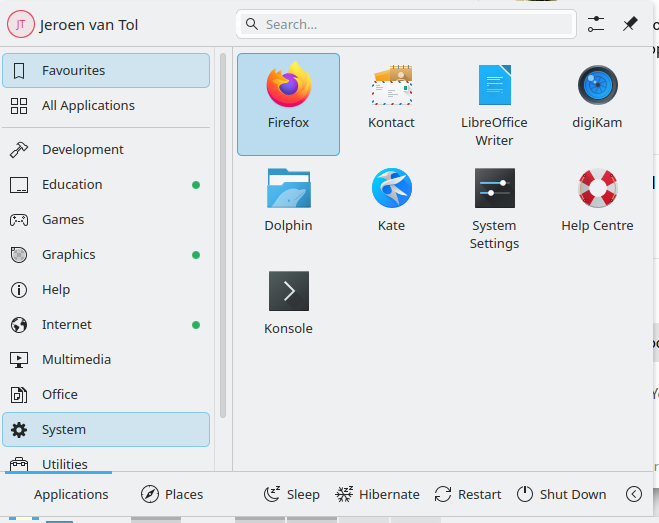
@jeroenvt So have you removed the /etc/environment file?
Fire up dconf-editor and search on mutter, in there are experimental features, try the kms-modifiers one and see if that helps.
I discussed it on Linuxquestions, somebody found a solution, it works, but I don´t no why. In /etc/default/grub I had changed the line
GRUB_CMDLINE_LINUX_DEFAULT="mitigations=auto quiet security=selinux selinux=1"
in
GRUB_CMDLINE_LINUX_DEFAULT="quiet splash i915.enable_psr=0"
Iḿ working more than an hour now and no glitches.
And why did you remove other important kernel command line parameters instead of only adding the needed one?
I was´t ready yet, first see if this helps, than I add the rest.
So, after a couple of hours it came back, so I tried a couple of different distro’s, debian, Ubuntu, Kubuntu. They didn’t have this problems. Tonight I installed Tumbleweed. Tadaaa! It has another driver. All the annoying screenthings disappeared.
This topic was automatically closed 30 days after the last reply. New replies are no longer allowed.