Hi all,
I am thinking about starting to use Kalpa. I just read it will soon(ish) get the beta status and knowing openSUSE Tumbleweed for its stability that is good enough for me.
I have used Fedora Kinoite for about a year and then moved to Universal Blue (Ublue) Aurora. Both systems are immutable as well and a great pleasure to work with, where Aurora has the advantage of having the Nvidia driver installed in the system where in Kinoite this is done by rpm-ostree which creates an extra software layer.
Because now the Ublue guys want to change Aurora from a KDE distro into a not completely KDE distro where Discover will be replaced by something they created themselves for the Gnome variants of their distros. Earlier on they have made the Gnome terminal program ptyxis the default terminal, instead of Konsole. This can be changed (you can set Konsole as the default terminal again) but the question is for how much longer?
As said, the Nvidia drivers are part of the immutable system and when there is a new driver by the time a new deployment is released you automatically have it and have it working.
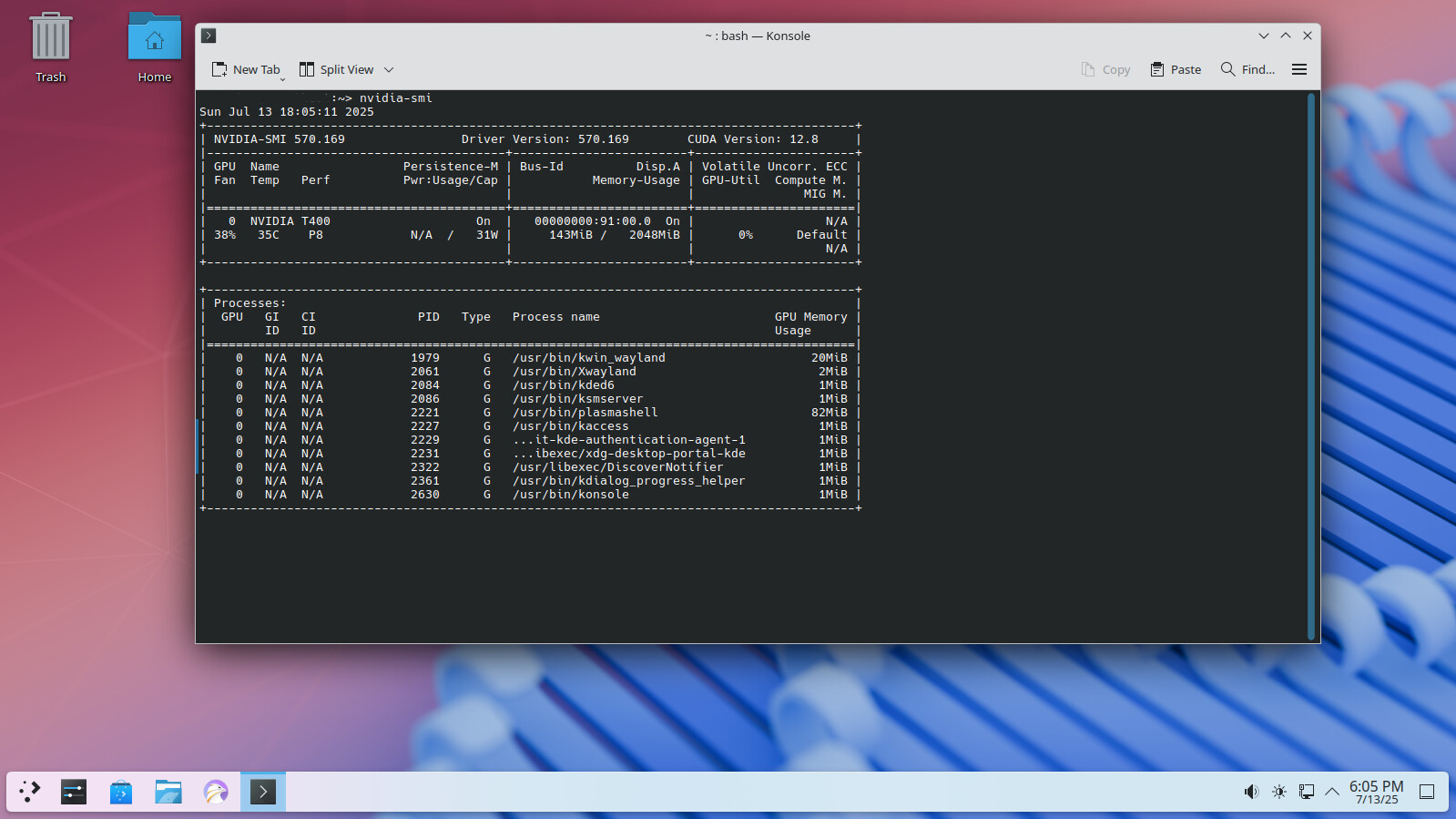
My question now is how will Kalpa do this? Is the driver integrated into the system (like with Aurora) or is it installed using rpm-ostree on an extra layer (like with Kinoite)?
I remember from earlier days when I used Tumbleweed that the driver did not always work with the new kernel, or a new driver would not work with the older kernel. (I still don’t know which of the two it was that caused the problem)
I’ve tried to find info about this on the openSUSE website but haven’t found it. Must be my clumsy way of searching, or maybe there is no info available yet.
Who can give some info about this? Thanks in advance.
I literally don’t know, as I don’t have hardware to test on.
I need user feedback, but I can say that the only possible supported method I can see, is using the RPM packaged driver provided for tumbleweed, from the Nvidia repo.
@sfalken it should detect the hardware and add the appropriate Nvidia repo service… If on supported hardware the open driver install should also occur…
There is no such thing as a “layer” on Kalpa, and it doesn’t use rpm-ostree, at all, ever. Kalpa is not an image-based mechanism, like the Fedora Atomics.
yeah, at present, you need to run systemctl enable --now --force sddm.service to get it working, as it currently conflicts with display-manager-legacy.service there’s a fix on the way
The first 3 weeks I can not help you with that because I am on holiday now and I would like to keep my laptop running. After that I can see if I can install Kalpa and try to install the Nvidia driver.
So it means when I install the driver it will be part of the main system, just like in Tumbleweed, and it will be updated through transactional updates, This means, as is the case in Fedora atomics, there will not be a fall back deployment should something go wrong with an update. Will there be any safety mechanism just in case?
That would be perfect, but will take some time I guess.
Rollback to the prior snapshot. If something goes wrong in an update, the snapshot is discarded and the last known working snapshot will continue to run. Updates never touch your running system.
If NVIDIA repository is configured, it should be as simple as
zypper install-new-recommends
The problem is, it will install all recommended packages. As MicroOS disables them by default, it will probably be too much.
And NVIDIA drivers depend on the packages from the main repository which are not normally present. So, restricting repository to the NVIDIA will not be possible either.
As the transactional systems (Kalpa, Aeon, MicroOS) don’t use zypper directly for installation/update and so on, the above zypper command won’t work on these system. ( Yes transactional-update uses zypper “under the hood”, but that is OT here.)
That is why the Nvidia SDB explains the different commands for the different distribution flavors.