How are online updates supposed to work with slowroll?

With Leap 15.6 and earlier, I had a “check for updates” icon in the “Status and Notifications” dialog. I could click it to force a refresh of available updates. There was also a ‘demon’ periodically checking for new updates. When new updates became available, I got a notification in the task manager.

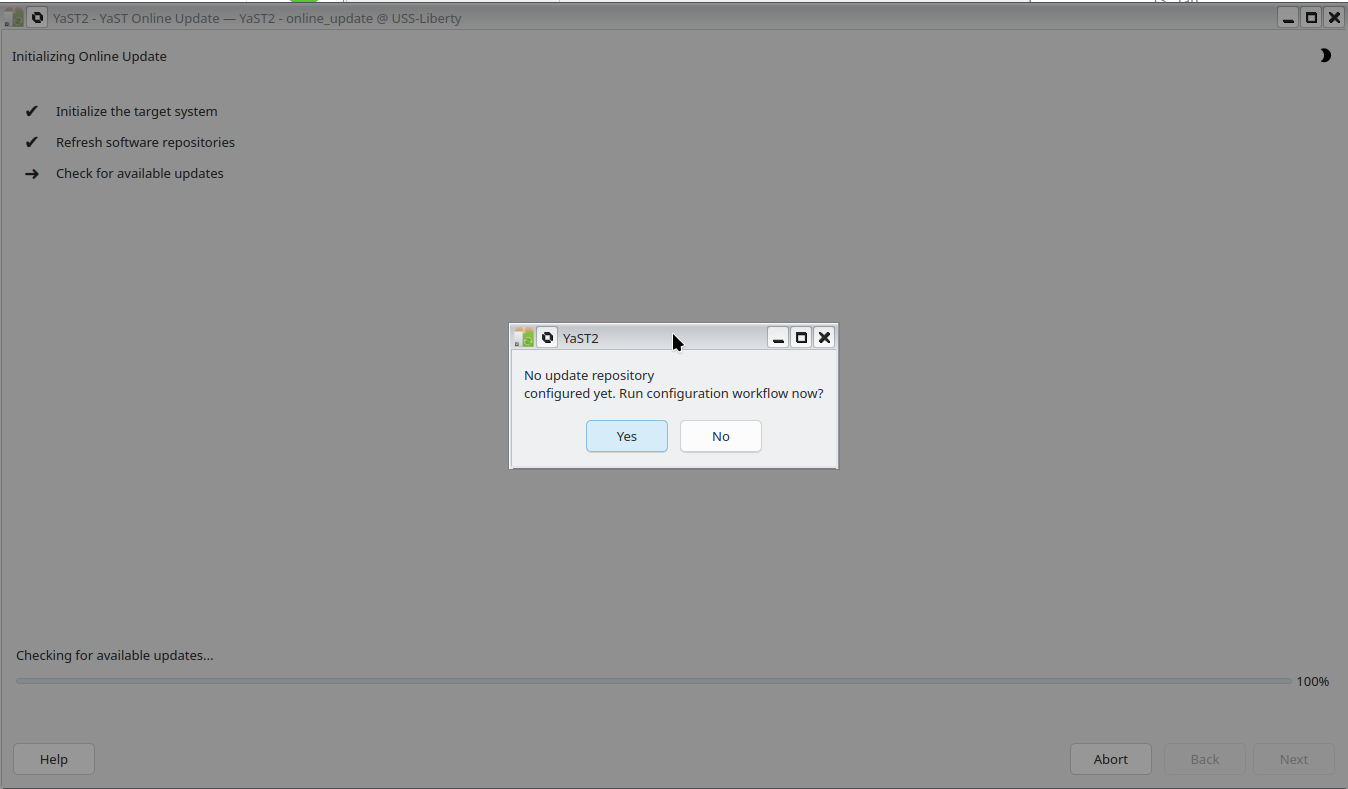
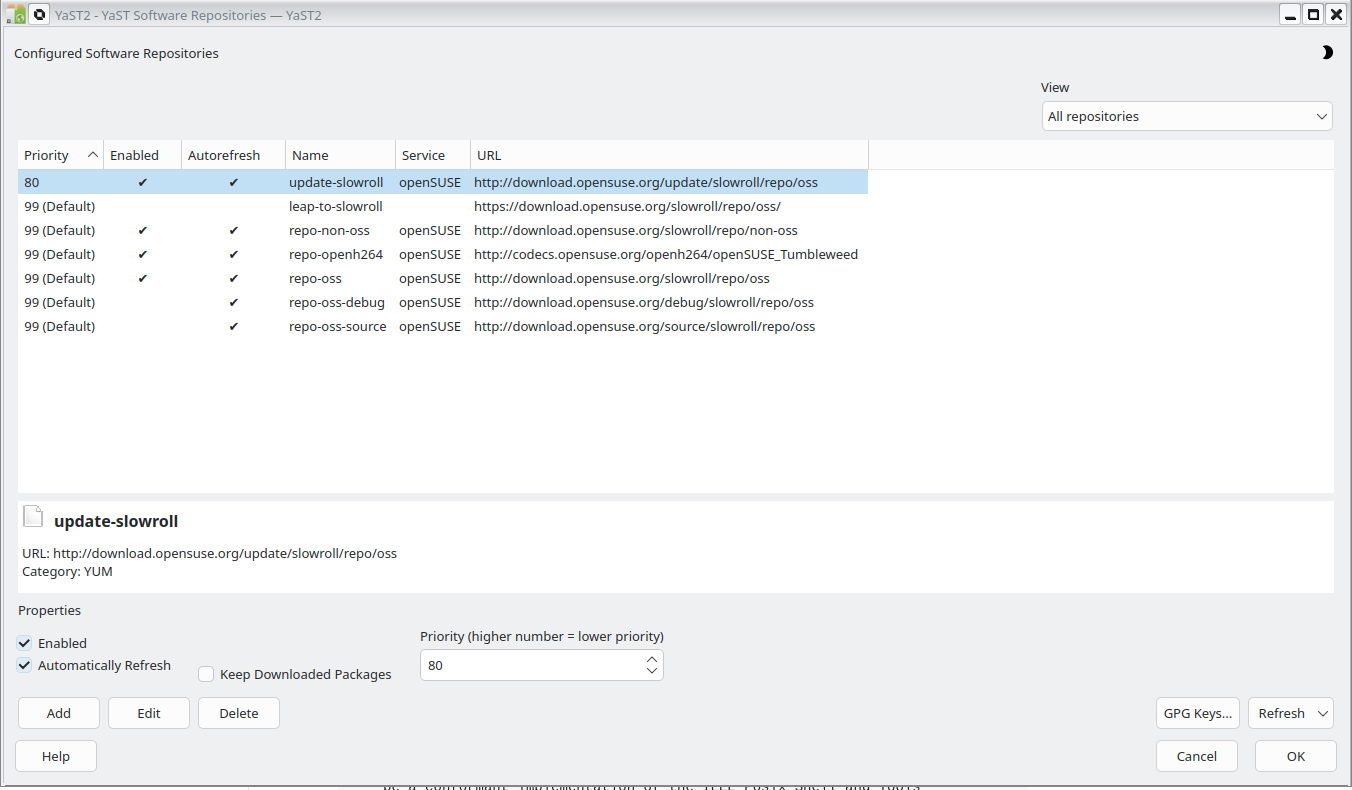
None of that is happening with slowroll. When I attempt to set it up with YaST, I go through a cycle of the following screens.

Return to first screen.

What should be happening?

YOU only handles patches. Slowroll does not use patches, so YOU will not work for it.

https://en.opensuse.org/Portal:Slowroll#Keep_Slowroll_upgraded

If you insist on using a graphical tool to upgrade Slowroll/Tumbleweed, you need to install Myrlyn which is capable of performing a zypper dup.

Is it the same with tumbleweed? That is certainly not what I expected.

It’s not a question of using graphical tools. It’s a question of getting notifications. Computers are intended to automate such tasks so that humans can attended to more important things.

Also, zypper dup if for upgrades, not updates. zypper up is for updates.

You should read the documentation. Tumbleweed and Slowroll gets ONLY upgraded via zypper dup. You may want to listen to more experienced users which use these distributions since years (and know the documentation)…

https://en.opensuse.org/Portal:Tumbleweed
https://en.opensuse.org/Portal:Slowroll#Keep_Slowroll_upgraded
https://en.opensuse.org/System_Updates
…and many more…

1 Like

and
https://en.opensuse.org/SDB:Upgrade_Tumbleweed

Well, I just updated over 100 packages with zypper up. When I ran zypper dup it said it was going to downgrade 22 packages.

And this is absolutely correct. Distributions like Tumbleweed and Slowroll also get package downgrades and removals which can only be handled via zypper dup and not via zypper up.

I first installed S.u.S.E. in 1997. I use computers. I do not serve computers.

So you should be aware of how to properly upgrade these distributions and where to find the documentation. Reading is not serving. Reading is gaining knowledge.

Tumbleweed/Slowroll are built with the idea that every set of “updates” is a full upgrade.

If you look at /etc/os-release, you’ll see that the VERSION_ID string is a date. That’s intentional, because the way TW is built (and Slowroll is a derivative of TW), it’s released as a bundle of packages that are a single release.

What about security patches? That’s what I am most concerned about when it comes to being “real time” up-to-date.

As already explained in the first comment, Tumbleweed and Slowroll do not recieve “patches” in the traditional sense (like openSUSE Leap). You get new package versions (from upstream) which ideally already contain the security fixes.

1 Like

Slowroll has some smaller upgrades between large upgrades (from what I understand) that include security updates, but not the full set of upgraded packages that you’d get with TW.

There was another thread Slowroll - updates released almost daily? that had some information about that in it.

(Specifically Slowroll - updates released almost daily? - #12 by bmwiedemann - That comment is from the Slowroll developer.)

1 Like

“Patch” in SUSE does not install anything. It is simply a statement that some packages must have at least a given version. If all packages listed in the patch are at least of the defined minimal version, patch is considered to be “installed”.

The actual fix is in new package versions which are still available without extra “patch” layer.

Actually, Slowroll can be updated with zypper up within the monthly cycle (unless I have to remove a broken package) - but I left the zypper dup in the docs to keep things simple.
I recently discovered that zypper up will even print a warning when the monthly large update comes with its new version of openSUSE-release .

4 Likes

I did not yet look into creation of patchinfo files. Those carry information about “security” vs “recommended” vs “optional” updates and also hold the “reboot needed” flag. It might be possible to auto-guess some of that from the available info (e.g. .changes diff contains CVE-2025-XXXX => security).
But not sure it is worth the effort.

1 Like

Hello! Your question is very common, and the answer lies in the fundamental difference in how openSUSE Leap and openSUSE Tumbleweed/Slowroll are built and updated.
Leap: Fixed Release (Updating with Patches)

Leap is a fixed-release distribution (like Ubuntu or Fedora). It has a stable system base that doesn’t change drastically. The updates you receive are patches—security fixes and bug fixes for individual packages.

This is why the graphical notifier alerted you: it was designed to look for and apply these patches, which are minor and safe updates to the packages you already have.
Slowroll/Tumbleweed: Rolling Release (Upgrading with “dup”)

Slowroll, just like Tumbleweed, is a rolling release. It doesn’t receive patches. Instead, the entire distribution moves forward as a single “block” or snapshot. An update means synchronizing your whole system with the latest snapshot, which can contain hundreds of new packages.

This is where sudo zypper dup (distribution upgrade) comes in. It’s the only command that performs this full synchronization correctly. Unlike a simple update, dup can:

Upgrade packages to newer versions.
Downgrade a package if the new snapshot requires an older version for compatibility.
Remove packages that have become obsolete.
Add new packages that have become dependencies.

If you were to use zypper update on a rolling system, it would only update a few packages and ignore the necessary downgrades and removals, leading to an inconsistent system with broken dependencies.

This is why the graphical notifier doesn’t alert you about updates on Slowroll: it looks for patches (which don’t exist) and concludes the system is up-to-date, when in fact a dup would bring in an entirely new distribution image.

In short: On Leap, you received notifications to update individual packages. Now on Slowroll, you perform a full system upgrade with sudo zypper dup, and the terminal is the standard and recommended tool for this operation.
2 Likes