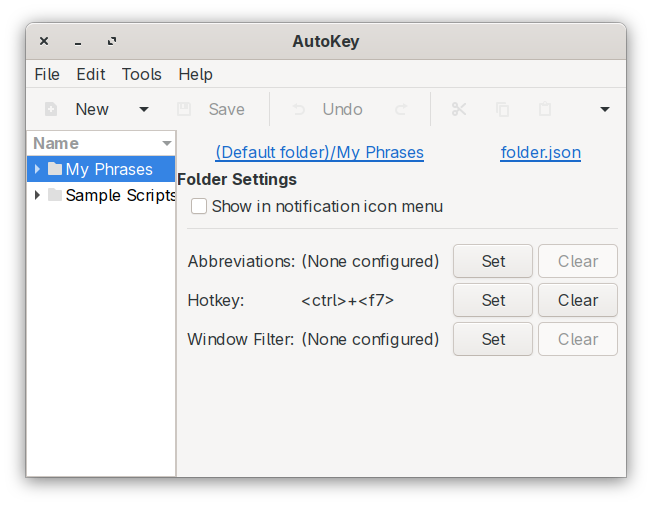
Hi there! I’m relatively new to Linux and openSUSE so please bear with me a little 
I’m having a problem installing Autokey, at least the latest version (0.96, listed here: https://github.com/autokey/autokey).
Per the github page (https://github.com/autokey/autokey/wiki/Installing#dependencies), it’s supposed to be installed with pip3 and I am having trouble getting that working on Tumbleweed. I’m running Python 3.13.11 and whenever I try running the pip3 install command I get the output:
localhost:~ # pip3 install autokey
error: externally-managed-environment

× This environment is externally managed
╰─> To install Python packages system-wide, try
    zypper install python313-xyz, where xyz is the package
    you are trying to install.

    If you wish to install a non-rpm packaged Python package,
    create a virtual environment using python3.13 -m venv path/to/venv.
    Then use path/to/venv/bin/python and path/to/venv/bin/pip.

    If you wish to install a non-rpm packaged Python application,
    it may be easiest to use `pipx install xyz`, which will manage a
    virtual environment for you. Install pipx via `zypper install python313-pipx` .

note: If you believe this is a mistake, please contact your Python installation or OS distribution provider. You can override this, at the risk of breaking your Python installation or OS, by passing --break-system-packages.
hint: See PEP 668 for the detailed specification.
Using the command as the terminal suggests gives me the standard Package not found message.
localhost:~ # zypper install python313-autokey
Refreshing service 'NVIDIA'.
Refreshing service 'openSUSE'.
Loading repository data...
Reading installed packages...
Package 'python313-autokey' not found.
Resolving package dependencies...
Nothing to do.
localhost:~ #
I am not sure if I am using that command wrong, or if I am missing a repo and could use some advice.
 The gtk version I could test as it runs, the qt version requires Plasma stuff which I don’t use.