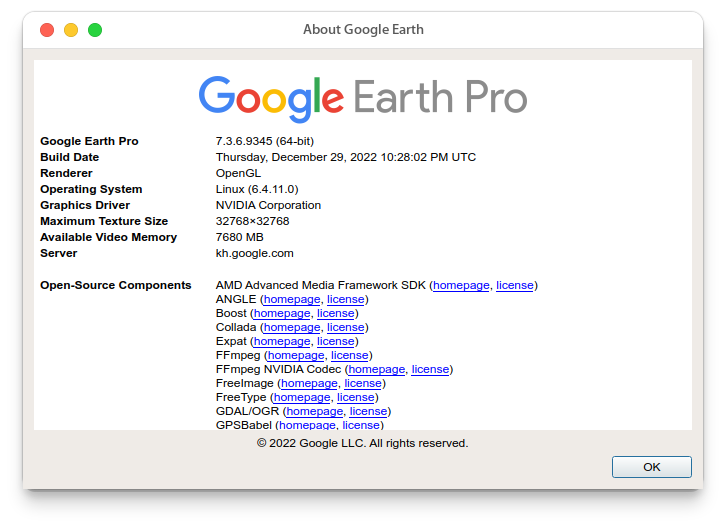
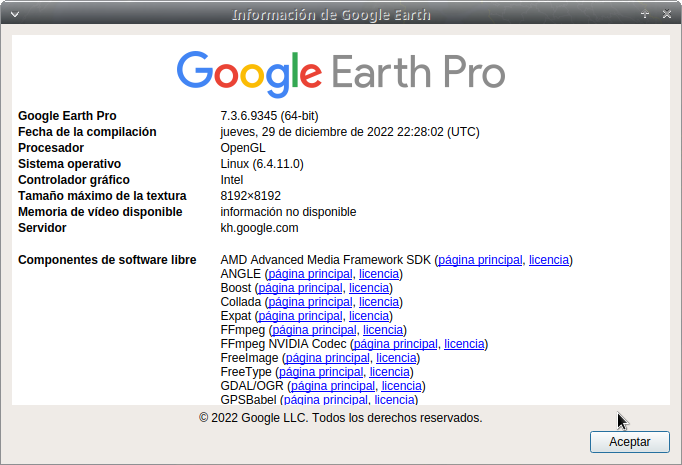
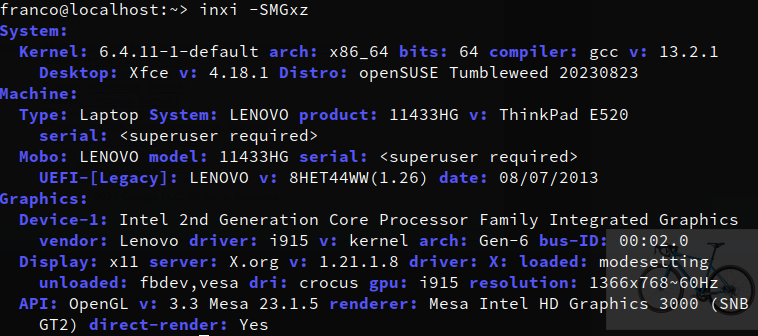
Hello,
A couple months ago I updated and could no longer run Google Earth. It shows a segmentation fault error. I updated G.E., and still receive a slightly different segmentation fault error (Different line number).
I’ve kept tumbleweed up to date, and just tried installing another new version of G.E., but no change.
I see posts from 6+ years ago w/ the same error. Having to do w/ video drivers. But, I doubt the solutions are relevant anymore.
Are others having this problem? Could anyone help me solve it?
(Experience level, lifetime of IT, but not a programmer, other than basic web/databse stuff)
-edit to mention, I’m using basic intel graphics… 630.
Not sure if this is helpful but this is what I do to get GE to work. If I don’t do the following, I encounter many problems with installation and getting it to run.
For Google Earrth to work with TW, I always first install the Fedora 33 rpm for libmesa-libglu from pkgs.org. Then GE installs and runs great.
Thanks,
That got rid of the install error about mesa… But, I always ignored that error and it was fine. So, i did install mesa and it still didn’t work.
Mesa conflicted w/ libglu, but I told it to install anyway. Then GE threw a libglu error. I re-installed libglu and it went back to the segmentation fault error.
:~> google-earth-pro
/opt/google/earth/pro/googleearth-bin: error while loading shared libraries: libG
LU.so.1: cannot open shared object file: No such file or directory
I’ve installed the official RPM with --nodeps switch to ignore the mesa-libGLU dependency, as I alreayd have installed libGLU1. Then, force-copying this libcurl version to Google Earth’s directory allowed the application to start up and work correctly
Using nvidea or ati-amd video card that had not happened to me, but using integrated video intel HD3000 it was different, perhaps some library was missing to make better use of Mesa. Luckily I already got here the solution mentioned above.
I suppose they must play their fundamental role when google earth started, but when I installed google earth and copied and pasted libcurl.so.4 and libcurl.so.4.6.0 it was still the same (without starting), it was when I installed libGLU1 that it started.