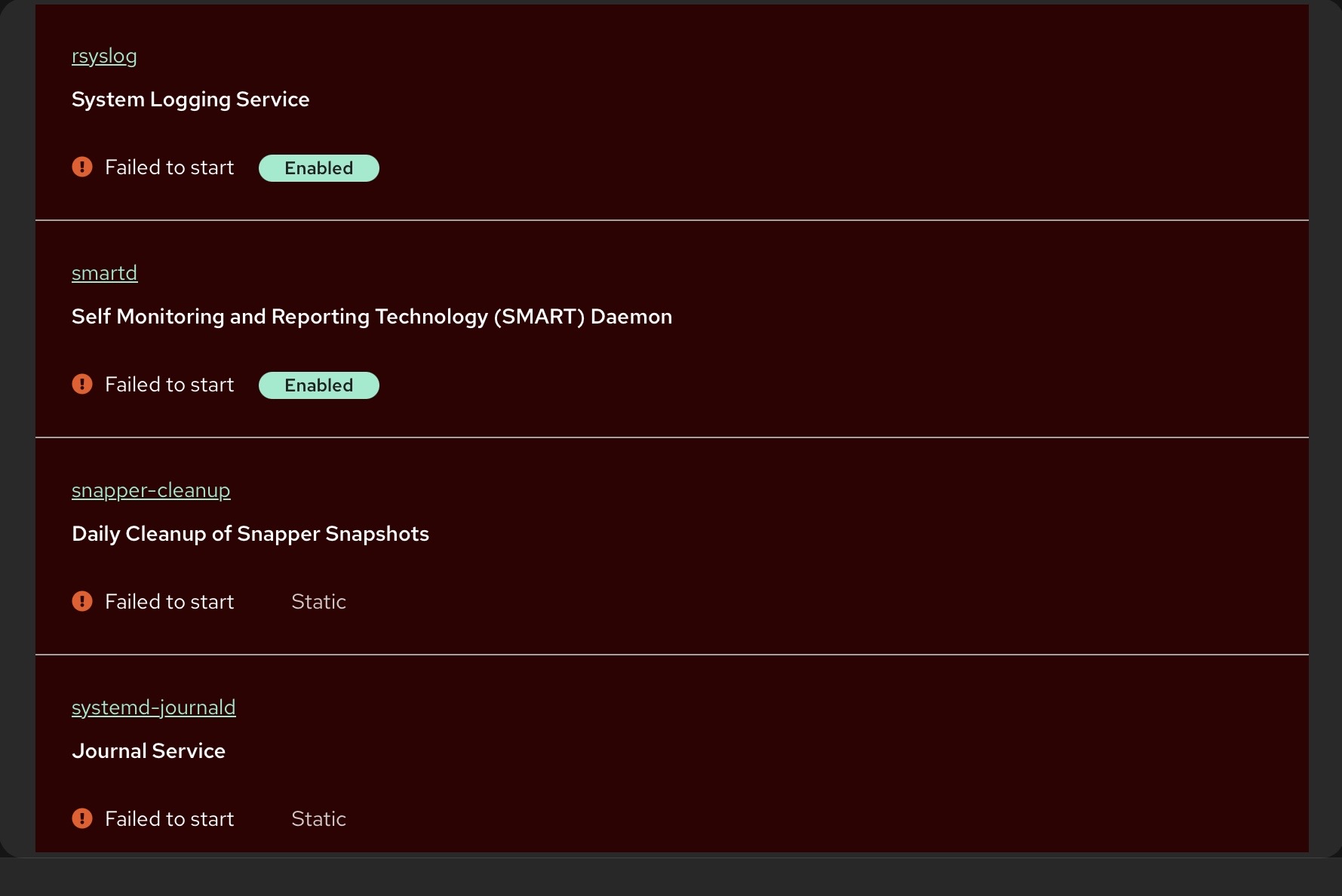
This might be a legitimate hardware problem with your disk or controller, or an SELinux problem with the SELinux filesystem labelling where the “security contexts” are set up for each directory (and file? Not sure).
I thought it was SELinux related and that is why I did a fresh install without SELinux enabled this time but seems to be the same result. I’ll try a different boot drive to see if the problem is hardware related.
I recommend booting a live Linux distro to test the RAM, CPU, and storage controller. You can also try the built-in UEFI diagnostic tests to help identify any hardware issues.
You could run a stress test via the live distro eg
This is a destructive test so make sure you write to the correct device under test.
A safe (nondestructive) SMART self-test, assuming that the live dsitro has this utility included…
sudo smartctl -a /dev/sde       # View full SMART status
sudo smartctl -t short /dev/sde # Run a short self-test
sudo smartctl -t long /dev/sde  # Run a full self-test (may take hours)
Running the live distro on the system under test may also yield dmesg output that can help determine if there is an underlying issue with the host system.