I am setting up a new laptop with Leap 16.0, and my plan was to
wipe everything from the machine
install a fresh openSUSE
stay as close to the defaults of Agama/Leap as reasonably possible
but have an encrypted /home directory
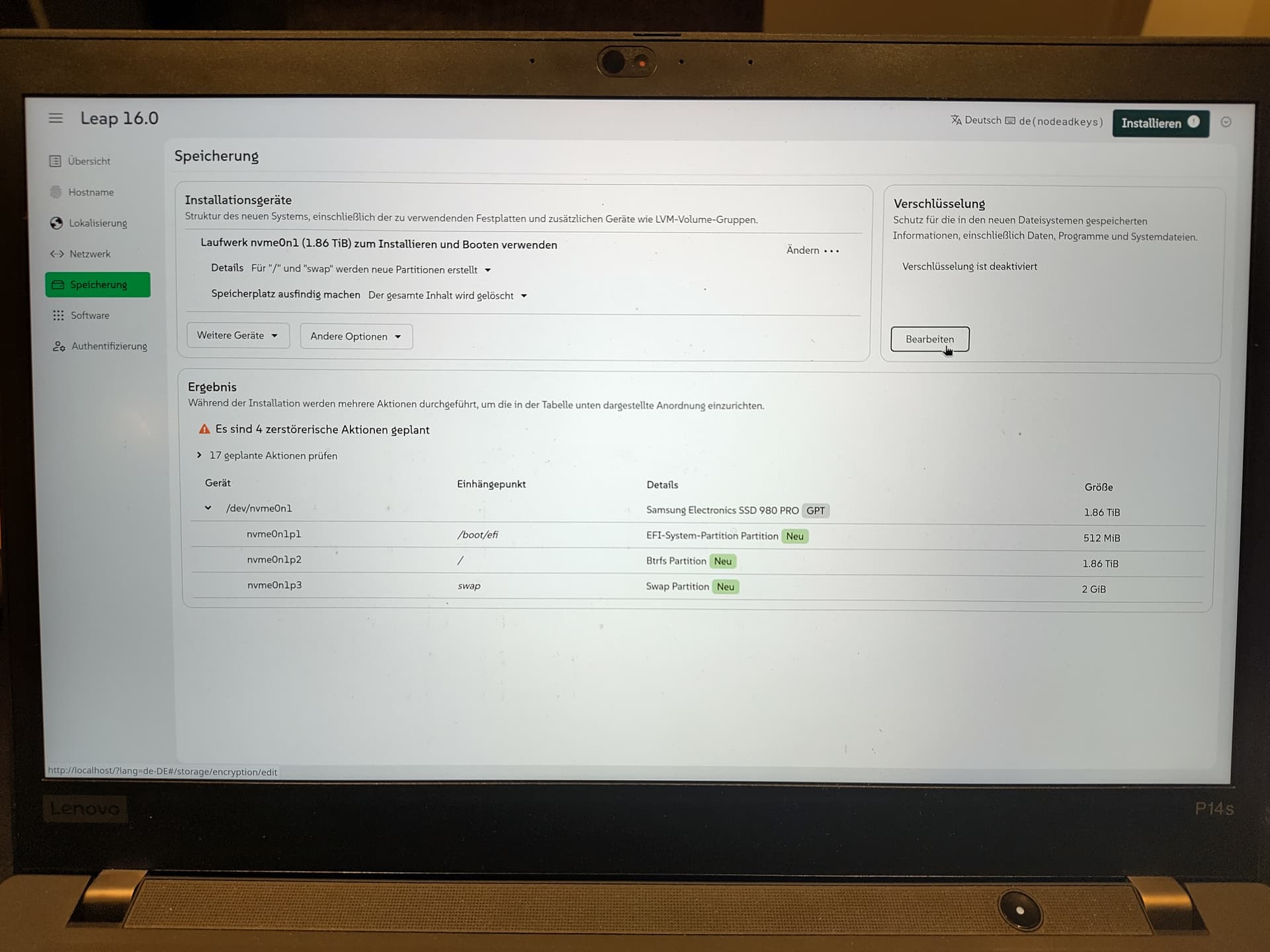
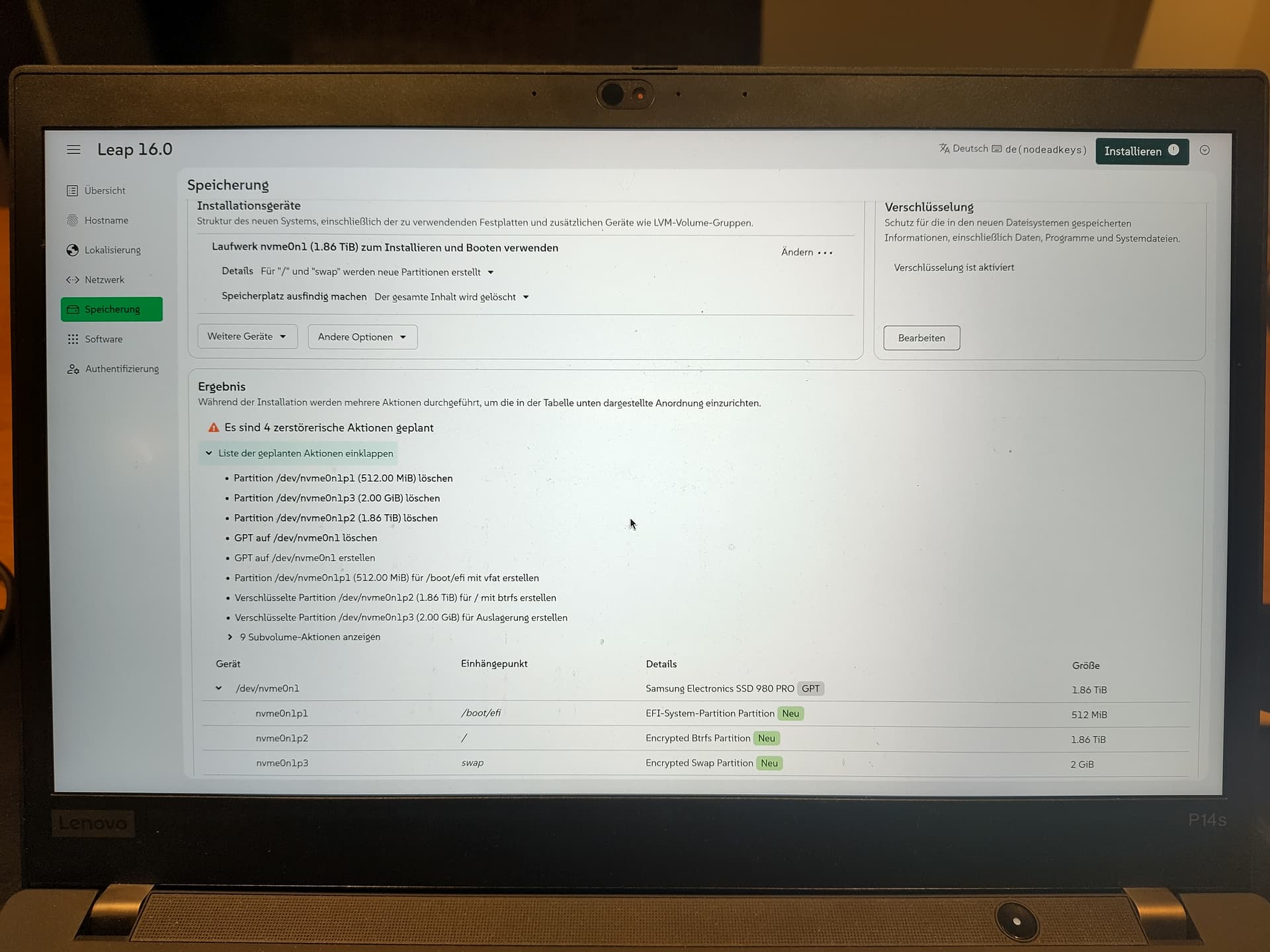
My expectation somehow was that the openSUSE default was a home partition in XFS and a separate root partition in bftrs, I am pretty sure that was the default in Leap 15 and before. However, it seems now Agama only proposes one large btrfs partition plus a 2 GB swap partition. Is that correct?
(I generally like the idea of being able to increase the size I have for /usr, /lib, … without the trouble of XFS being unable to size down. I am a bit worried that some minor misconfiguration could mean Snapper snapshots my pretty large /home though.)
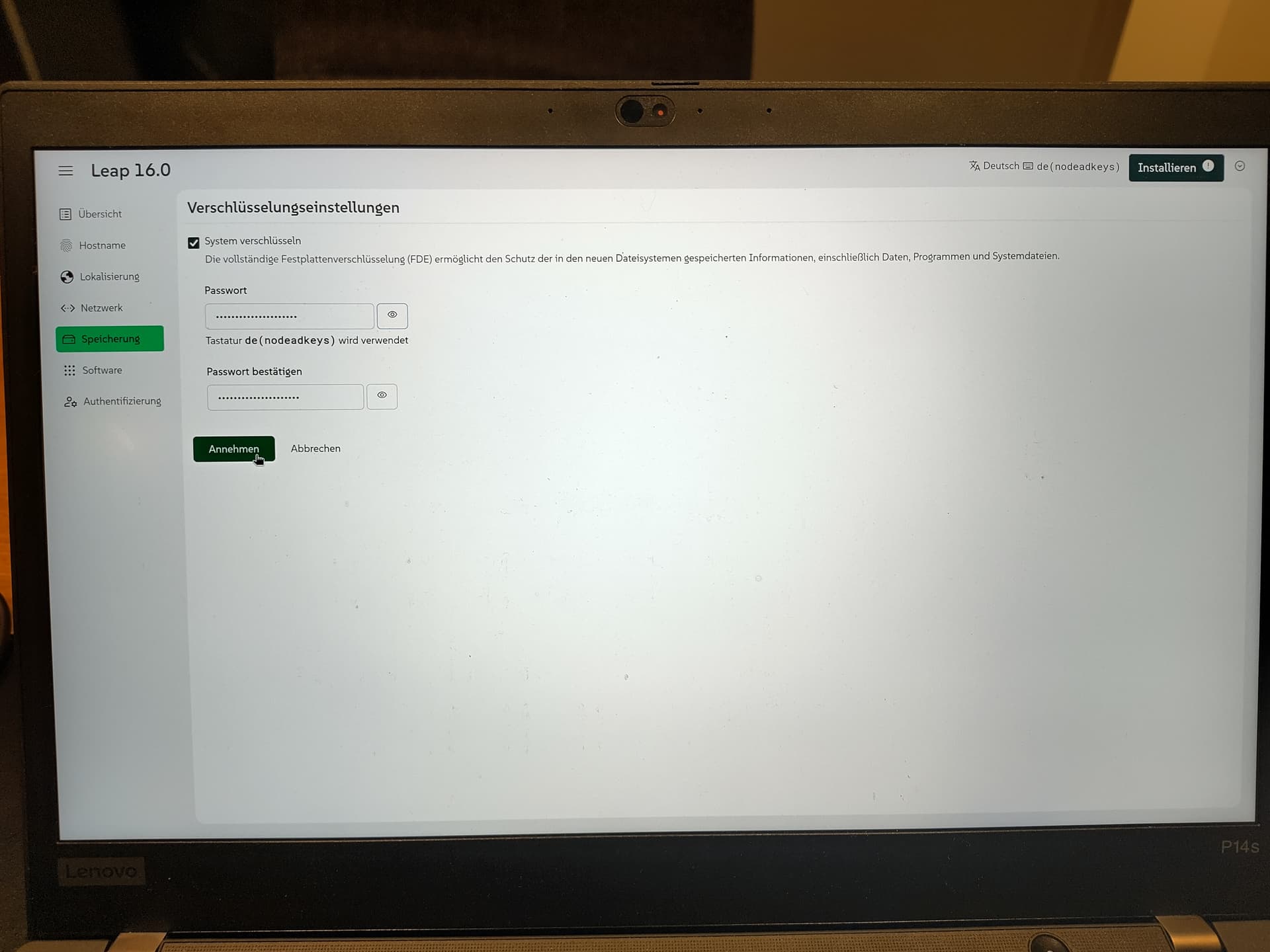
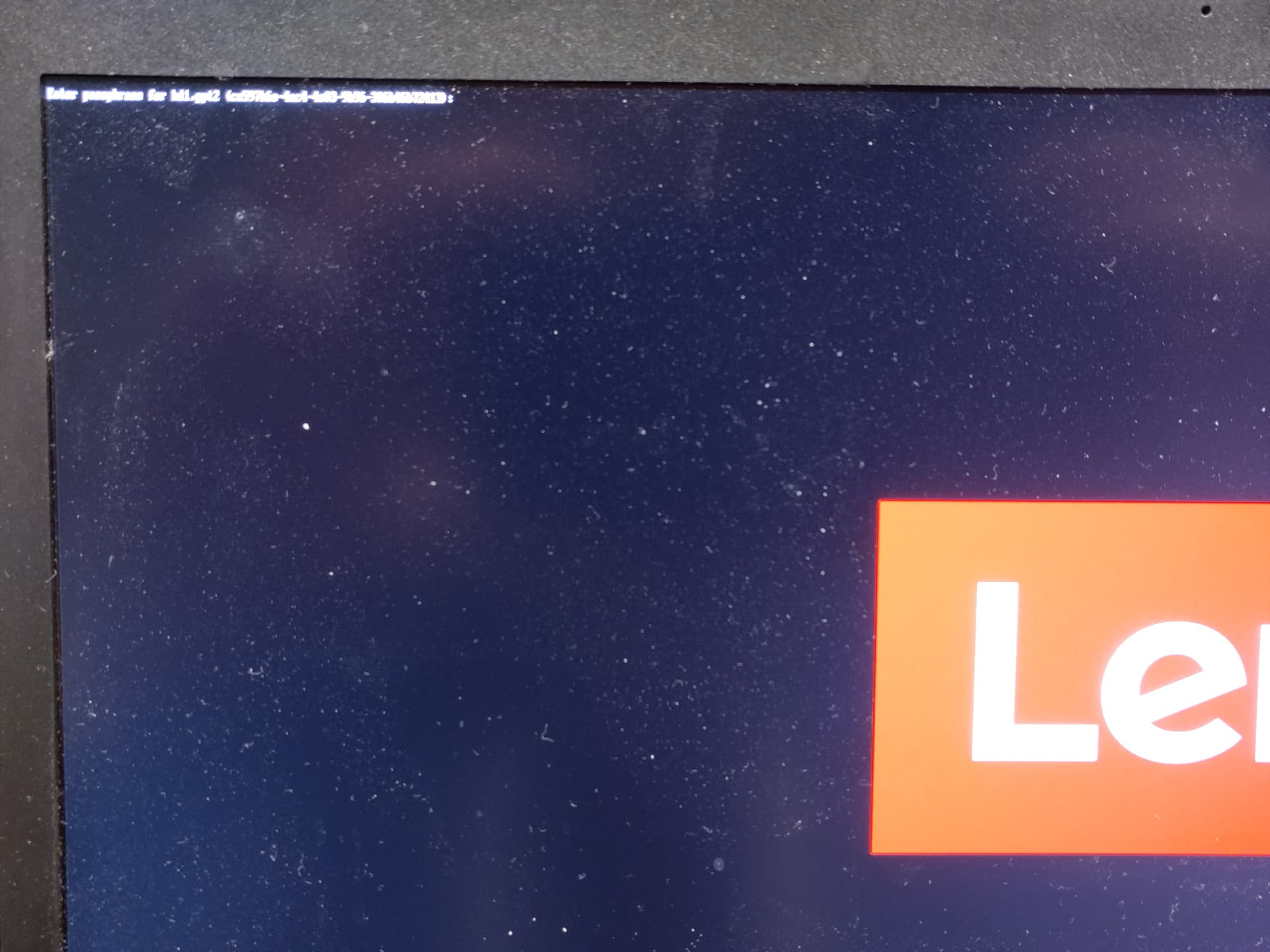
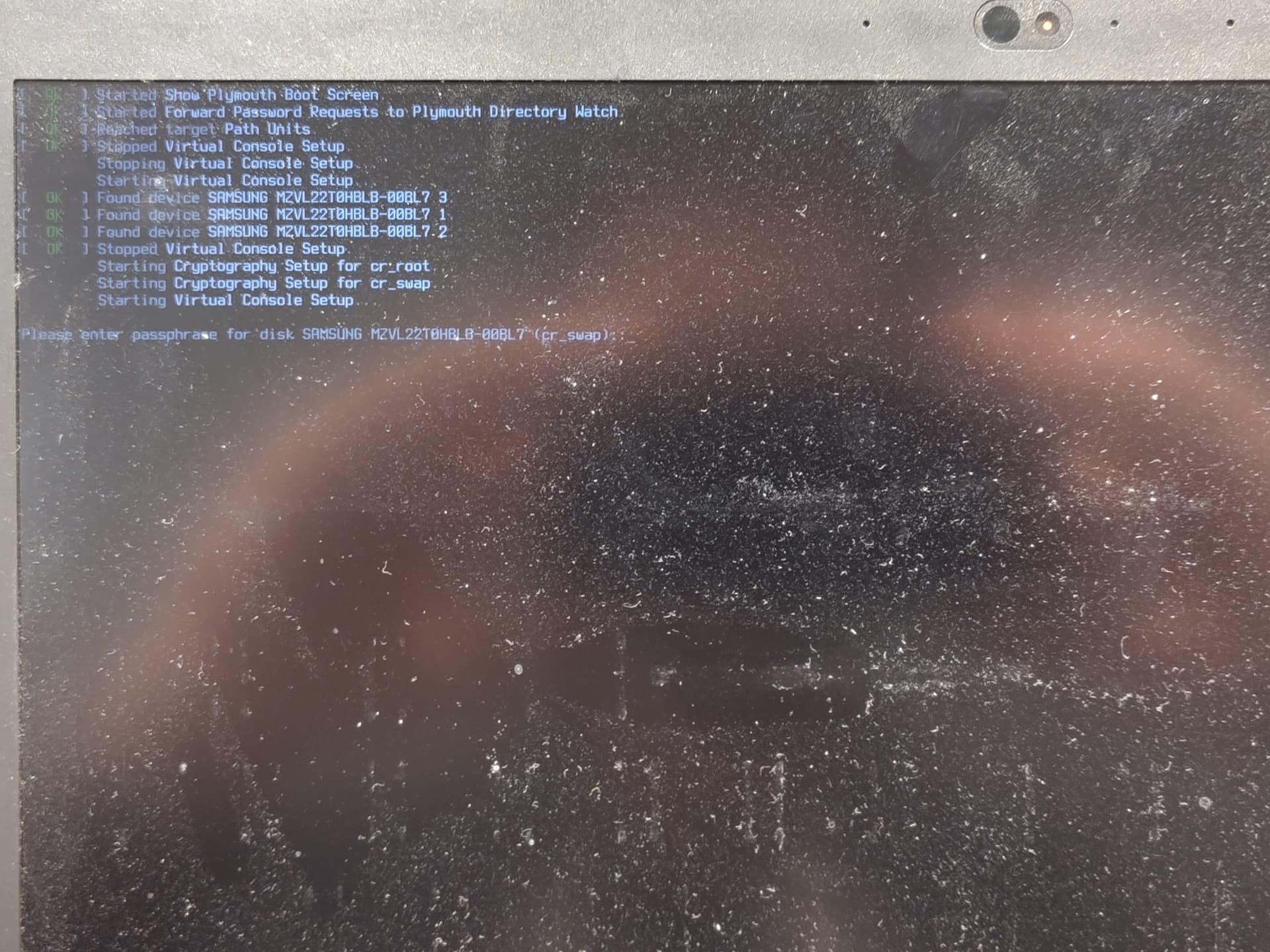
During installation, I clicked on “Encrypt” and filled in what was needed. This gave me full disk encryption, which is ok. Encrypting home would have been sufficient for me, I think, but I wanted to stick with defaults. However, this has also encrypted my /swap partition now, and on boot, I have to enter the password twice. Is that considered the correct behavior?
I find this pretty annoying. Maybe I did something wrong?
@pbiel Hi, an easier solution is to use zram via installing zram-generator package and enabling the service. Then if you check via fwupdmgr security will show encrypted swap and no need for the swap partition. Since it’s RAM, gone on shutdown…
Create a /etc/systemd/zram-generator.conf file containing;
Thanks! I’ve considered not using a swap partition, but this pretty much goes against my goal to stick closely to the Agama/Leap defaults. If the Leap 16 default is to have a dedicated swap partition, I’d prefer to use that.
Hi! Thanks for this input.
My issue was that if I check the “Encrypt the system” button right there, my “/”, including “/home” is encrypted, but apparently also “/swap”. Maybe I can just forego /swap altogether.
If not, I think that I would not need it be encrypted? At the very least, I would like to prevent being asked for my LUKS password twice on system startup, both for /swap and /, which is what happens right now.
I seem to recall that 15.6 was already using one big “btrfs” partition by default. But you could set up a separate “/home” if you wanted that.
Personally, I have done online upgrades to Leap 16.0, because I don’t like the Agama choices.
For encryption, you could have gone with an encrypted LVM. In that case there would only be one request for passphrase. In any case, you can avoid the second prompt by putting a passphrase in a file (readable only by root) on the root partition and edit “/etc/crypttab” to point to that file.
nothing more. I tried adding my password file as described in the man page:
The third field specifies an absolute path to a file with the encryption key.
I didn’t know what to do with the second field to be honest (and I am puzzled about whether they are counted from zero or one). At least, this did not work:
But perhaps you need to put crypttab into the “initrd”.
Check the section " Avoiding to type the passphrase twice" in SDB:Encrypted root file system. Steps 5 and 6 explain what to do with the “initrd”. However, where it mentions “/.root.key” you should change that to “/etc/swappwd” to fit your setup.
Hm, unfortunately, also with the none option, the solution does not work. I could try using LVM just for the encryption, but this seems like a pretty huge solution for a small problem.
Am I overlooking something? I feel like having /home encrypted but not having to enter the password more than once is a requirement 90%+ of desktop users have, and I am surprised this seems so difficult. Is there a simpler solution? After all, my key motivation here was to not have a weird frankenstein system, but stay as close as reasonably possible with the Leap 16 defaults.
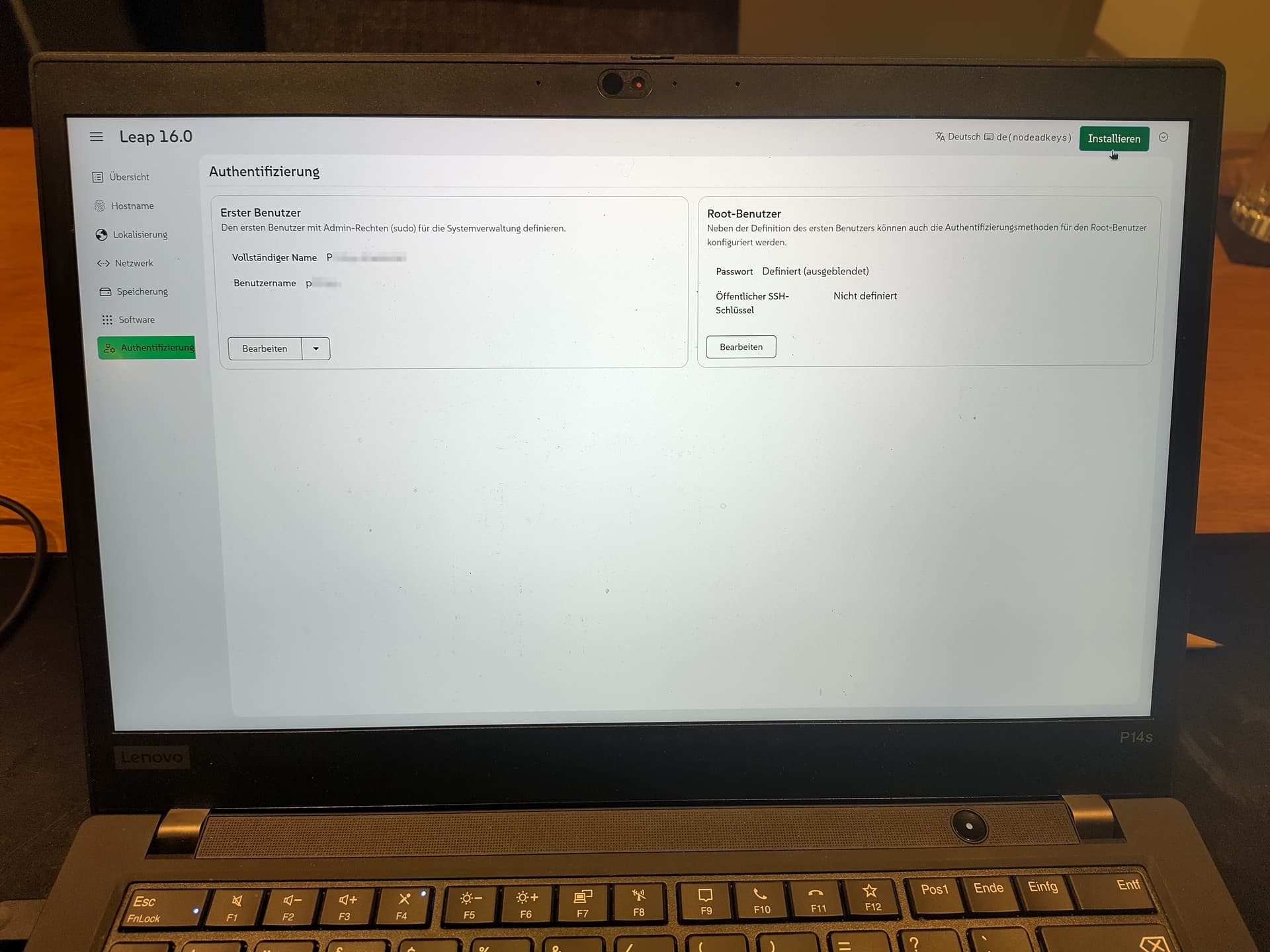
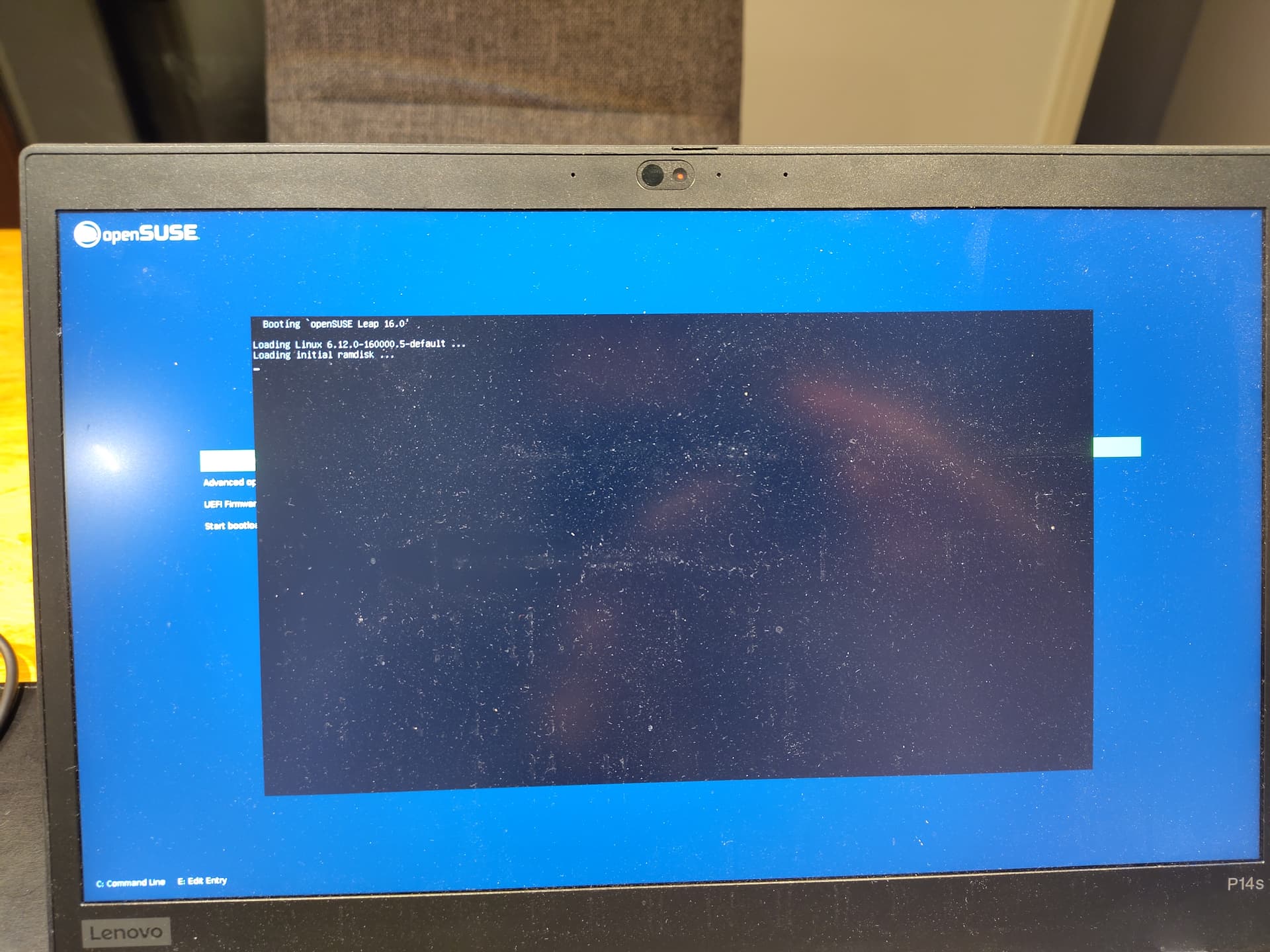
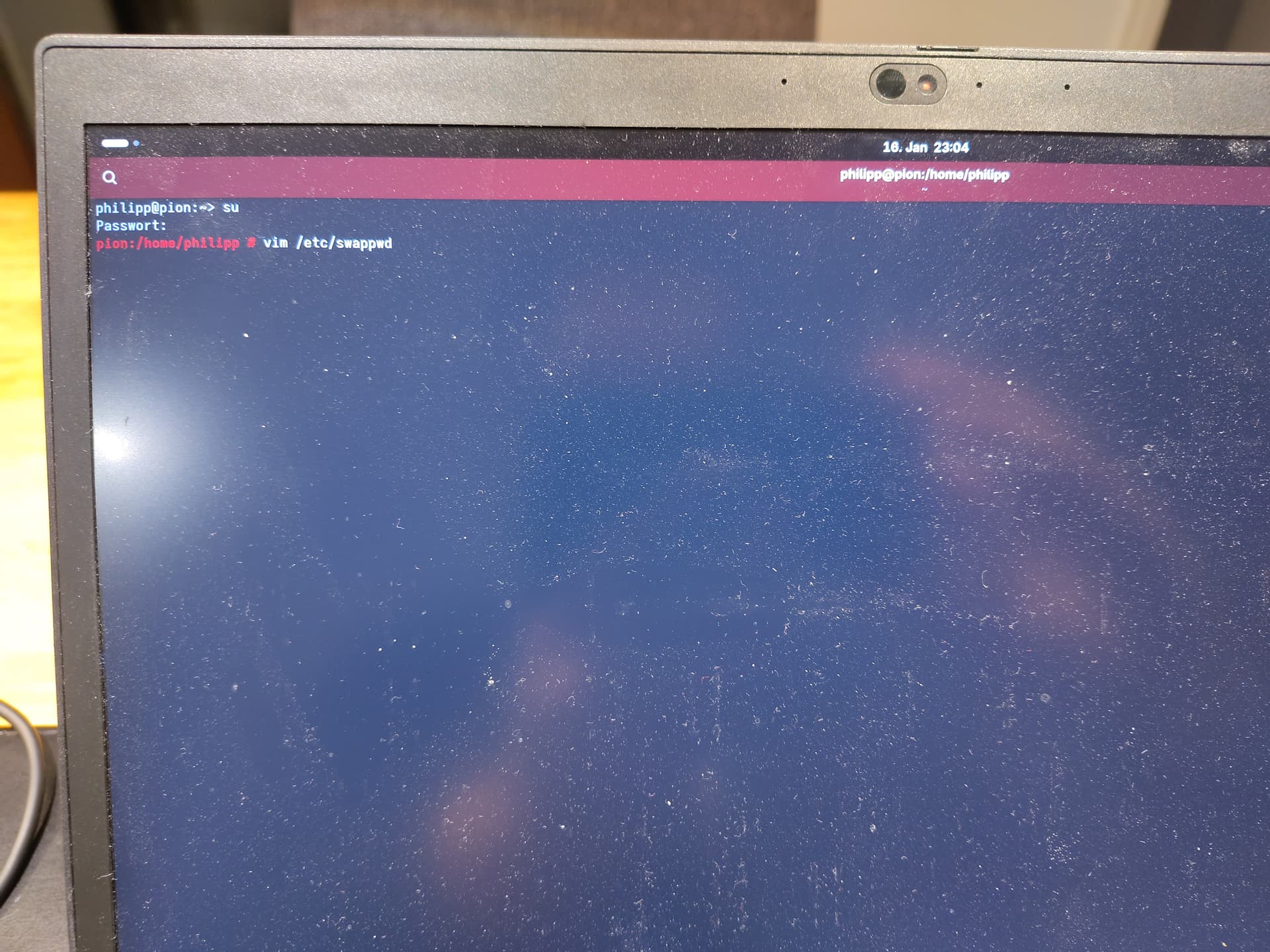
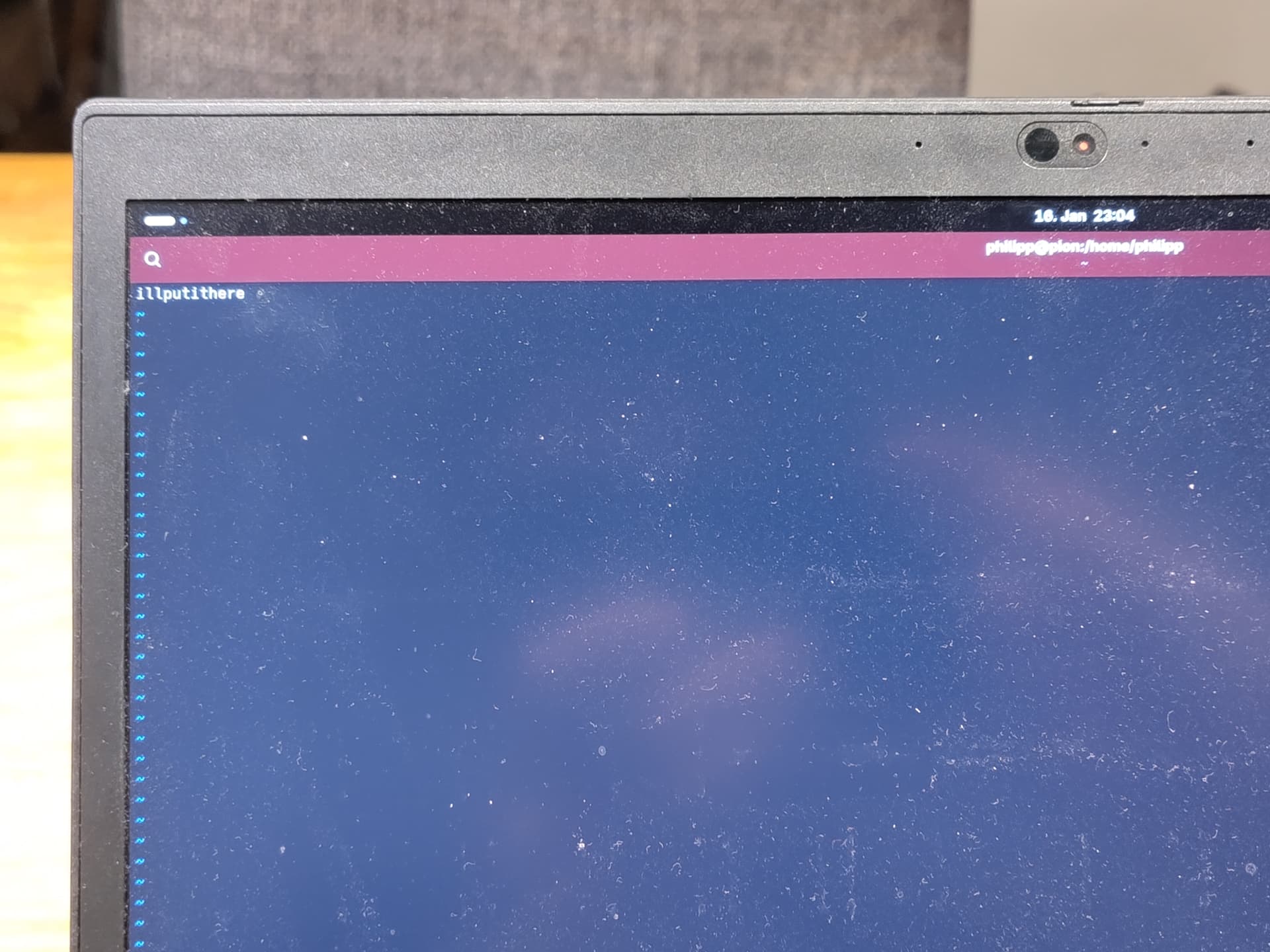
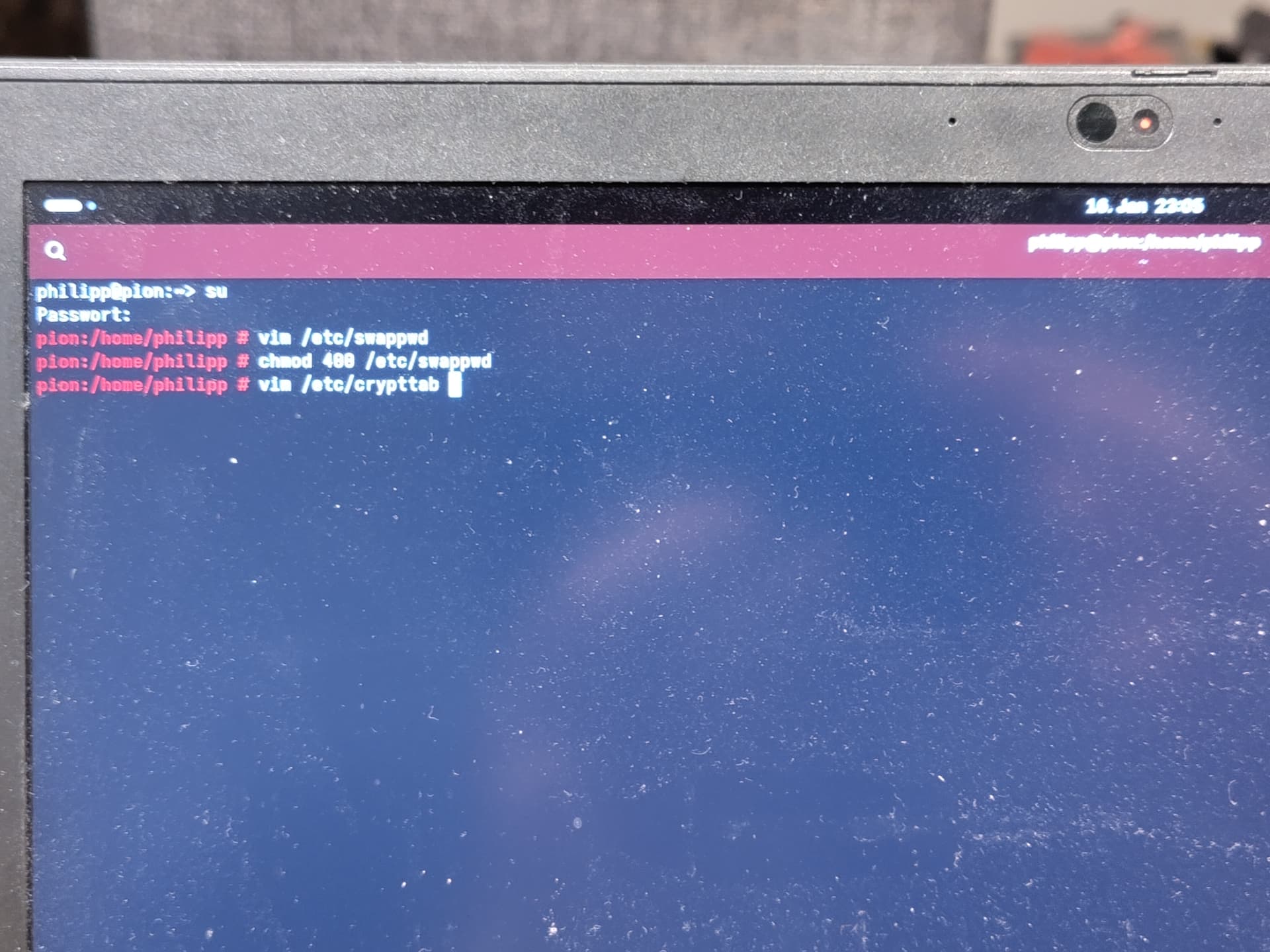
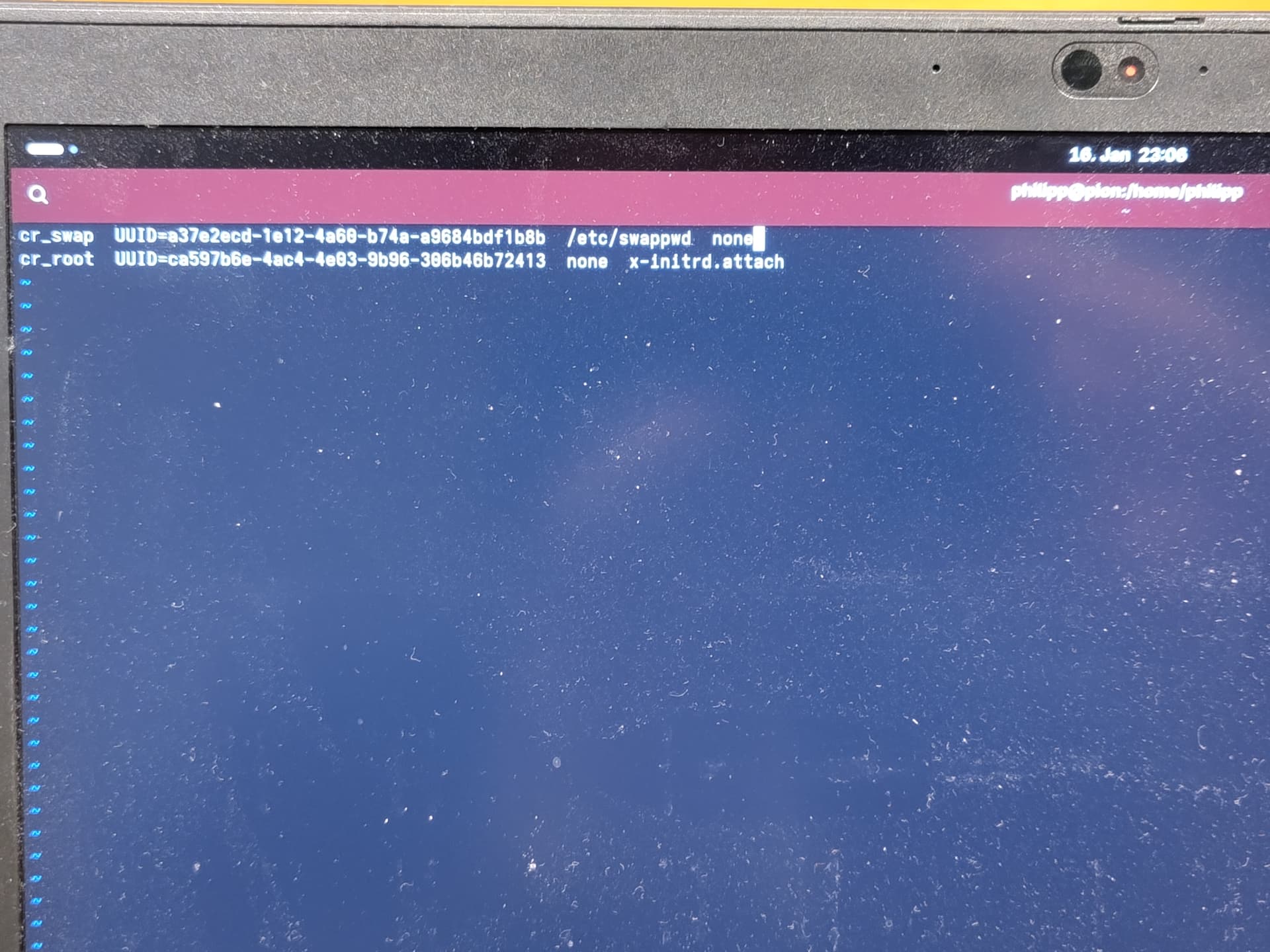
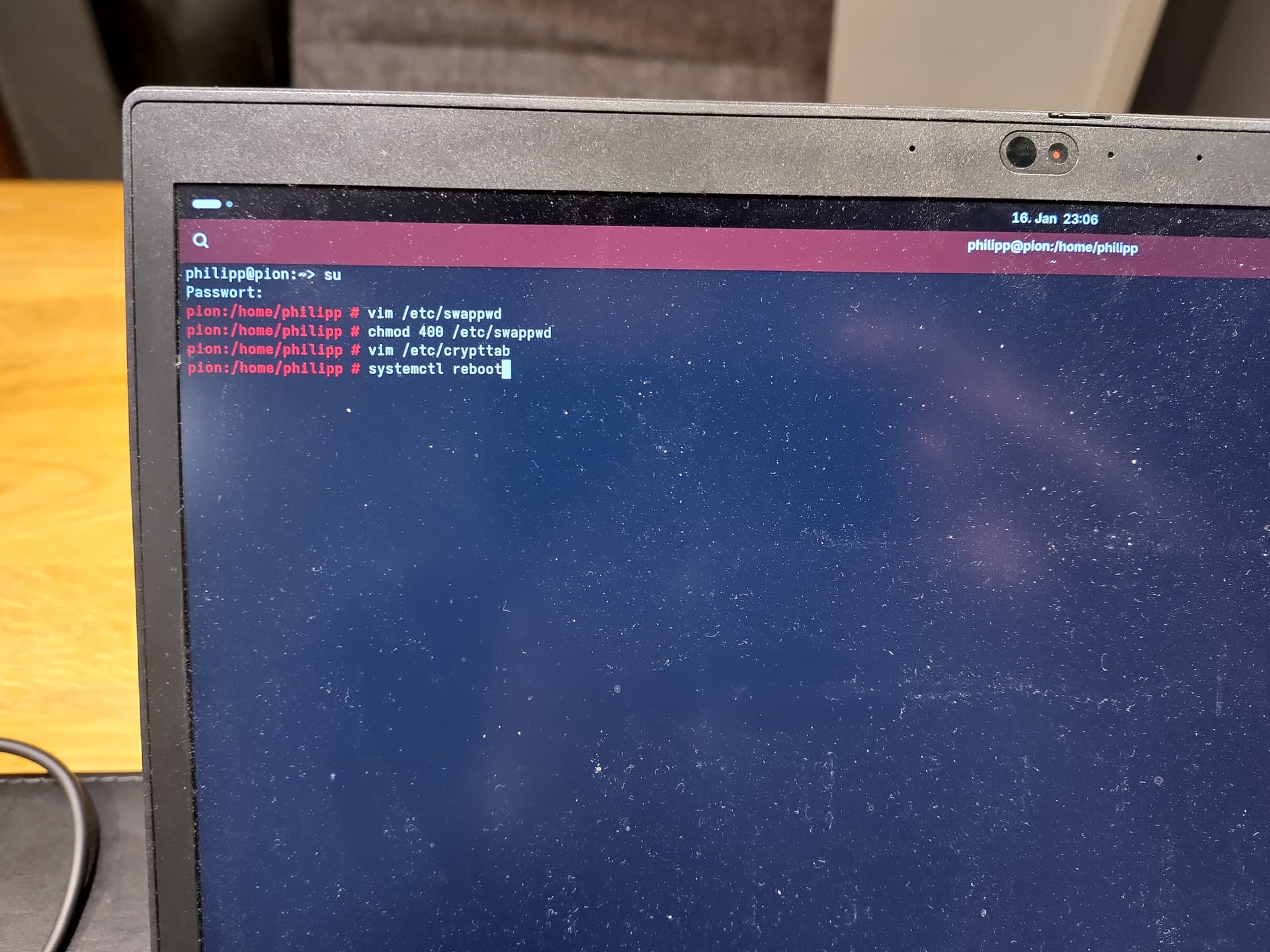
I’ve now re-done it all, and taken pictures (sorry, but this is a real physical device, no idea how to make a proper documentation, plus, I used German for the language, because I prefer that in the final setup and switching mid-term has never worked 100% – also, Agama does not like the user to alter the localization during setup, as I had to learn the hard way). Am I doing something wrong?
My ability to read German is rather weak, so I may have missed something.
The first request for password that you are seeing, is coming from “grub” (or whatever boot software you are using). The second request is coming from the kernel.
Your problem, I suspect, is that the content of “/etc/swappwd” is wrong.
When you enter the password at the terminal, you end with the “Enter” key. And the output of that “Enter” key goes into the string that you typed. It is normally the single character NL, or hexadecimal 0A.
When you provide the password that way, the NL character is stripped off before passing to the encryption software. However, when you use a file for the password, the entire content of the file is used, including that NL character.
You could try:
cd /etc
cp swappwd swappwd.old
dd if=swappwd.old of=swappwd bs=NN count=1
but replace that “NN” with the length of the password string, which should be 1 less than the file length (as shown by “ls -l”). That should remove the final NL character.
Based on the timing of the “Cryptography Setup” lines, it is likely that the second password request is coming from the “initrd”. So you need to make sure that “/etc/swappwd” in included in the “initrd”. And you need to rebuild that “initrd”.
Hi @nrickert, thanks for your support. I think I fixed it now.
In fact, ls -l reported a size of “N”, but my password is “N-1” characters long, so vim probably added some form of line-ending character to it. dd worked well; I assume if I had written the file with sudo sh -c "echo 'MyPassw0rd' > /etc/swappwd in the first place, this could have worked.
I then tried to set up initrd, which I forgot in yesterday’s attempt.
Just for my future self and for whoever comes across the issue of having to enter a password twice, for cr_rootandcr_swap after enabling full disk encryption in the Agama default installation routine, here’s a summary. Note: This is only tested by me. It might not be as safe as it should. It might not work properly or disregard some basic best practises.
Setup Full Disk Encryption during installation, which will give you two partitions, / (btrfs, including /home) and /swap.
After installation, log in as root user.
Create a file; the Wiki proposes something like /.root.key, I personally now went with /etc/.swap.key in the end.
Write the password into it; make sure no newline character is put at the end.
If you cat it, there should be the normal output of the terminal (device:path # or similar) in the same line as the content of the file.
Make sure the file is read-only by root. The wiki tells you to run chmod 600 /etc/.swap.key. I believe 400 should be enough, but I now went with what the wiki said.
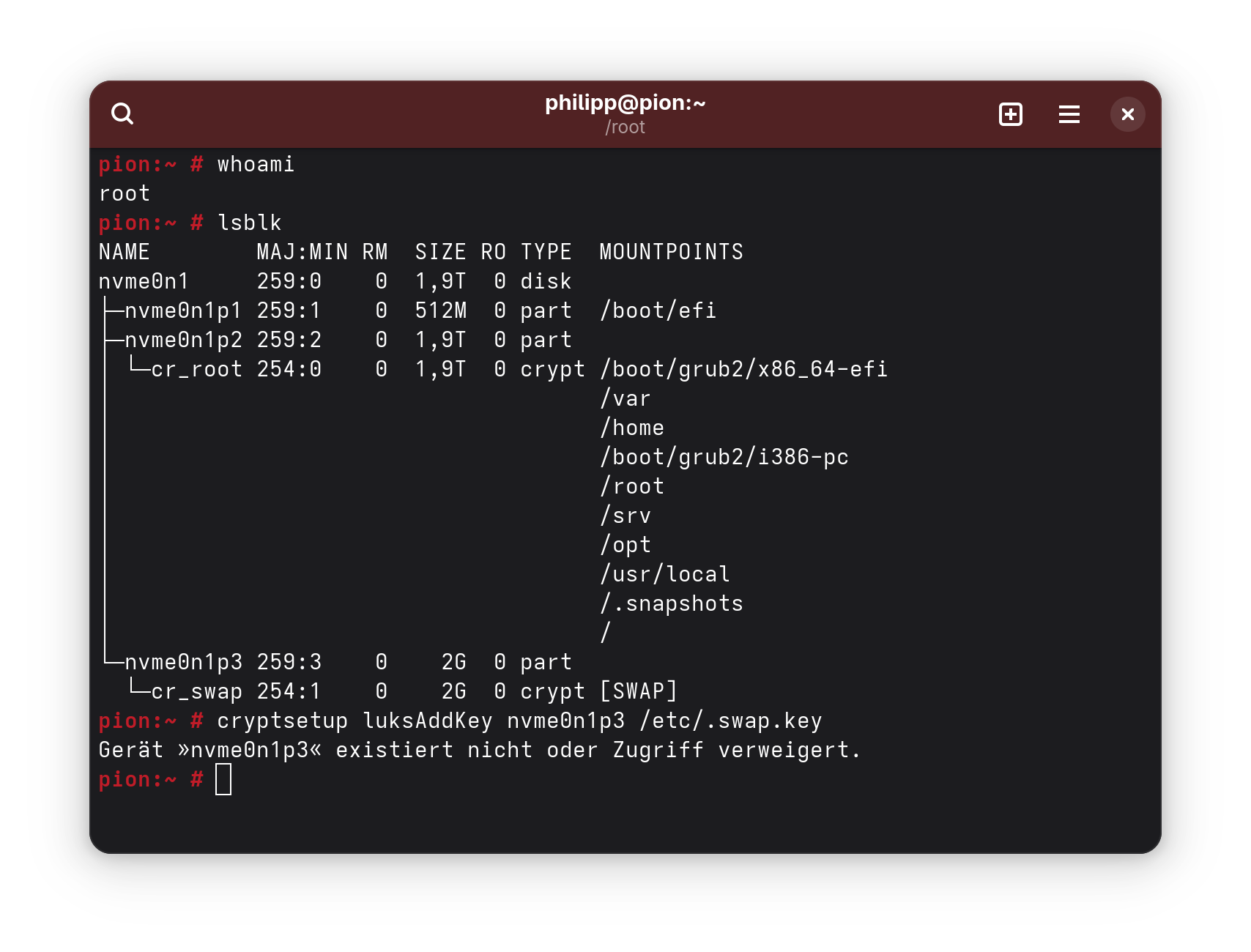
The wiki tells you to now run cryptsetup luksAddKey, but that did not work for me.
Use blkid to identify the mount point of your swap partition.
Edit /etc/crypttab. It should contain one line for cr_root that you should not alter, and one with cr_swap <the mount point from blkid> UUID=… <void>.
Add to it: As the third cloumn (counted from one), add the path to the file. Then, also add none for the additional parameters (not sure this is necessary).
The line now should look like cr_swap UUID=… /etc/.swap.key none.
Configure dracut with something like echo -e 'install_items+=" /etc/.swap.key "' | sudo tee --append /etc/dracut.conf.d/99-root-key.conf > /dev/nullsee remarks in wiki.
As explained by @nrickert . But I think you should not blame vim. You most probably typed the Return key at the end of the line, thus a NewLine character was added to the file.
 For the likes of Aeon with FDE, it uses zram for this very reason… Not sure about Kalpa?