Today’s snapshot 20240618 with Mesa 24.1.1-380.1 unfortunately did not solve the problem.
1 Like
Remove packman’s repo and add the repo of X11:Xorg.repo
zypper addrepo https://download.opensuse.org/repositories/X11:XOrg/openSUSE_Tumbleweed/X11:XOrg.repo
zypper refresh
zypper in --allow-vendor-change Mesa-24.1.1-1589.1.x86_64
And after reboot , lock Mesa
zypper addlock Mesa*
@JG1956 Thanks for notifying me. I had considered updating it in hopes that the problem would be resolved
“The config ‘root’ does not exist. Likely snapper is not configured.
See ‘man snapper’ for further instructions.”
Are there subvolumes listed in /etc/fstab?
Version Mesa-24.1.1-385.1 has just appeared in the emergency update channel of TW/OSS
Linked to Request 1181885: Submit Mesa - openSUSE Build Service which disables LTO so should fix the problem with AMD HW.
3 Likes
Just updated.
I confirm that with Mesa-24.1.1-385.1 everything is back to normal.
1 Like
I just updated to Mesa-24.1.1-385.1 and although Wayland is working again my task bar and konsole are still not behaving as they used to. Crazy spaces and cursor movement happens in konsole. No longer able to have icons in task bar to start apps as I used to, it keeps insisting on pin to task bar as an option and cannot place where I want. Not all Icons are shown as Oxygen ones now either. Not impressed at all. Surely testing should have seen these issues earlier.
Stuart
Did you
sudo init 3
before updating?
No - where does it suggest that?
Stuart
This is the cleanest procedure for updating graphics and desktop components.
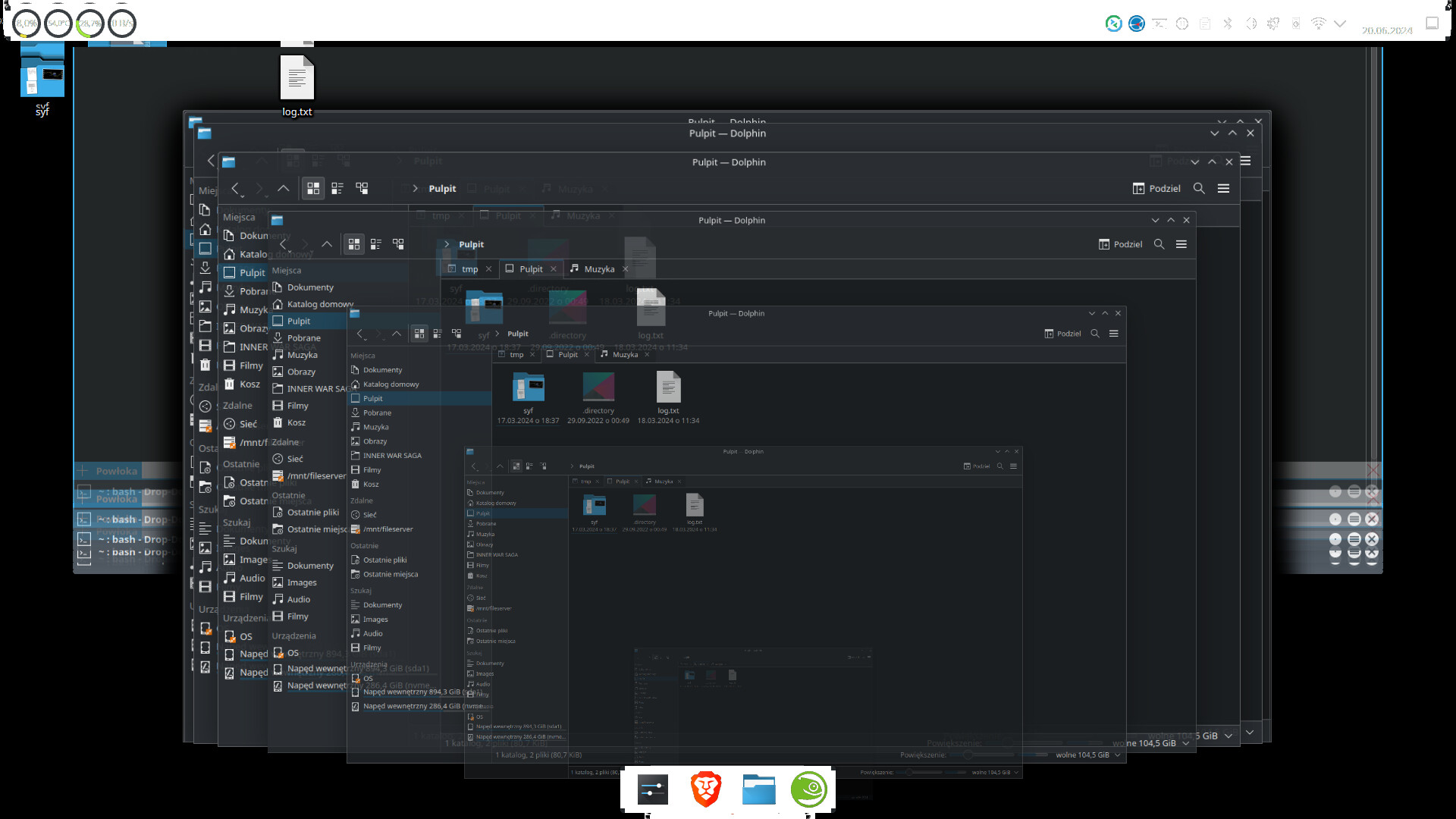
I just tried the update and still have the same issue. Thank god for snapshots. Cant believe this is still broken
Check the Mesa version. A non-functioning 24.1.1-1699.383 comes via packman.
Changing to the new 24.1.1-385 package worked for me (am using x11). I had the older packages locked and in the Yast Software, changed the version from the packman ones and then changed via there. I didn’t do an upgrade, it looks like the packman version numbers will overwrite the fixed versions.
1 Like
Hi can you explain howe to lock mesa? I have packman enabled. Im now rolled back to 24.0. Once locked can I just do a straightforward update and dup?
First do a
sudo zypper dup --from http://download.opensuse.org/tumbleweed/repo/oss/ --allow-vendor-change
Then unlock all and
sudo zypper refresh
sudo zypper dup
2 Likes
I’ve just got an update, I can confirm that Mesa-24.1.1-385.1 from openSuse works fine, also on wayland
Switching to the new 24.1.1-385 package worked for me (I’m using Wayland). I had the older packages locked and in Yast Software, I removed the lock and updated the Oss version
got this…
sean@suse:~> sudo zypper dup --from http://download.opensuse.org/tumbleweed/repo/oss/ --allow-vendor-changeRefreshing service 'NVIDIA'.
Refreshing service 'openSUSE'.
Loading repository data...
Reading installed packages...
Computing distribution upgrade...
Repository 'http://download.opensuse.org/tumbleweed/repo/oss/' not found by its alias, number, or URI.
Use 'zypper repos' to get the list of defined repositories.