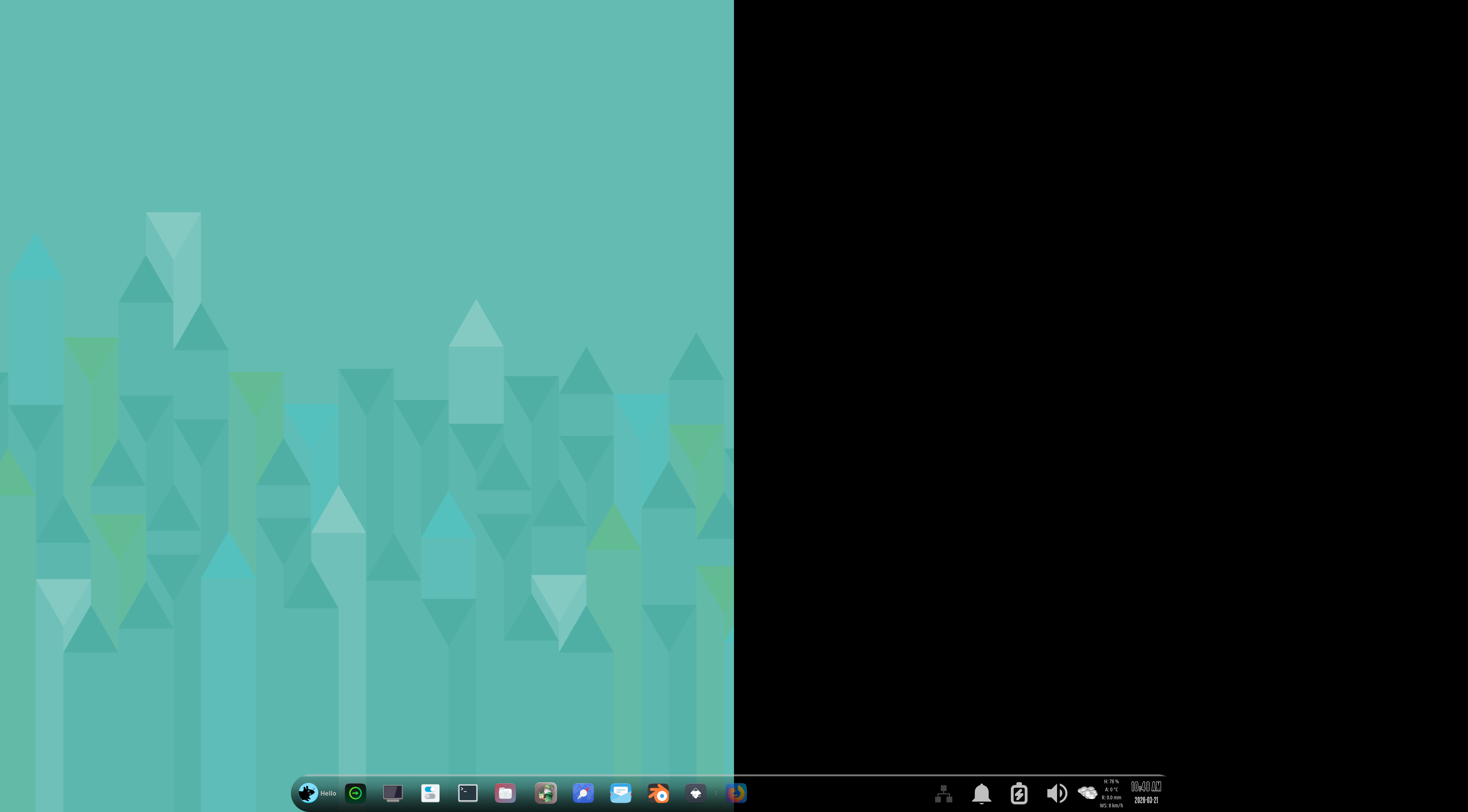
Can I set up GNOME like my Xfce for UI/UX?
At least, to the most part?
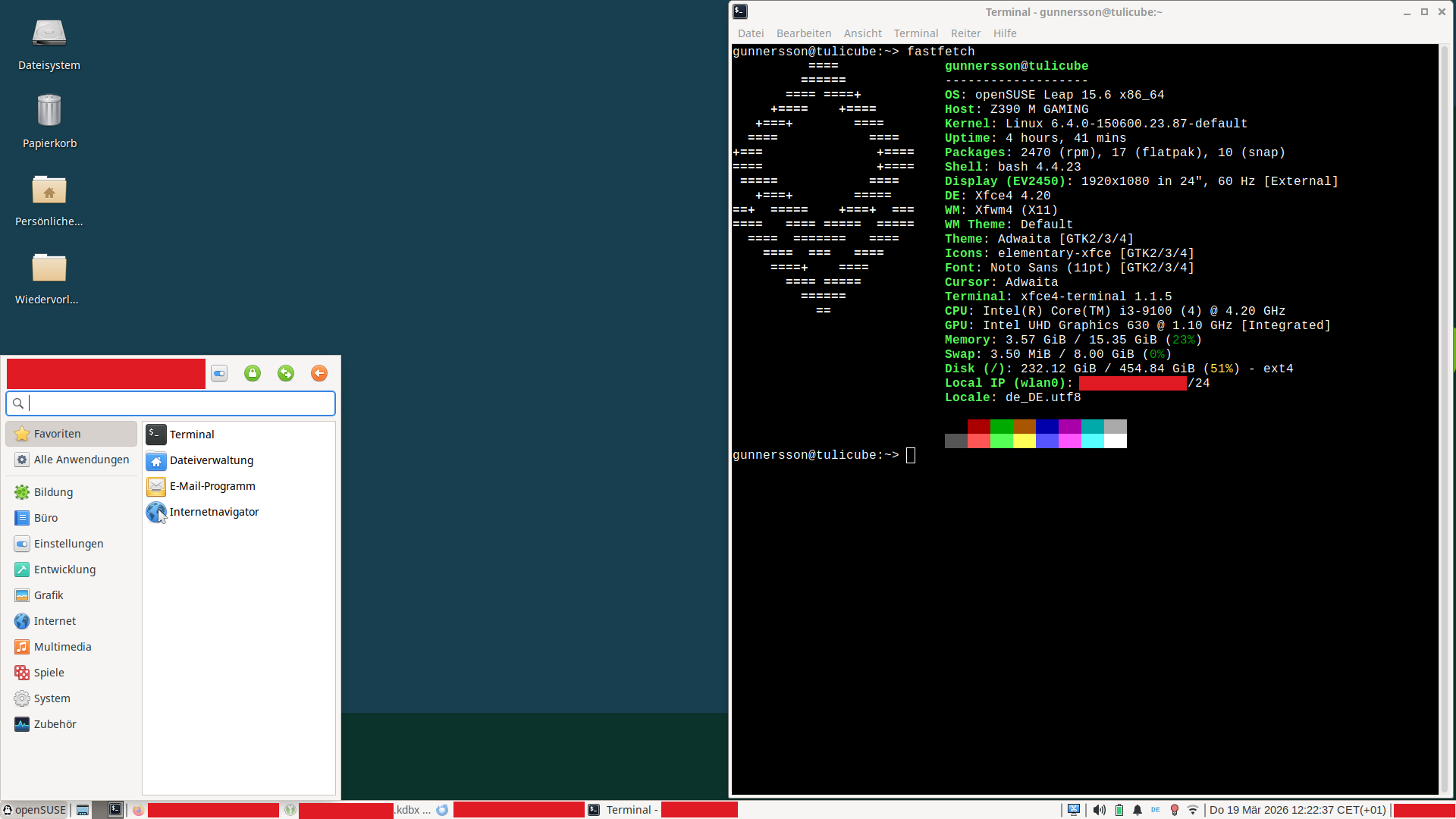
Currently: openSUSE Leap 15.6, Xfce 4.20 on X11 by LightDM (I want Wayland and “rootless”, therefore GNOME and GDM)
Can I set up GNOME like my Xfce for UI/UX?
At least, to the most part?
Currently: openSUSE Leap 15.6, Xfce 4.20 on X11 by LightDM (I want Wayland and “rootless”, therefore GNOME and GDM)
In short: No.
Could you achieve this with Plasma6? Oh, I bet you can. But that was not the question.
Maybe someone around here is better at it than I am, but I avoid GNOME specifically because of how much trouble I used to have getting it to not be terrible (I know some people like it, but I really hate the GNOME UX).
With enough tweaking and extensions, you might be able to get it to look and behave a bit like XFCE, but only until the next update comes along and breaks everything.
The way you have XFCE set up looks quite a bit like LXQT, which has Wayland support (granted, still very new Wayland support) and is quite customizable. Have you looked into it? I use it on a mini PC and quite like it.
Old hippie here: Don’t hate. Hate never ever brought any good. It’s a waste of energy.
I was on GNOME3 for a year ( a bet about 3 months ). Full GNOME (except for Kate ), so Evolution instead of Kontact etc. I actually started to like it, get the flow in it. Then ome day back on KDE, and never returned.
About LXQT: From what I’ve seen in a VM its wayland implementation is not ready at the moment. Used it in the past on an Rpi3 running from a 64GB USB SSD for giving webapp usage instructions. Well, no one saw the LXQT since Firefox autostarted full screen on a 55" TV.
Sorry. Overly emphatic choice of words.
Don’t worry, I don’t hate GNOME itself as a concept and I feel no ill will toward its developers or anybody who uses it, I just really, really don’t like its UX.
And that’s fine. That’s what makes Linux great. People who like GNOME can use GNOME and people who don’t like GNOME can use something else.
No problem at all. It’s almost muscle memory 
Generally, I think it is a terrible idea to try to make a DE look and work like another DE. Use a DE as it was intended. Sure, it takes time to learn new ways to do things but slowly you will adapt.
I had used Xfce for a number of years but switched to GNOME a few years ago and now use it on all my computers. I find the look pleasing to the eye and being able to do most things without touching the mouse also appeals to me. Obviously, I have also tried KDE Plasma but found that it was not for me.
Anyway, it you do decide to try out another DE, do give it a proper long time test as it was intended to work, that is, without starting to customize it right from the start.
Nice!
(No, I don’t like KDE either as I rather don’t like GNOME — but I wanted to try GNOME due to some specific technical aspect.)
Well, yes. I am aware of the idea behind. It’s right to point to this. — But I really don’t like the UI/UX of GNOME (“hate” it ).
Thank you lads and lasses!
There is still a gnome-shell-classic session that looks somewhat similar to what you need. Try on a VM to see if you may like it more than the “Mac like” standard Gnome?
And it is still available in Leap 16.0 (please remember that 15.6 has only one month to go…)
Hi,
I don’t have gnome to try, but I think I did some testing few years ago to run some xfce stuff in gnome.
You are using xfce 4.20 and it has a wayland support right? You can install the xfce-wayland stuffs in your machine, then install gnome. Then try running xfce4-panel under gnome this way you have a feel of xfce under gnome.
In plasma X11 I used to do this. If xfce4-panel work in gnome set it to auto start at login.
Sorry, but that sounds too experimental for me. But thank you, anyway!
Yes, I have it in mind. I am harvesting information about the upgrade process and potential issues… I guess I will fully utilise the support time range of 15.6 before upgrading to 16.0. Another chance to avoid obstacles…
Yep you are right. I installed gnome and no way it can look like xfce.
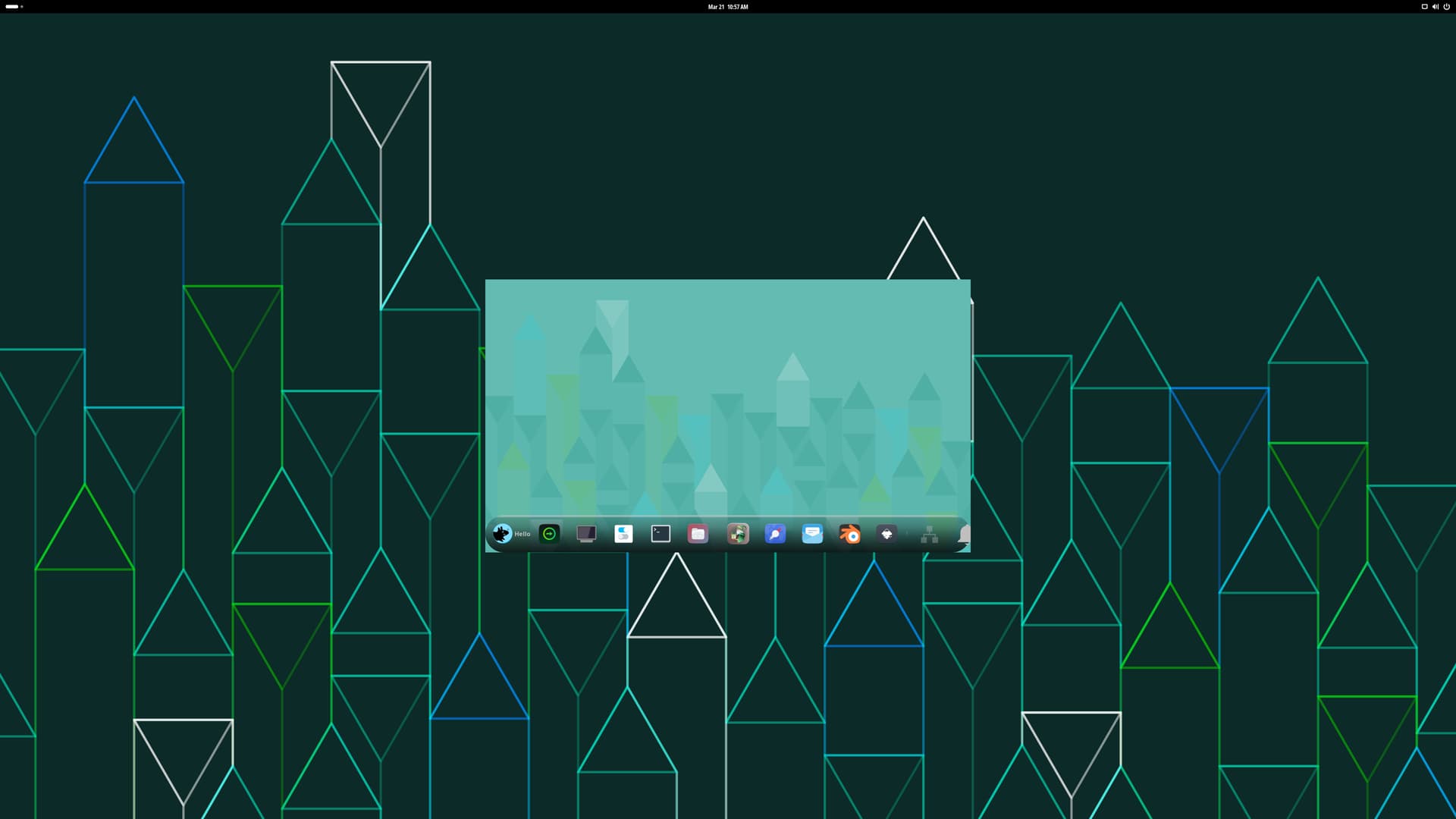
The xfce4-panel works and work in autostart at login but always shows in the center of the screen. The gnome-shell is tied with the windowmanager so no way to kill it if you want to run xfdesktop on top.
I was able to run labwc with xfce on top of gnome-shell in tumbleweed.
Only thing it requires more tweaking of the labwc window size.
Here is the labwc screenshot:
What’s the technical aspect that you want try?
If you wan the start menu that would be the forked cinnamon desktop - (gnome3 fork)
On big monitors I do have 2x42" the gnome workflow ergonomy is simply terrible, so I understand why you don’t like it.
Out of curiosity, what exactly is so terrible in your case?
I (still) use Xfce as DE (on X11, though) with LightDM as DM.
)Now, on the other hand:
Roughly, that is why I am interested in.