…and???
Because it is now detected I think?
hightower-i5-6600k:~ # scanimage -L
device `brother3:bus4;dev2' is a Brother MFC-295CN USB scanner
How to further correctly test though?
Edit: Skanlite shows up a scanner and seems to work now  , further testing here is needed.
Thanks
1 Like
You can use scanimage itself to scan a document and save to a file, but otherwise run a graphical scanning utility. For KDE there is skanlite and skanpage. I like simple-scan myself.
1 Like
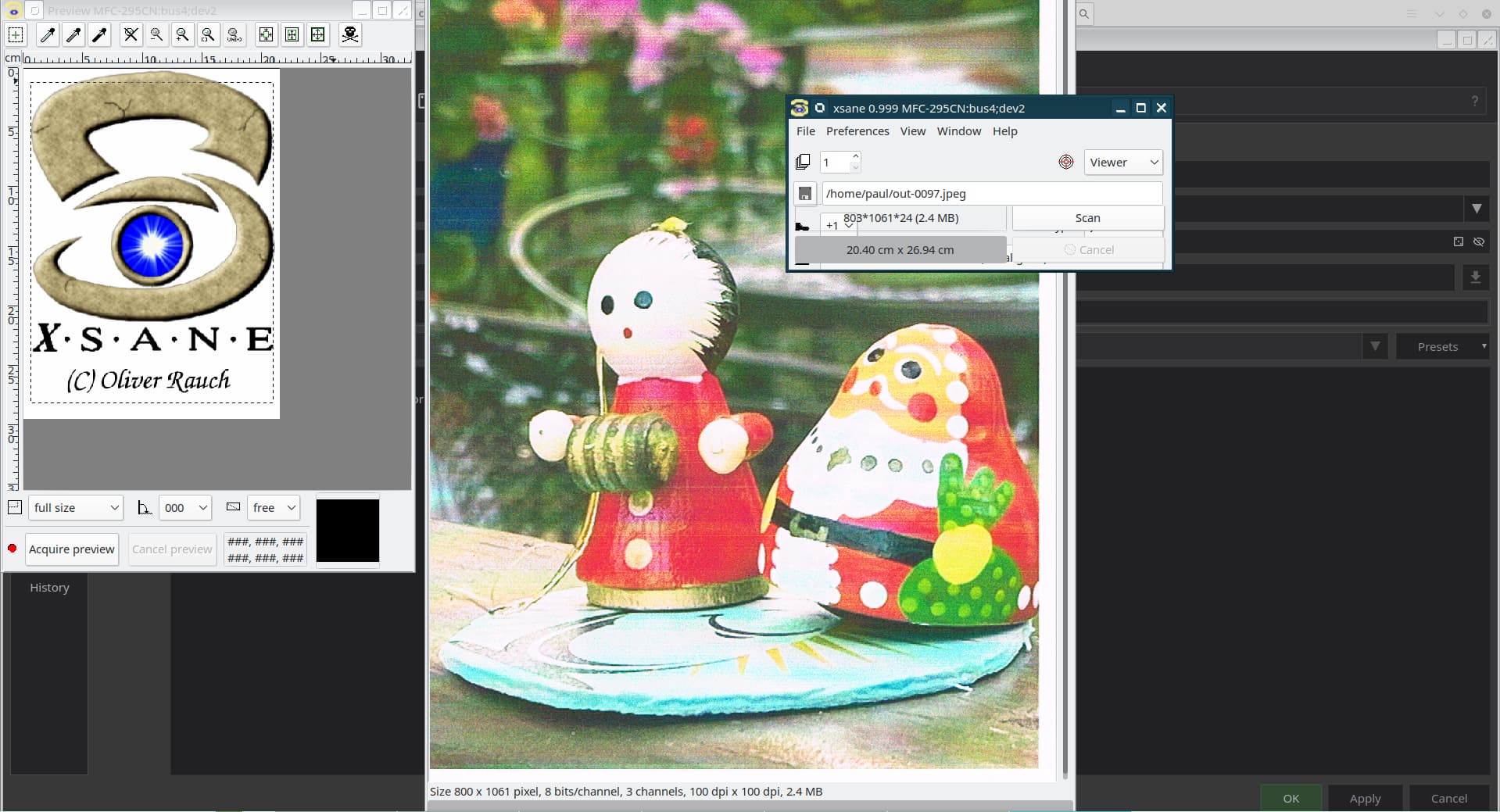
Xsane is working now also.
Edit: This is very good.
1 Like
Well done!
1 Like
Thanks for all of this help. The xsane menu is all crowded though and impossible to navigate correctly. Is there a Konsole window rule of setup I should use with Wayland at all?
I’d start another topic for that. I don’t use that legacy X11 application at all.
Ok thanks.