That’s the one that worked for me. I maybe wrong.
Edit:
I could be wrong with an empty file with the name libnsl.so.1.
But it worked for me before on another .so problem before… In the printer/scanner case I had this problem always so I kept the old libnsl.so.1 file on my backup.
So the link already existed, and the issue remains right? In that case you might need to try installing the single libnsl (openSUSE 15.x) package and ignore any conflicts. Not much else uses it these days.
If that doesn’t work, it is possible to run the Brother scanner software inside a small container using an older openSUSE environment. This avoids touching your system at all and still lets you scan, but it’s a little more setup at first.
@panorain How did you install the driver. As I said before if you use the rpm driver there is a great chance it will fail. Try using the brother installer. With regards to xsane in tumbleweed I’m not sure if the xsane problem is gone with libgdk_pixbuf. Here I am using the older version of it to make xsane work. I mentioned this because it was mentioned in your first post.
Ok, I will think about this a bit. I am considering connecting the MFC-295CN via USB and running the installer again. I have excellent and reliable print from it also now.
Like this:
 /brother-MFC-295CN> sudo chmod ugo+x libnsl-1.2.0-lp156.3.2.src.rpm
[sudo] password for root:
paul@hightower-i5-6600k:~/Documents/Computer-Operating-Systems-Software /brother-MFC-295CN> sudo rpm -ivh libnsl-1.2.0-lp156.3.2.src.rpm
warning: libnsl-1.2.0-lp156.3.2.src.rpm: Header V3 RSA/SHA256 Signature, key ID 8b662dfb: NOKEY
Updating / installing...
   1:libnsl-1.2.0-lp156.3.2           ################################# [100%]
paul@hightower-i5-6600k:~/Documents/Computer-Operating-Systems-Software /brother-MFC-295CN> scanimage -L

No scanners were identified. If you were expecting something different,
check that the scanner is plugged in, turned on and detected by the
sane-find-scanner tool (if appropriate). Please read the documentation
which came with this software (README, FAQ, manpages).
paul@hightower-i5-6600k:~/Documents/Computer-Operating-Systems-Software /brother-MFC-295CN> sudo rpm -ivh libnsl-1.2.0-lp156.3.2.src.rpm
warning: libnsl-1.2.0-lp156.3.2.src.rpm: Header V3 RSA/SHA256 Signature, key ID 8b662dfb: NOKEY
Updating / installing...
   1:libnsl-1.2.0-lp156.3.2           ################################# [100%]
:~/Documents/Computer-Operating-Systems-Software /brother-MFC-295CN>
This is certainly unfortunate to hear.
The print quality really is great and there is no chip on the cartridges.
Perhaps the Sane-Devel list will provide a few clues?
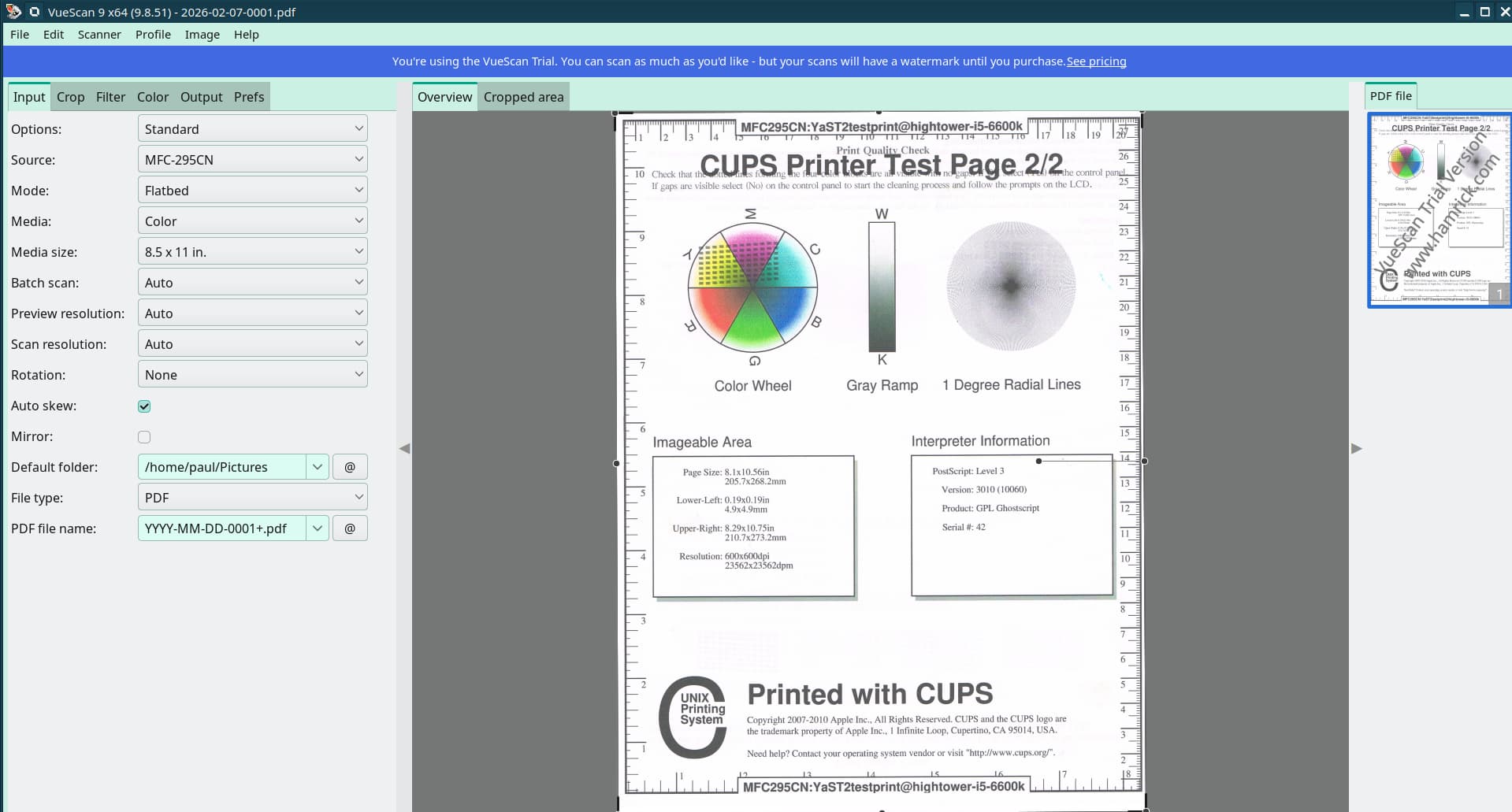
I didn’t consider that option. Good for some users where support exists I guess. VueScan works because it uses its own driver and doesn’t rely on brscan3 or SANE, so it can communicate with your Brother MFC-295CN even on Tumbleweed.
Check out the Vuescan screenshot. Then the scan can have a screenshot taken with Spectacle. So there is no big stamp from using Vuescan free. This is great actually I think.
Maybe a silly question but Did you set it up with a USB cable first?
AFAIK Most must be initially setup with a cable to recognize the proper machine and all features.
Furthermore I believe scanning is only possible via USB.
If you are scanning something you are physically present so scanning over a network is something I don’t think is even possible and networked printing is remote shared by default.
Personally I have a remote brother laser for house printing and I have a brother DSmobile DS-640 scanner that I use when needed.
The driver I have locked in is brscan5 and it works flawlessly with a USB cable.
No, that is not required. The Brother scanner driver has a config utility that facilitates discovery and configuration. It doesn’t work here becaue of the dependency issue as already described.